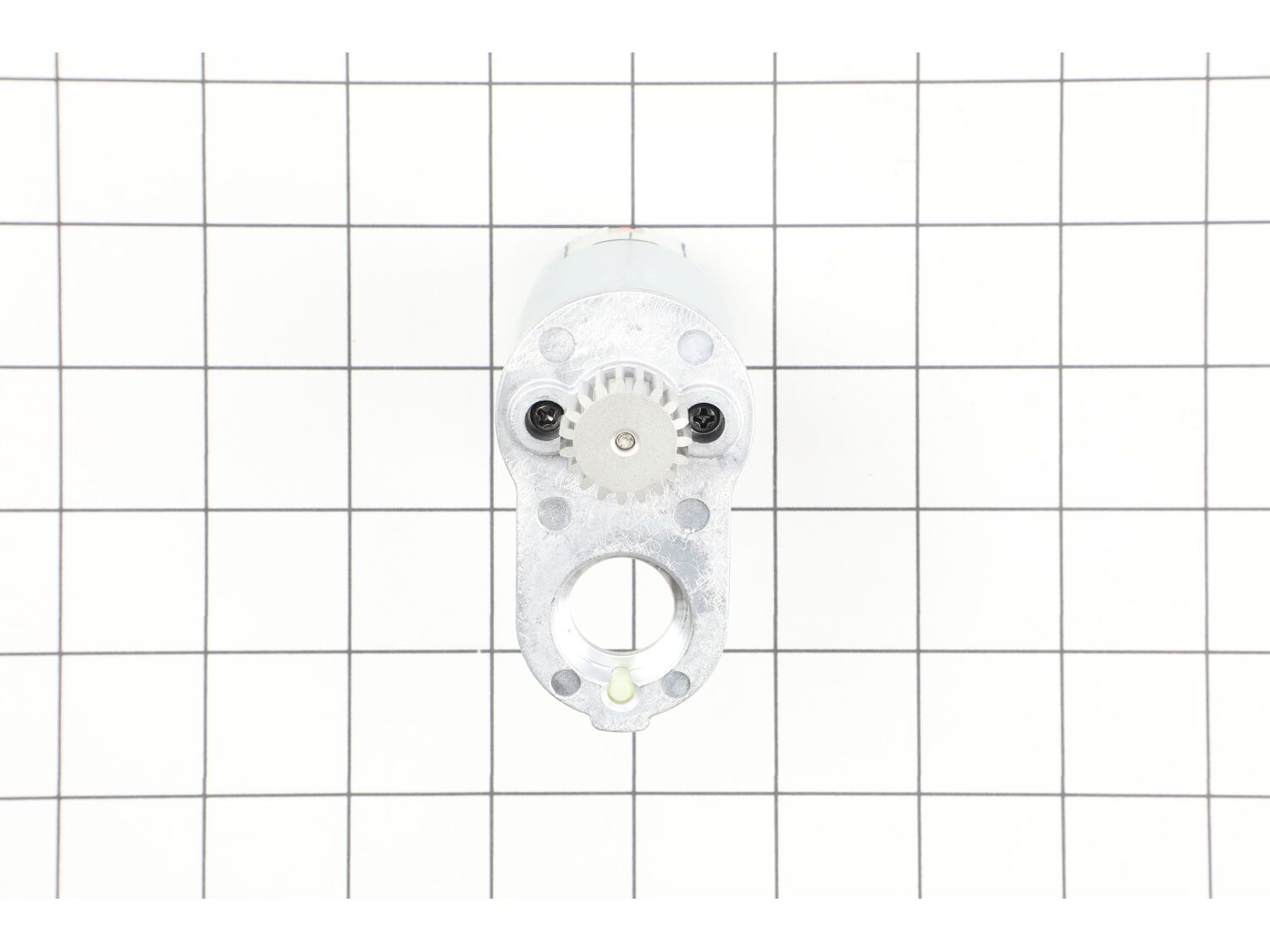
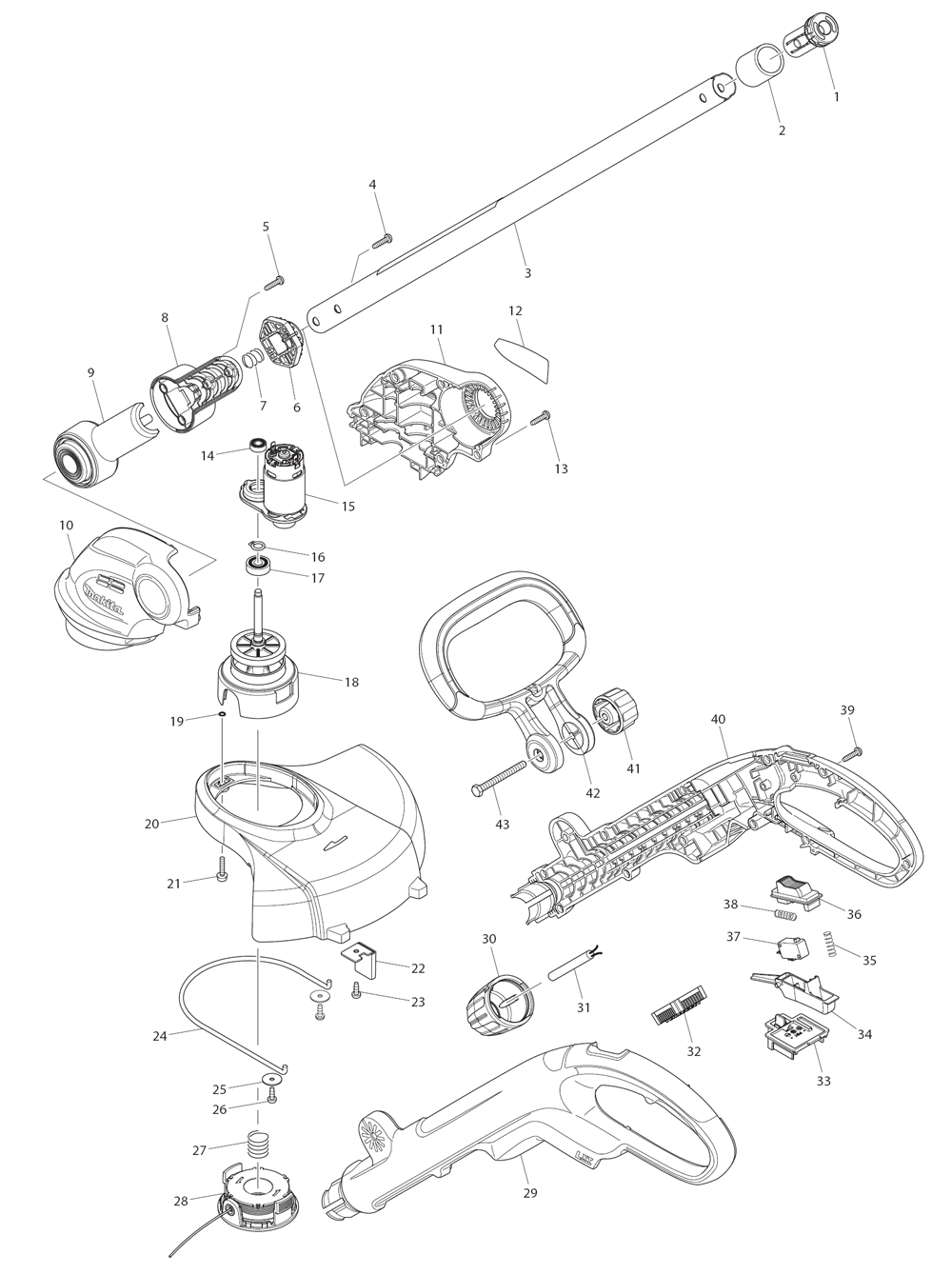
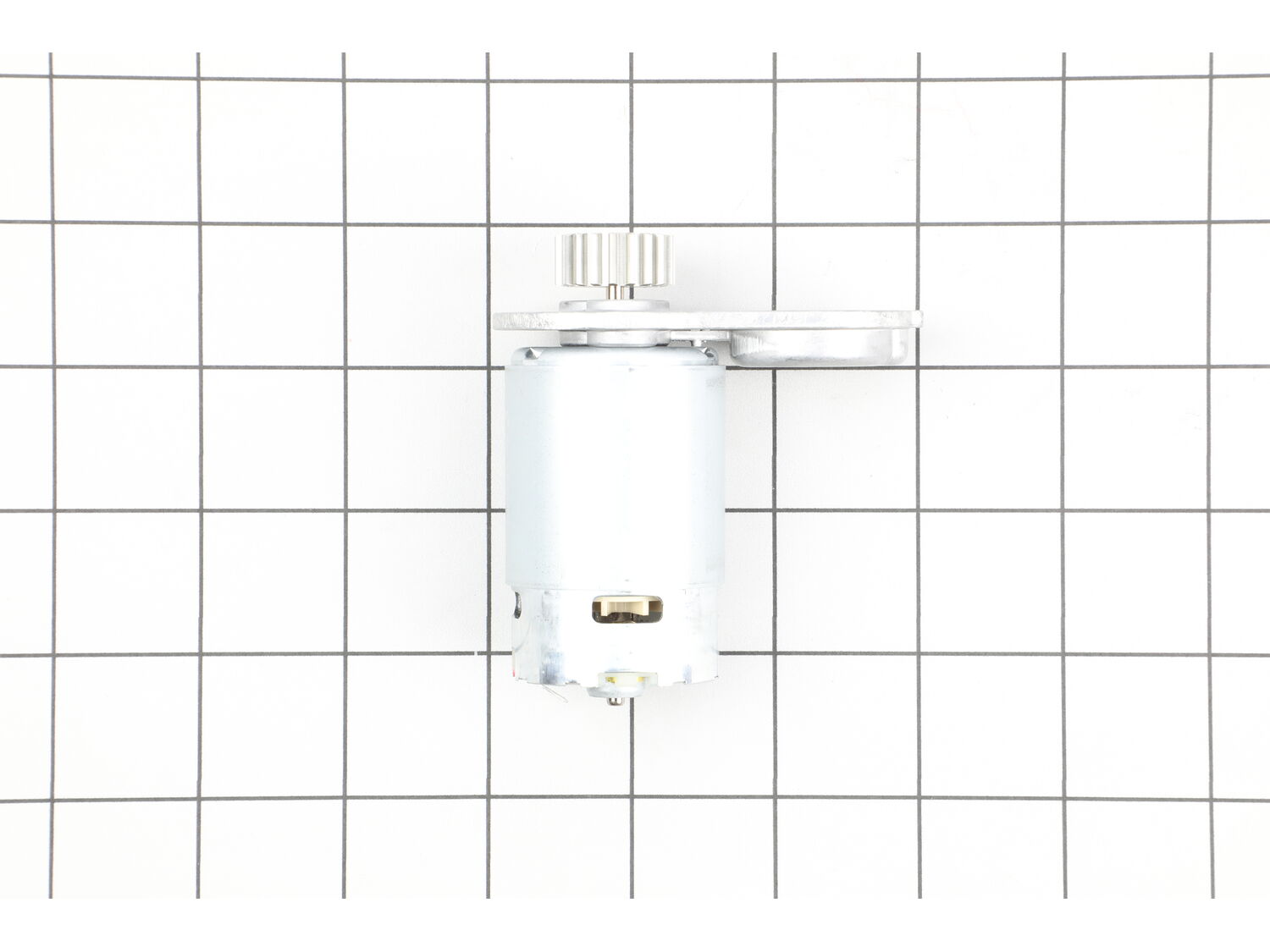
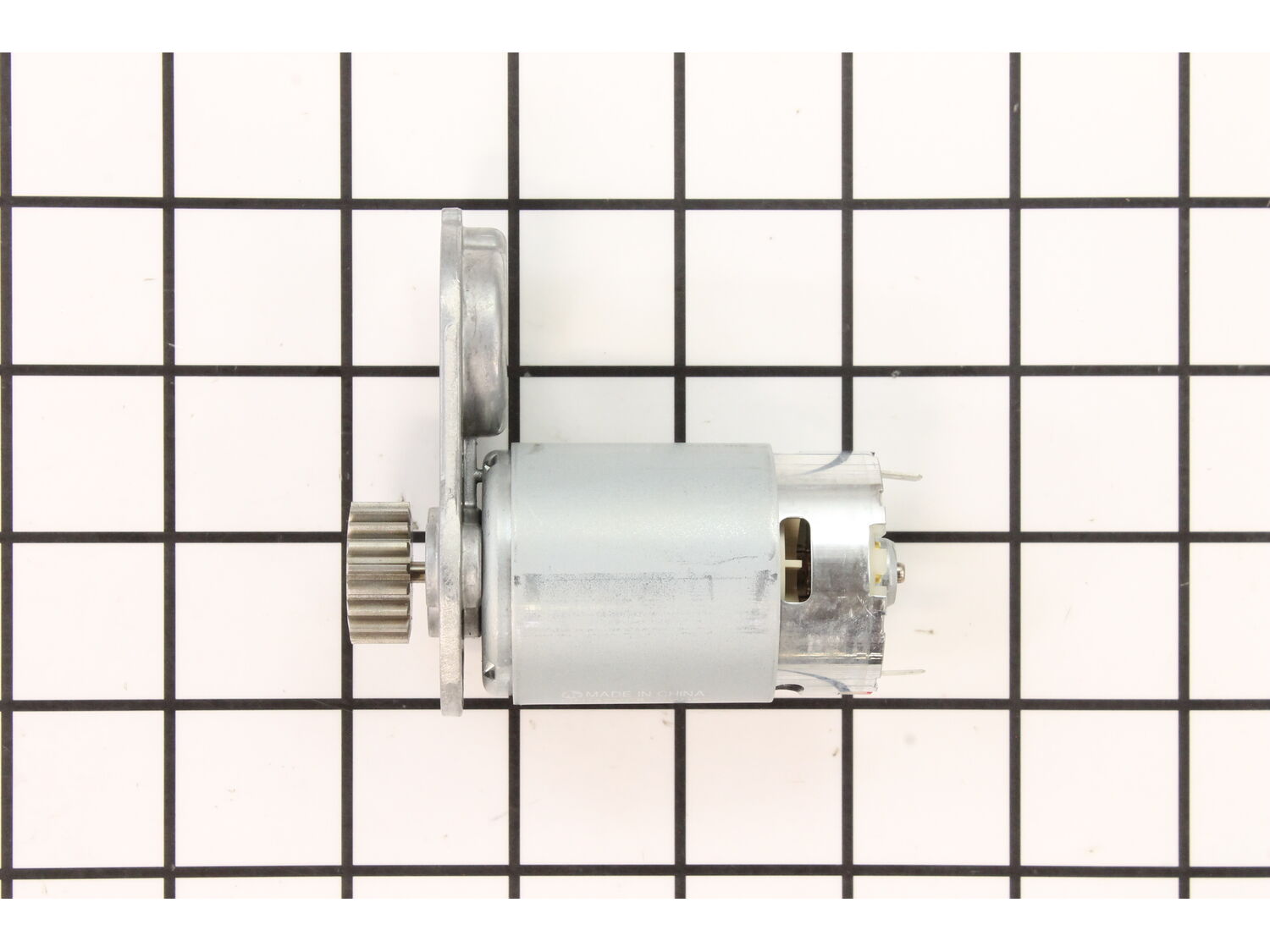
Sorry, we couldn't find any existing reviews that matched. Try using some different or simpler keywords.
★★★★★
★★★★★
Right part first time fast shipping
Worked perfectly
Guest - April 27, 2022
Verified Purchase
★★★★★
★★★★★
Easy replacement motor
The motor was easy to replace and works like the original.
Bruno - August 15, 2022
Verified Purchase
★★★★★
★★★★★
Very pleased
Not only was it the perfect part for my weed wacker. It came quickly and I’m now back to weed whacking. Thanks for the great service and having the part I needed at a reasonable price.
Diane - August 22, 2022
Verified Purchase
★★★★★
★★★★★
Fits like a glove
I replaced this motor now twice. Totaling 3 motors for the Makita weed eater that I use. Seems to only hold up for 1 season. Easy fix, because it just reconnects to the 2 wires. Runs like new again!
Kevin - August 22, 2023
Verified Purchase
★★★★★
★★★★★
Exact part, fast shipping!
Works great, easy fix!
Guest - July 12, 2019
Verified Purchase
★★★★★
★★★★★
Easy repair. Appears to be OEM part.
Trimmer head shaft comes off with the tap of a hammer. Figuring that out was the biggest obstacle. Everything else was obvious.
Dan - June 29, 2021
Verified Purchase
★★★★★
★★★★★
Great part.
Part time received as requested. Not give all five parts due to extremely high shipping cost!!!
Iglobal - November 3, 2021
Verified Purchase
★★★★★
★★★★★
Good quality part
Excellent part, easy to replace
Guest - September 7, 2023
Verified Purchase
Customer Repair Instructions
All our customer repair instructions are solicited directly from other customers just like you who have purchased and replaced this exact part.
A Bit Difficult
30 - 60 mins
(5 rated repairs)?
< Prev
1
Next >
Sort by:
Sorry, we couldn't find any existing installation instruction that matched.
I unscrewed the housing to my Makita weedeater. Unhooked the negative and positive leads to the motor, took the motor out. I hooked the new motor up with both leads. Screwed the housing back together. It worked like new! These motors do not last but maybe half to 3/4 of the weedeating season.
I removed the necessary screws to get into the motor head and removed the assembly. Cut out the old motor fan so it could come out. Attached the new motor in the assembly and screwed it all back together. It\'s like I have a brand new weed eater again! Easy fix and affordable.
Did you find this story helpful?
Thank you for voting!
the motor would run for a second then cut out then not run again for a few minutes
Removed the screws to take the shield off. The removed the screws from the casing and took it off. Disconnect the power from the old motor and replaced it with the new one.
It\'s fairly straight forward.
Take the shell apart with a screw driver.
Take the motor assembly out and disconnect the wires.
I had trouble figuring out how to remove the trimmer head shaft from the motor assembly. I though it must be pressed on or held on by a clip. Not so. Just tap it with a hammer and it falls out.
... Read moreFiguring that out was the most difficult part of the job. Had I known how easy it was the whole job could have been completed in 15 minutes.
After that it goes back together the same way it came apart.
Be careful not to drop any of the little white plastic pieces. They appear to be vibration dampers.
Work over a bench or a table so nothing gets lost. It\'s actually an easy fix.
I burned my motor up because this unit is meant for small homeowner yards. I have 5 acres and was using it for an hour straight at a time and using it to trim brush. This single line model is not made for that. I have upgraded to the dual battery, dual line model and I\'m giving this one to my son. It\'s a good machine, it\'s just intended for light work.
Unscrew the case and split it open
The motor comes right out
I used 2 blade screw drivers and pried the gear off
Put the motor into a vise and slowly press the gear onto the new motor
Slip the motor back into the housing and screw it back together
Did you find this story helpful?
Thank you for voting!
< Prev
1
Next >
Model Cross Reference
This part works with the following models:
ERP Number: ERP16387931
Manufacturer Part Number: 629932-8
This part is in stock in our warehouse and will ship out within 1 business day of the order being placed.
New stock is on the way! On order parts usually ship within 7 business days.
Item is not in stock and usually ships 10-15 business days from the time you place your order.
This item is no longer being made by the manufacturer, and cannot be added to your shopping cart.
✖
Mail-In Recycling Rebate
Some of the parts we sell are eligible for mail-in rebates since we can recycle them. We will display any applicable rebates in your shopping cart. To redeem your rebate, contact Customer Service after you have received your part.