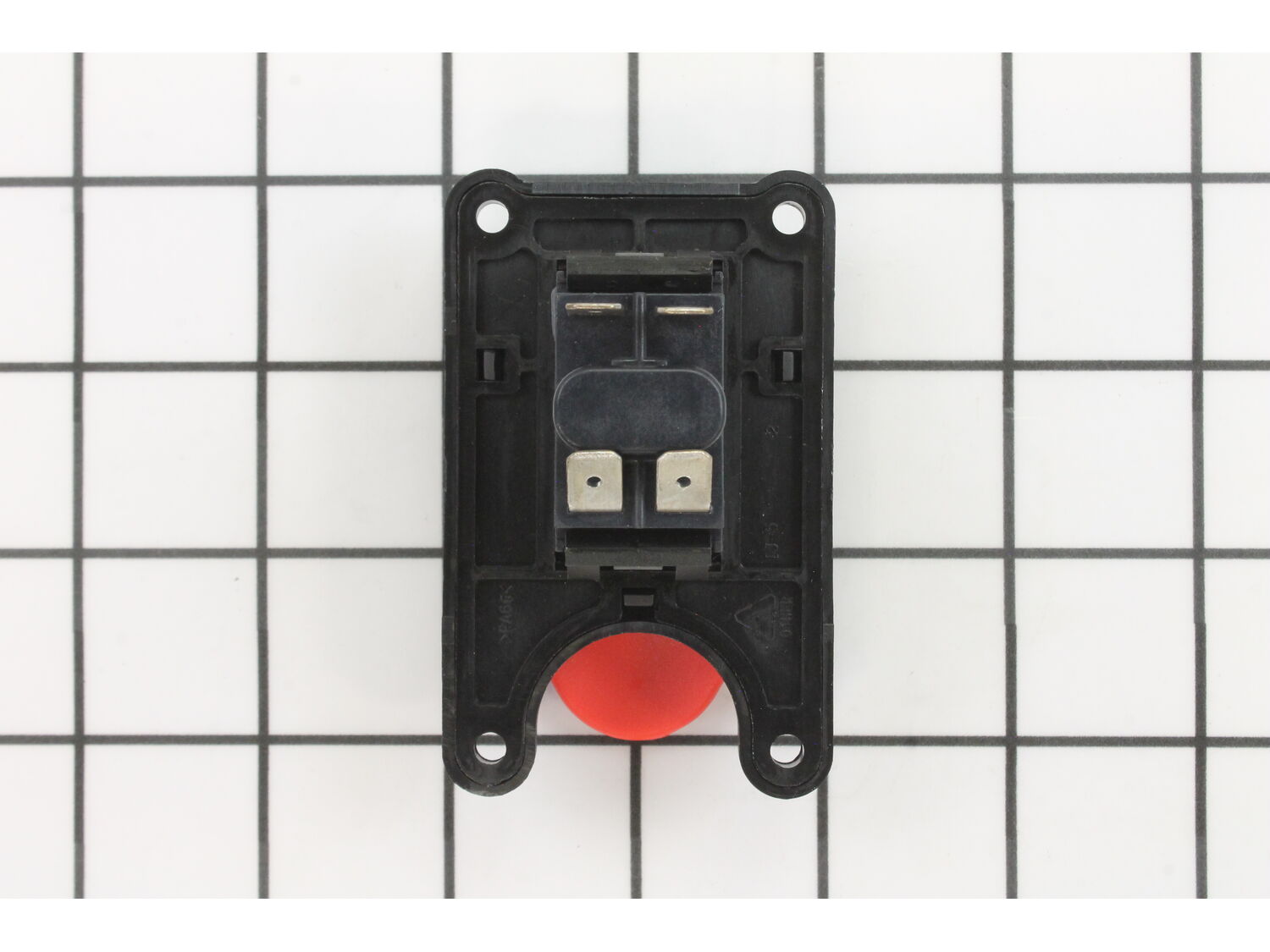
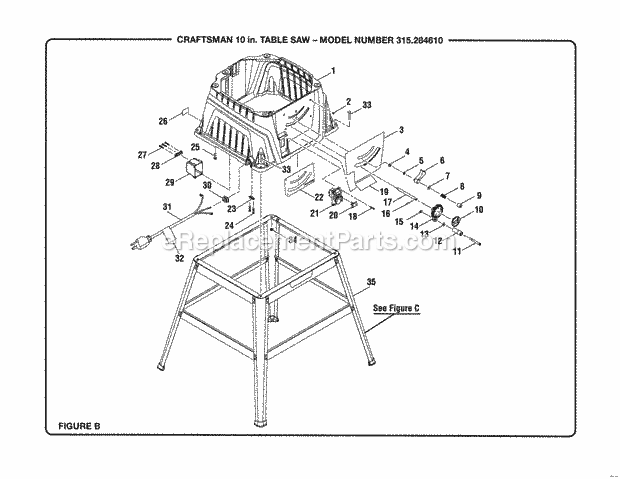
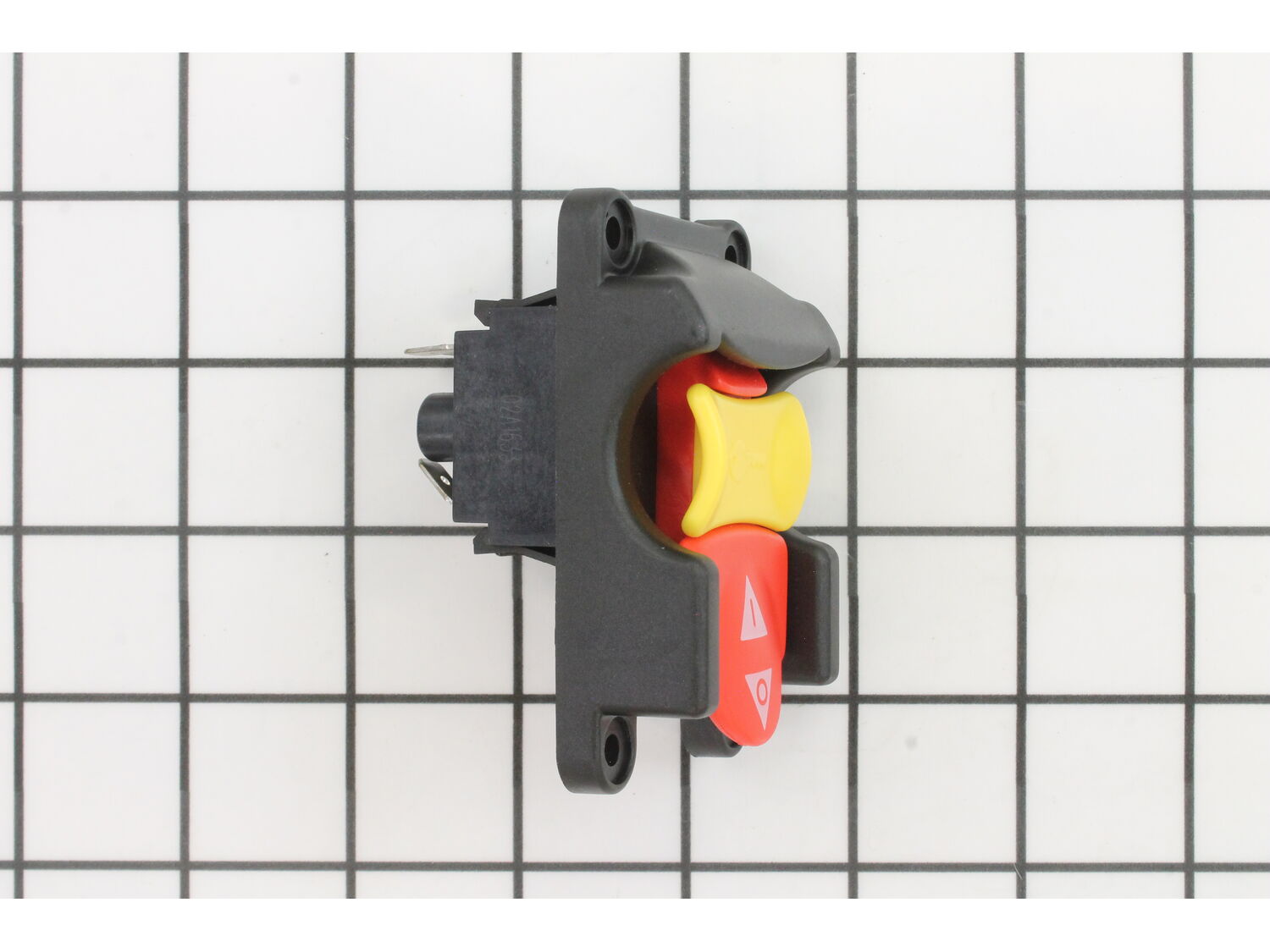
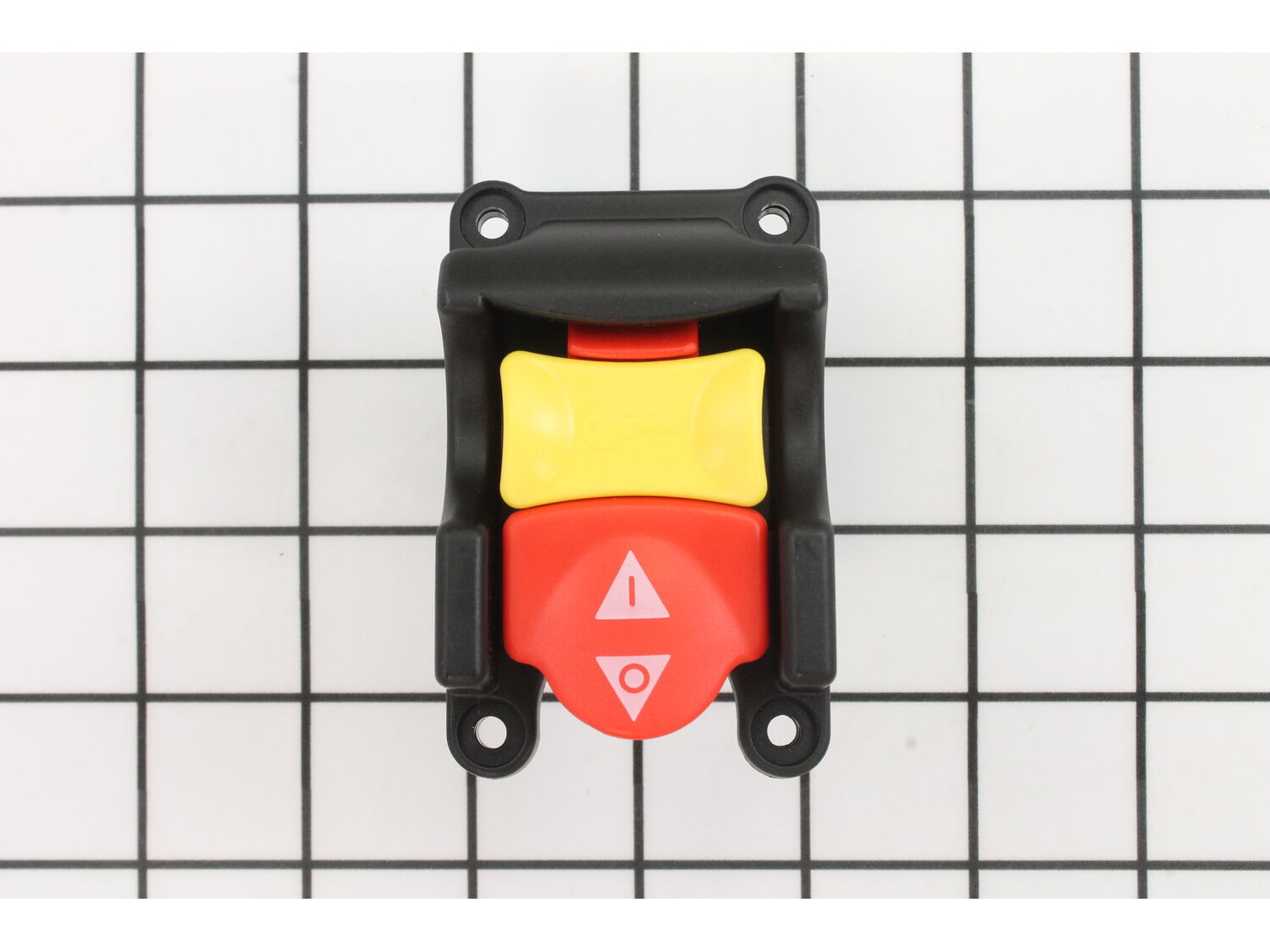
This is a genuine Ryobi Replacement part and is sold individually. Switches are commonly replaced parts in power tools. This is because switches use mechanical internals, causing them to degrade and wear out over time. A switch handles the on/off and variable speed functions. They also have a role in electric breaking; they can momentarily reverse electrical polarity. Some common signs of a broken or failing switch are: • The tool has completely stopped functioning • it will not turn on. • The tool operates intermittently, requiring multiple tries to turn on, until eventually it won't turn on at all.
Sorry, we couldn't find any existing reviews that matched. Try using some different or simpler keywords.
★★★★★
★★★★★
Great replacement part.
Shipped quick. Fit and worked perfectly.
Guest - May 16, 2020
Verified Purchase
★★★★★
★★★★★
easy repair
great shipping quick
Guest - May 23, 2020
Verified Purchase
★★★★★
★★★★★
Easy fix with the right part!
Correct switch, exact replacement!
Guest - June 1, 2020
Verified Purchase
★★★★★
★★★★★
Was pleased to receive the part so quickly under the current circumstances. Thanks.
The part works perfectly.
Guest - June 25, 2020
Verified Purchase
★★★★★
★★★★★
Table saw switch is what I needed and now what I have!
With my electrical back round I was able to get my saw running while I waited for the new switch to arrive. How I found your service is still a mystery. I searched for Ryobi parts and eReplacement showed up. Looked for a switch and What I needed showed up. Never been easier. Great service. Thank you.
Guest - July 21, 2020
Verified Purchase
★★★★★
★★★★★
working perfectly
Just the right part
Guest - August 26, 2020
Verified Purchase
★★★★★
★★★★★
Power Saw Switch
Had to modify outer housing a little bit for proper fit but a great upgrade. Smooth start and works perfectly. As advertised, highly recommended.
Guest - September 7, 2020
Verified Purchase
★★★★★
★★★★★
Easy repair
The part was exactly what we needed toput the old craftsman table saw Thank you Now Dad can get back to building his rustic birdhouses
Guest - September 12, 2020
Verified Purchase
★★★★★
★★★★★
Direct Replacement
The part came quicker than I expected and was easy to replace. Great experience!
Guest - October 2, 2020
Verified Purchase
★★★★★
★★★★★
Replacement Switch
Functions as
Guest - October 21, 2020
Verified Purchase
< Prev
1
2
3
Next >
Customer Repair Instructions
All our customer repair instructions are solicited directly from other customers just like you who have purchased and replaced this exact part.
Easy
15 - 30 mins
(125 rated repairs)?
< Prev
1
2
3
Next >
Sort by:
Sorry, we couldn't find any existing installation instruction that matched.
Make sure you have removed the machine from its power source before starting! Tip the Ryoby portable tablesaw onto wheel side of machine to gain easy access underneath and behind front part of switch. Put on forehead mounted flashlight for a clear view of all wires connected to the back of switch before removal because space is tight and
... Read morenot easily seen without illumination. Also both hands are needed for replacement of switch. Remove the four screws on the front of the switch using a Philips screwdriver. When the screws have been removed tip the switch in and towards the bottom of the machine to remove the wiring harness cover and the wires from the terminals. If you have large fingers, long needle nose pliers are recommended for this step. The switch has four terminals with two white wires on the left side and two black wires on the right side. Mark the two bottom wires white and black with electrical tape (after wiring harness cover has been removed) because it will be hard to determine which wires went where when installing the new switch. Marking the wires is important for proper rewiring of the switch. Reverse these steps for re installation. You may encounter difficulty reinstalling the screws into the front of the switch. I recommend you start with the screws closest to the bottom of the switch. Good luck!
Read less
Did you find this story helpful?
Thank you for voting!
Old switch arched between contacts and remained on unless unplugged.
Four screws allowed easy extraction of old switch. At this point Be sure to note order of electrical connections. After removal of switch it was noticed that four blades of old switch were in different orientation than new. New tabs were given a slight angular shift with pliers, this allowed new switch blades to more closely match old on
... Read morees. Installation then went smoothly into a tight space with the four screws.
Read less
Did you find this story helpful?
Thank you for voting!
My saw would turn \"on\" but would not turn \"off\" via the switch, diagnosed as a defective switch. The only way to shut off the saw was to unplug it.
Switch removal is very straight forward by removing 4 sheet metal type Phillips screws which pass through the switch, saw housing and are retained by a small plastic junction box inside of the saw cabinet.
Remove the 4 screws holding the switch in place and pull the switch and wires out from the saw housing.
The
... Read moreelectrical connections are very simple with hot and neutral both attached to the switch via insulated spade connectors.
The available wire is a bit short, but workable. I bent the switch contacts slightly to allow easier passage through the opening in the housing. Wiring is very straight forward and intuitive - line in from the cord and line out to the saw motor. Black to black, white to white.
The only problem which I encountered was getting the screws lined up with the plastic junction box -- the wires want to push the box out of the way. Problem solved by using a pin punch and a 10d finish nail as \"line up tools\". Once the first two screws were started the repair was simple. Snug the first two screws, start and snug the remaining two screws - check inside the saw housing to be sure no wiring is pinched between the junction box and saw housing -- final tighten on all 4 screws and you are done.
Read less
Did you find this story helpful?
Thank you for voting!
Saw wouldn\'t start, then start & stop, finally not starting at all
Took blade out. Removed old switch. Noticed one of contacts looked burnt. Turned saw upside down and removed legs so I wouldn\'t have to work around them to install new switch. Read directions on website to refresh my memory where black & white wires went: 2 white on left & 2 black on right. Installed new switch and plugged the 4 wires in
... Read moreto it. Put saw back together and it works again.
Unplug the saw and turn it on its side for access to the switch. Remove the four screws holding the switch to the outside of the machine and dust cover to the inside of the machine. There may be other screws or zip ties retaining the power cord, cut or remove as necessary. Remove the four space connectors and fit them to the new switch in
... Read more the same locations. On the replacement switch the male terminals were oriented at slightly different angles but the same location on the switch and the wires were able to be fitted into the dust cover housing. Replace the mount screws and reconnect the wire retaining clamps or zip tie as required.
Read less
Did you find this story helpful?
Thank you for voting!
Switch failed, leg foot worn. Brushes for preventive maintenamce
Remove the four screws from the switch and pull it out far enough to exchange the wires on the back.
Tap the leg plugs in with a mallet
Remove the brush caps
Remove the old brushes
Install the new brushes
Screw the brush caps back on
Unplugged saw from power source.
Removed 4 screws.
Marked and removed 4 push-on connectors from switch.
Connected new IDENTICAL ! ! Switch.(Thank you so much!)
Used screws to remount switch and enclosure.
Plugged in the power cord.
Tested the Switch.
PERFECT! ! !
My 12 year old Grandson did
... Read moremost of the work. Thanks for supplying the EXACT part that the manufacturer said was no longer available!
Read less
Did you find this story helpful?
Thank you for voting!
Saw would not start when switch was placed in the \"on\" position
1. I made sure the saw was not plugged in to an electrical outlet.
2. I removed the old switch, verified with a V.O.M. that when the switch was closed/on, one side was open/off.
3. Went online to eReplacementParts.com and ordered a new switch.
4. When the replacement switch came in I installed it.
5. Plugged the sa
... Read morew into an electrical outlet, turned it on and it worked!
( I was impressed that the price of the switch was so reasonable.)
On & off Switch Assembly for Ryobi table saw:
1 Remove four screws that holds Switch Assembly and remove old Switch Assembly.
2 Make note of how electric wires ( two white and two black) are connected to switch.
3 Insert new switch and secure with screws.
4 Reattach electric wires.
WHAM\'O You are back sawin
... Read moreg. Time 20 Minutes
Placing the order was easy and delivery was fast
Thanks
Kirby
Read less
Did you find this story helpful?
Thank you for voting!
The switch burned out, and the bracket cracket due to user error
The switch\'s connections were in a tight area. The good thing is that the cables are color coded to make it easy to fix. If I did it over, I would\'ve taken the cord clamps from the junction box first before I tried to do anything with the switch. (Note: the 3 screws are longer than the 4 that hold the switch in place)
Prin
... Read moret out the wiring diagram in the part\'s list before you start. This will come in very handy when putting the switch back together.
Here\'s the steps should\'ve done.
1. Unscrew the 4 screws holding the switch in place. The switch can be pulled out and tested with a meter. Mine had a very strong odor of burnt parts.
2. Order new switch - easy part.
3. Tilt saw blade so you have room to work.
4. Remove the 3 screws from the cord strain relief and the green grounding wires.
5. Get come slack in the cords and slip the switch box to make it easier to hook up the switch.
6. Install the switch and connect the wires. This where the wiring diagram comes in real handy. This is the time to test the switch. If you don\'t read the diagram right, this is the time you\'ll be glad you know where your breaker is located.
7. Put the wires in the switch box and then screw the switch to the box. (This is where the shorter of the screws go.)
8. Secure the the cords with the strain relief bar. Make sure that the flat part of the bar is down.
9. Screw the ground wires back to the plate and you\'re done.
Read less
Did you find this story helpful?
Thank you for voting!
< Prev
1
2
3
Next >
Model Cross Reference
This part works with the following models:
ERP Number: ERP10078233
Manufacturer Part Number: 089110109712
This part is in stock in our warehouse and will ship out within 1 business day of the order being placed.
New stock is on the way! On order parts usually ship within 7 business days.
Item is not in stock and usually ships 10-15 business days from the time you place your order.
This item is no longer being made by the manufacturer, and cannot be added to your shopping cart.
✖
Mail-In Recycling Rebate
Some of the parts we sell are eligible for mail-in rebates since we can recycle them. We will display any applicable rebates in your shopping cart. To redeem your rebate, contact Customer Service after you have received your part.