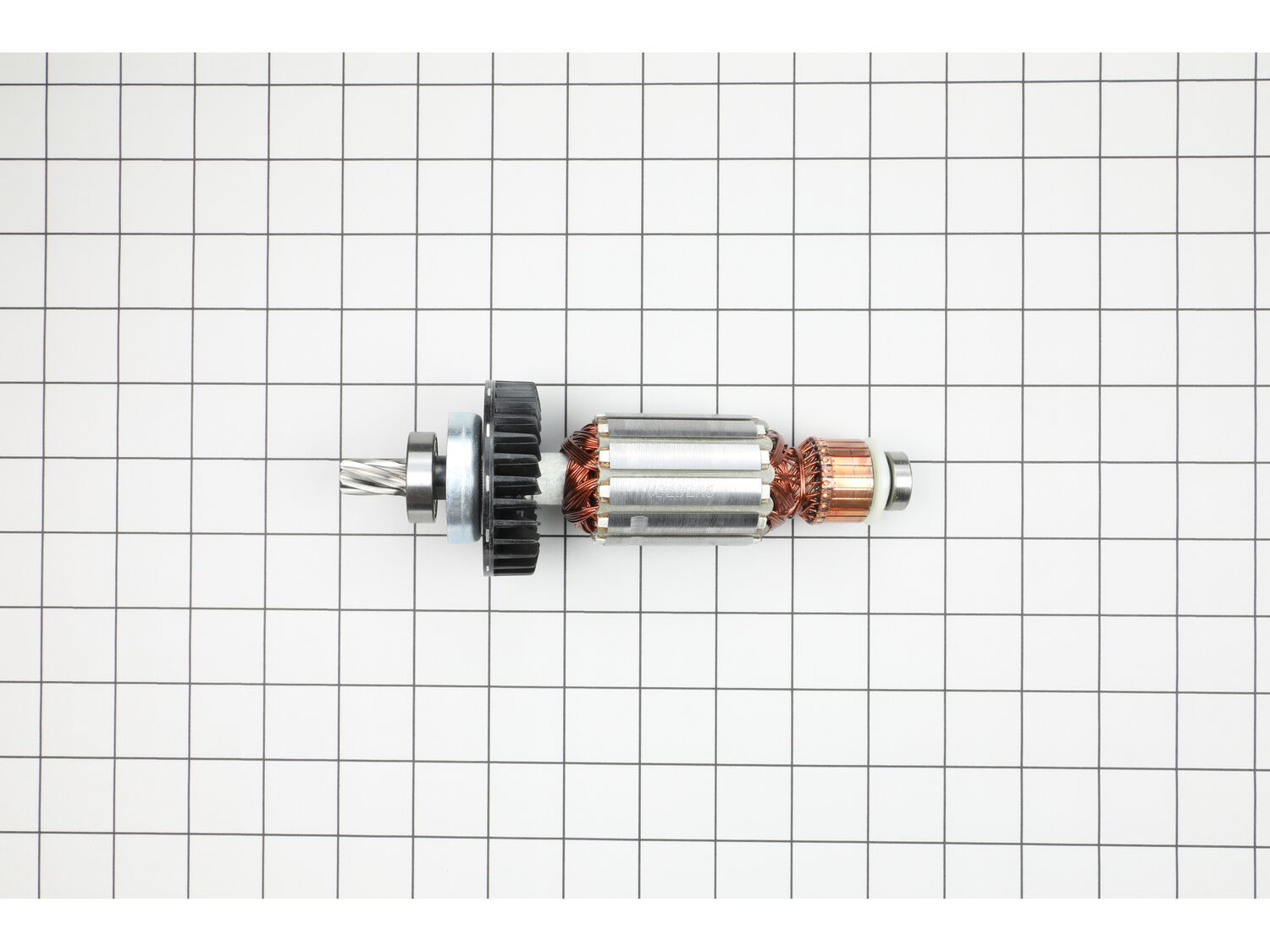
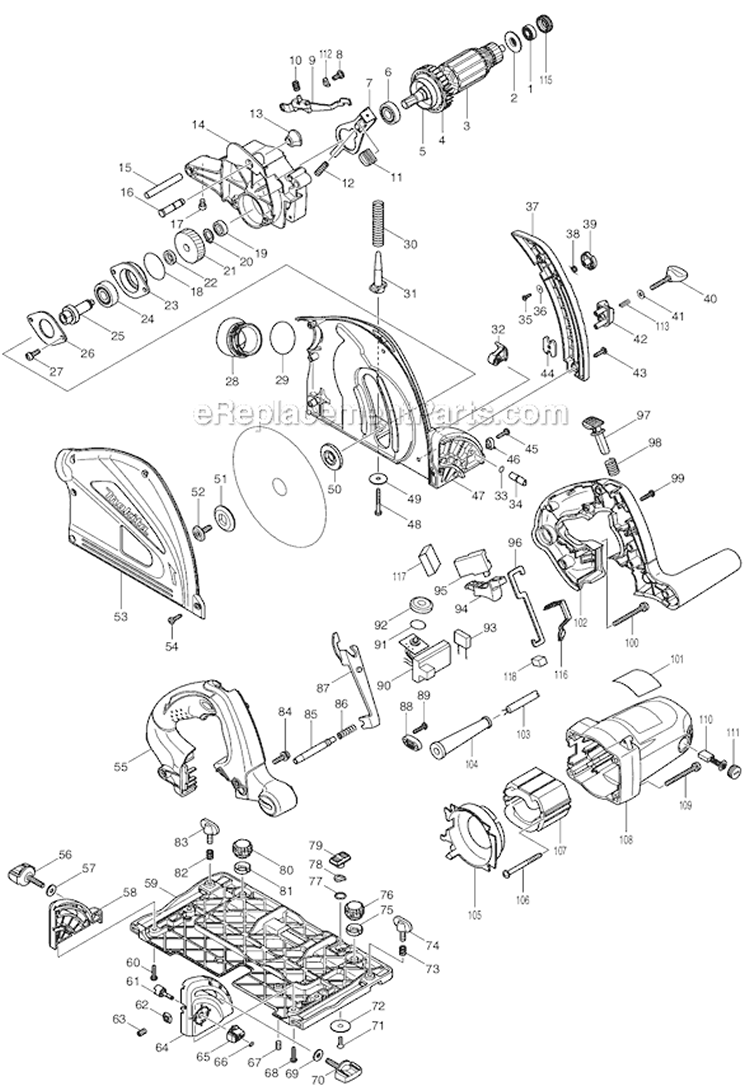
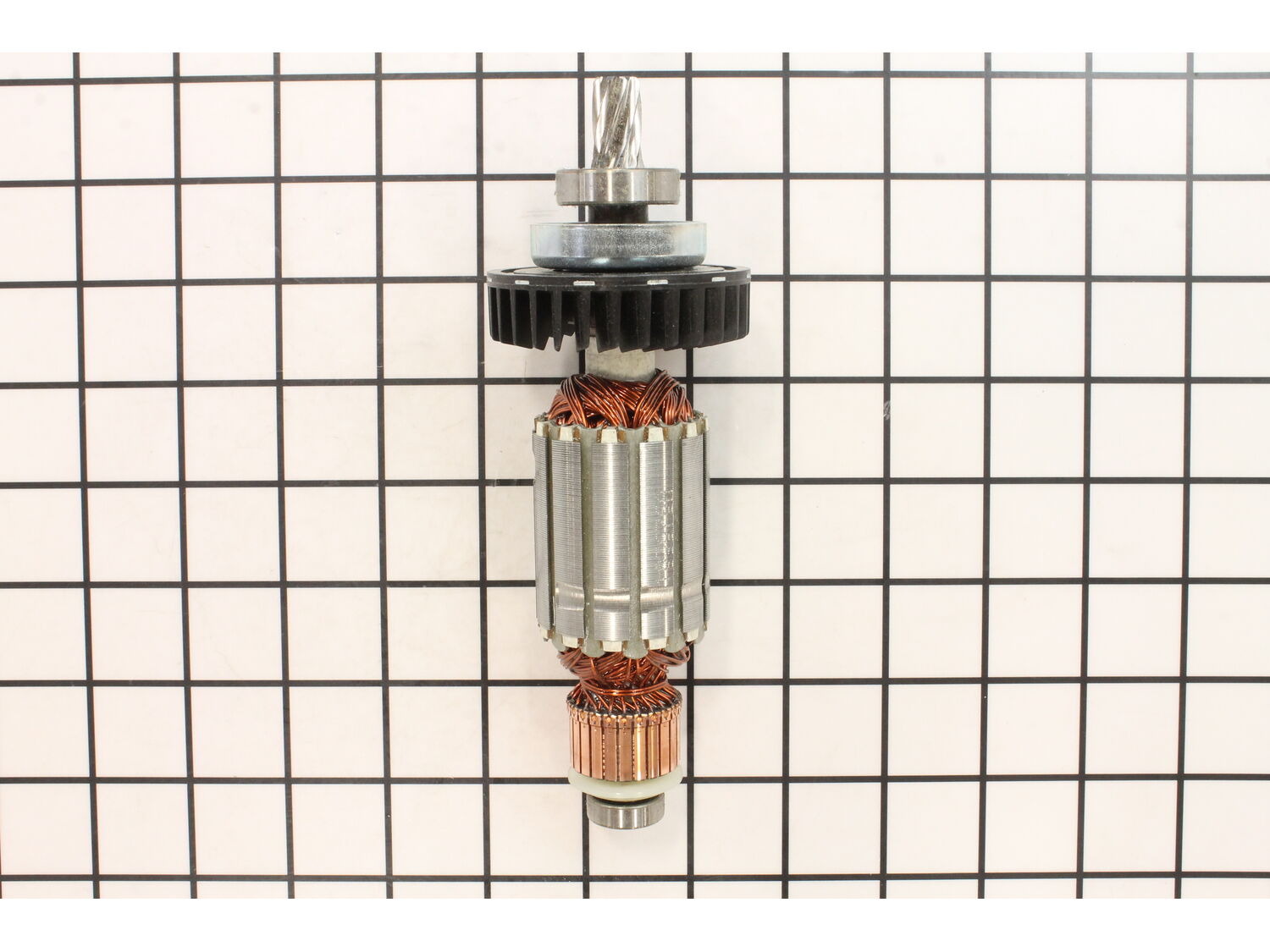
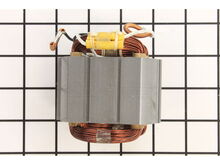
1. Remove brush caps and pull brushes
2. Pull screws from handle
3. Separate motor cover and set aside
4. Gently pull armature from seat
5. Install new armature
6. Replace items in reverse order
Easy as pie, saw back in action and running like brand new
Remove the brush caps and brushes. Remove the motor housing from saw, by removing the four screw that hold it on. Then pull the motor housing off the unit. Tap the opening of the motor housing with a mallet to remove the the armature. Make sure to put the insulation washer on the back bearing. Press the armature back into the housing. Th
... Read moreen attach the four screws in the housing. Install the brushes and brush caps.
1. Unscrew and separate saw housing -halves.
2. Remove brushes from their holders.
3. Pull old armature out.
4. Inspect field windings and brush holders(!)
(I had a broken spring on one of the brush holders. That may be what burned out the armature in the first place!)
5. Exchange beating cup from old armatur
... Read moree to new one.
6. Push and twist armature into saw gearbox.
7. Reassemble saw housing.
8. Reinstall brushes.
Read less
Did you find this story helpful?
Thank you for voting!
< Prev
1
Next >
Model Cross Reference
This part works with the following models:
ERP Number: ERP10152178
Manufacturer Part Number: 513676-9
This part is in stock in our warehouse and will ship out within 1 business day of the order being placed.
New stock is on the way! On order parts usually ship within 7 business days.
Item is not in stock and usually ships 10-15 business days from the time you place your order.
This item is no longer being made by the manufacturer, and cannot be added to your shopping cart.
✖
Mail-In Recycling Rebate
Some of the parts we sell are eligible for mail-in rebates since we can recycle them. We will display any applicable rebates in your shopping cart. To redeem your rebate, contact Customer Service after you have received your part.