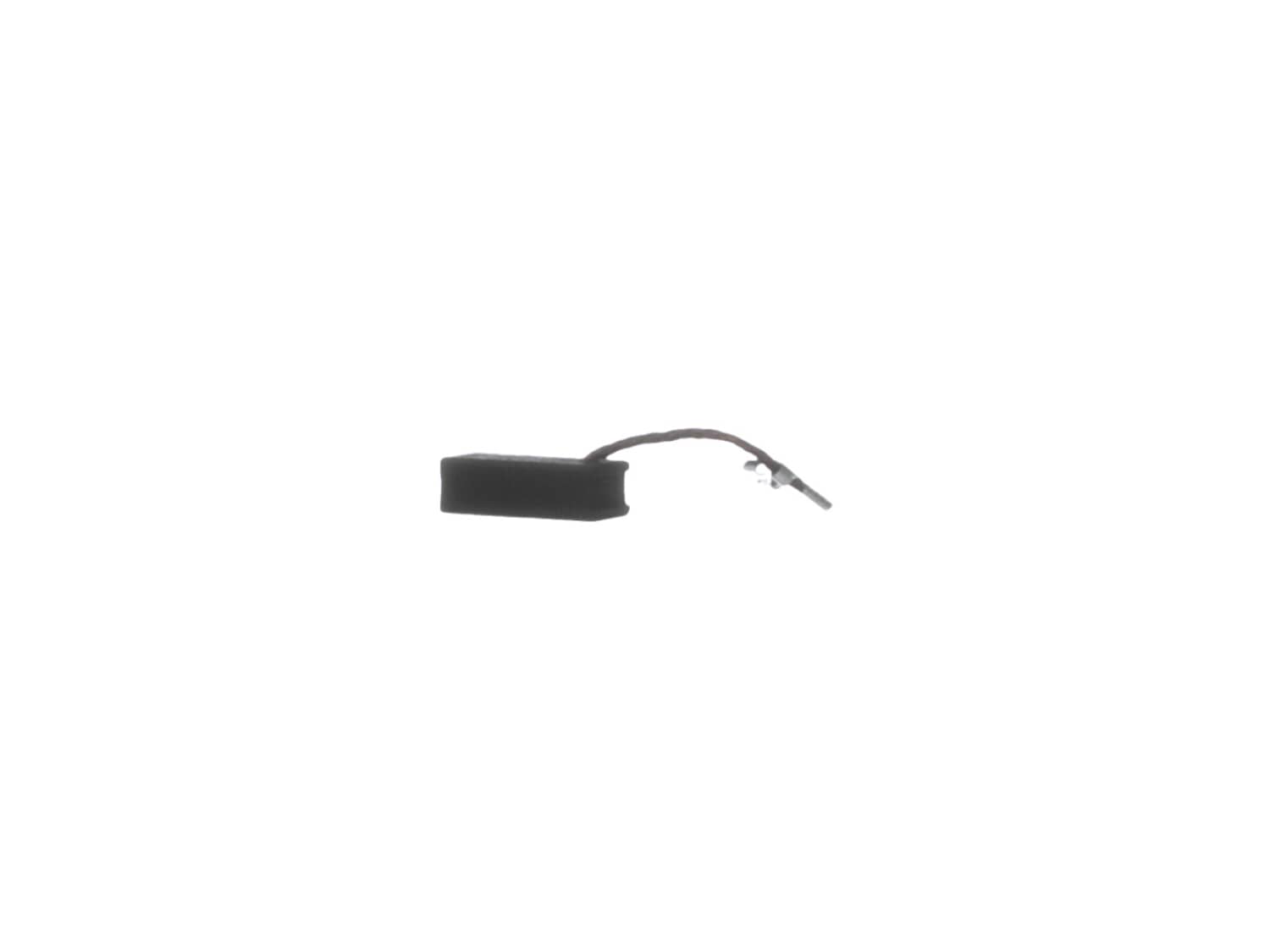
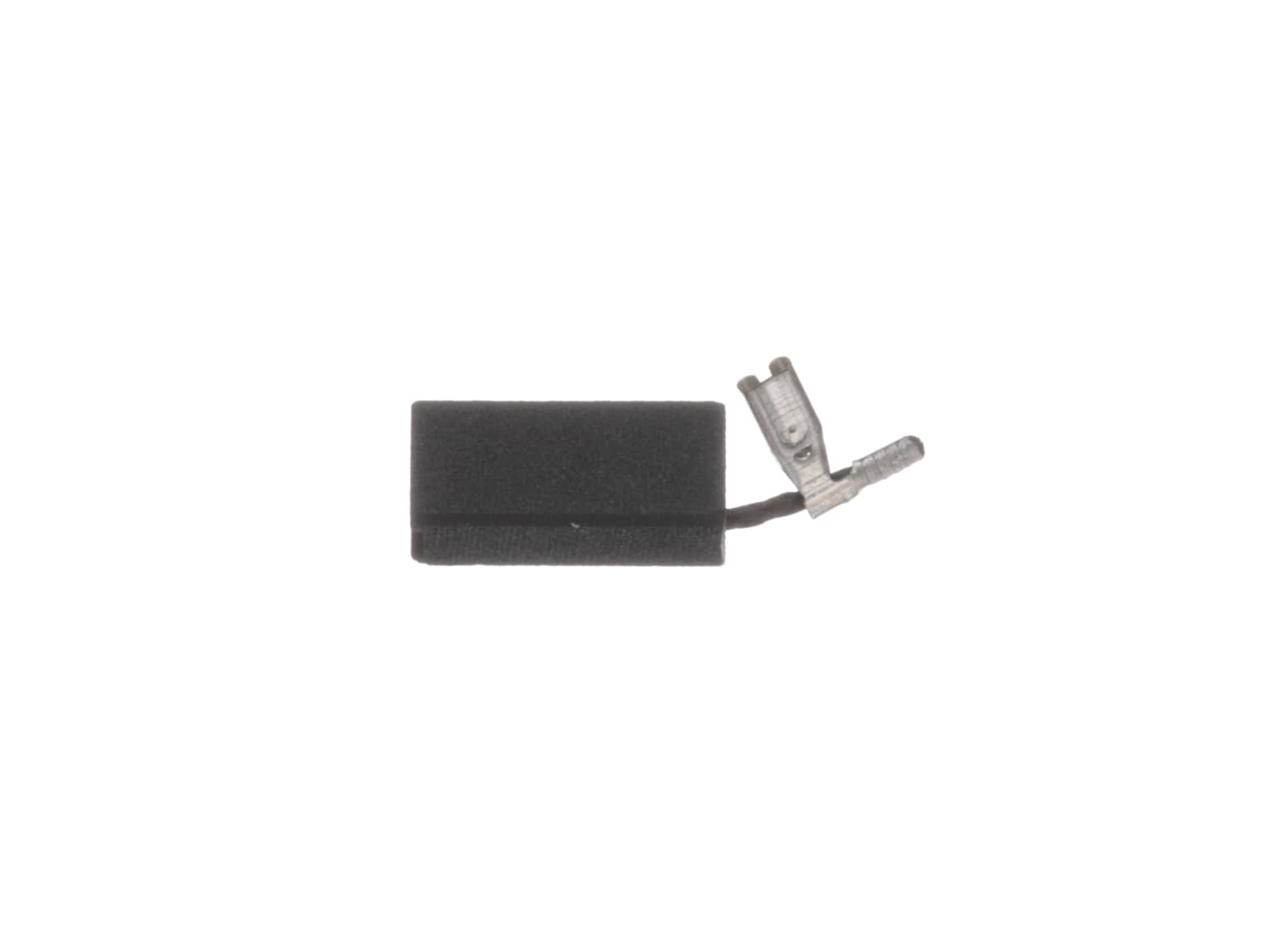
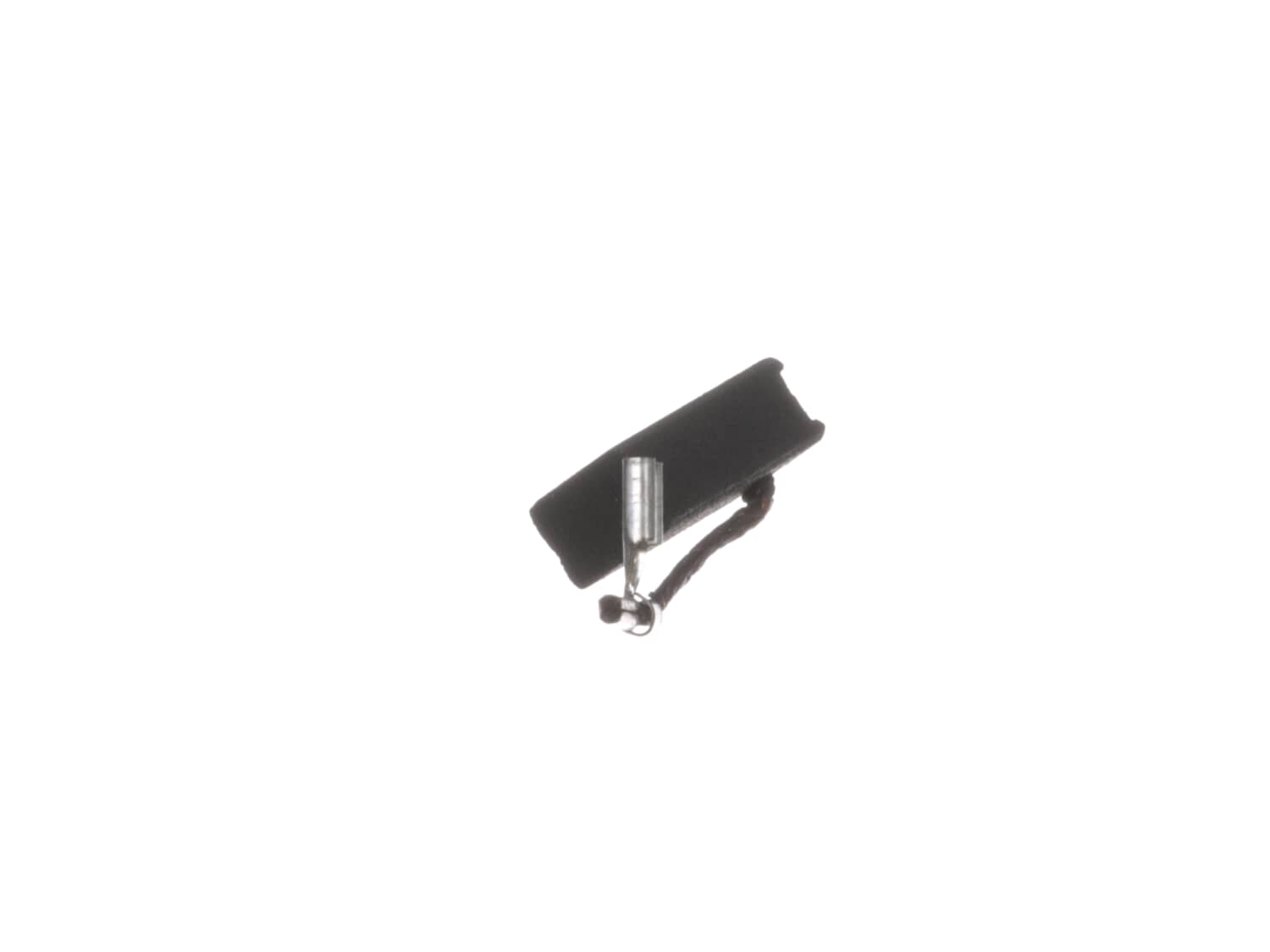
This is an OEM Manufacturer Sourced replacement carbon brush used on specific Compact Routers. Includes 1 Carbon Brush with wire lead attached. Carbon motor brushes are one of the most commonly replaced power tool components. Because carbon brushes are wear items, meaning that through friction and use they will gradually wear away, they will eventually require replacement. Worn brushes are common causes of intermittent motor function, reduced electric braking, and reduced motor power. A worn out brush will often be worn down near the wire lead and may be cracked, pitted, or burned. When replacing carbon brushes, be sure to also inspect your armature for burns, cracks, or other damage which indicates a larger motor problem.
Troubleshooting
This part works with the following brands:
DeWALT
Porter Cable
This part works with the following products:
Router
Part# A27343 replaces these:
A27343,
★
Customer Part Reviews
?
4.9
Average Rating (out of 5):
★★★★★
★★★★★
(9 Reviews)
Click to filter by ratings:
5 stars
8
4 stars
1
3 stars
0
2 stars
0
1 star
0
< Prev
1
Next >
Sort by:
Sorry, we couldn't find any existing reviews that matched. Try using some different or simpler keywords.
★★★★★
★★★★★
Easy repair took only 30 minutes...worked first time with no problems....will need more.
worked good awesome engineering.
Guest - August 16, 2019
Verified Purchase
★★★★★
★★★★★
easy brush replacement
Brush worked perfectly and router is back in full operation.
Arthur - August 17, 2019
Verified Purchase
★★★★★
★★★★★
One happy guy
I was Advised to try out ereplacementparrs. I’m glad I did. Very helpful over the phone , really quick process and received my shipment as they said I would. Parts were awesome. Exactly what I requested. I won’t use another company.
Guest - February 7, 2020
Verified Purchase
★★★★★
★★★★★
Easy repair. Worked great. Fast shipping
Was in great condition. Got my router back to running again.
Guest - October 17, 2020
Verified Purchase
★★★★★
★★★★★
Wrong parts were sent. But the problem was taken care of in a timely manner.
Brushes fit and are working great. I though i was getting three sets but I got three brushes. Now I will have to get one brush. My mistake.
Guest - January 14, 2021
Verified Purchase
★★★★★
★★★★★
Easy repair- 10 min swap out
I used my DeWalt 611 router attached to 110v on my Shark CNC so it burns through the brushes pretty quick. These brushes are of the best quality I can find at decent prices!
Guest - March 28, 2023
Verified Purchase
★★★★★
★★★★★
Fast Service
Great place to get the parts needed for the repair. Service is fast and reliable.
Guest - May 30, 2023
Verified Purchase
★★★★★
★★★★★
Completely satisfied.
The replacement brushes for my router were correct and delivered as promised. Very satisfied with the service and product.
Guest - November 21, 2023
Verified Purchase
★★★★★
★★★★★
a pat on the head
What, you want a pat on the head because you didn't screw up? I got what I needed, thank you!
John - April 30, 2020
Verified Purchase
Customer Repair Instructions
All our customer repair instructions are solicited directly from other customers just like you who have purchased and replaced this exact part.
Easy
Less than 15 mins
(13 rated repairs)?
< Prev
1
2
Next >
Sort by:
Sorry, we couldn't find any existing installation instruction that matched.
1. Removed top cover of the router
2. Took home made hook tool to pull spring from rear of brush.
3. Removed old brush and inserted new brush.
4. Moved spring back to rear of brush.
5. Repeat the above process for the second brush.
6. Reattach the top of router and test.
This was a DeWalt trim router.
1. Remove the 4 screws holding the top yellow cap in place. You\'ll see a brush holder assembly on each side, with a coiled flat spring on top of a rectangular channel. If you down in the channel, you\'ll see the bent-up end of the flat spring.
2. Using needle-nose pliers or possibly a small sc
... Read morerewdriver, pull out the end of the spring. There\'s a place om the side of the brush holder assembly you can hook the end of the spring so it\'s out of the way.
3. There is a woven copper wire on the left side that goes to the brush and to a push-on terminal. Pry the push-on connector up and off the terminal and pull out the worn-down brush.
4. Slide in the new brush and push the connector onto the terminal. Repeat for the other side. Replace the yellow cap.
I repaired 3 DeWalt DWP611 routers, the brushes were worn, First unplug the router, remove the plastic motor cover, using a pair of needle nose pliers unplug the wire that\'s attached to the brush, using a small hook get ahold of the spring that\'s holding the brush in and gently pull it up and to the side. Take the old brush out and put
... Read morein the new one, pay attention on the position of if. Put the spring back over the back of the brush and plug the brush wire back in. Replace the plastic motor cap and your finished.
Lift the tension spring with a small hobby screwdriver and slipped in the replacement brush. Both brushes took less than 15 minutes. Not bad for a 77 year old!
This part is in stock in our warehouse and will ship out within 1 business day of the order being placed.
New stock is on the way! On order parts usually ship within 7 business days.
Item is not in stock and usually ships 10-15 business days from the time you place your order.
This item is no longer being made by the manufacturer, and cannot be added to your shopping cart.
✖
Mail-In Recycling Rebate
Some of the parts we sell are eligible for mail-in rebates since we can recycle them. We will display any applicable rebates in your shopping cart. To redeem your rebate, contact Customer Service after you have received your part.



_WW_1.gif "Part Location Diagram of A27343 DeWALT Brush")
_WW_1.gif "Part Location Diagram of A27343 DeWALT Brush")


