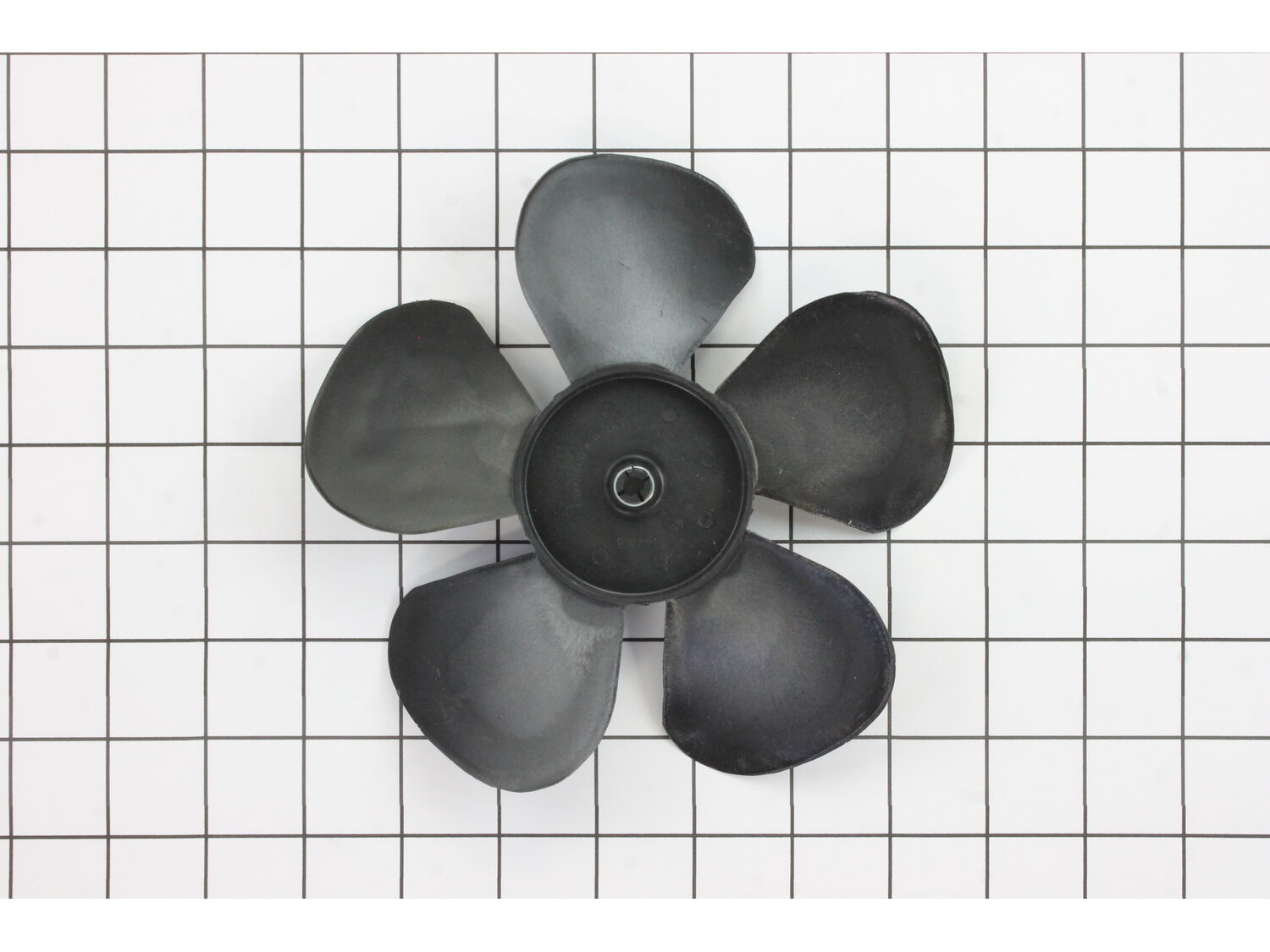
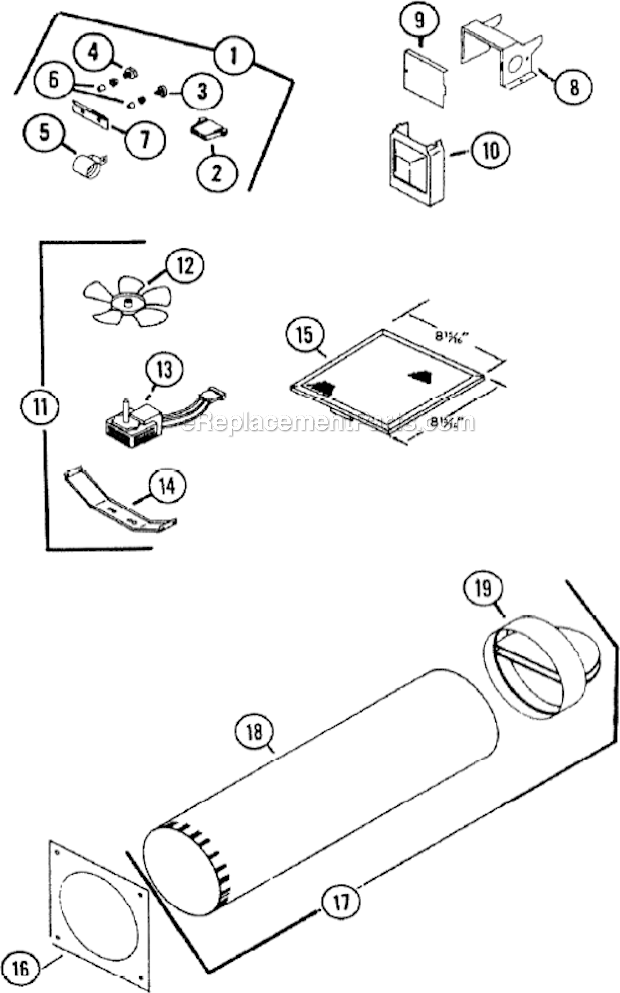
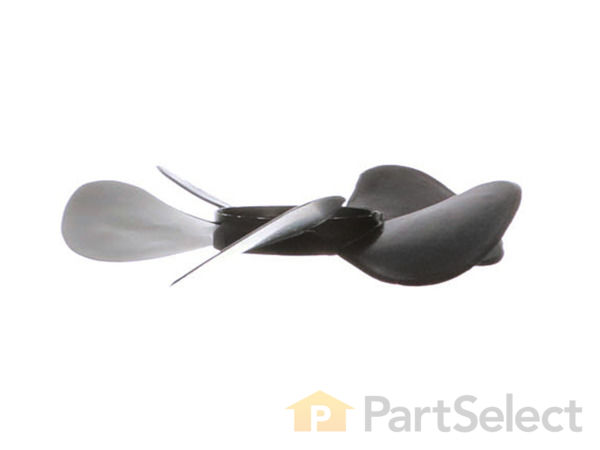
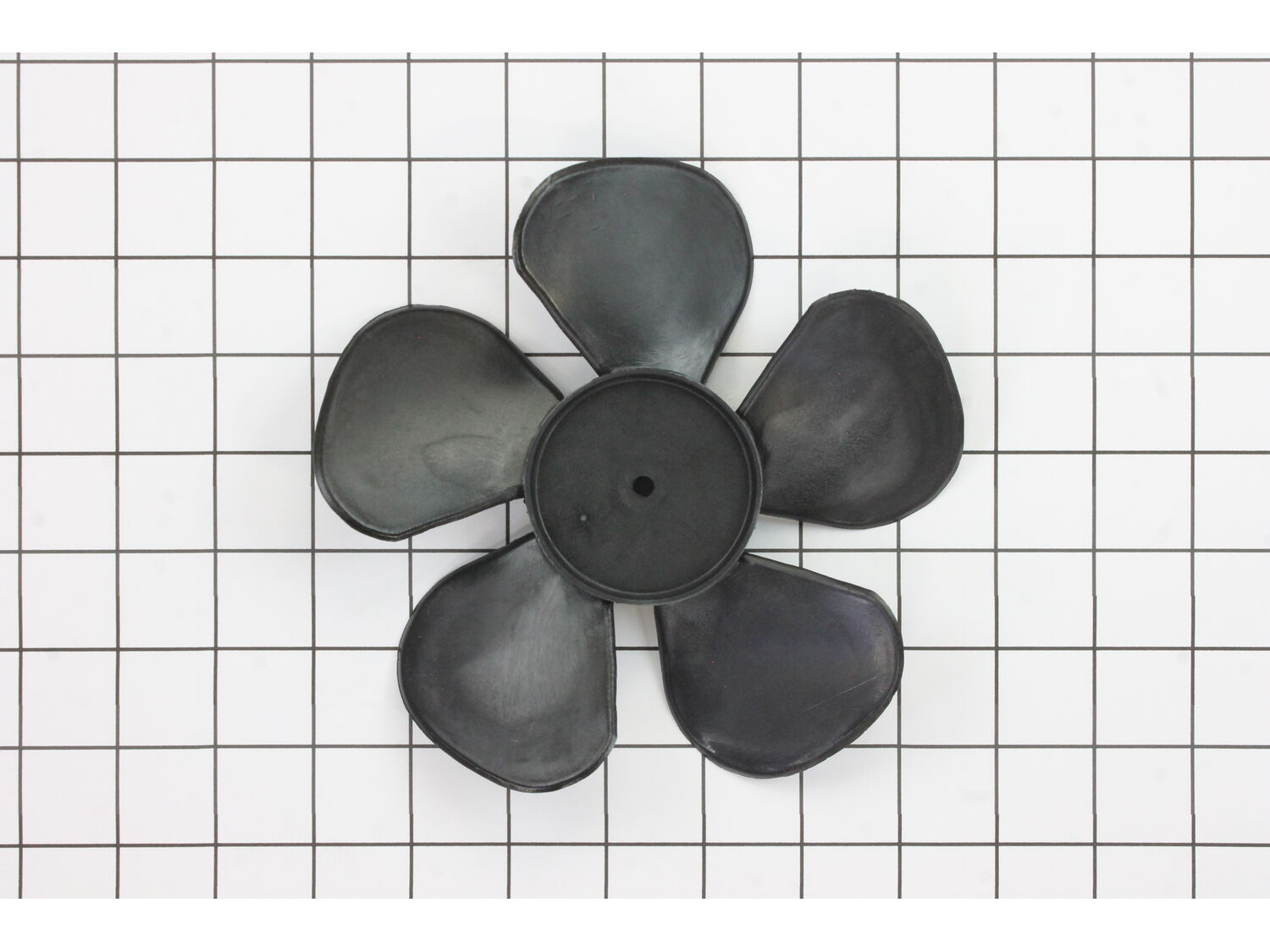
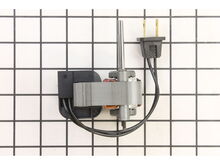
This fan blade is an authentic replacement part supplied by the manufacturer. It is commonly used in NuTone exhaust fans. Replacing this part is a straightforward process that should take approximately 15 minutes. A screwdriver and a hammer are needed to replace this part. 1. Align the new blade 2. Gently tap the center of the fan with a hammer to start the blade on the shaft 3. Push the blade down in the center until it is seated at the bottom of the motor shaft 4. Install the unit and tighten the two mounting screws. 5. Ensure the power switch is in the OFF position and plug in the power plug to the socket inside the fan housing 6. Replace the cover and center thumb screw
1. Turned on power (light & fan switch): Fan not working.
2. Checked power on fan housing receptacle with beeper (okay).
3. Removed fan motor module (loosen two screws & twist).
4. Recheck (plugged in to power outlet still not working).
5. Used multi-meter (continuity function): Open transformer windings.
6.
... Read more Ordered parts (motor, fan blade, filter, fan blade cover, and plastic knob.
7. Assembled motor on housing and fan blade on motor.
8. Reinstalled new parts in ventilation housing (careful to route power wiring).
9. Install filter, ventilation cover, and knob.
10. Test with fan/light switch.
11. Back to normal ops.
Very easy repair for these older Nutone exhaust fans.
1) Remove outer vent grille, typically with thumb screw
2) Fan assembly is held in by 2 Philips screws, but unplug fan first.
3) Remove fan assembly, I only needed the 2 small nuts from where the fan motor attaches to the bracket to re-use for new one.
... Read more4) Install new fan motor to new bracket, re-use old nuts.
5) Install new fan blade on new motor, make sure to line up notch.
6) Clean up dust/dirt, or in my case many years of cooking oil!
7) Reinstall new assembly, check to make sure fan blade rotates freely!
8) If all good, plug in fan motor and test.
9) Reinstall grille (clean if needed).
Remove fan cover
Unplug motor and unscrew from main bracket
Remove motor from support bracket
Put new motor on support bracket and put back on main bracket.
Plug in and turn on to see if the fan rubs on the side,if so adjust and tighten down and put filter and cover back on.
1. Clean the motor shaft with steel wool.
2. Align new blade making sure that the flat spot in the hole matches that the flat on the motor shaft.
3. Gently tap the center of the fan with a hammer to start the blade on the shaft.
4. Push the blade down in the center until it is seated at the bottom of the motor shaft.
... Read more />5. Install the unit and tighten the two mounting screws.
6. Make sure the power switch is in the OFF position and plug in the power plug to the socket inside the fan housing.
7. Replace the cover and center thumb screw.
8. Turn the power switch on. Should be good to go.
Read less
Did you find this story helpful?
Thank you for voting!
Motor rarely kicked over. When it did it made a high screeching noise.
1) Loosen nut to remove outer grill
2) Use Phillips to loosen screws holding baseplate/motor in fan housing. Unplug motor and drop out baseplate/motor.
3) Loosen nuts holding motor onto baseplate, remove motor.
4) Put new motor on, replace nuts, press new fan blade onto spindle.
5) Install motor/base plate back int
... Read moreo housing, replace grill.
6) Turn on new working fan and smile!
removed the bracket that held the motor. remove the old blade and installed the new. Also had to take the rotor out, turn it around put it back in. reason: it was blowing air into the bathroom not removing it. works great now
This part is in stock in our warehouse and will ship out within 1 business day of the order being placed.
New stock is on the way! On order parts usually ship within 7 business days.
Item is not in stock and usually ships 10-15 business days from the time you place your order.
This item is no longer being made by the manufacturer, and cannot be added to your shopping cart.
✖
Mail-In Recycling Rebate
Some of the parts we sell are eligible for mail-in rebates since we can recycle them. We will display any applicable rebates in your shopping cart. To redeem your rebate, contact Customer Service after you have received your part.
✖
[{"position":0,"name":"Home","title":"Home","url":"/"},{"position":1,"name":"Range Hood","title":"Range Hood","url":"/parts/appliance/range-hood/"},{"position":2,"name":"Fan or Blower","title":"Fan or Blower","url":"/parts/appliance/range-hood/fans-and-blowers/"},{"position":3,"name":"S68293000","title":"S68293000","url":""}]