Part Location Diagram of 30701060000 Fein Switch
See part 140 in the diagram
Replacing your Fein Nibbler & Shears Switch
( Grid squares measure 1x1 inch )

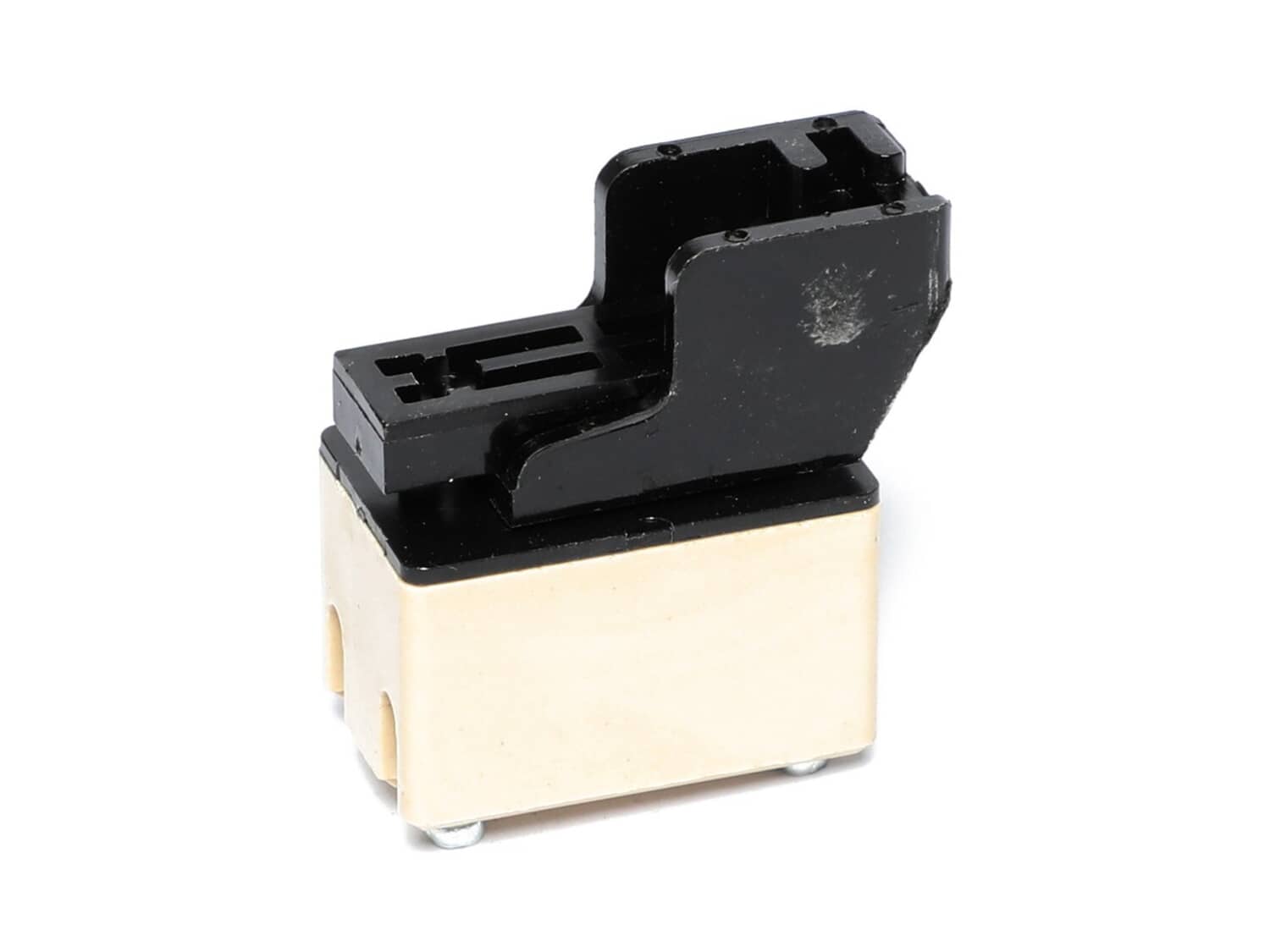
Switch 30701060000

Manufactured by:
Fein
ERP Number:
ERP10162842
Part Number:
30701060000
Original Equipment Manufacturer ?
In Stock
Delivers in 3-5 Business Days!

Easy 

15 - 30 mins 

(7 rated repairs) ?

Does this part fit my model?

Need help finding your model number?

Product Description

?

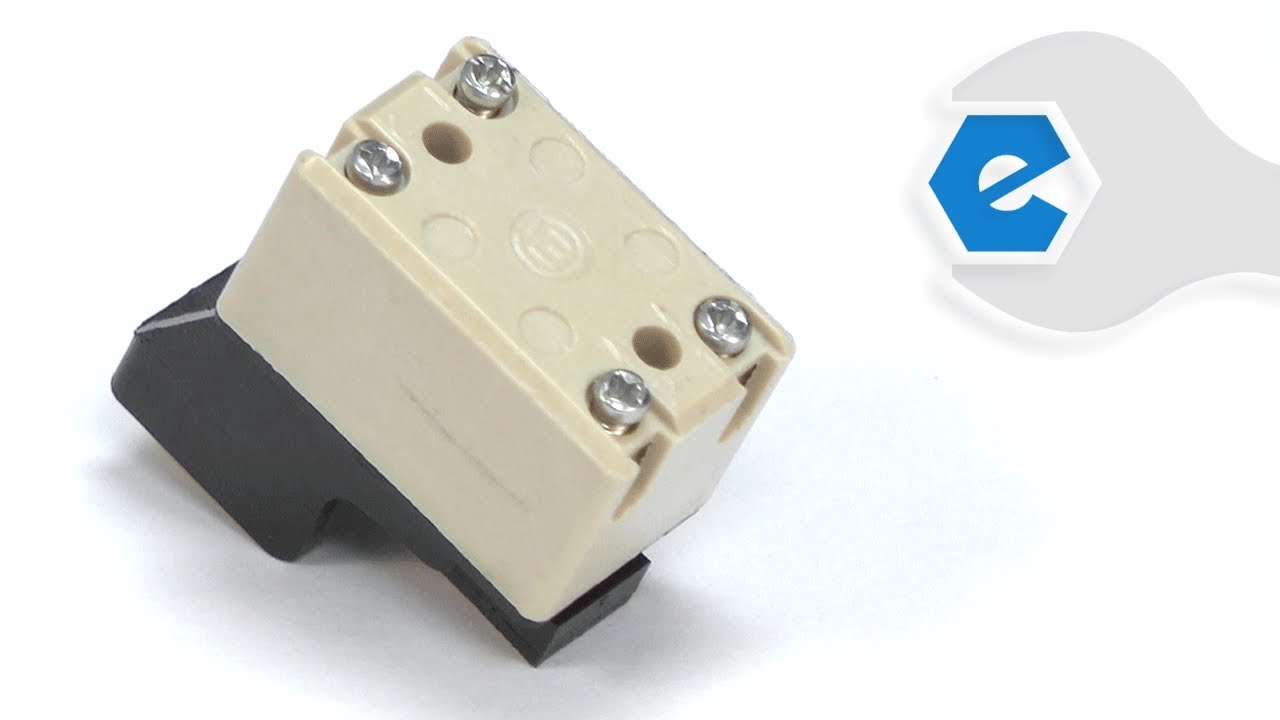
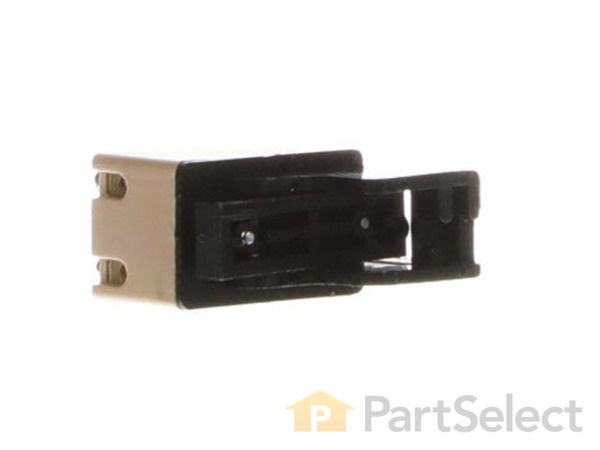
This switch is a high quality item that is specially produced for Fein power tools. It is the part of the unit that allows user to turn the equipment on and off. Mechanical switches over time will wear out and fail eventually requiring replacement. Please note, this plastic switch is sold individually. You will need a screwdriver to replace this switch.

Frequently Purchased Together

?

Troubleshooting

This part works with the following brands:
  • Fein
This part works with the following products:
  • Nibbler & Shears
  • Multi-Tool
  • Angle Grinder

Videos For installing this part.

?
Replacing your Switch

Customer Part Reviews

?
5.0
Average Rating (out of 5):
★★★★★
★★★★★
(1 Review)
Click to filter by ratings:
  • 5 stars
    1
  • 4 stars
    0
  • 3 stars
    0
  • 2 stars
    0
  • 1 star
    0
  • 1
Sort by:  
Sorry, we couldn't find any existing reviews that matched. Try using some different or simpler keywords.

Questions & Answers

?

Our customer Service team is at the ready daily to answer your part and product questions.

Be the first to ask our experts a question about this part!

Ask our Team

We have a dedicated staff with decades of collective experience in helping customers just like you purchase parts to repair their products.

Does this fit my product?

Customer Repair Instructions

All our customer repair instructions are solicited directly from other customers just like you who have purchased and replaced this exact part.

Easy 

15 - 30 mins 

(7 rated repairs) ?
  • 1
Sort by:  
Sorry, we couldn't find any existing installation instruction that matched.

Electrical switch intermittent turn-on & turn-off

David from Chandler, Arizona

1 person found this instruction helpful.
Difficulty Level:
A Bit Difficult
Total Repair Time:
15 - 30 mins
Tools:
Screw drivers
Parts Used:
30701060000
Fein MSXE-636 tool - electrical switch replacement: Remove the cover over the electrical switch containing the speed selector dial on the rear of the tool by removing 3 screws, and let dangle by the speed selector module wiring. Remove the tool power cord retaining bar held with 2 screws. Unscrew the 4 screws on the electrical switch t hat retain the input wiring (x2) and the tool motor wiring (x2). Remove the electrical switch. Install new electrical switch and wiggle to seat in the tool body slot and engage the actuator bar linked to the power switch slide bar on the top of the tool. Check that the power switch slide & link bar actuates the electrical switch correctly. Route input and tool motor wires (x4) into the appropriate electrical switch sockets and install wire retaining screws (x4). Align the strain relief on the power cord into the tool body and reinstall the cord retainer bar with 2 screws. Reinstall the rear tool cover by aligning the speed selector module with the guide/ retainer slots in the tool body, aligning the wiring coils into the spaces within the tool body, and pressing the tool cover to the tool body - reinstall the 3 retaining screws. Test then DONE
Did you find this story helpful?
Thank you for voting!

bad switch on my Fein tool

randy from DUNDEE, Oregon

0 of 1 people found this instruction helpful.
Difficulty Level:
Easy
Total Repair Time:
Less than 15 mins
Tools:
Pliers, Screw drivers
Parts Used:
30701060000
took case apart, removed old switch, installed new one, wires were a little bit of a challenge because the space is very limited, but works great now.
Did you find this story helpful?
Thank you for voting!

The sander was intermittent. It would stop every now and then. It would always start back up by just turning the switch back on.

Jerry from KATHLEEN, Georgia

0 of 1 people found this instruction helpful.
Difficulty Level:
Easy
Total Repair Time:
15 - 30 mins
Tools:
Screw drivers
Parts Used:
30701060000
Replace the defective power switch. I also found a loose wire on the old switch which may have been the whole problem.
Did you find this story helpful?
Thank you for voting!

Tool would not turn on.

William from BABYLON, New York

0 of 1 people found this instruction helpful.
Difficulty Level:
Easy
Total Repair Time:
15 - 30 mins
Tools:
Pliers, Screw drivers
Parts Used:
30701060000, 30711129009
I opened the case, 4 Phillips screws
Removed and installed new switch, small Phillips screw driver.
Installed new brushes..
Closed case
Did not use the brush holders, put in spare parts
Did you find this story helpful?
Thank you for voting!

The switch was broken.

Stephen from Narragansett, Rhode Island

0 of 1 people found this instruction helpful.
Difficulty Level:
Easy
Total Repair Time:
15 - 30 mins
Tools:
Screw drivers
Parts Used:
30701060000
Opened up the case, disconnected the old switch, installed the new switch and closed the case.
Did you find this story helpful?
Thank you for voting!

The switch was broken so the sander would not turn on

Theresa from New Bern, North Carolina

0 of 1 people found this instruction helpful.
Difficulty Level:
Easy
Total Repair Time:
15 - 30 mins
Tools:
Screw drivers
Parts Used:
30722037004, 30701060000
The sander was already apart so the old switch was taken out and the new one put in then the sander went back together.
Your diagrams of the tools make it so easy to find the parts I need and so easy to order, I have always gotten the correct parts at a good price in a timely manner.
Did you find this story helpful?
Thank you for voting!

Switch not working

John from Sulphur Springs, Texas

0 of 1 people found this instruction helpful.
Difficulty Level:
A Bit Difficult
Total Repair Time:
15 - 30 mins
Tools:
Pliers, Screw drivers
Parts Used:
30701060000
Remove the bottom cover
Make a wiring diagram
Remove the wires from the old switch
Install the wires to the new switch
Replace the bottom cover
Did you find this story helpful?
Thank you for voting!
  • 1