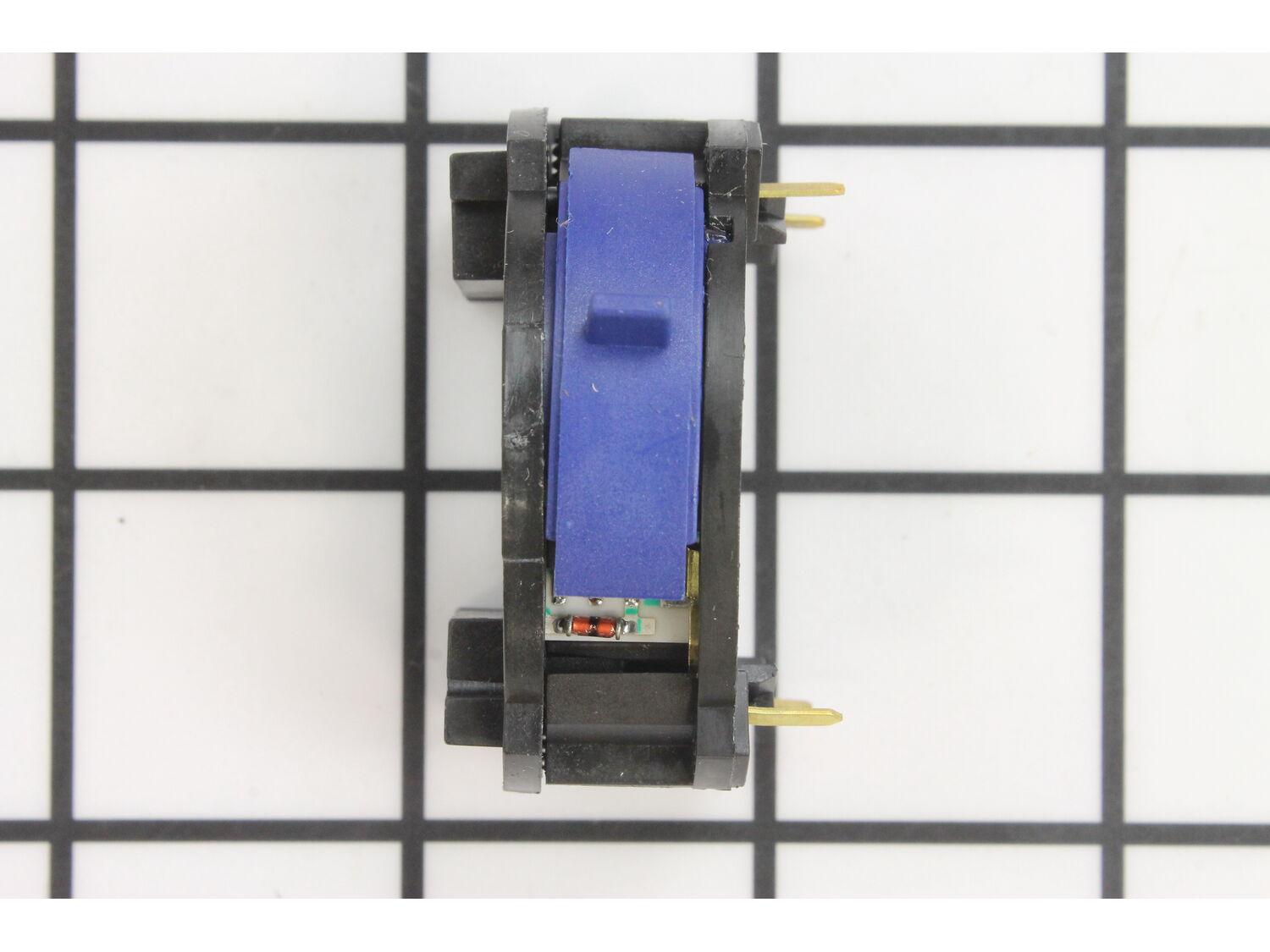
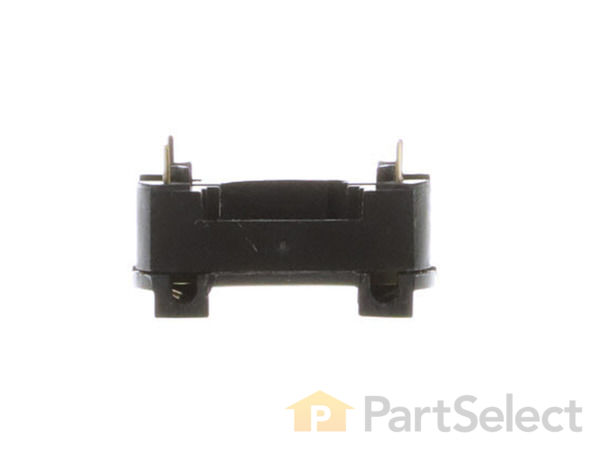
This is a Genuine Manufacturer Approved Dewalt replacement switch used on Dremel Multi-Tools. This part controls on/off and variable speed functions. Over time and because of use a switch will deteriorate and eventually fail requiring a replacement.
Sorry, we couldn't find any existing reviews that matched. Try using some different or simpler keywords.
★★★★★
★★★★★
Works greeat, recieved quickly.
Works greeat, recieved quickly.
Guest - May 30, 2019
Verified Purchase
★★★★★
★★★★★
Work done
Great part, finish the job and the tool work like new. Thanks
Angel - October 24, 2019
Verified Purchase
★★★★★
★★★★★
Easy fix, great part
Part shipped quickly, easy install, works great.
Guest - November 15, 2019
Verified Purchase
★★★★★
★★★★★
Easy repair and worked as expected.
Dremel works like new
Guest - December 24, 2019
Verified Purchase
★★★★★
★★★★★
Plug and Play
Plugged into my Dremel Mototool and got me going again.
Guest - January 21, 2020
Verified Purchase
★★★★★
★★★★★
Replaced Dremel variable speed switch
Dremel now works just like I thought it would.
Guest - February 20, 2020
Verified Purchase
★★★★★
★★★★★
Great service and part
I had to order a new switch for my Dremel. I was able to find exactly what I needed on e-replacement parts. The price was great and the service was excellent.
Michael - July 21, 2020
Verified Purchase
★★★★★
★★★★★
Dremel Switch
Excellent quality replacement part and quick shipping! A+
Erik - September 4, 2020
Verified Purchase
★★★★★
★★★★★
Straight forward repair
YouTube video walked me through the repair. No issues.
Guest - May 13, 2021
Verified Purchase
★★★★★
★★★★★
Direct swap
Arrived quickly. Exactly what I needed
Guest - June 1, 2021
Verified Purchase
< Prev
1
2
Next >
Questions & Answers
?
Ask our Team
We have a dedicated staff with decades of collective experience in helping customers just like you purchase parts to repair their products.
Sorry, we couldn't find any existing answers that matched. Try using some different or simpler keywords, or submit your new question by using the "Ask a Question" button above!
I have an older electrical corded Dremel Motor-Tool, Model 395, TYPE 1 variable speed tool, ball bearings, 5,000-30,000 RPM. Inside the plastic housing there is a number; 5294026-00. There are no numbers on the labels other than what I have already stated. It seems online parts for the variable speed On/Off switch is showing the motor brushes to be different than my tool. My motor brushes do not screw out but appear to be internal with the switch housing. The tool is not coming on and I have checked the cord to the switch and the coils of the motor's windings. All are showing ohms. So, I do not have a break of circuits except at the switch. What is the part number of the switch I need for the TYPE 1 tool for the switch including bushings? How do I take out the motor brushes or keep them out of the way when I put the motor's shaft back inside the switch?Please respond.Thank you,Jerry
Jerry
For model number Model 395, TYPE 1 - November 7, 2023
Hello Jerry, Thank you for your inquiry. We show the compatible carbon brushes as part# 2610009829 and there is a video listed under the part description https://www.youtube.com/watch?v=vvhTvvnWxVg We show the compatible switch as part# 2610912780. Good luck with your repair.
eReplacementParts Team
November 7, 2023
1 person found this helpful.
Did this question help you?
Thank you for voting!
Customer Repair Instructions
All our customer repair instructions are solicited directly from other customers just like you who have purchased and replaced this exact part.
Easy
15 - 30 mins
(28 rated repairs)?
< Prev
1
2
3
Next >
Sort by:
Sorry, we couldn't find any existing installation instruction that matched.
Variable speed tool would not run at some speed settings.
The tool is a Dremel Model 395 Type 5. The original switch was red with 5 speeds, and is no longer available. I took a chance buying the blue switch which has about 9 click positions. The fact is that the switch is a simple rheostat and the 5 positions of the original switch and the 9 click positions of the blue switch are really incon
... Read moresequential. The blue switch works fine in the Type 5 tool. The videos provided online are good.
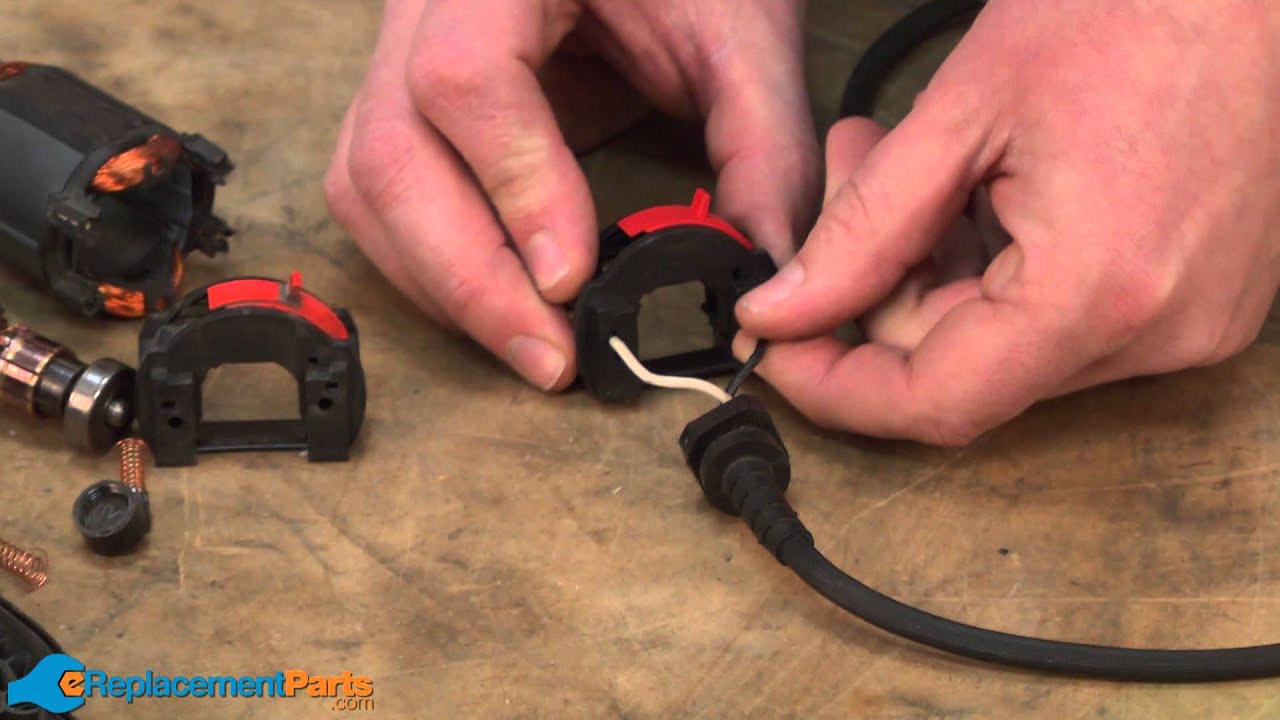
Remove the metal bail that is used to hang the tool. Remove the collet nut and collet. Unscrew the plastic cap from the nose of the tool. Using a Torx T-10 driver, remove the four screws that hold the body shell together. With the switch facing down remove the upper half of the shell. Carefully lift out the armature/field coil/switch assembly. The rear ball bearing may have a rubber vibration cushion around it. If so, remove and save it. Remove the two caps that hold the brushes in, and remove the brushes. Slide the armature assembly forward and out of the field coil assembly. Remove and retain the armature lock button and spring. Carefully pull the switch assembly straight back and off the field coil assembly; there are four prongs that connect the fields to the switch--don\'t bend them.
There are two power leads that connect to the switch assembly. Push a thin pick into the same hole that each wire enters and pull out the pick and the wire together.
Gently, but firmly, push the leads into the holes on the new switch. Pull on them to make sure they are properly captured. I found this to be the hardest part of the repair; the new switch did not capture the leads as firmly as the old switch did.
Assemble the new switch back onto the field coil assembly, making sure that each of the four prongs properly enter the switch connectors. Slide the armature assembly back into the field coil/switch assembly. Replace the rubber cushion back onto the rear ball bearing. Replace the armature lock button and spring back into the lower shell.
Fit the armature/field coil/switch assembly into the lower shell, being sure that the \"handle\" for the switch projects through the slot in the lower shell. Make sure that the armature lock button and spring are still properly located.
Guide the power wires through the channels in the lower shell to protect them from being pinched or cut when the the halves are tightened. Carefully reinstall the power cord strain relief in its recess in the lower shell.
Replace the upper shell and be sure that it fits comfortably with no strain or bending--it should not need to be forced. Reinstall the four Torx head screws that hold the shells together--snug, but do not over tighten.
Reinstall the brushes, noting that the curve in the brush faces should mate with the curved surface of the armature\'s commutator. Now would be a good time to install new brushes if the old ones are worn.
Replace the plastic ring on the nose of the tool and the hanging bail on the rear. Replace the collet and collet nut.
Put on eye protection. Make sure the tool is turned \"Off\". Plug it in and turn it \"On\" and check it at all speed settings.
Unscrew brush caps & remove brushes. Take collet cap & plastic nose off front. Unscrew 4 torx screws & split casings. Lift armature out of case & remove rubber damper cap off of rear bearing. Remove switch from back of armature & pull wire out of switch. Make sure you mark where wires go on switch. Reverse each step to put back together.
... Read more
Removed and replaced variable speed switch, VERY critical to get armature housing and V/ speed switch lined up correctly to keep armature from making contact with armature housing and or causing commutator contact failure. Good as NEW!!!
Opened the housing and disconnected the wires to the switch, and reinstalled the new one. The brushes just popped out, and the new ones went in. Closed the housing.
1. Remove the drive cap at the end of the Dremel (threads on to allow for adapting accessories).
2. Remove the covers and the brushes to the stator (2 total).
3. Remove the hook that allows you to hang the tool upright (just unclips from the end)
4. Remove 4 screws holding the body together and separate the halves of the
... Read more body paying particular attention the pin and spring clip that allow you to tighten the head when replacing bits (located at the front end of the tool). These will need to be placed properly to allow for proper assembly.
5. Remove the bearing cover at the end of the drive assembly (rear of the tool)
6. Remove the drive assembly and separate the variable switch and power cord from the base.
7. Remove the wires from the switch with slight pulling pressure and install them into the new switch.
8. Install everything back in the reverse order of above.
Did this twice Switch was bad and also field winding was shorted out internally> Had been having switch problems so did not check field the first time while the tool was apart.
Start buy removing the end threaded cap and 2 brushes from the tool.
Remove 4 Torx screws.
Separate the 2 half\'s of the housing carefully. There
... Read more is a small loose metal piece at the end around the commutator shaft.
Remove the field and commutator by lifting straight up.
Line cord is attached to the switch with push in connections that need to be released by inserting a small screwdriver of T pin in a hole next to the wire.
Pull the switch assembly straight back from the field. There is a rubber cover around the rear bearing that may have to be removed.
The field can be replace at this time if it is defective. Use a continuity tester and check the field by looking at the inside of the field end where the switch was installed. There will be 4 fine wires going to the switch contacts. 2 from each coil. Check to be sure that there is a connection between the wires on the individual coils by checking the exposed ends of the switch plug pockets. No resistance reading means a possibly defective coil.
If it is OK just install the new switch reinstall the rubber bushing around the rear bearing and plug in the line cord.
Important : Be sure the small loose metal clip is installed so the hole goes over the spindle lock pin.This keeps the pin from accidentally engaging the spindle during operation.
Re-assemble the field, commutator, switch and line cord in the front half of the housing be sure the wires are in the original position.
Install back of housing using the threaded end cap and 4 screws.
Install the brushes in the housing and rotate the spindle by hand to be sure it is free.
There are only 3 parts that can be a problem. The third part is the center shaft assembly and if it is defective can be replaced using the same method.
Remove collar and brush caps and brushes from Dremel tool. Remove Torx screws and split case to remove speed module. Shaft lock will come off when case is split. Replace module and position shaft lock and lock spring and put case back together. This is the trickiest part. Make sure shaft lock is working and cord grip is positioned so that
... Read more the power wires are clear of the armature. Reassemble in reverse order.
This part is in stock in our warehouse and will ship out within 1 business day of the order being placed.
New stock is on the way! On order parts usually ship within 7 business days.
Item is not in stock and usually ships 10-15 business days from the time you place your order.
This item is no longer being made by the manufacturer, and cannot be added to your shopping cart.
✖
Mail-In Recycling Rebate
Some of the parts we sell are eligible for mail-in rebates since we can recycle them. We will display any applicable rebates in your shopping cart. To redeem your rebate, contact Customer Service after you have received your part.



_WW_1.gif "Part Location Diagram of 2610912780 Dremel Variable Speed On-off Switch")
_WW_1.gif "Part Location Diagram of 2610912780 Dremel Variable Speed On-off Switch")