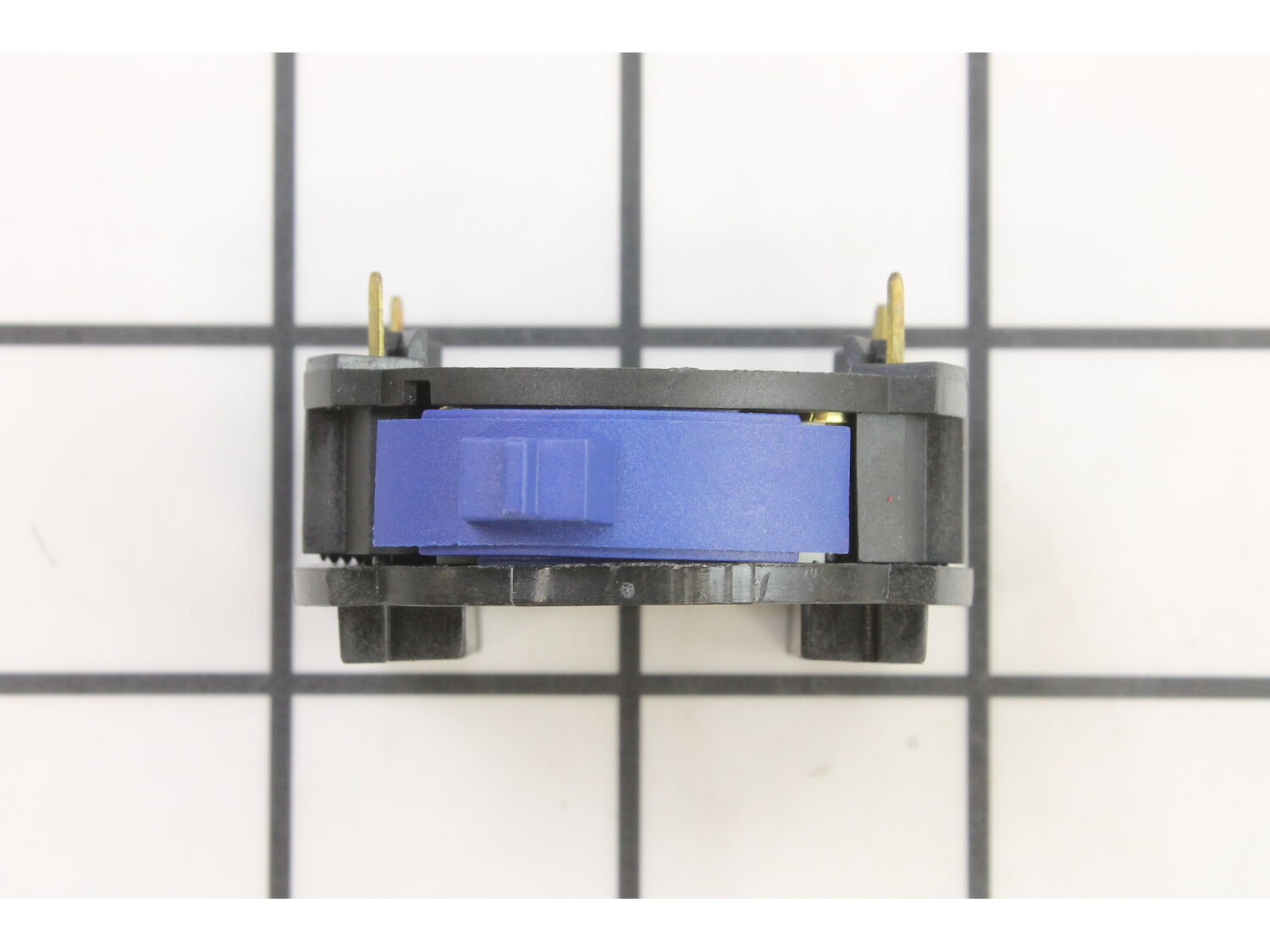
It is a genuine item that is supplied by the original equipment manufacturer for use with Dremel tools. The switch allows a user to control the on-off function of the tool, over time components tend to wear out and they may begin to fail eventually requiring a replacement. Keep in mind this high-quality plastic body part is sold individually. Please make sure to refer to the appropriate diagrams of your model for the correct location and application of this item.
Troubleshooting
This part works with the following brands:
Bosch
Dremel
This part works with the following products:
Multi-Tool
Router
Part# 2610912826 replaces these:
2610912826,
★
Customer Part Reviews
?
5.0
Average Rating (out of 5):
★★★★★
★★★★★
(1 Review)
Click to filter by ratings:
5 stars
1
4 stars
0
3 stars
0
2 stars
0
1 star
0
< Prev
1
Next >
Sort by:
Sorry, we couldn't find any existing reviews that matched. Try using some different or simpler keywords.
★★★★★
★★★★★
ol girl is alive again
my old Dremel needed a switch and these guys had it. looked at several sites and finally arrived here. fair price ,quick ship,it fit perfectly. my Dremel is back to work. would use ereplacmentparts again.
Guest - April 6, 2022
Verified Purchase
Customer Repair Instructions
All our customer repair instructions are solicited directly from other customers just like you who have purchased and replaced this exact part.
Easy
15 - 30 mins
(7 rated repairs)?
< Prev
1
Next >
Sort by:
Sorry, we couldn't find any existing installation instruction that matched.
Thought (incorrectly) that speed control switch was defective
1. Removed 4 screws and opened clamshell casing.
2. Removed carbon brushes and rubber end cap on rotor.
3. Pulled out two supply wires from speed controller.
4. Removed speed control switch.
5. Installed on/off switch and re-assembled.
6. Discovered device is only ON/OFF; no speed control. Pops GFCI each tim
... Read moree I switch off.
7. Removed new switch, replaced old one. Works fine.
8. Complained to erplacecementparts that on/off switch had come up when I was searching for speed controller and I was not aware that their device was not that.
I found a repair video on youtube on how to do the repair. Dremel tools are wonderful and being able to find a youtube repair video is the best help for the DIYer. https://www.youtube.com/results?search_query=dremel+1001+repair
80% of any of these \"not sure I know how\" repair jobs is getting started and Replacemant Parts is the place to go for needed parts and help. The repair of my multi tool went great!
1. Removed 4 phillips screws holding Dremel together
2. Spun off front retaining collar
3. Removed motor and stator assembly
4. Pulled AC wires from old switch.
5. Removed old switch
6. Reversed order with new switch.
Done.Very easy, glad replacement switch was available, you guys always have the right
... Read morestuff.
Read less
Did you find this story helpful?
Thank you for voting!
< Prev
1
Next >
Model Cross Reference
This part works with the following models:
ERP Number: ERP10260146
Manufacturer Part Number: 2610912826
This part is in stock in our warehouse and will ship out within 1 business day of the order being placed.
New stock is on the way! On order parts usually ship within 7 business days.
Item is not in stock and usually ships 10-15 business days from the time you place your order.
This item is no longer being made by the manufacturer, and cannot be added to your shopping cart.
✖
Mail-In Recycling Rebate
Some of the parts we sell are eligible for mail-in rebates since we can recycle them. We will display any applicable rebates in your shopping cart. To redeem your rebate, contact Customer Service after you have received your part.



_WW_1.gif "Part Location Diagram of 2610912826 Dremel On-off Switch")
_WW_1.gif "Part Location Diagram of 2610912826 Dremel On-off Switch")