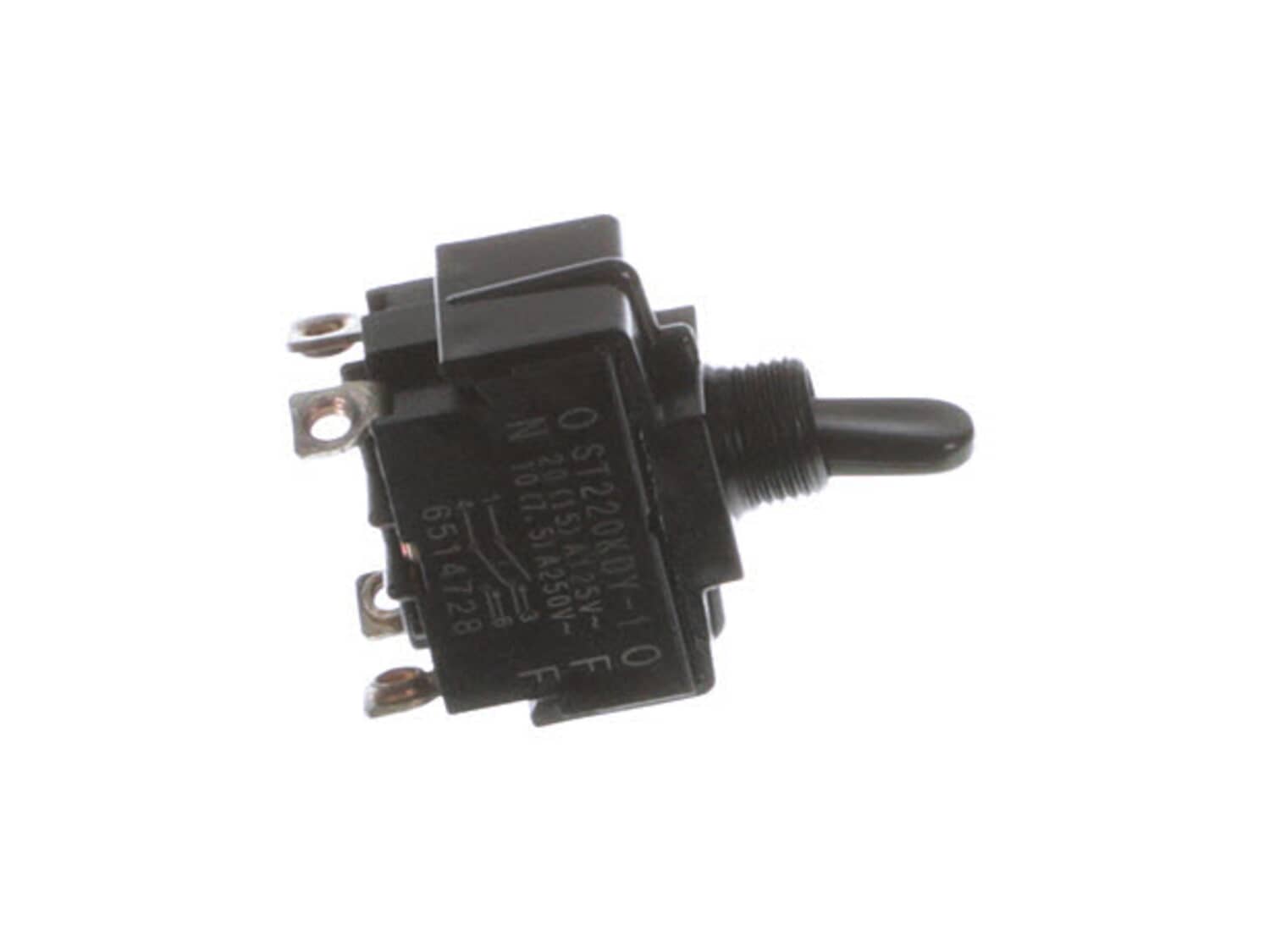
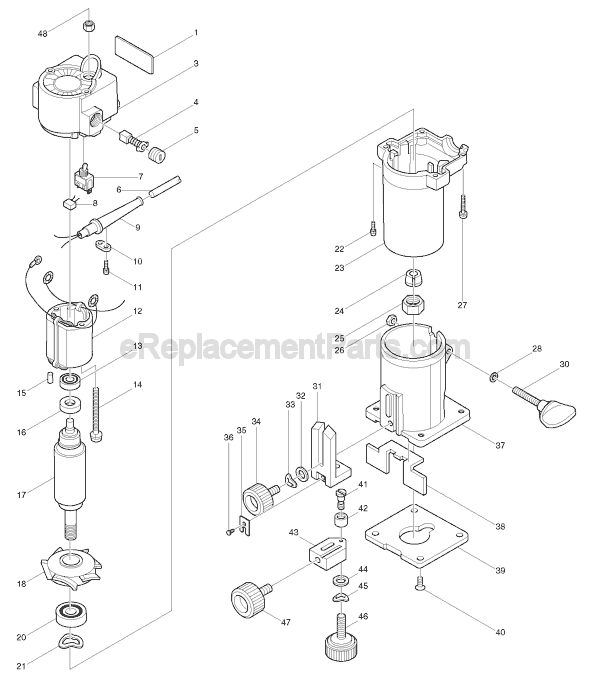
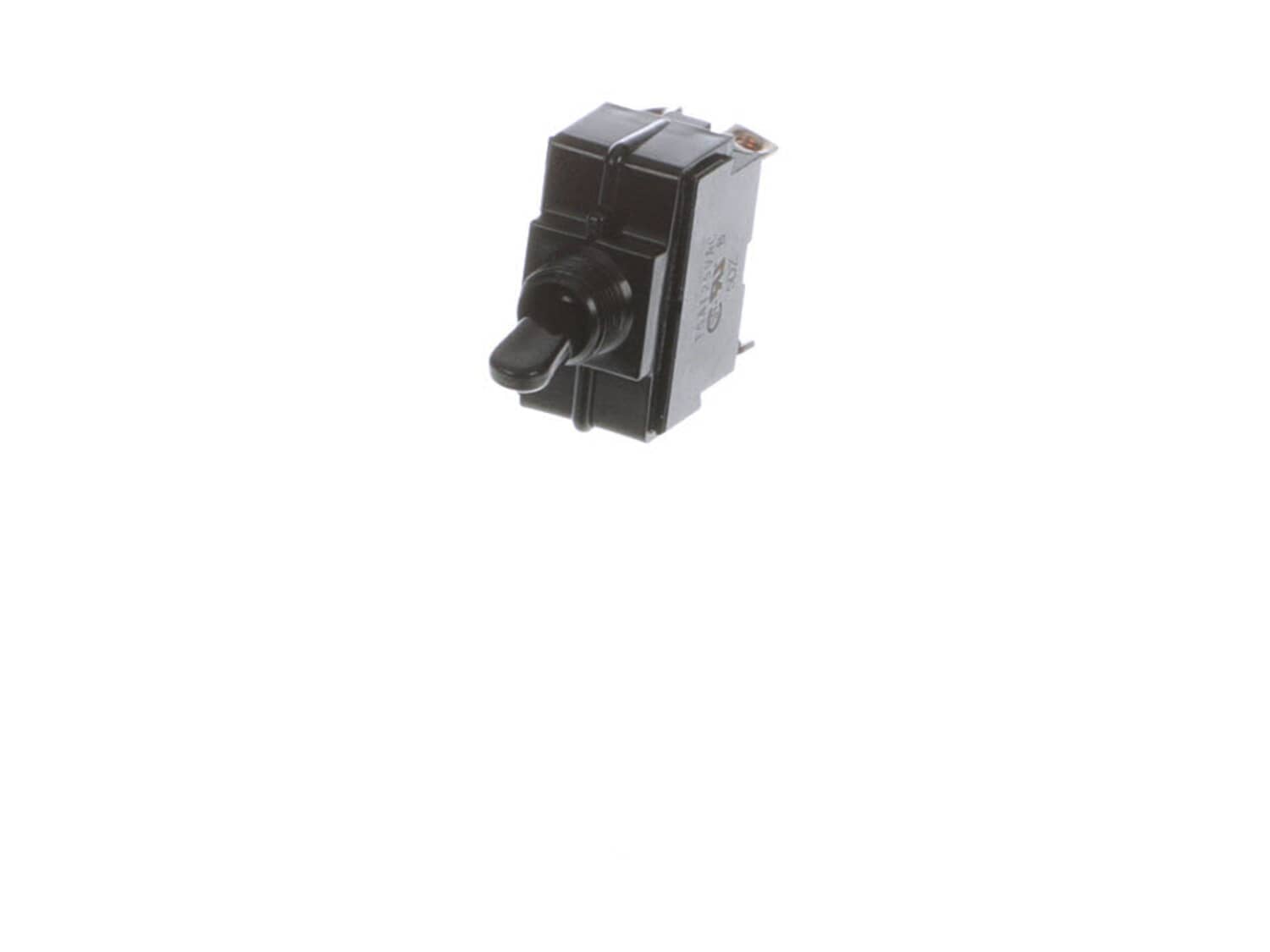
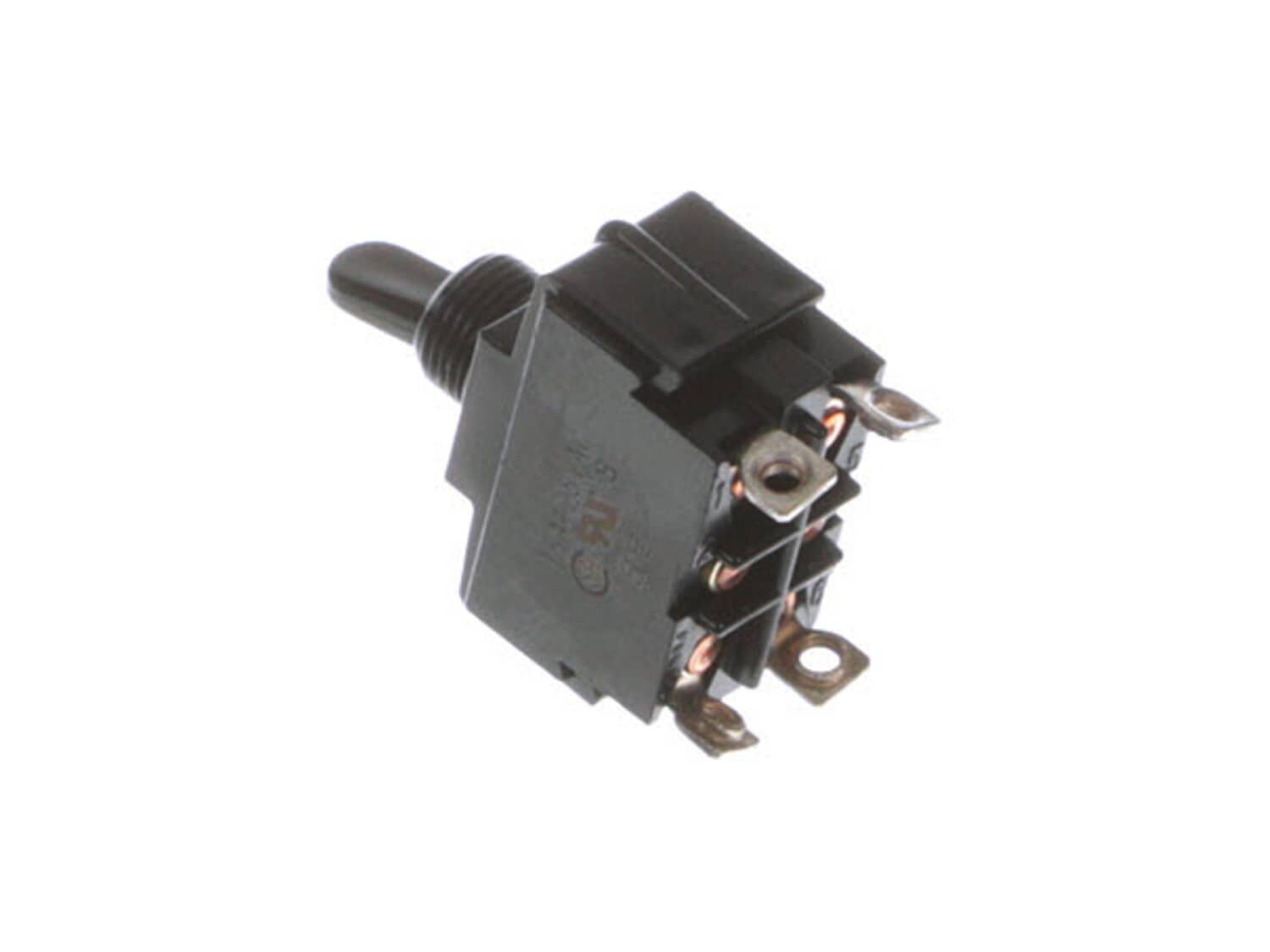
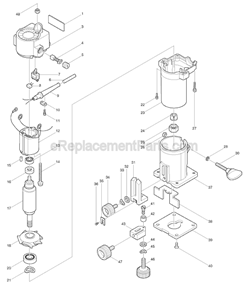
This is a genuine OEM supplied replacement switch that is utilized on Makita trimmers. It is the main component that allows a user to turn the tool on and off. Over time due to mechanical or electrical issues the switch may begin to fail eventually requiring replacement for the tool to function as intended by the original manufacturer. Please note this durable plastic body item is sold individually.
Troubleshooting
This part works with the following brands:
Makita
This part works with the following products:
Laminate Trimmer
Part# 651472-8 replaces these:
651457-4,
★
Customer Part Reviews
?
4.7
Average Rating (out of 5):
★★★★★
★★★★★
(3 Reviews)
Click to filter by ratings:
5 stars
2
4 stars
1
3 stars
0
2 stars
0
1 star
0
< Prev
1
Next >
Sort by:
Sorry, we couldn't find any existing reviews that matched. Try using some different or simpler keywords.
★★★★★
★★★★★
Everything went well, great, prompt service as usual =ƒÿÇ
The part fit perfect. Was easy to install and works great =ƒæì Service was super?!
Guest - January 13, 2020
Verified Purchase
★★★★★
★★★★★
Great part and works great as expected
my router works like brand new once again and the switch came in like brand new perfect condition thanks much !!
Guest - July 19, 2024
Verified Purchase
★★★★★
★★★★★
Switch was same as original.
Did not come with new plastic nut! Easy to install my router is working again!
Guest - March 15, 2021
Verified Purchase
Customer Repair Instructions
All our customer repair instructions are solicited directly from other customers just like you who have purchased and replaced this exact part.
A Bit Difficult
30 - 60 mins
(5 rated repairs)?
< Prev
1
Next >
Sort by:
Sorry, we couldn't find any existing installation instruction that matched.
1. Removed the screws from the router housing.
2. Pulled apart the housing.
3. Removed carbon brush blocks.
4. Removed switch and disconnected wires. Documenting where the four wires are attached.
5. Cleaned stator, rotor, inside of housing. Cleaned and lubricated bearings.
6. Replaced switch, installed new
... Read more one, cut the two existing power wires on the old switch.
7. Left old switch connectors intact with 1 1/2\" of existing black and white wires.
8. Soldered new B&W wires to short sections of old wire with connectors, use heat shrink tubing.
9. Used old strain relief and cord clamp to install new cord.
10. Reassembled router housing, reinstalled carbon brush blocks.
I took the router apart to see if it could be fixed. Was able to find the right switch from e-replacement all I had to do was take the old switch out and put the new part in. Everything was a perfect match. Thank you e-replacement for the fantastic service.
1. Remove all visible screws
2. Remove brushes
3. Tap and pry top of tool apart with caution and leave bottom together.
4. Remove bolts from stator and unhook brush connectors (2) and leave rotor in bottom half.
5. Switch and cord connections are not exposed. Unscrew switch and remove wires. Note handing for re co
... Read morennections.
6. Put tool back together and lightly tap with a rubber hammer to put housings back together.
7. Caution- not a snap to fix. Take to took to a shop unless your real good with your hands.
Read less
Did you find this story helpful?
Thank you for voting!
< Prev
1
Next >
Model Cross Reference
This part works with the following models:
ERP Number: ERP10153631
Manufacturer Part Number: 651472-8
This part is in stock in our warehouse and will ship out within 1 business day of the order being placed.
New stock is on the way! On order parts usually ship within 7 business days.
Item is not in stock and usually ships 10-15 business days from the time you place your order.
This item is no longer being made by the manufacturer, and cannot be added to your shopping cart.
✖
Mail-In Recycling Rebate
Some of the parts we sell are eligible for mail-in rebates since we can recycle them. We will display any applicable rebates in your shopping cart. To redeem your rebate, contact Customer Service after you have received your part.