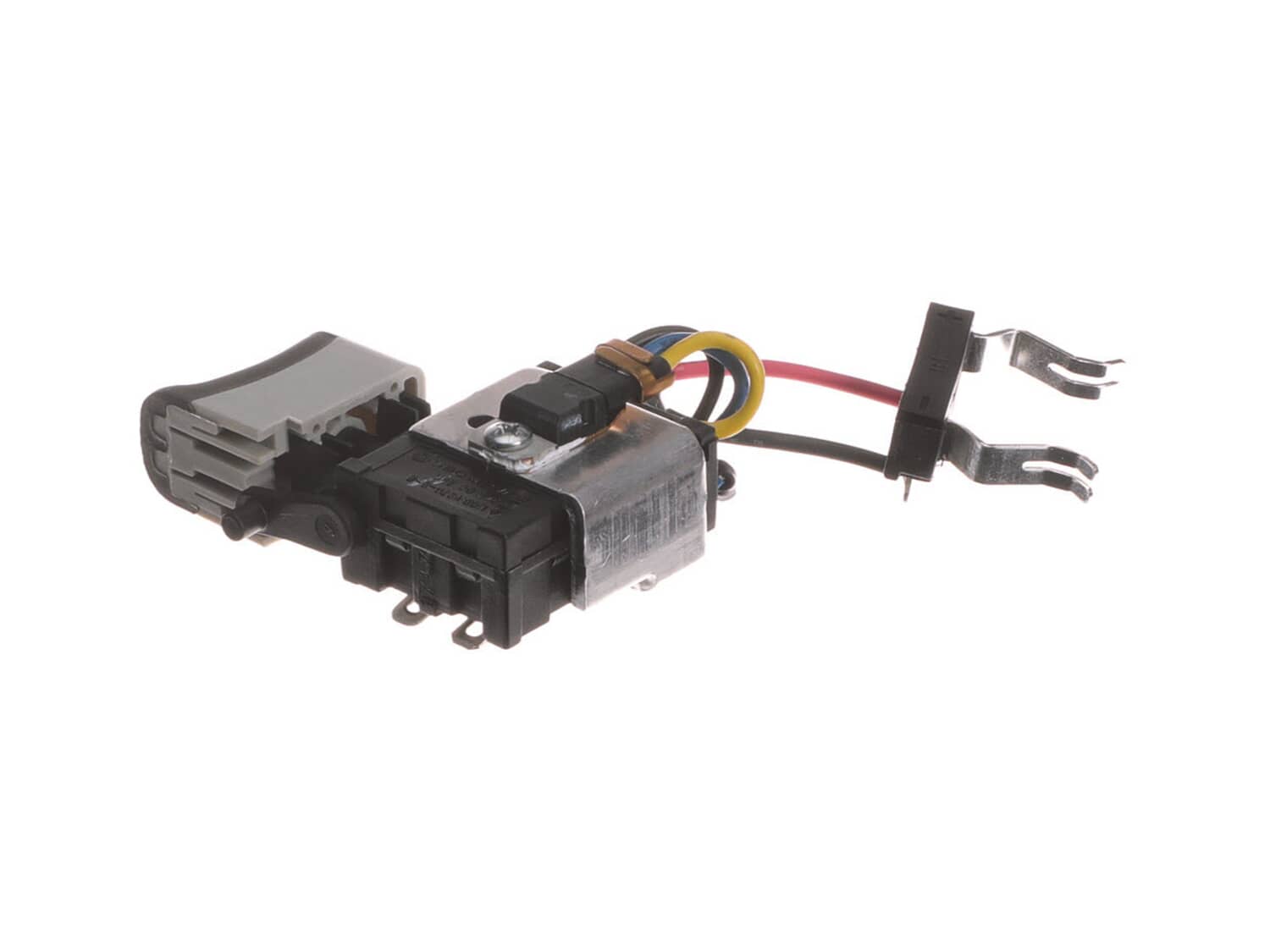
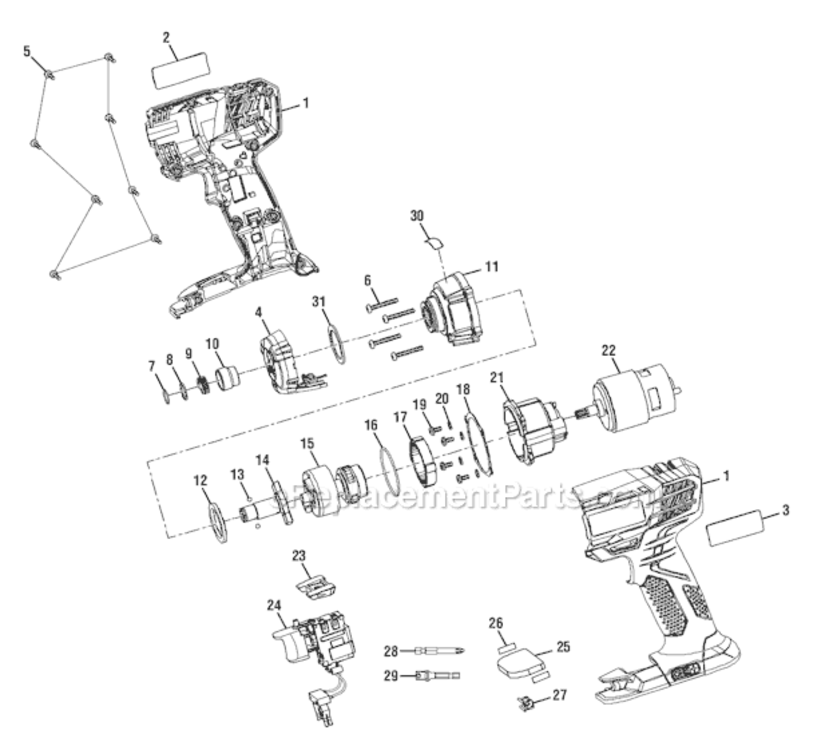
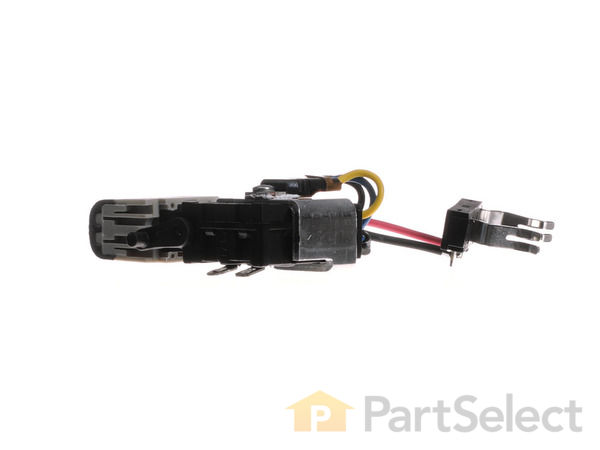
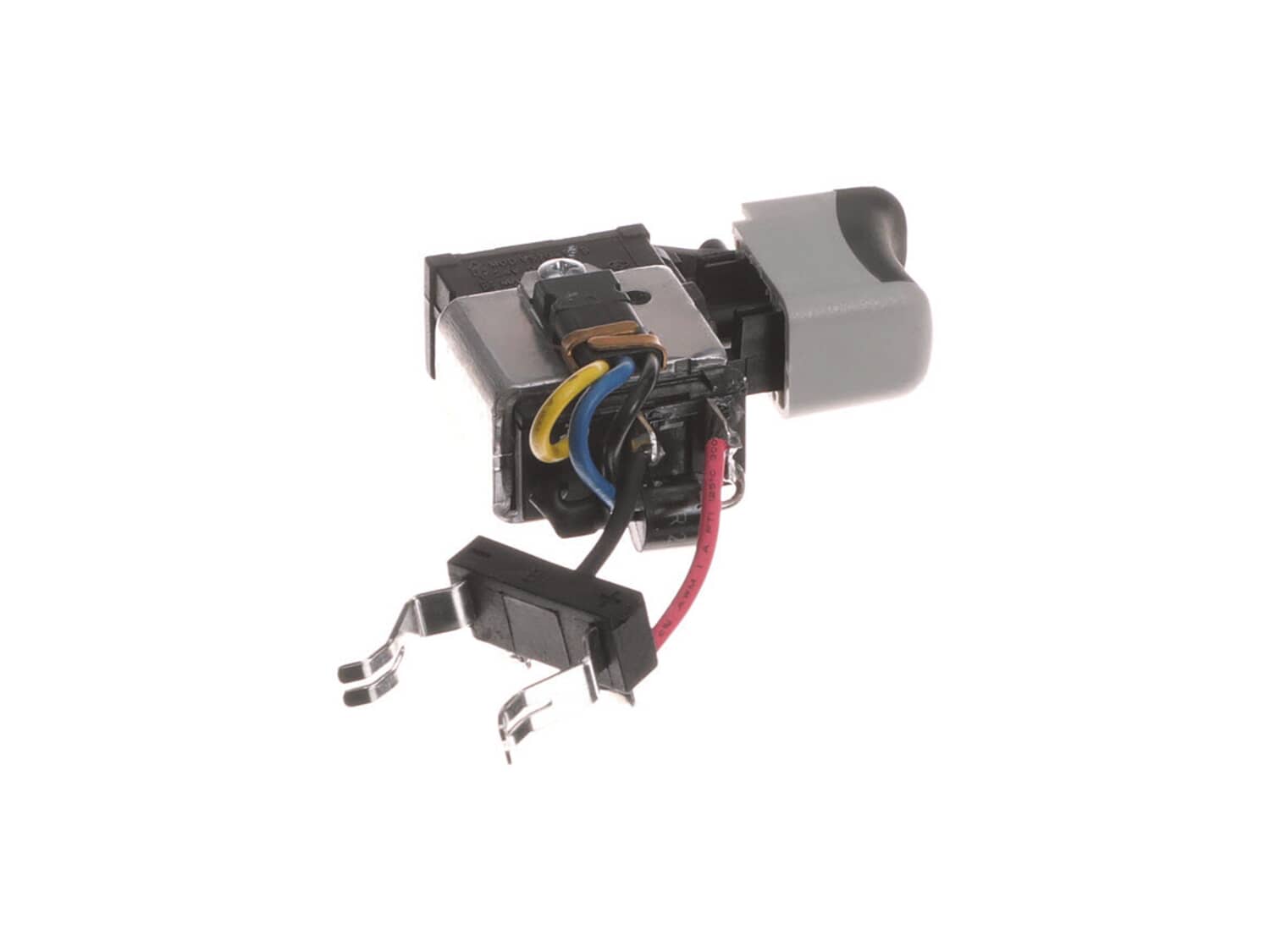
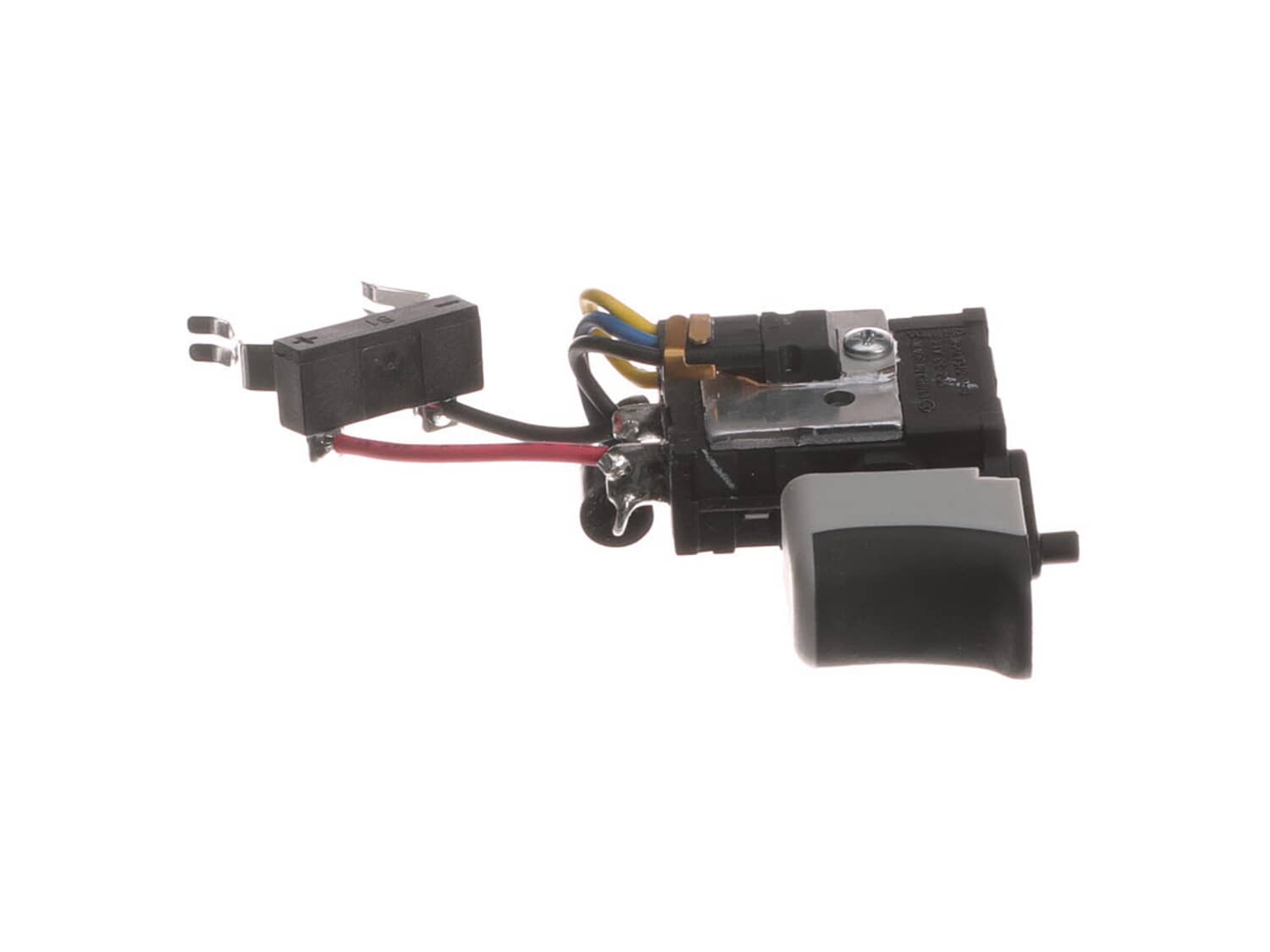
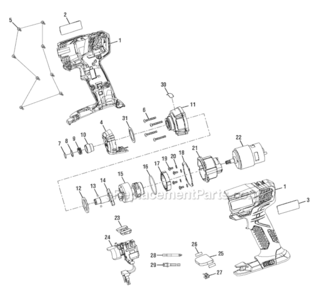
This is an original Ryobi replacement part manufactured for use with impact drivers. The switch transfers electricity to the brushes, and can wear out over time. Symptoms of a bad switch are not turning on or off, and not changing speeds or directions. Replacing the switch on an impact driver is straight forward. You start by separating the two housing halves, and removing the motor. Disconnect the brushes, and remove the faulty switch. Then align the new switch, and reconnect the brushes. Be sure to run the wires in a direction to avoid pinching. Then just reconnect the motor, and halves of the housing. This switch is sold individually, the tools required are a screwdriver, and possibly needle nose pliers.
Troubleshooting
This part works with the following brands:
Ryobi
This part works with the following products:
Impact Driver
★
Customer Part Reviews
?
5.0
Average Rating (out of 5):
★★★★★
★★★★★
(1 Review)
Click to filter by ratings:
5 stars
1
4 stars
0
3 stars
0
2 stars
0
1 star
0
< Prev
1
Next >
Sort by:
Sorry, we couldn't find any existing reviews that matched. Try using some different or simpler keywords.
★★★★★
★★★★★
worked great
my drill driver is performing like new again
Guest - July 20, 2021
Verified Purchase
Customer Repair Instructions
All our customer repair instructions are solicited directly from other customers just like you who have purchased and replaced this exact part.
Easy
30 - 60 mins
(8 rated repairs)?
< Prev
1
Next >
Sort by:
Sorry, we couldn't find any existing installation instruction that matched.
Took the driver apart, clipped the wires from the old switch, attached push on fittings to the wires coming from the motor, attached these wires to the new switch and put it all back together. pretty simple fix. Have to hand it to Ryobi for ease of repair.
Remove screws holding case together
Separate case
Un-solder wires to switch
Reconnect solder wires to switch
Put case back together
Tighten screws holding case together
Remove drill housing case with star bit.
Desolder red and black leads to original switch.
Note their orientation and take photo.
Solder leads to replacement switch.
Seat switch assembly wires so that housing case fits back together without crimping wires.
Test switch reverse and forward with battery.
Re
... Read moreassemble case housing.
Fairly simple. There is a YouTube video that explains how to do it. Soldering the small wires from motor to the switch was the most difficult but not bad.
Opened the housing and separated them
Made a wiring diagram
With a soldering gun removed the old switch
Soldered in the new switch
Put the housings back together
Seperated the housing to gain access to the switch to unsolder then resolder. I took out the clutch/motor assembly for ease of soldering at my desk. I disassembled the clutch for cleaning and regressing(Be careful to not lose any of the 6 pins or 6 ball bearings). Resoldered the new switch and reassembled the clutch back to the motor. Mou
... Read morented the speed switch and direction switch...
Good or better than new.
Read less
Did you find this story helpful?
Thank you for voting!
< Prev
1
Next >
Model Cross Reference
This part works with the following models:
ERP Number: ERP11857058
Manufacturer Part Number: 270016166
This part is in stock in our warehouse and will ship out within 1 business day of the order being placed.
New stock is on the way! On order parts usually ship within 7 business days.
Item is not in stock and usually ships 10-15 business days from the time you place your order.
This item is no longer being made by the manufacturer, and cannot be added to your shopping cart.
✖
Mail-In Recycling Rebate
Some of the parts we sell are eligible for mail-in rebates since we can recycle them. We will display any applicable rebates in your shopping cart. To redeem your rebate, contact Customer Service after you have received your part.