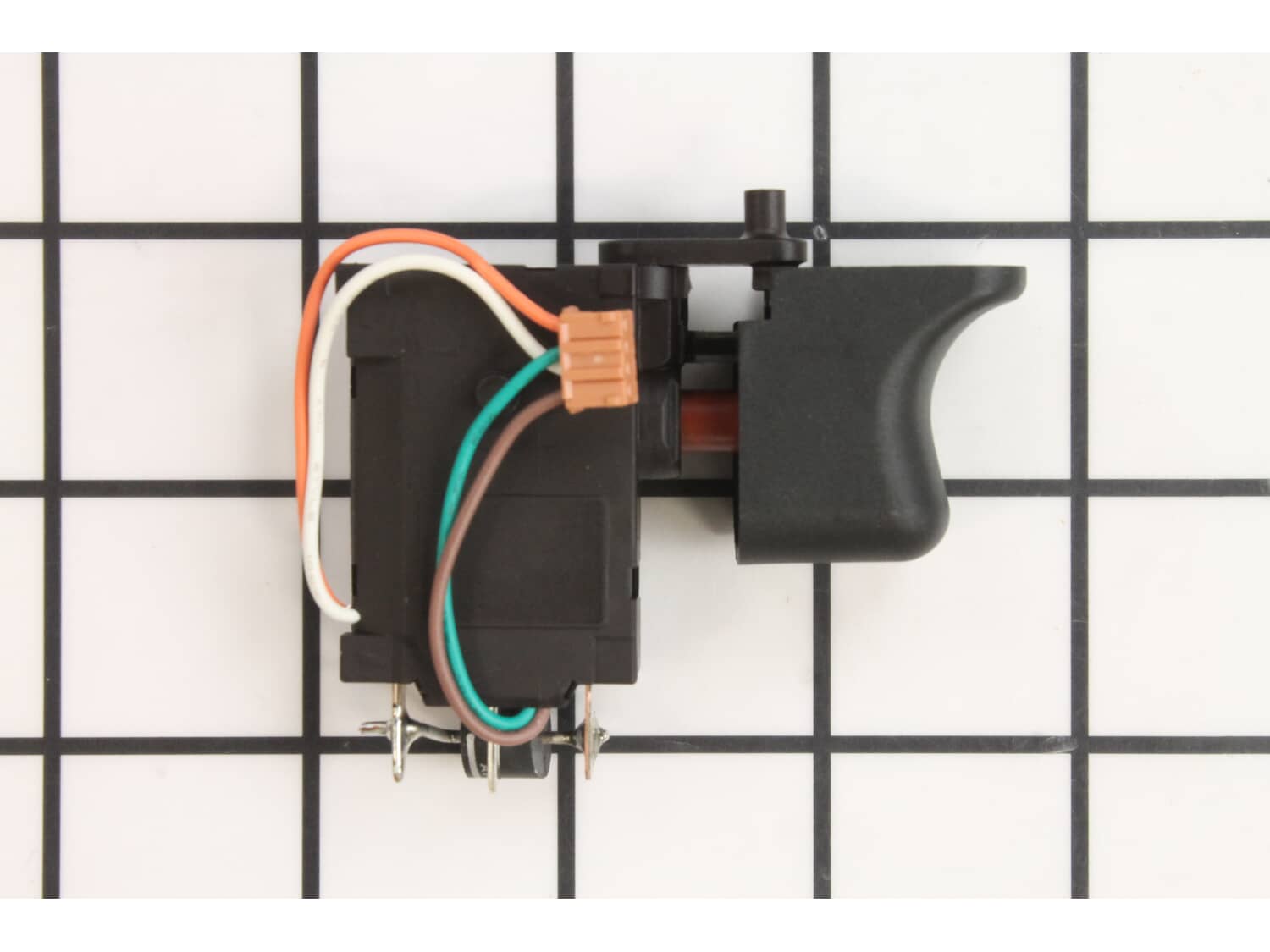
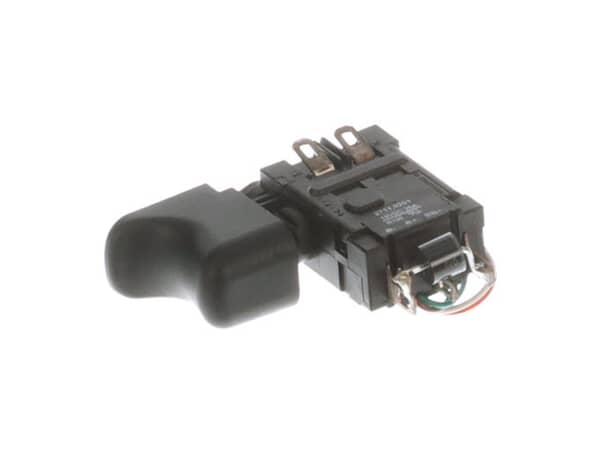
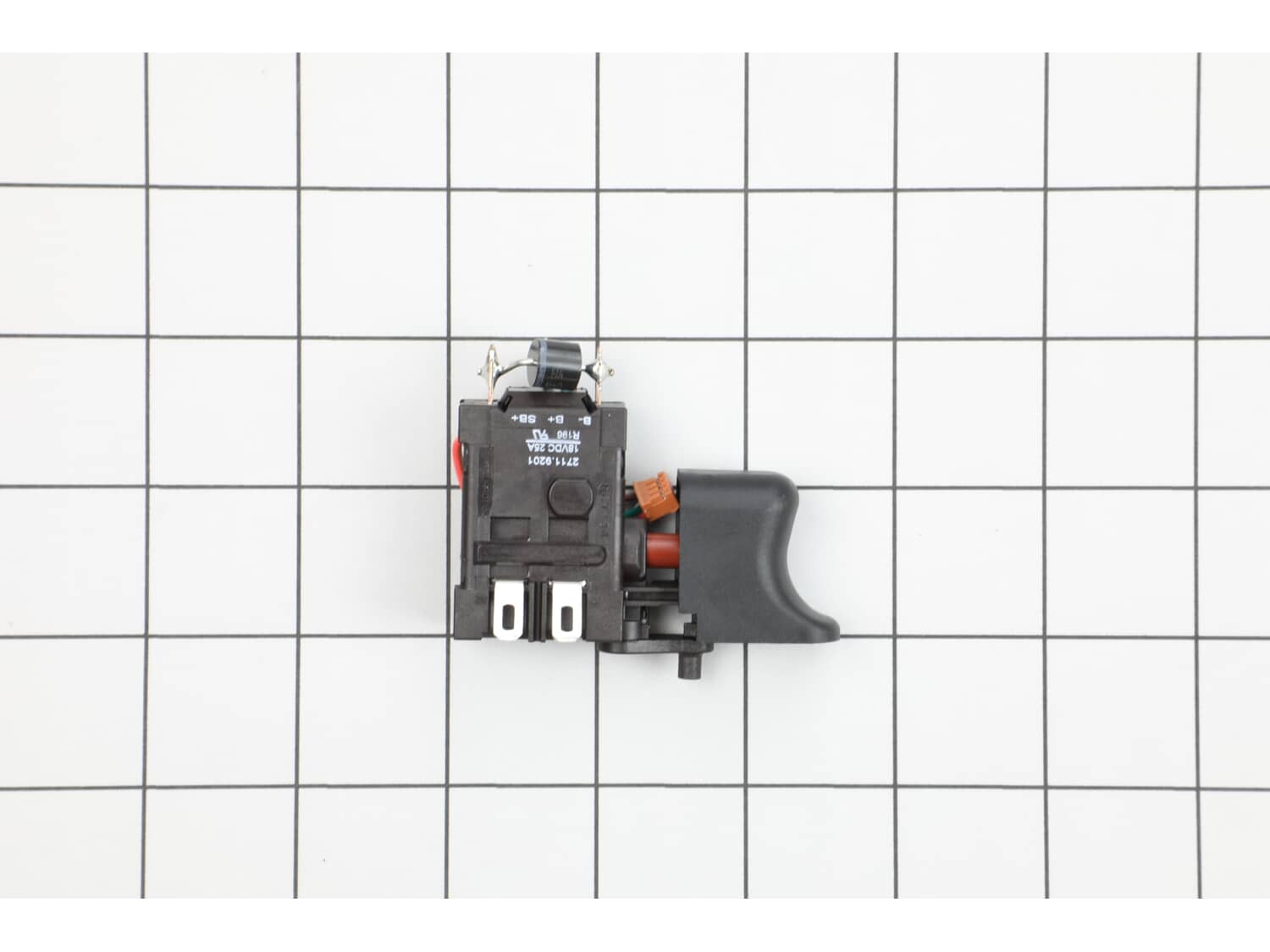
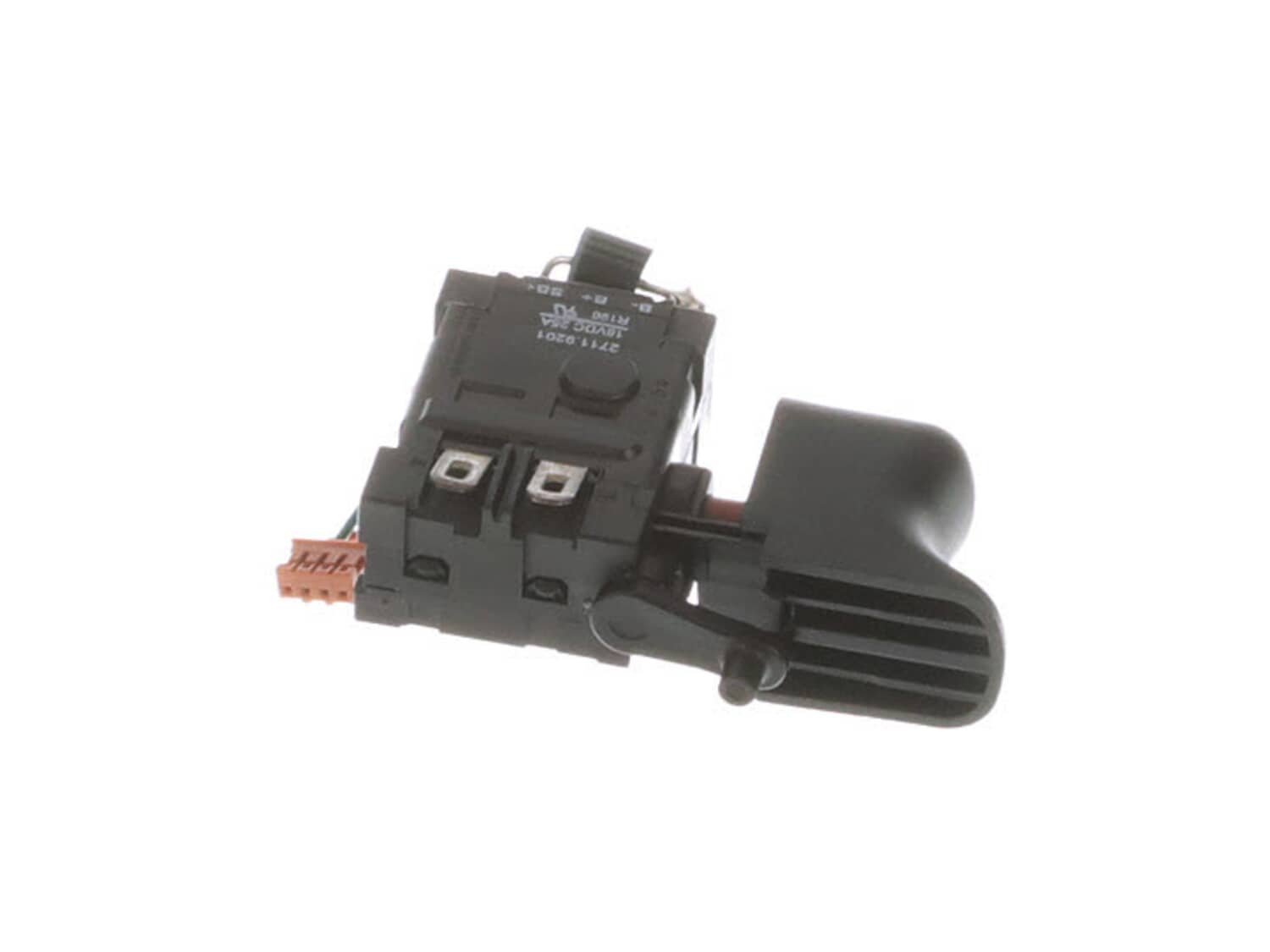
This genuine OEM sourced replacement part is specially manufactured for Milwaukee impact drivers. It is part of the tool that allows user to turn it on and off. Mechanical switches over time tend to wear out and may begin to fail eventually requiring replacement. This switch has a durable plastic body and it is sold individually.
Troubleshooting
This part works with the following brands:
Milwaukee
This part works with the following products:
Impact Driver
★
Customer Part Reviews
?
5.0
Average Rating (out of 5):
★★★★★
★★★★★
(1 Review)
Click to filter by ratings:
5 stars
1
4 stars
0
3 stars
0
2 stars
0
1 star
0
< Prev
1
Next >
Sort by:
Sorry, we couldn't find any existing reviews that matched. Try using some different or simpler keywords.
★★★★★
★★★★★
change switch
was generaly easy fix would have been nice to have a brief instruction guide.
pleased with the service& delivery.Thanks
Guest - December 20, 2022
Verified Purchase
Customer Repair Instructions
All our customer repair instructions are solicited directly from other customers just like you who have purchased and replaced this exact part.
Difficult
15 - 30 mins
(1 rated repair)?
< Prev
1
Next >
Sort by:
Sorry, we couldn't find any existing installation instruction that matched.
1. Remove the rear cover of the driver.
2.) Remove the nose cone assembly.
3.) Remove all screws holding the case halves together and split the case.
4.) Inspect the brushes for wear. If the brushes are worn way down then the brush card and armature must be replaced as well to restore proper functioning.
5.) The
... Read more switch is soldered to the brush card leads and the battery connector leads. The existing solder must be heated until it flows enough to remove the wires. The wires are then soldered to the lugs on the new switch. Use just enough heat to melt the solder otherwise you may damage the plastic casing of the switch and ruin it.
6.) Reassembly is the reverse of disassembly. Be particularly careful that all wires are routed properly to avoid pinching them between the casing halves. Make sure that the drive body is seated properly in the case halves. The lugs are not at the mid points of the body, and if the case won\'t close likely the drive body is 180 degrees out and the lugs are not seated.
Read less
Did you find this story helpful?
Thank you for voting!
< Prev
1
Next >
Model Cross Reference
This part works with the following models:
ERP Number: ERP11877352
Manufacturer Part Number: 23-66-2830
This part is in stock in our warehouse and will ship out within 1 business day of the order being placed.
New stock is on the way! On order parts usually ship within 7 business days.
Item is not in stock and usually ships 10-15 business days from the time you place your order.
This item is no longer being made by the manufacturer, and cannot be added to your shopping cart.
✖
Mail-In Recycling Rebate
Some of the parts we sell are eligible for mail-in rebates since we can recycle them. We will display any applicable rebates in your shopping cart. To redeem your rebate, contact Customer Service after you have received your part.



_WW_1.gif "Part Location Diagram of 23-66-2830 Milwaukee Switch")
_WW_1.gif "Part Location Diagram of 23-66-2830 Milwaukee Switch")