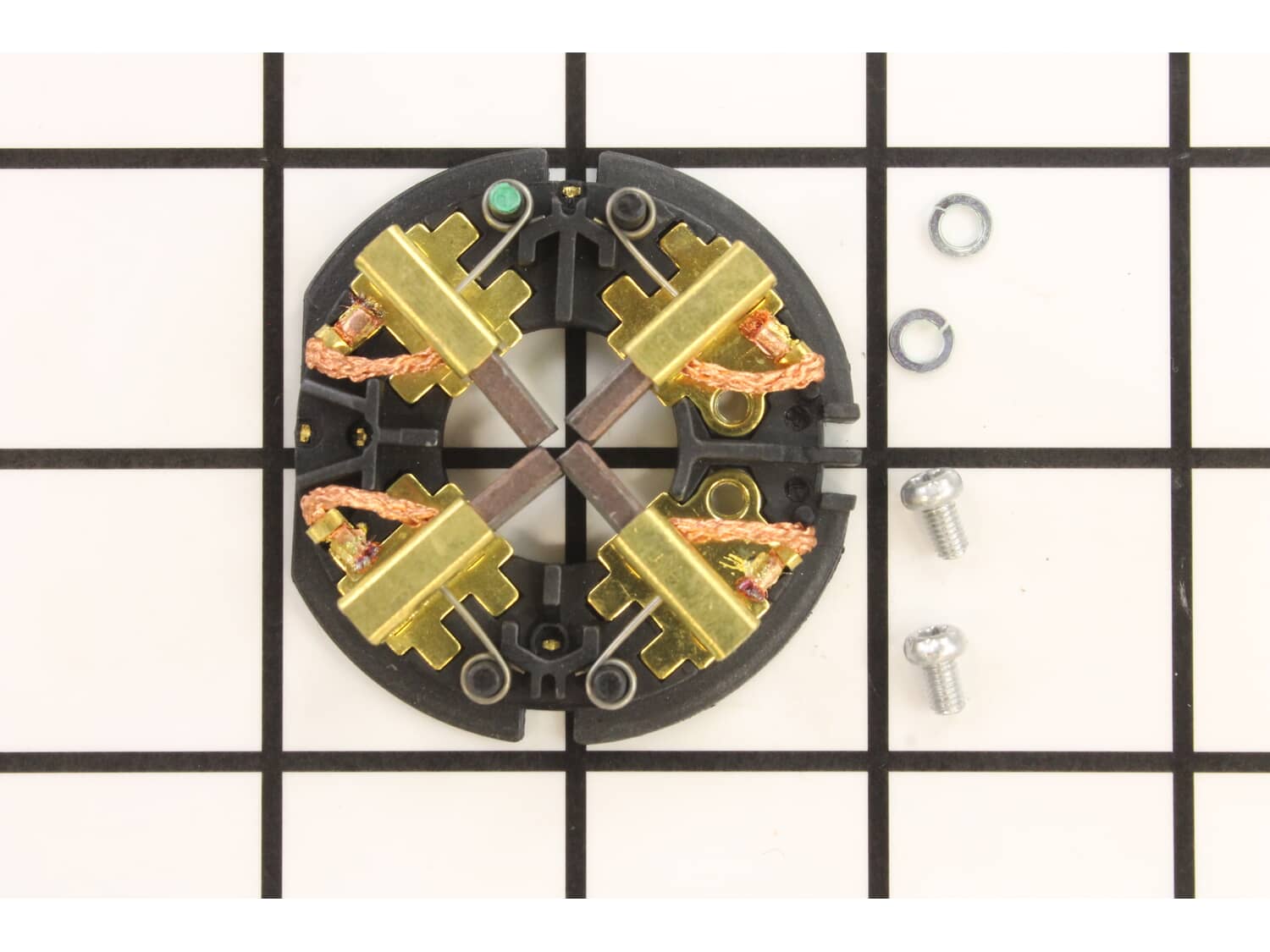
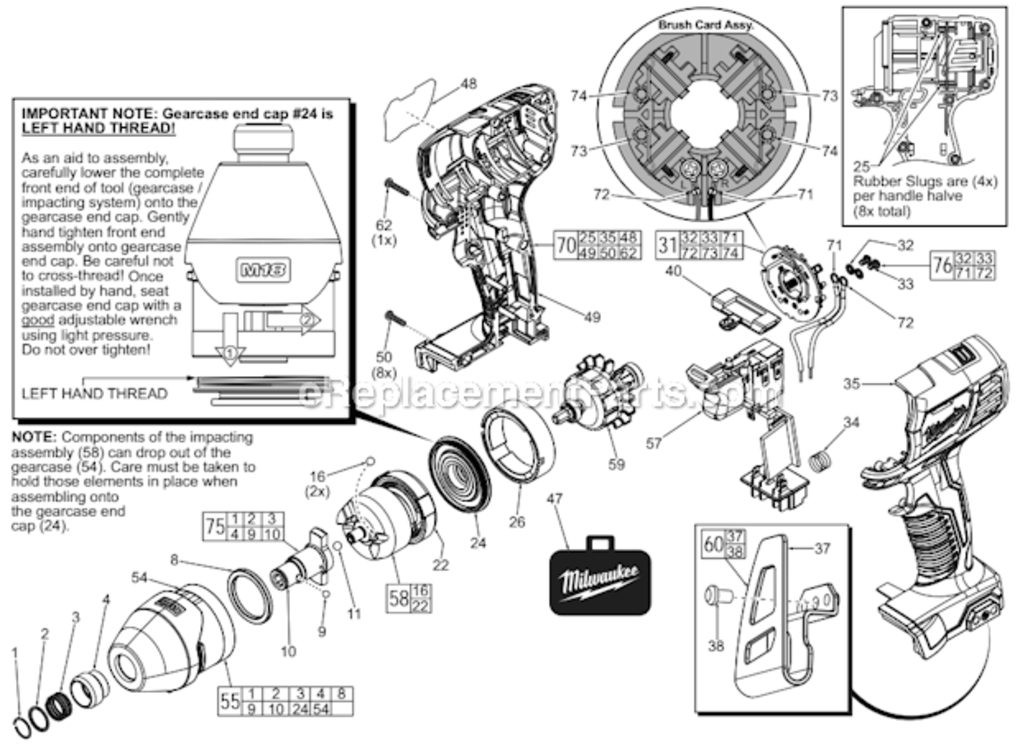
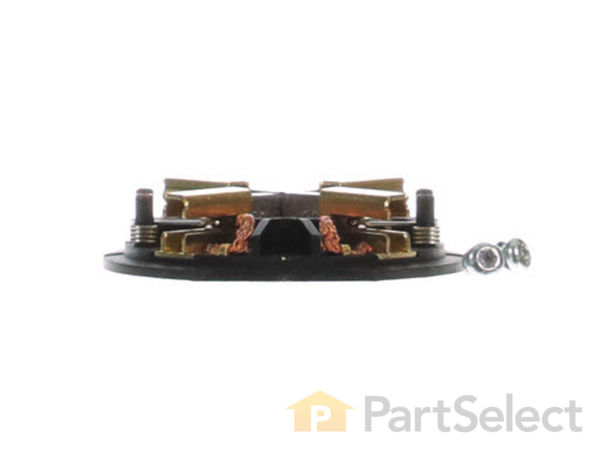
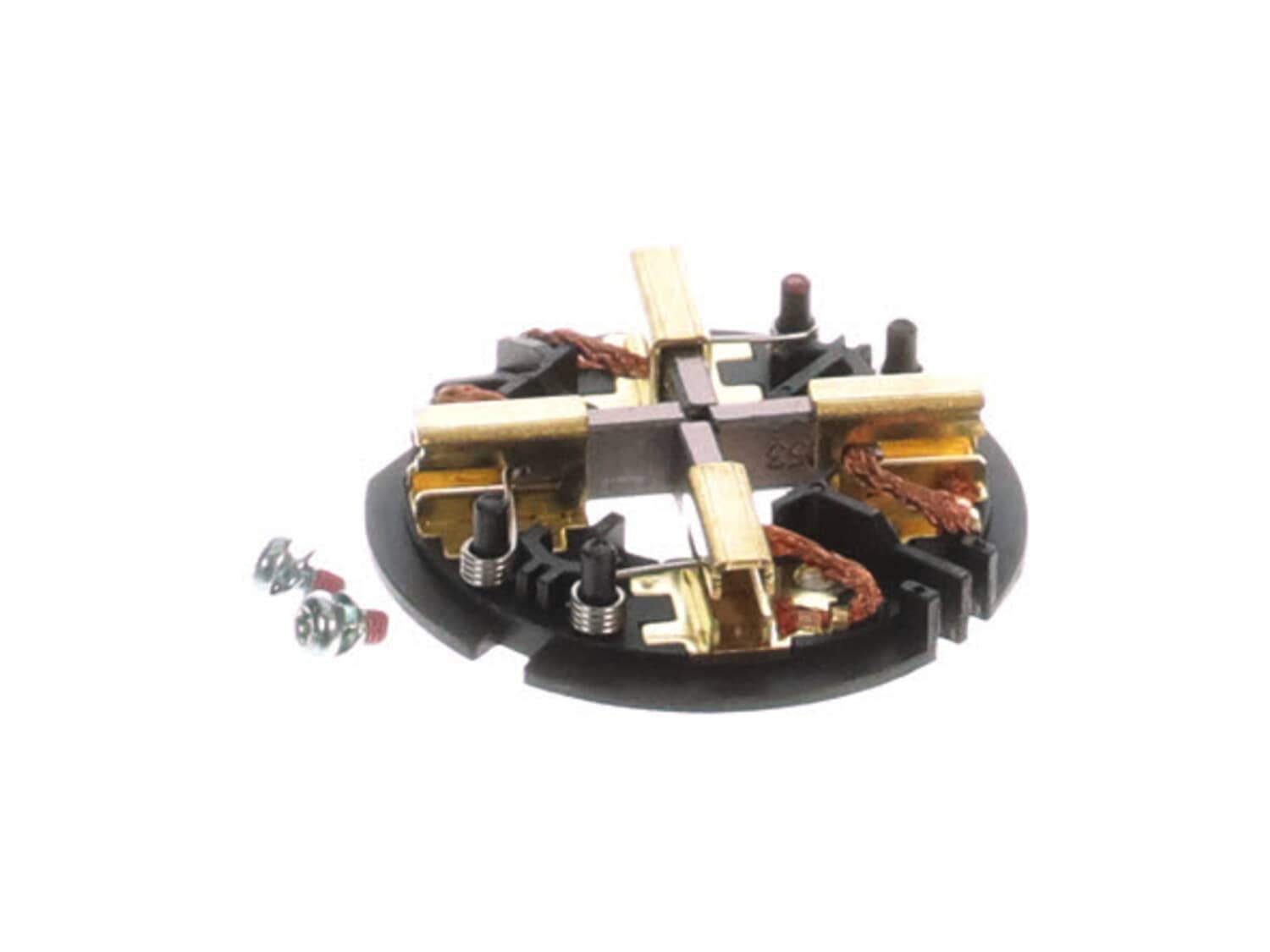
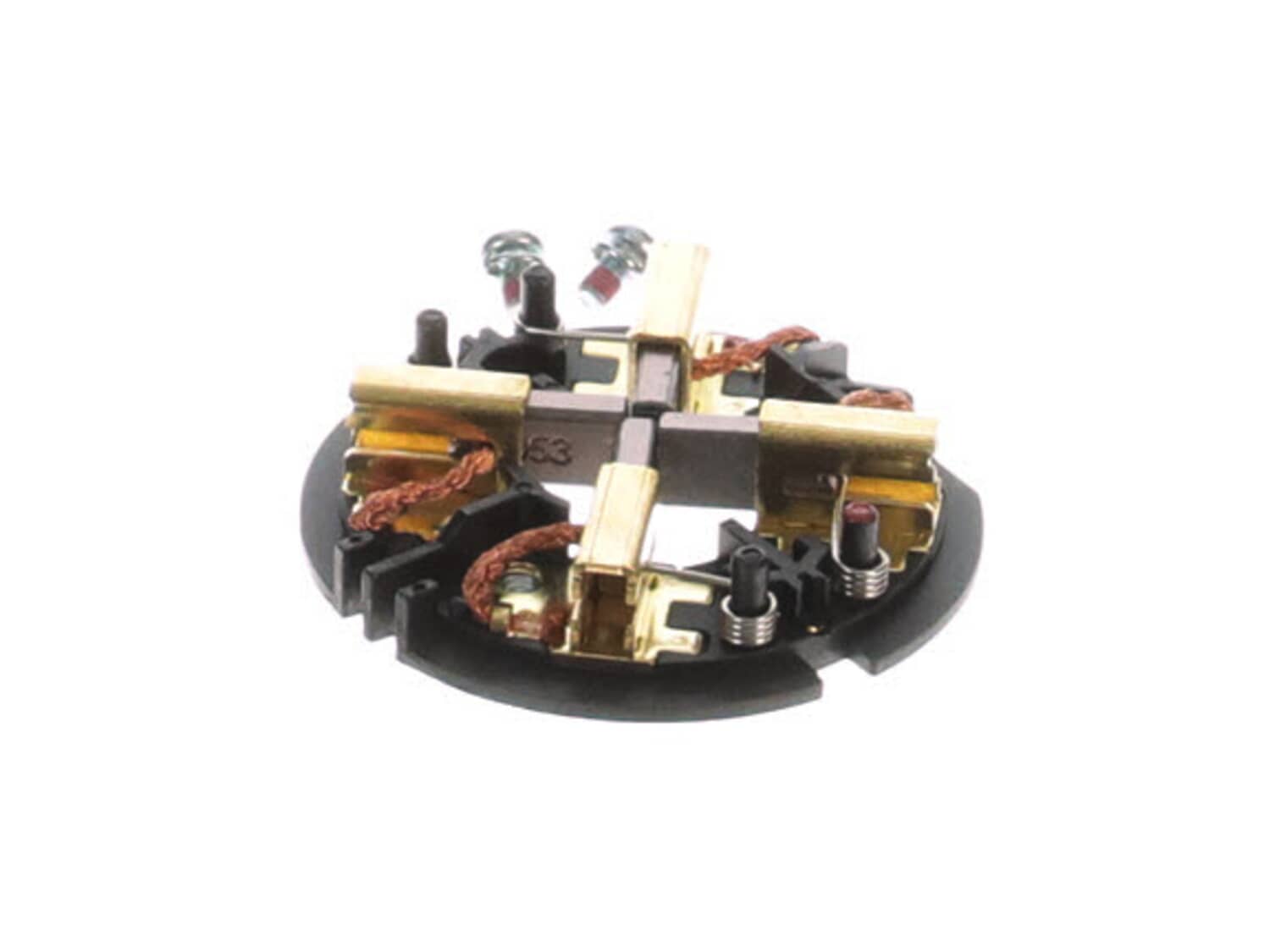
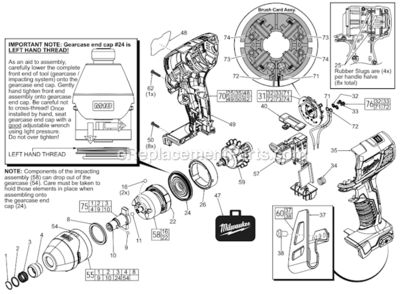
Genuine manufacturer approved replacement part designed for use with Milwaukee impact wrenches. This assembly holds carbon brushes around the armature to provide stable and safe contact. This assembly consists of: plastic holder ring, four (4) metal brush holders with springs and four (4) carbon brushes with lead wires attached. It also includes two (2) screws and two (2) washes used to secure the brush card. To replace this assembly you would need a screwdriver. • First remove screws holding the cover together • Carefully separate housing to gain access to armature and brush holder • Disconnect the wires • Remove the screws holding brush card assembly • Remove old brush holder and install the new assembly • Reassemble and test your tool
Sorry, we couldn't find any existing reviews that matched. Try using some different or simpler keywords.
★★★★★
★★★★★
Perfect fit
Bought brushes for impact. Perfect fit, fast shipping back to work. Thanks
Jim - April 29, 2019
Verified Purchase
★★★★★
★★★★★
Great Part!
Quick shipping and quality Part!
Lee - June 7, 2019
Verified Purchase
★★★★★
★★★★★
Exact fit
It arrived when they said it would and the part was what I needed.
Guest - June 16, 2019
Verified Purchase
★★★★★
★★★★★
Perfect fit!
The part is a perfect replacement, it was easy to replace and gave my 3/8” gun new life.
Guest - June 17, 2019
Verified Purchase
★★★★★
★★★★★
Up and Ready to work again
I heavily rely on my Milwaukee impacts so when I needed a brush kit to get one back and running, my order came fast and I had it up and running in no time. Thanks for the quick response/delivery. No need to go buy a brand new unit while waiting!
Guest - September 16, 2019
Verified Purchase
★★★★★
★★★★★
Satisfied
Good quality. Fast delivery. Great website. Will use again.
Mike - August 4, 2020
Verified Purchase
★★★★★
★★★★★
Great service, hight quality
Everything was as a fine, in perfect condition
Guest - February 16, 2021
Verified Purchase
★★★★★
★★★★★
One person's throw away, another one's tool.
Found an old impact driver in the garbage on a job site. Didn't work so I took a chance on it being the brushes and it worked! Pretty straight forward to switch out although holding al 4 retainer springs for the carbon blocks open was kind of a pain. But, all good.
Eric - June 14, 2023
Verified Purchase
★★★★★
★★★★★
Honest and fair
Everything is aces except I always have a hard time with the running my card part I always gotta try 3 or 4 times
Guest - October 20, 2024
Verified Purchase
★★★★★
★★★★★
Great part
Ok service
Guest - June 29, 2020
Verified Purchase
Customer Repair Instructions
All our customer repair instructions are solicited directly from other customers just like you who have purchased and replaced this exact part.
A Bit Difficult
30 - 60 mins
(7 rated repairs)?
< Prev
1
Next >
Sort by:
Sorry, we couldn't find any existing installation instruction that matched.
Motor wouldn\'t run when trigger was pressed. Task light still came on.
1.Removed all of the T3 screws in the plastic housing.
2.Separated the plastic housing to expose the motor and Brush assembly.
3.Removed the brush assembly and unscrewed the two wires.
4.Screwed the two wires into the new brush card assembly.
5.Remboved motor from the plastic housing to get access to the motor whee
... Read morel.
6.Got the 4 spring loaded brushes around the motor wheel (hardest part).
7. Put the motor with the attached brush card assembly back in the plastic housing.
8. Attached the removed plastic housing with T3 screws.
Read less
Did you find this story helpful?
Thank you for voting!
Brushed burnt out and piece of the brush card got it to armature and tore it up.
Removed half of the case. Pulled armature and card assembly out of form fitted spots. Removed the twin screws on card assembly for the two wires and put new card in.
1. Disassembled the impact driver.
2. Removed the wiring from the old brush ring by desoldering.
3. Soldered the new brush rigging to the existing switch.
4. Reassembled the tool.
Took the main body apart. Released tension on the brush springs, and disconnected the two wires that go to the trigger. I removed the old brush assemblies and cleaned the tools with contact cleaner and canned air. I installed the new brush assemblies and closed the tool bodies.
I hadn\'t ever fooled with these drivers before, and i
... Read moret took me about two hours to change the brush assemblies in two impact drills. The video e-replacements has covered the repair thoroughly. The only difference was that I didn\'t have to solder the trigger wires.
Read less
Did you find this story helpful?
Thank you for voting!
< Prev
1
Next >
Model Cross Reference
This part works with the following models:
ERP Number: ERP11877196
Manufacturer Part Number: 22-22-2657
This part is in stock in our warehouse and will ship out within 1 business day of the order being placed.
New stock is on the way! On order parts usually ship within 7 business days.
Item is not in stock and usually ships 10-15 business days from the time you place your order.
This item is no longer being made by the manufacturer, and cannot be added to your shopping cart.
✖
Mail-In Recycling Rebate
Some of the parts we sell are eligible for mail-in rebates since we can recycle them. We will display any applicable rebates in your shopping cart. To redeem your rebate, contact Customer Service after you have received your part.