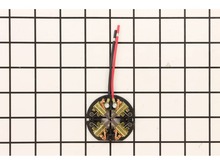
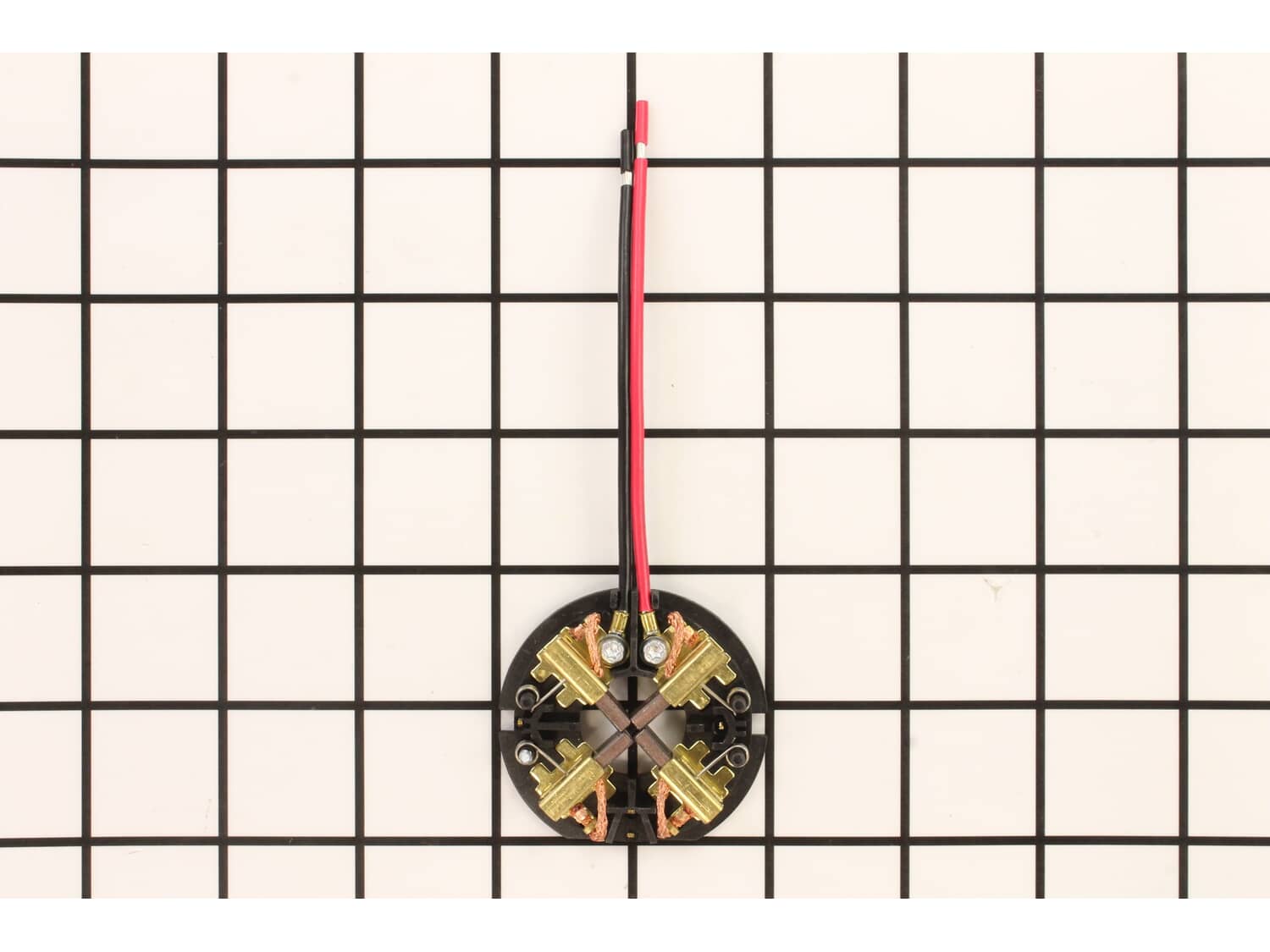
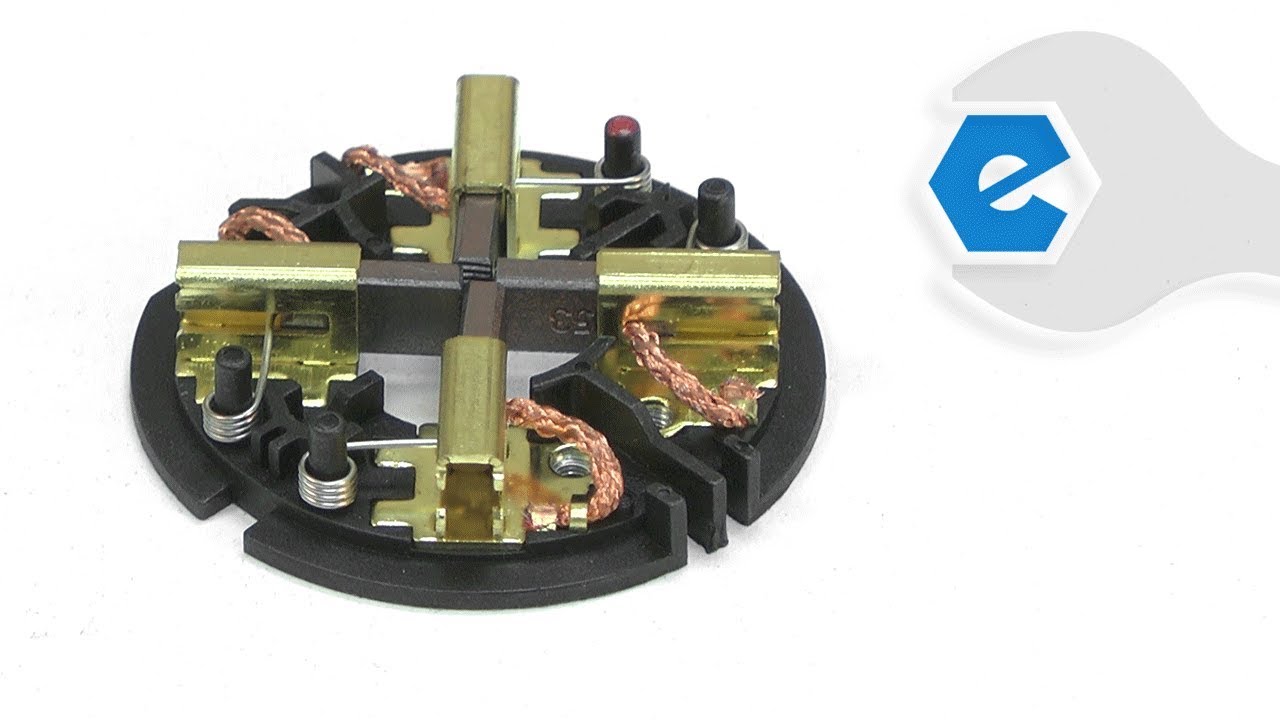
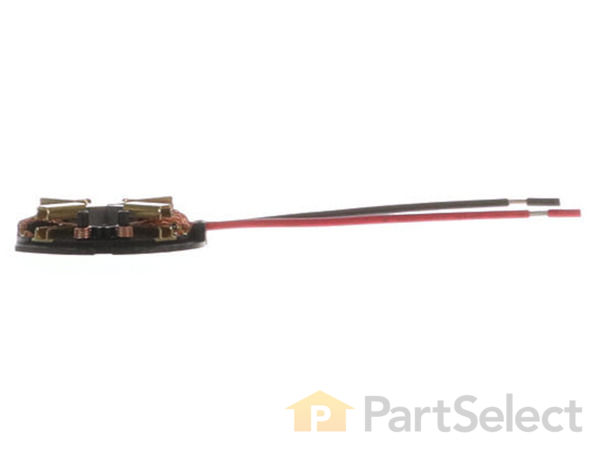
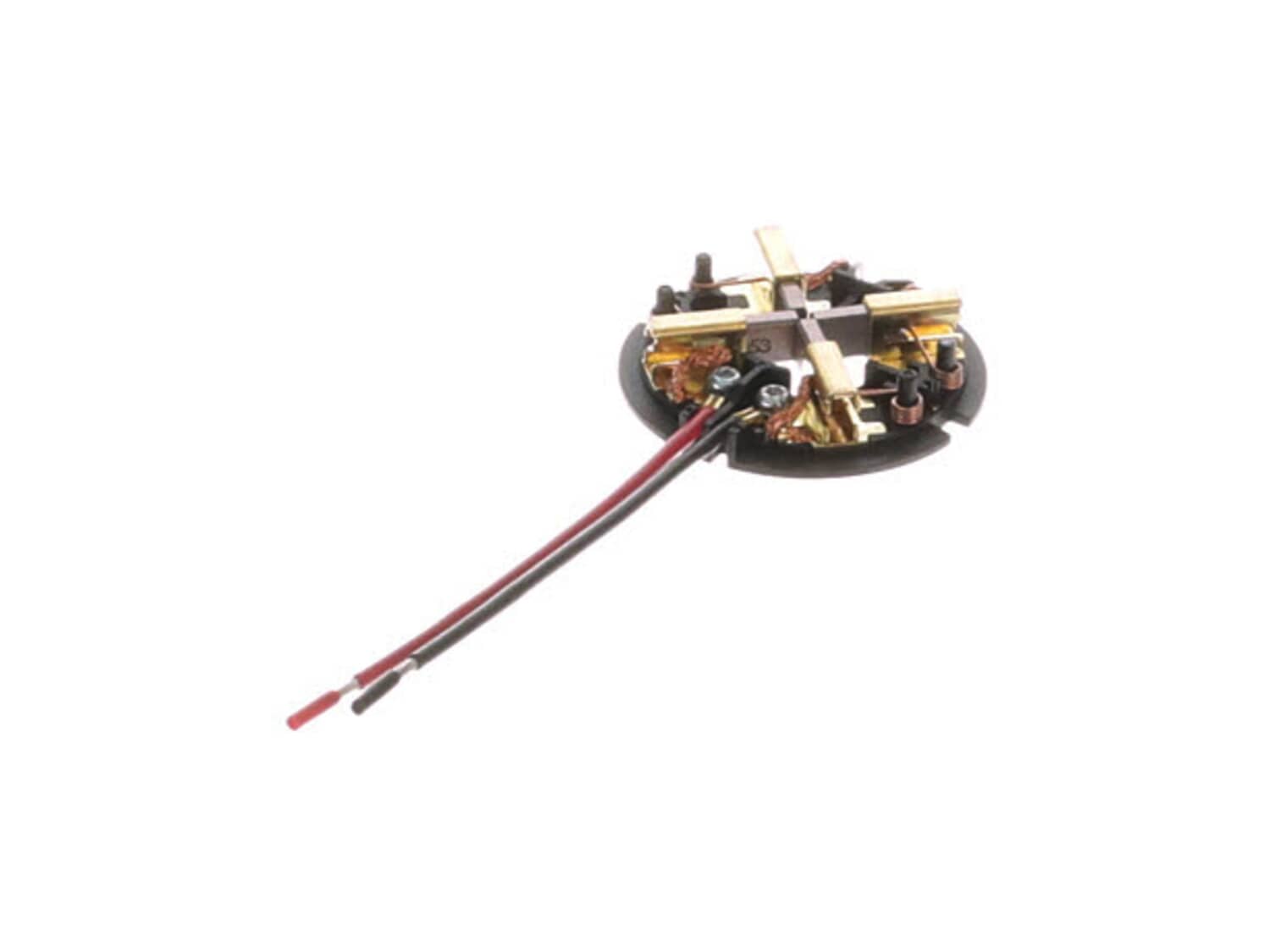
This is an OEM Milwaukee Brush Card Assembly, it is sold individually and includes the Lead Wires, Brushes and the Springs. This part uses 4 brushes. Carbon brushes are one of the most commonly replaced power tool parts. This is because carbon brushes are wear items, meaning that through friction and use they will gradually wear away until they need replacing. Worn brushes are a common causes of intermittent motor function, reduced electric braking and reduced motor power. A worn-out brush will often be worn down near to the wire lead and can be cracked, pitted, or burned. When replacing carbon brushes, be sure to inspect your armature for burns, cracks, or other damage which can indicate larger motor problems. NOTE: There are two Brush Card Assembly designs. On the original brush card design the red and black wires that go to the switch are soldered on the brush card. On the new brush card design the red and black wires that go to the switch are secured to the brush card with spring washers and screws. The new brush card design is directly interchangeable in tools that have the old brush card design
Sorry, we couldn't find any existing reviews that matched. Try using some different or simpler keywords.
★★★★★
★★★★★
Worked perfectly!
Impact tool had damaged brushes. Replaced with this part, works like new.
Guest - May 2, 2019
Verified Purchase
★★★★★
★★★★★
Fine product and price
All as expected !!
Iglobal - July 8, 2019
Verified Purchase
★★★★★
★★★★★
Fit perfectly was easy to work with.
Was the perfect size. Worked very well.
Guest - July 22, 2019
Verified Purchase
★★★★★
★★★★★
Money Well Spent !
Bought two brush cards, and spent around an hour soldering and fitting them into place, fixing two non functioning hammer drills saving me close to $200. 1 lead out of the 4 was about 1/4 inch too short but I was able to overcome this problem with some of the wire from the old cards. I am very happy with this product and this site. Thank you ereplacementparts.com !!!
Dallas - July 30, 2019
Verified Purchase
★★★★★
★★★★★
Perfect!
Fast shipping, perfect replacement
Guest - February 19, 2020
Verified Purchase
★★★★★
★★★★★
Great service
Perfect part. Quick service and great web site. Installed and it functions perfectly.
Guest - October 26, 2020
Verified Purchase
★★★★★
★★★★★
Glad I found this part, easy to install
I watched the eReplacement part video which helped a lot, part was the exact one I needed, saved me about $300 for a new impact gun.
Guest - January 21, 2021
Verified Purchase
★★★★★
★★★★★
Great part
I ordered this from the”A” places looked like it would work, but it didn’t tried taking apart figuring I did something wrong never was able to make it work. Bought this one from here and it worked perfectly first time. Next time I’ll come here for genuine parts
Guest - October 20, 2021
Verified Purchase
★★★★★
★★★★★
Fixed the drill. It was intermittently stopping.
OEM. Packaging was good.
Guest - April 18, 2022
Verified Purchase
★★★★★
★★★★★
Brush card replacement
Brush card did the trick! My impact is back in operation and the brush card was pretty easy to replace.
Guest - November 23, 2022
Verified Purchase
< Prev
1
2
Next >
Customer Repair Instructions
All our customer repair instructions are solicited directly from other customers just like you who have purchased and replaced this exact part.
A Bit Difficult
15 - 30 mins
(17 rated repairs)?
< Prev
1
2
Next >
Sort by:
Sorry, we couldn't find any existing installation instruction that matched.
Disassemble tool case. Remove screws holding brush card to motor. Use a flat screwdriver or pocket knife to release the springs from the brushes. If you are replacing the original brush card remove the trigger switch and brush card. Cut away the shrink tube around the connection to the switch. Heat the solder on the spades and pull out th
... Read moree wires. Solder the wires from the new brush card to the switch. Don\'t forget to put shrink tube on the wires before fixing them to the switch. Release spring tension on the four brushes with a small flat screwdriver or pocket knife, there are small notches in the top of the brush guides to hold the end of the springs. Slide the brush card in place and screw it to the motor. Route wiring so as not to pinch it during reassembly of the tool case. Reassemble tool case and get to work.
Separated the case disconnected the 2 wire\'s from brush board pulled out the armature pushed in the new armature connected the 2wire\'s of the new brush board and put the case back together
Removed all torx screws to separate case in half, then removed impact assembly form the front , lift up electric motor assembly leaving wires intact and then pull motor away from brush card. At this point use solding iron to unsolder brush card form switch. Install in reverse order.
I watched your you tube video. it showed me how to do this repair. It wasn\'t the exact tool but the brush assembly is basically the same. Here is a copy of it.
https://www.youtube.com/watch?v=h2hcIGQlMw0
1. Remove screws that was holding impact body together.
2. Locate brush card wires and unsolder from the circuit.
3. Remove old card.
3. Solder new one in and reassemble.
Ground off old soldier because my soldiering iron was not hot enough. then added flux and installed new card with two small pcs of shrink tube and reassembled. All in all it went well.
Removed screws from housing slit casing separate brush assembly and trigger use soldering gun to remove old brush set install new set by same reassemble parts and housing should work great as well as mine did.
Remove all the case bolts
Open the case
Unsoldered the old brush wires to the switch
Soldered new brush card wires to the switch
Reassemble the case and make sure that you install everything as factory. Make a test..
Did you find this story helpful?
Thank you for voting!
< Prev
1
2
Next >
Model Cross Reference
This part works with the following models:
ERP Number: ERP11877059
Manufacturer Part Number: 14-46-2024
This part is in stock in our warehouse and will ship out within 1 business day of the order being placed.
New stock is on the way! On order parts usually ship within 7 business days.
Item is not in stock and usually ships 10-15 business days from the time you place your order.
This item is no longer being made by the manufacturer, and cannot be added to your shopping cart.
✖
Mail-In Recycling Rebate
Some of the parts we sell are eligible for mail-in rebates since we can recycle them. We will display any applicable rebates in your shopping cart. To redeem your rebate, contact Customer Service after you have received your part.



_WW_1.gif "Part Location Diagram of 14-46-2024 Milwaukee Brush Card")
_WW_1.gif "Part Location Diagram of 14-46-2024 Milwaukee Brush Card")