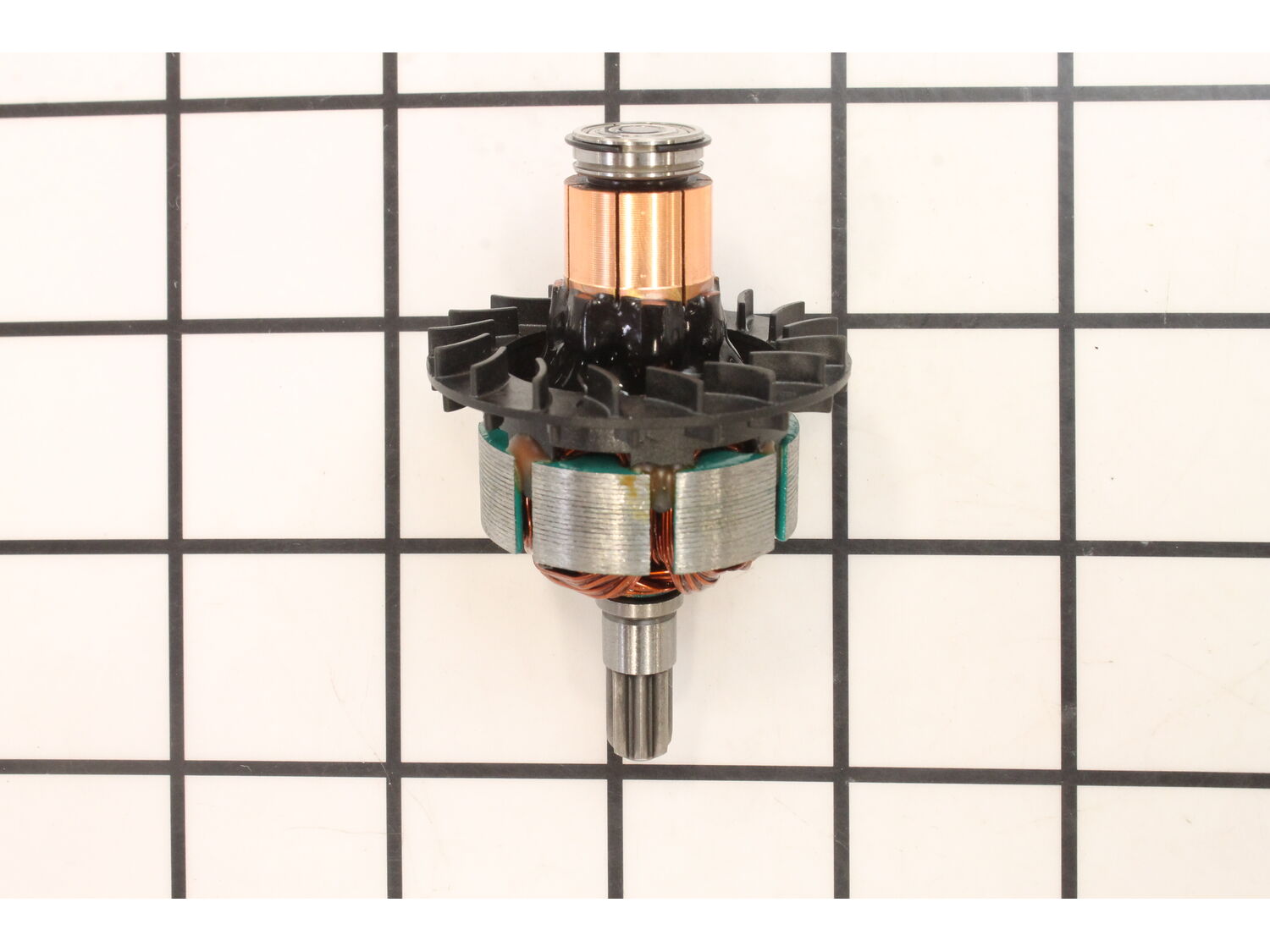
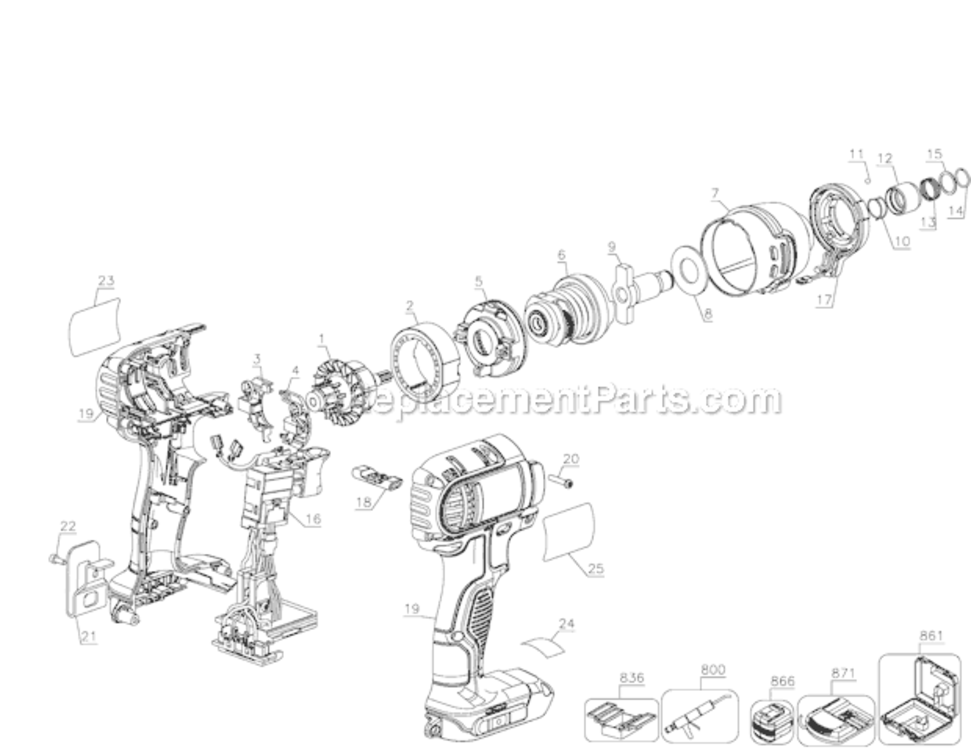
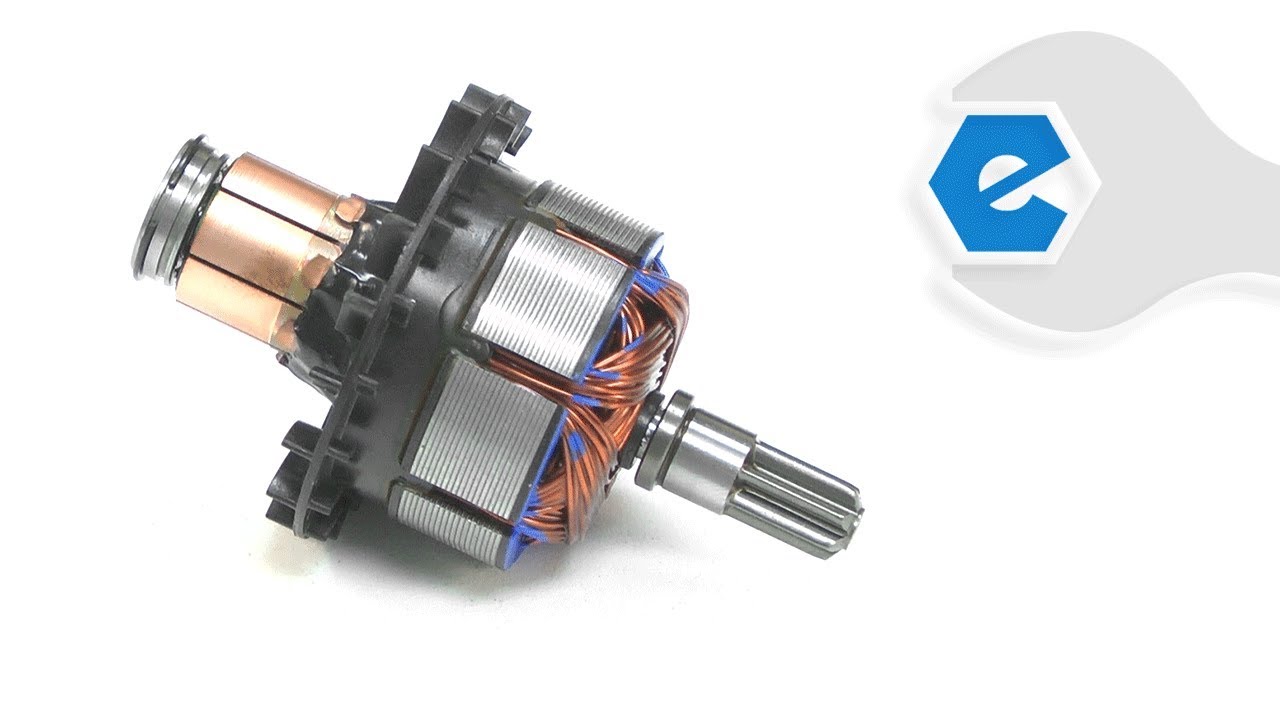
This genuine OEM sourced replacement part is designed for use with Dewalt impact drivers. This item includes an armature, fan, armature bearing and commutator end bearing. Due to constant contact with carbon brushes armature will eventually wear out and would need to be replaced. It is highly recommended to replace both carbon brushes when replacing an armature. Please note this assembly is sold individually.
Troubleshooting
This part works with the following brands:
DeWALT
This part works with the following products:
Impact Driver
Videos For installing this part.
?
★
Customer Part Reviews
?
5.0
Average Rating (out of 5):
★★★★★
★★★★★
(1 Review)
Click to filter by ratings:
5 stars
1
4 stars
0
3 stars
0
2 stars
0
1 star
0
< Prev
1
Next >
Sort by:
Sorry, we couldn't find any existing reviews that matched. Try using some different or simpler keywords.
★★★★★
★★★★★
Easy repair
The part was great, arrived quick, fit perfect and tool works like new again
Carlo - January 20, 2022
Verified Purchase
Customer Repair Instructions
All our customer repair instructions are solicited directly from other customers just like you who have purchased and replaced this exact part.
Easy
15 - 30 mins
(6 rated repairs)?
< Prev
1
Next >
Sort by:
Sorry, we couldn't find any existing installation instruction that matched.
Remove the screws from the clamshell, and remove one half trying to keep all of the parts in one half. Take a pictures just in case. Disconnect the brush and holder assembly and remove. Carefully remove the armature. Install the new armature. Pull the brush springs out put them on top of the holder and pull back the brushes so you can get
... Read more the brush holder around the armature. Push the brushes back in and release the brush springs. Make sure all of the parts are in the correct place. Then put the clamshell back together.
Remove screws from housing, separate housings, Take a picture of where the internal parts are located. Remove the brush assembly and the armature. Install the new armature. Pull back the the brush springs place them on the brush holder, and pull back brushes to install the new brush assembly. Assemble in reverse order.
1. Take the screws out.
2. Pry the two halves apart.
3. Pull the wires off the brush holder. Note which color wire goes where.
4. Disconnect the wires for the lights.
5. Pull the brush holder, ring, armature, and gear housing out but note how the ring is sitting in the housing.
6. Install the new ring, b
... Read morerush holder, and armature.
7. Install the ring in the same orientation as the old magnet ring.
8. Connect the lights
9. Connect the wires the the brush holder.
10. Put the two halves back together.
11. Put the screws back in and tighten.
Read less
Did you find this story helpful?
Thank you for voting!
Drill wouldnGÇÖt function for more than a couple seconds.
Removed the 8 screws from the drill casing. Unplugged the LED light assembly, removed the old armature assembly and replaced with new one. Put components back in casing, plugged light back in. Put the casing back on and secured with the 8 screws.
ItGÇÖs a very tight fit with all the components so make sure to take a second and verif
... Read morey everything is properly in place before trying to screw the other half of casing back on.
Read less
Did you find this story helpful?
Thank you for voting!
Drill had a burning smell coming from it. Turns out the armature had a few wires broken which caused it to short out causing the burning smell.
1. Remove all the screws from the shell
2. Carefully separate the shell by prying it with a screw driver
3. Take out the armature by lifting it up which also takes the brush assembly out with it
4. Separate the large magnet ring from the armature
5. Place the new armature in the magnet ring, remember the orientatio
... Read moren of the magnet it\'s very important and reattach the brush assembly as well
6. Put the entire assembly back into the shell making sure it all lines up with the mold
7. Screw the shell back together and run the drill to make sure the repair was a success
I ordered a brush set first and that did not resolve all the problem. So, I ordered the armature.
Remove the 8 torque head screws to separate the clamshell housing. Lift the brush assembly and the armature all in one piece. Take a picture so you remembers how it was together. Remove the two wires from the brush assembly. Use a blac
... Read morek permanent marker to mark the orientation of the magnet. Remove the two wires towards the front of the armature that work the led lights. Mark your wires for correct orientation. Remove the magnet from the armature. Clean the inside of the magnet with a brass wire brush and then wipe it clean using acetone, xylene or paint thinner. Place the magnet over the armature in the same orientation. Place the brush assembly over the back of the armature by compressing the springs on the brush assembly. Now slide the whole assembly into place by using the tabs in the casting to align with the clamshell. The connection for the lights need to be pushed back together. You\'ll feel it click. Now that wire must be below the direction switch that fits into the single pin that protrudes down.
When putting the other half of clamshell it may require a bit of force to align it properly. The torque screws will pull it tightly together. The lower part of the clamshell holds the battery connection. Leave that half of the clamshell down with the inside of it facing up. Once together, place your charged battery into the driver and test it. It\'s possible you may have to loosen some screws to wiggle it into alignment better. Should now be working fine now. The first time I repaired one of these it took me 5 or 6 times taking it apart and back together before I had it working properly.
Read less
Did you find this story helpful?
Thank you for voting!
< Prev
1
Next >
Model Cross Reference
This part works with the following models:
ERP Number: ERP11929650
Manufacturer Part Number: N268382
This part is in stock in our warehouse and will ship out within 1 business day of the order being placed.
New stock is on the way! On order parts usually ship within 7 business days.
Item is not in stock and usually ships 10-15 business days from the time you place your order.
This item is no longer being made by the manufacturer, and cannot be added to your shopping cart.
✖
Mail-In Recycling Rebate
Some of the parts we sell are eligible for mail-in rebates since we can recycle them. We will display any applicable rebates in your shopping cart. To redeem your rebate, contact Customer Service after you have received your part.