Sorry, we couldn't find any existing answers that matched. Try using some different or simpler keywords, or submit your new question by using the "Ask a Question" button above!
Heater will not stay lit when I release the control knob. Will fire up and run as long as switch is press in. I think I need a thermocouple
Bill
For model number PT60VGFA - December 26, 2022
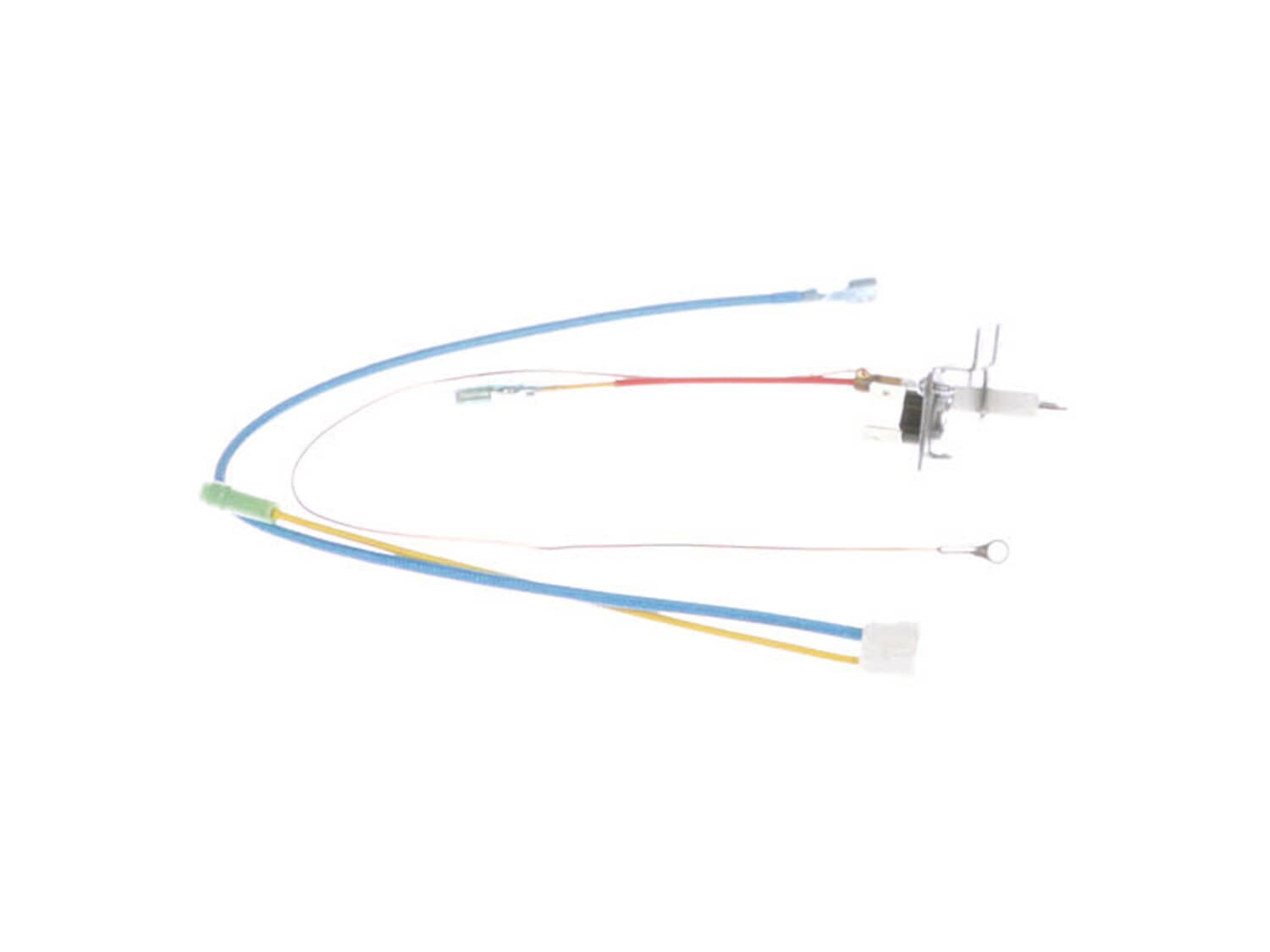
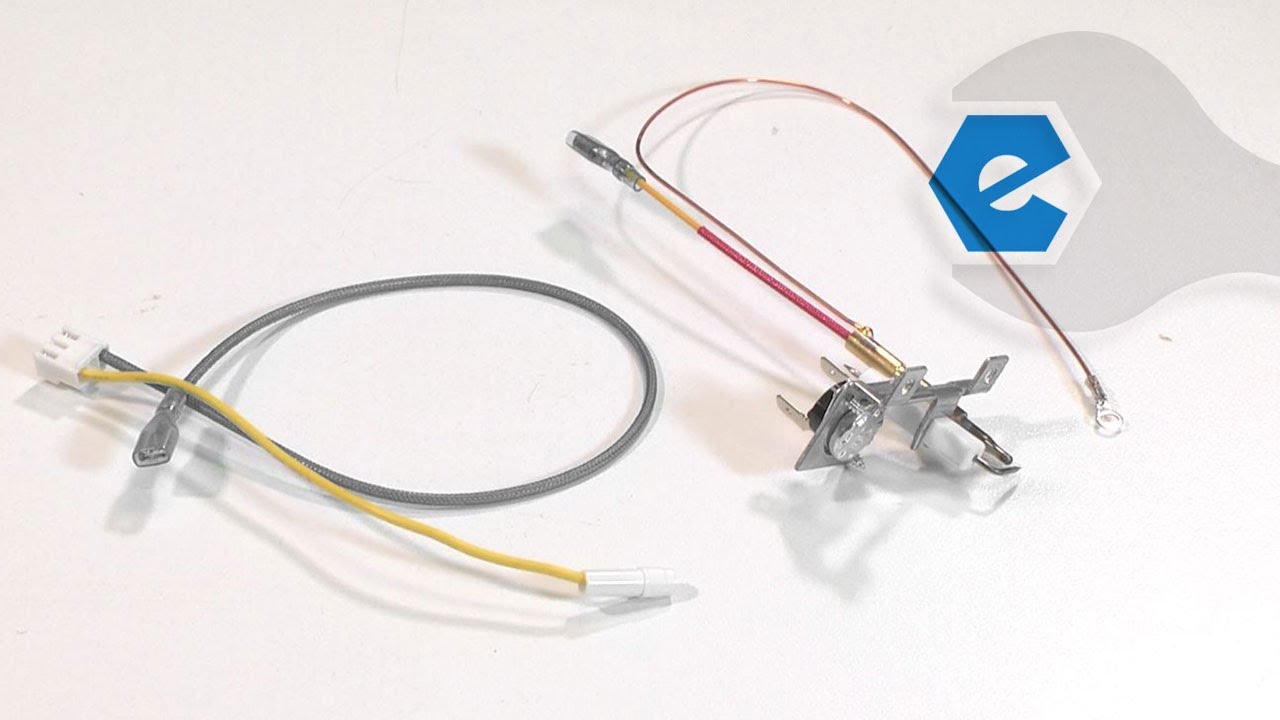
Hello Bill, Thank you for contacting us. We have researched the model you have provided and have found the part you are looking for is Part Number:22-504-0002. We hope this helps, good luck with this repair!
eReplacementParts Team
December 26, 2022
Did this question help you?
Thank you for voting!
put my heater up in storage last year and it worked fine. got it out today and the fan instantly comes on when I plug it in. The control knob doesn't change fan motor speeds at all and It wont light. What part do you think I need?
Clayton
For model number mh-100v-gfa - December 3, 2022
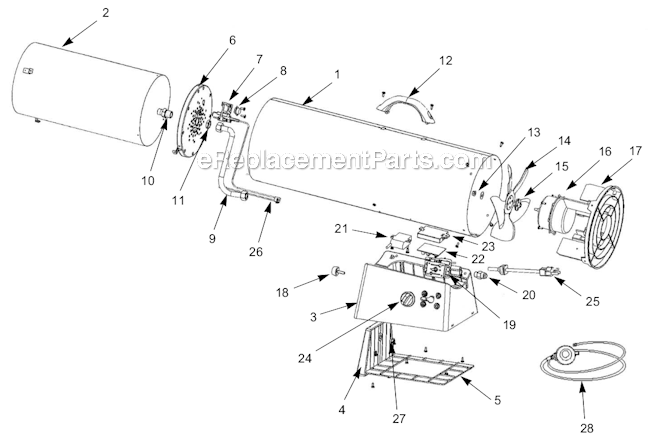
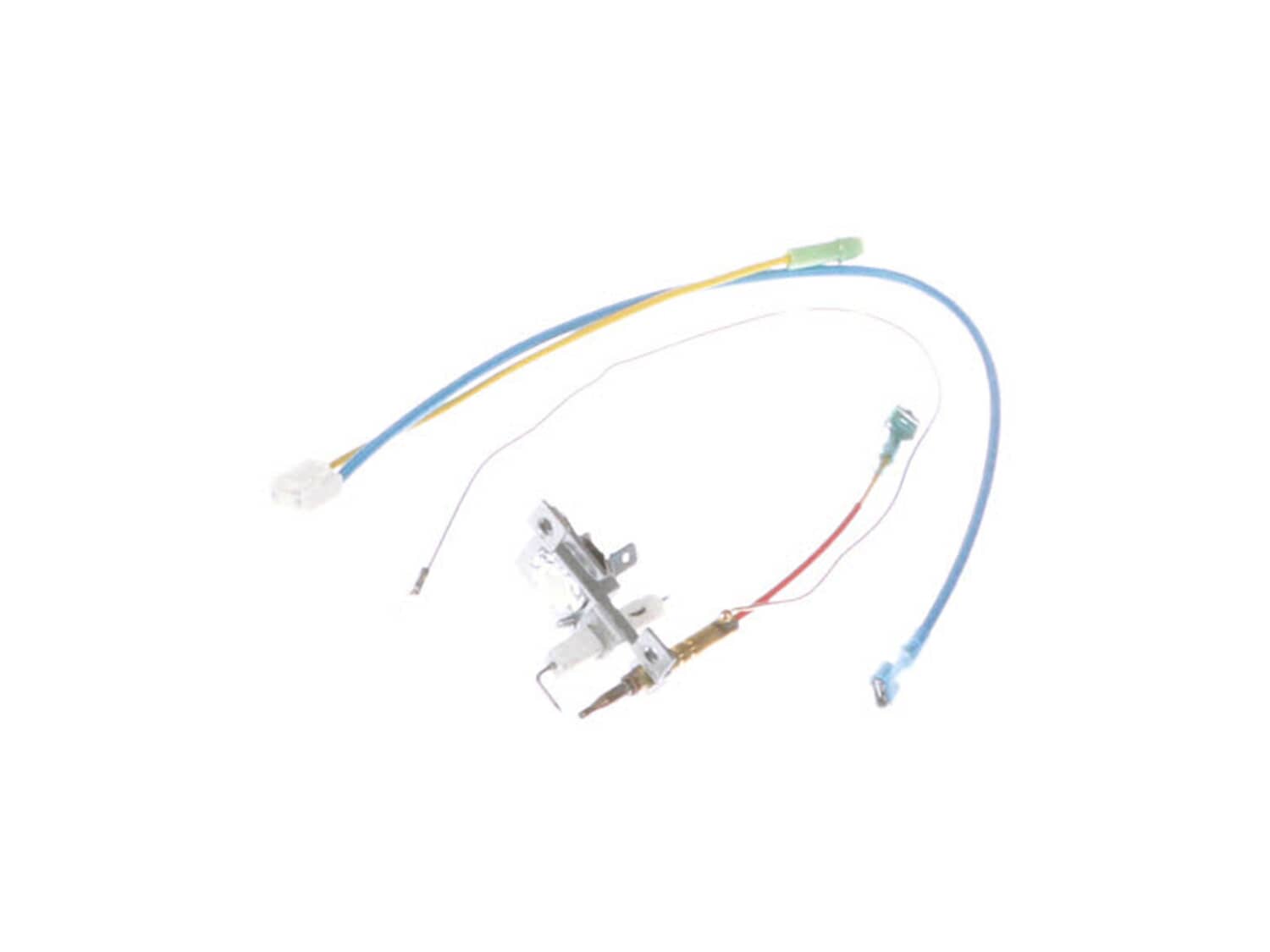
Hello Clayton, Thank you for your inquiry. Researching the model number that you have provided, the fan running constantly could be caused by faulty wiring, or the multi bracket assembly-which consists of the igniter and high limit thermostat switch-part# 22-504-0002. We would also recommend checking the regulator and the spark module. Good luck with your repair.
eReplacementParts Team
December 3, 2022
Did this question help you?
Thank you for voting!
Customer Repair Instructions
All our customer repair instructions are solicited directly from other customers just like you who have purchased and replaced this exact part.
Easy
15 - 30 mins
(6 rated repairs)?
< Prev
1
Next >
Sort by:
Sorry, we couldn't find any existing installation instruction that matched.
Heater would not stay lit after holding igniter button in for a minute or more
1. Removed bottom plate
2. Removed blower motor
3. Removed thermocouple unit
4. Compared to new assembly and found to be exactly the same
5. Installed new unit, screws etc.
Did you find this story helpful?
Thank you for voting!
Would not stay lit after 1 minute without holding in the knob
Took the unit apart from the bottom first then pulled the fan out, all parts that needed to be replaced were accessible at this point, then just replaced each part with the new parts
First choice was thermocouple but ended up being PCB board. To test, jumper two wires on control board going to gas valve. Small relay on board defective. Stayed on with jumper, replaced board, problem solved.
Did you find this story helpful?
Thank you for voting!
The heater would not stay lit / Thermocouple failed
Disconnect power and gas connections
Removed the two screws from the bottom panel Unplugged the fan. Removee the four screws around the back and removed the fan. Unplugged the assembly from the botton. Remove the ground screw and remove the ground wire to the assembly. Remove the two screw holding the thermocouple assembly into the
... Read morechasis, and ease the old thermocouple out of the chasis. Ease the wires out through the cabinet hole. Put the new thermocouple back in place being careful to position the wires where they will not interfere with the fan. Re-assemble everything reversing the steps above. Reconnect power and gas and tested unit. The replacement part works perfectly and the heater works as good as new.
Removed 4 screws at back of heater . Fan will come out with the grill . Remove 1 screw and remove the multi bkt assembly ( spark plug) . Then remove 2 screws that hold the bottom and remove it by prying it open at the screw end . Then just remove 1 wire at a time and replace with new wire . When all wires are replaced .Replace mba (spark
... Read more plug) , bottom cover and fan -grill and your ready for some heat . Very easy if you remember to only take one (1) wire off at a time .
Thanks
Lowell
Old Guy\'s Wood Shop
Cedaredge CO.
Read less
Did you find this story helpful?
Thank you for voting!
< Prev
1
Next >
Model Cross Reference
This part works with the following models:
ERP Number: ERP10468841
Manufacturer Part Number: 22-504-0002
This part is in stock in our warehouse and will ship out within 1 business day of the order being placed.
New stock is on the way! On order parts usually ship within 7 business days.
Item is not in stock and usually ships 10-15 business days from the time you place your order.
This item is no longer being made by the manufacturer, and cannot be added to your shopping cart.
✖
Mail-In Recycling Rebate
Some of the parts we sell are eligible for mail-in rebates since we can recycle them. We will display any applicable rebates in your shopping cart. To redeem your rebate, contact Customer Service after you have received your part.