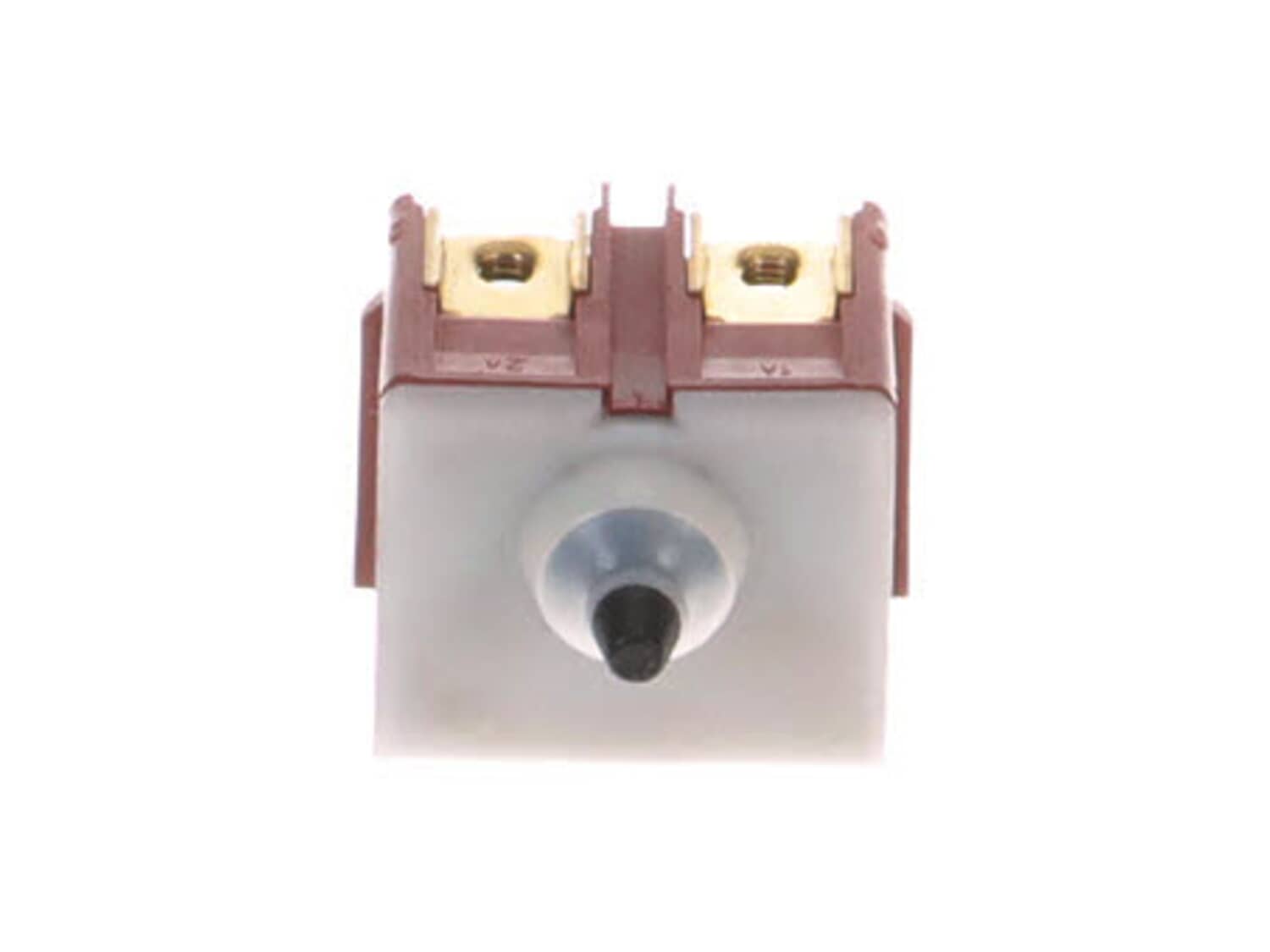
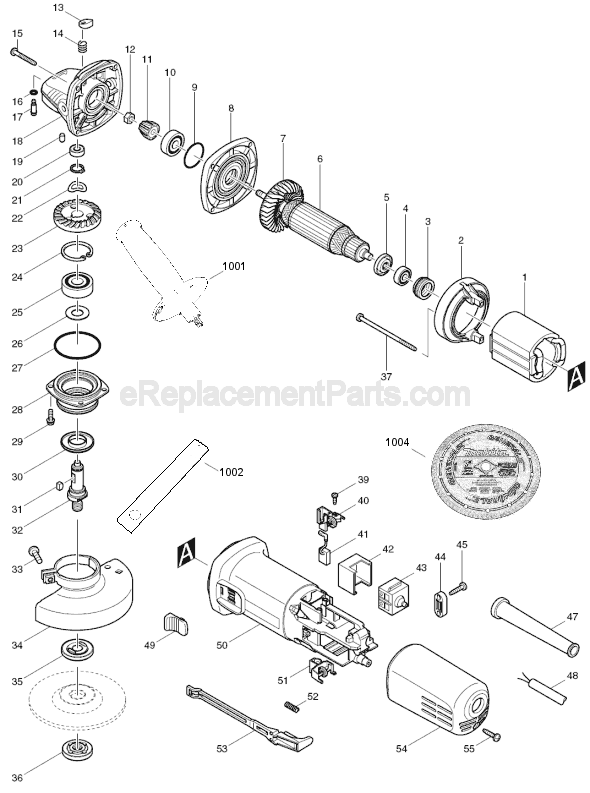
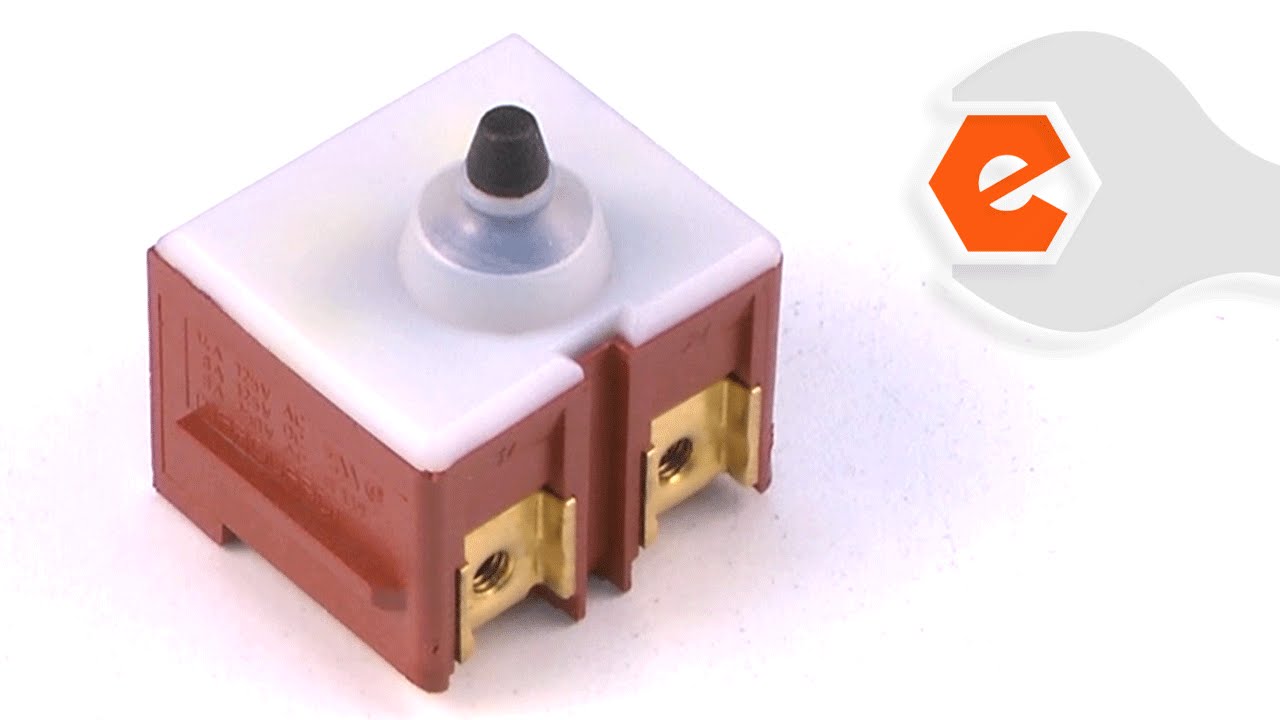
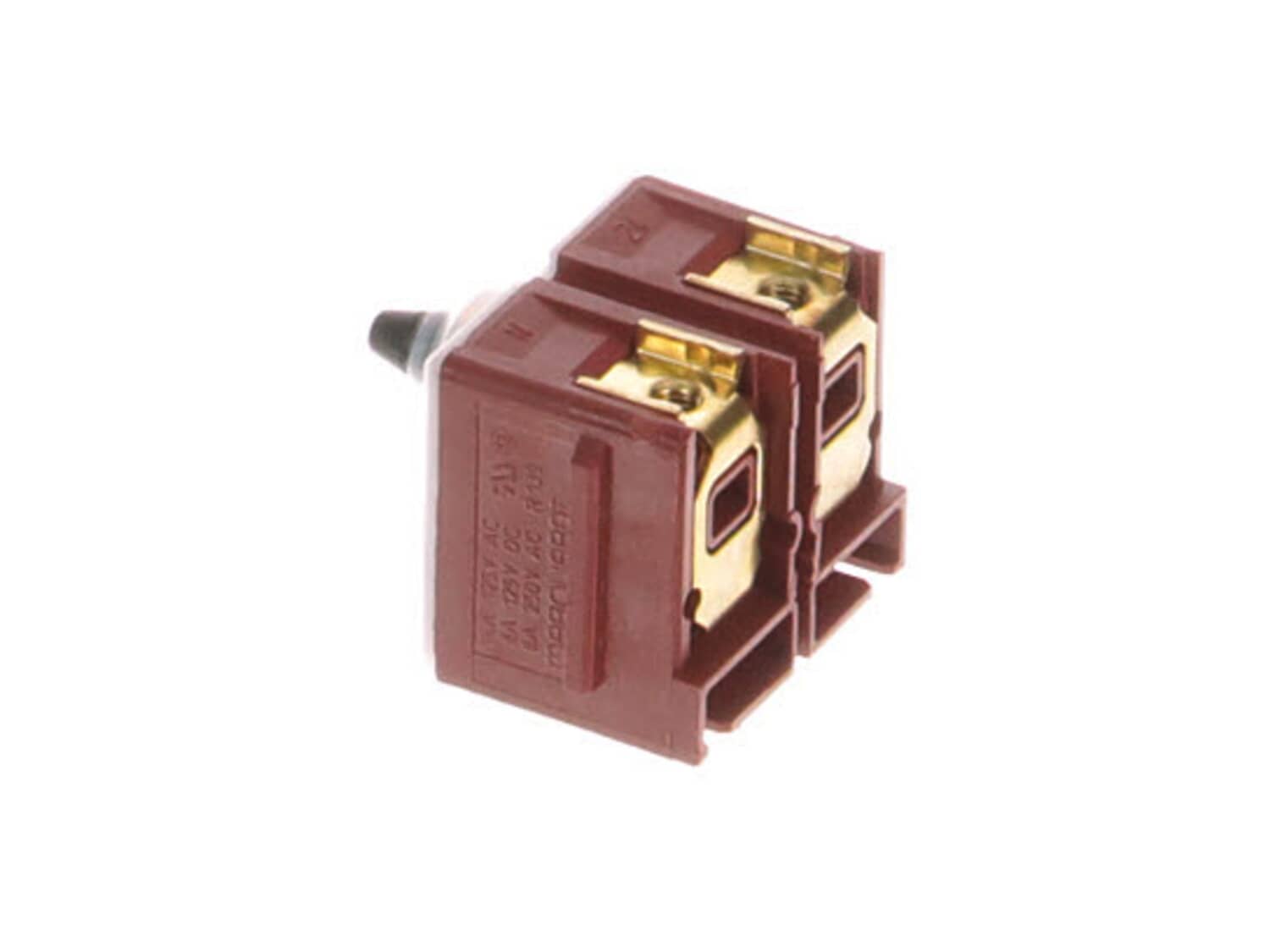
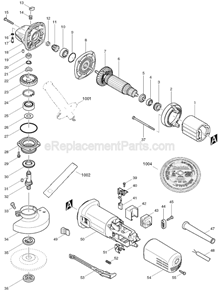
This is a Push-Button type switch that has 4 terminals, 2 internal and 2 external. This genuine Makita replacement part is sold individually. rnrnSwitches are commonly replaced parts in tools. A switch handles on/off and variable speed operations. They also have a role in electric breaking; they can momentarily reverse electrical polarity. Because switches use mechanical internals, they will degrade and wear out over time, eventually needing replacement. Some common signs of a broken or failing switch are as follows: • The tool has completely stopped functioning - it will not start. • The tool operates intermittently, requiring multiple tries to turn on, until eventually it won't start at all. • The variable speed function and electric braking aren't working properly.
Sorry, we couldn't find any existing reviews that matched. Try using some different or simpler keywords.
★★★★★
★★★★★
Exactly what I needed...
I thought my grinder was toast, but the new switch installed and functions perfectly. Thanks.
Guest - May 24, 2019
Verified Purchase
★★★★★
★★★★★
Great service
They always have what I need.
Guest - July 15, 2020
Verified Purchase
★★★★★
★★★★★
fit exactly
arrived quickly, exact replacement
Guest - July 17, 2020
Verified Purchase
★★★★★
★★★★★
Makita 4 1/2" angle grinder switch
Easy install and a perfect fit!
Guest - August 15, 2020
Verified Purchase
★★★★★
★★★★★
Easy to replace and save your tool
The grinder stopped working all of the sudden. Took out a couple screws and did a continuity test on the switch which turned out to be the problem. Instead of throwing the tool away, I bought a new switch for a fraction of the price of a new grinder. Once I had the new switch, the repair took less than five minutes and it works perfectly.
Devin - February 11, 2023
Verified Purchase
★★★★★
★★★★★
Angle grinder parts
Correct parts, however one was broken apparently due to light packaging. Refund was quickly accomplished.
David - May 14, 2019
Verified Purchase
Customer Repair Instructions
All our customer repair instructions are solicited directly from other customers just like you who have purchased and replaced this exact part.
Easy
15 - 30 mins
(10 rated repairs)?
< Prev
1
Next >
Sort by:
Sorry, we couldn't find any existing installation instruction that matched.
Took rear plastics off of grinder and removed the paddle which contacts the switch. Removed switch and transferred new wires to the new switch. Works like new again. Common problem I\'ve found with these grinders but as a professional metal fabricator I wouldn\'t use any other type. Glad I found someplace with replacement switches.
Did you find this story helpful?
Thank you for voting!
Grinder stopped working. Seemed like a bad switch.
Die grinder would not start. Removed screws from handle. Removed switch and tested it with ohm meter showing switch not closing. Ordered new switch and installed it. Everything works great.
Switch Replacement
1. Removed two screws from base housing and remove both halves of housing.
2. Disconnected two push connections from base of switch.
3. Pushed switch partially out of housing to expose Phillips head screws.
4. Removed two Phillips head screws to release switch wires.
5. Remove switch.
... Read more />6. Replaced switch, reconnecting wires to Phillips head screws, positioning with pliers.
7. Reseat switch in housing completely.
8. Reattach wires with push on clips with pliers.
9. Tug on each wire to verify attachment. (Tuck away extra wire lead to facilitate reattachment of housing.)
Brush Replacement
1. Move brush retainer spring to the side gently with pliers. Do not pull out spring.
2. Disconnect push on connector at end of braided wire pigtail on brush. (View replacement brush for construction visual, if necessary.)
3. Remove old brush. ( Look for pitting, scoring or chips on brush. Remove all pieces if broken. This is also an opportunity to view condition of commutator plates on armature through brush pocket.)
4. Insert new brush, noting orientation of connection pigtail.
5. Reconnect push on clip at end of pigtail with needlenose pliers.
6. Replace retaining spring gently on top of new brush.
7. Tuck away braided pigtail.
8. Repeat process with second brush.
9. Replace lower housing cover side, making sure wires are positioned out of the way and housing half seats fully with no resistance.
10. Replace second housing half, aligning screw holes while listening for an audible snap when halves mate.
11. Reinsert and tighten screws.
12. Plug in and test unit for function.
Read less
Did you find this story helpful?
Thank you for voting!
Grinder switch was stuck in the On position - tool ran as soon it was plugged in
I followed the great YouTube video provided by eReplacementParts:
https://youtu.be/meFXCaWystw
This video clearly shows all the steps and made me confident that if I ordered the part, the fix would be pretty easy. It was exactly the same model of Makita grinder and well explained. I had a little bit of trouble fitting t
... Read morehe two halves if the black plastic housing back - there are some channels that the wires need to be pushed into to make them fit snugly and not get in the way of joining the two parts back together. But that that just took a little care and patience. The grinder works like new now.
This part is in stock in our warehouse and will ship out within 1 business day of the order being placed.
New stock is on the way! On order parts usually ship within 7 business days.
Item is not in stock and usually ships 10-15 business days from the time you place your order.
This item is no longer being made by the manufacturer, and cannot be added to your shopping cart.
✖
Mail-In Recycling Rebate
Some of the parts we sell are eligible for mail-in rebates since we can recycle them. We will display any applicable rebates in your shopping cart. To redeem your rebate, contact Customer Service after you have received your part.