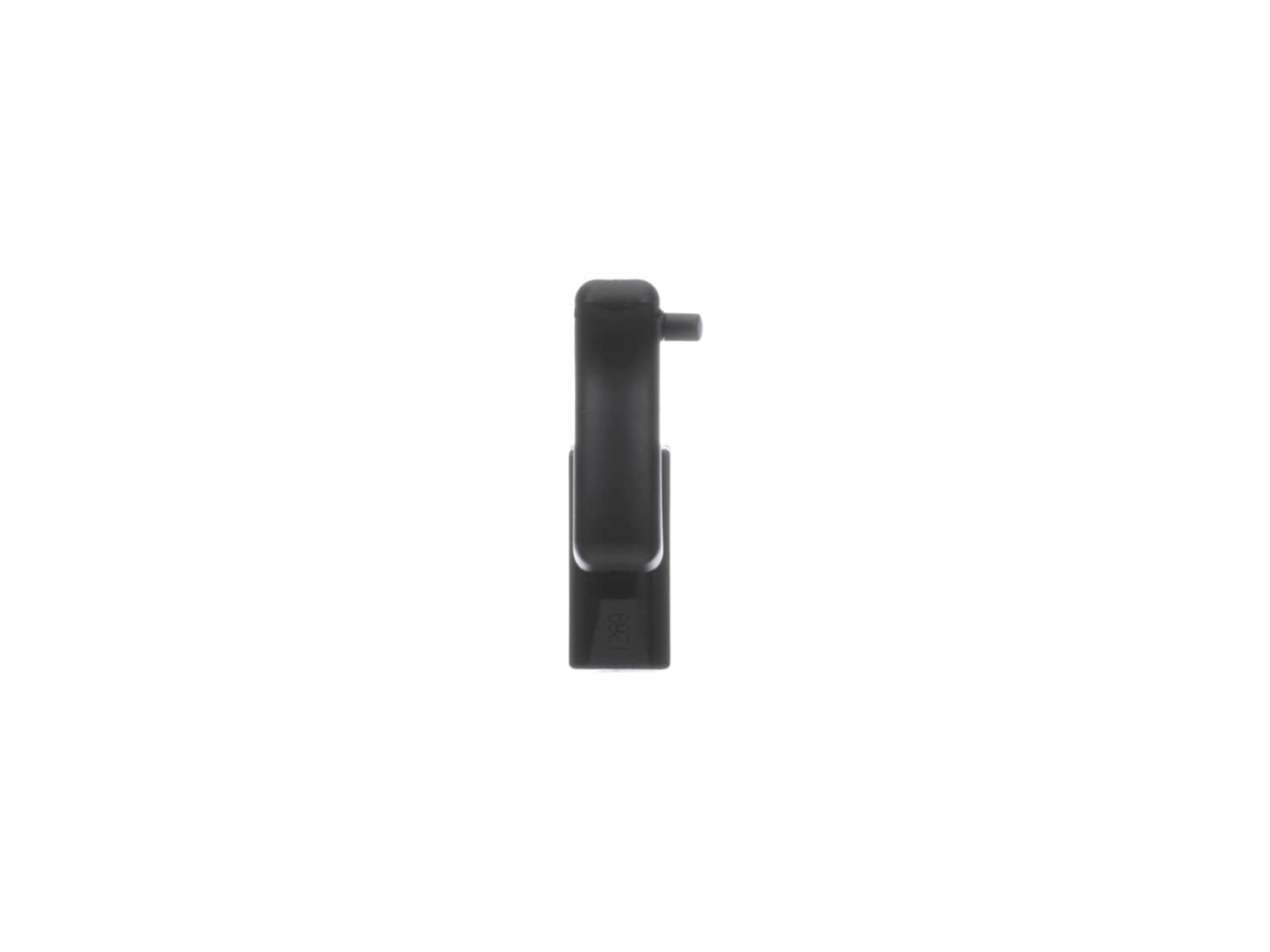
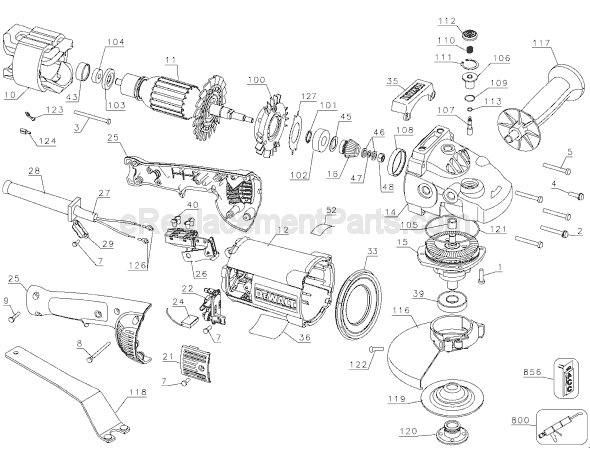
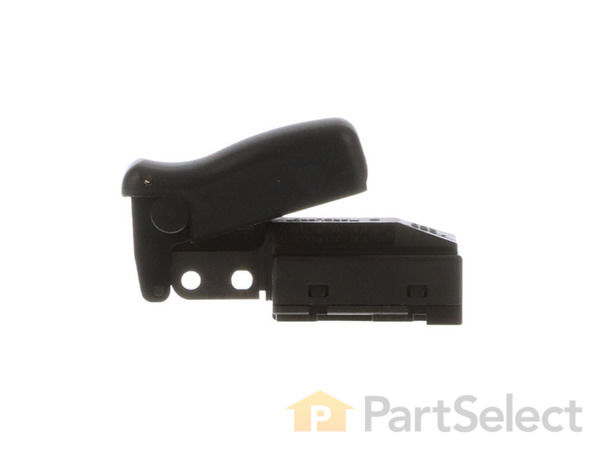
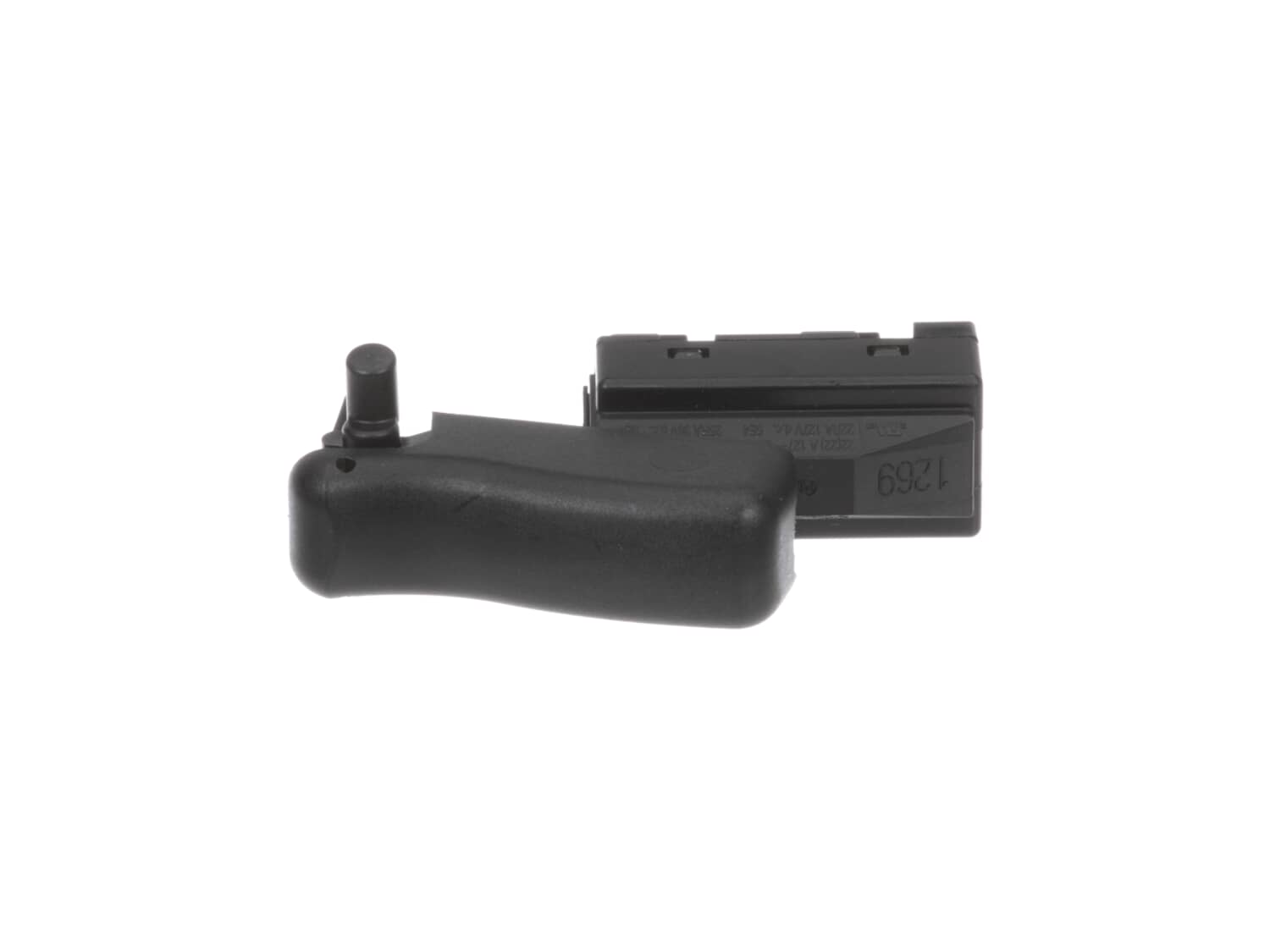
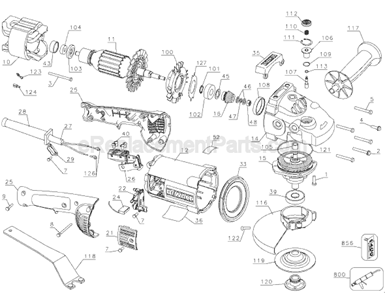
This is a genuine Dewalt replacement part and is sold individually. Switches are commonly replaced parts in power tools. A switch handles the on/off and variable speed functions. They also have a role in electric breaking; they can momentarily reverse electrical polarity. Because switches use mechanical internals, they will degrade and wear out over time, eventually requiring replacement. Some common signs of a broken or failing switch are: • The tool has completely stopped functioning • It will not turn on. • The tool operates intermittently, requiring multiple tries to turn on, until eventually it won't turn on at all.
Remove the screws from the handle and separate them. Remove the cord clamp. Make a wiring diagram of the switch wires. Remove the wires from the old switch, and attach the wires to the new switch. Replace the cord clamp. Then screw the handle back together.
Unscrewed body and removed brushes with needle nose pliers.
Cleaned out. replaced brushes and holders and new springs.
Then reassembled body.
No special requirements just pay attention to the tear down and reverse procedure.
Note: be careful unplugging wire connections.
Did you find this story helpful?
Thank you for voting!
< Prev
1
Next >
Model Cross Reference
This part works with the following models:
ERP Number: ERP10171649
Manufacturer Part Number: 394375-04
This part is in stock in our warehouse and will ship out within 1 business day of the order being placed.
New stock is on the way! On order parts usually ship within 7 business days.
Item is not in stock and usually ships 10-15 business days from the time you place your order.
This item is no longer being made by the manufacturer, and cannot be added to your shopping cart.
✖
Mail-In Recycling Rebate
Some of the parts we sell are eligible for mail-in rebates since we can recycle them. We will display any applicable rebates in your shopping cart. To redeem your rebate, contact Customer Service after you have received your part.