




( Grid squares measure 1x1 inch )

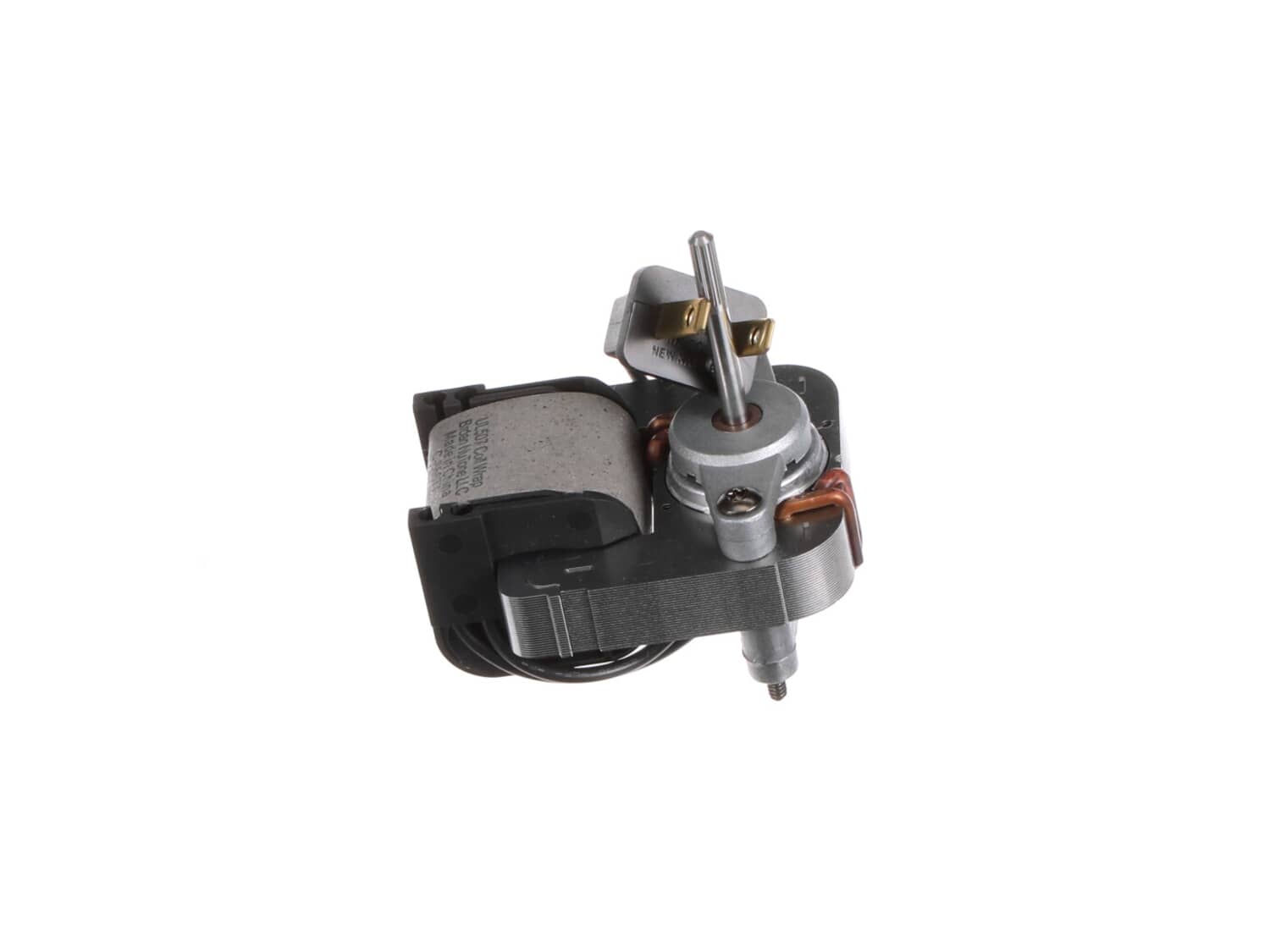
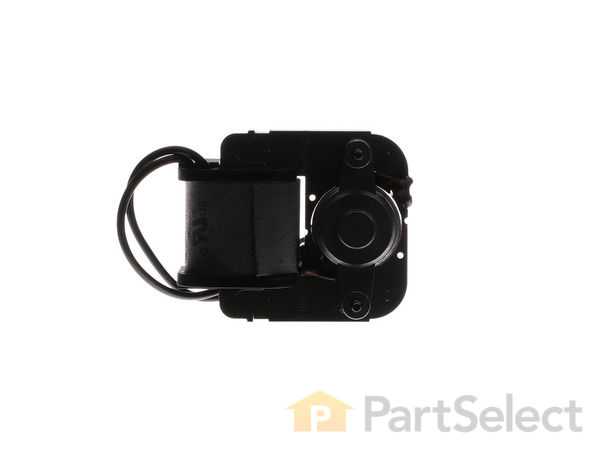
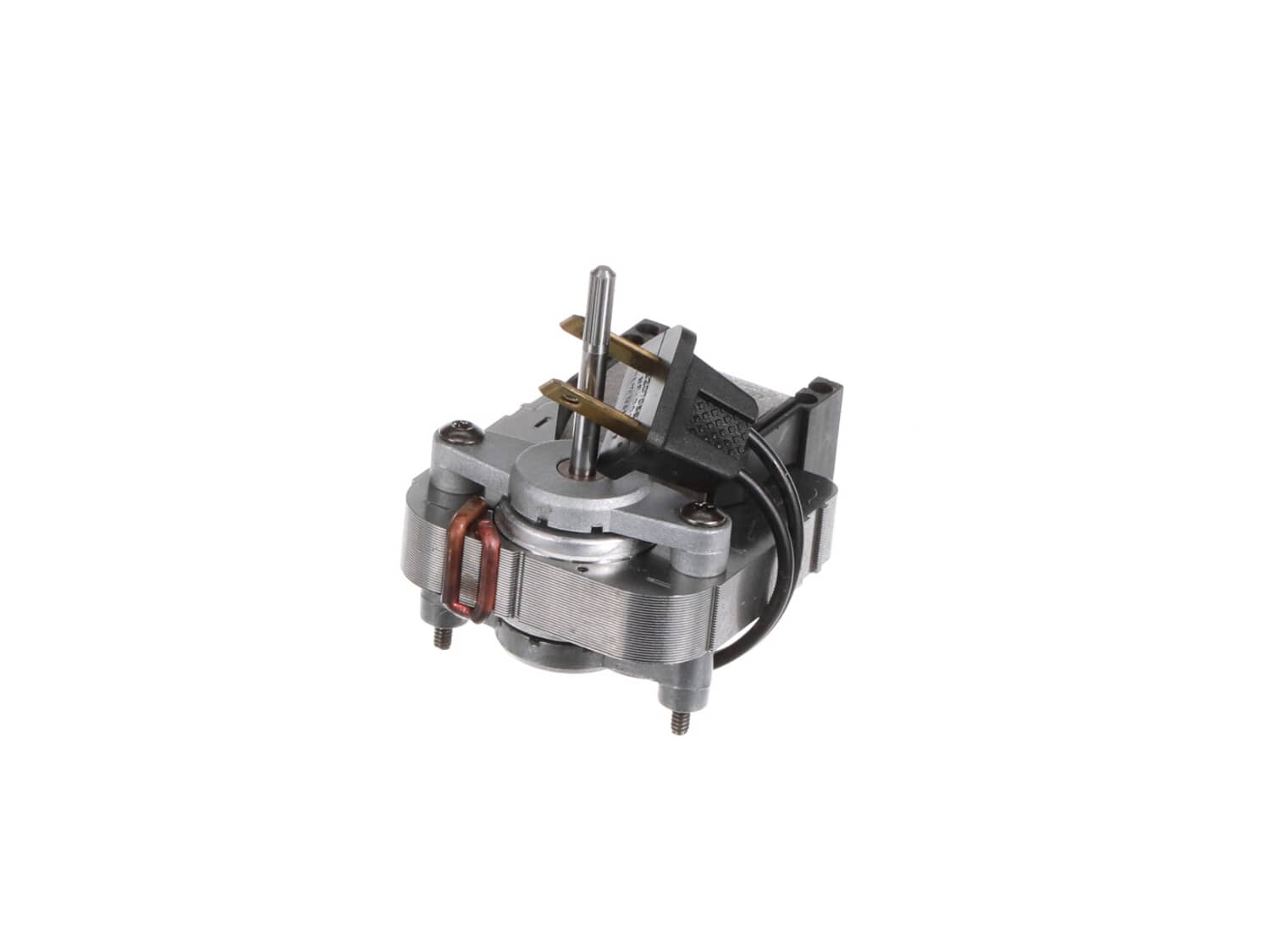
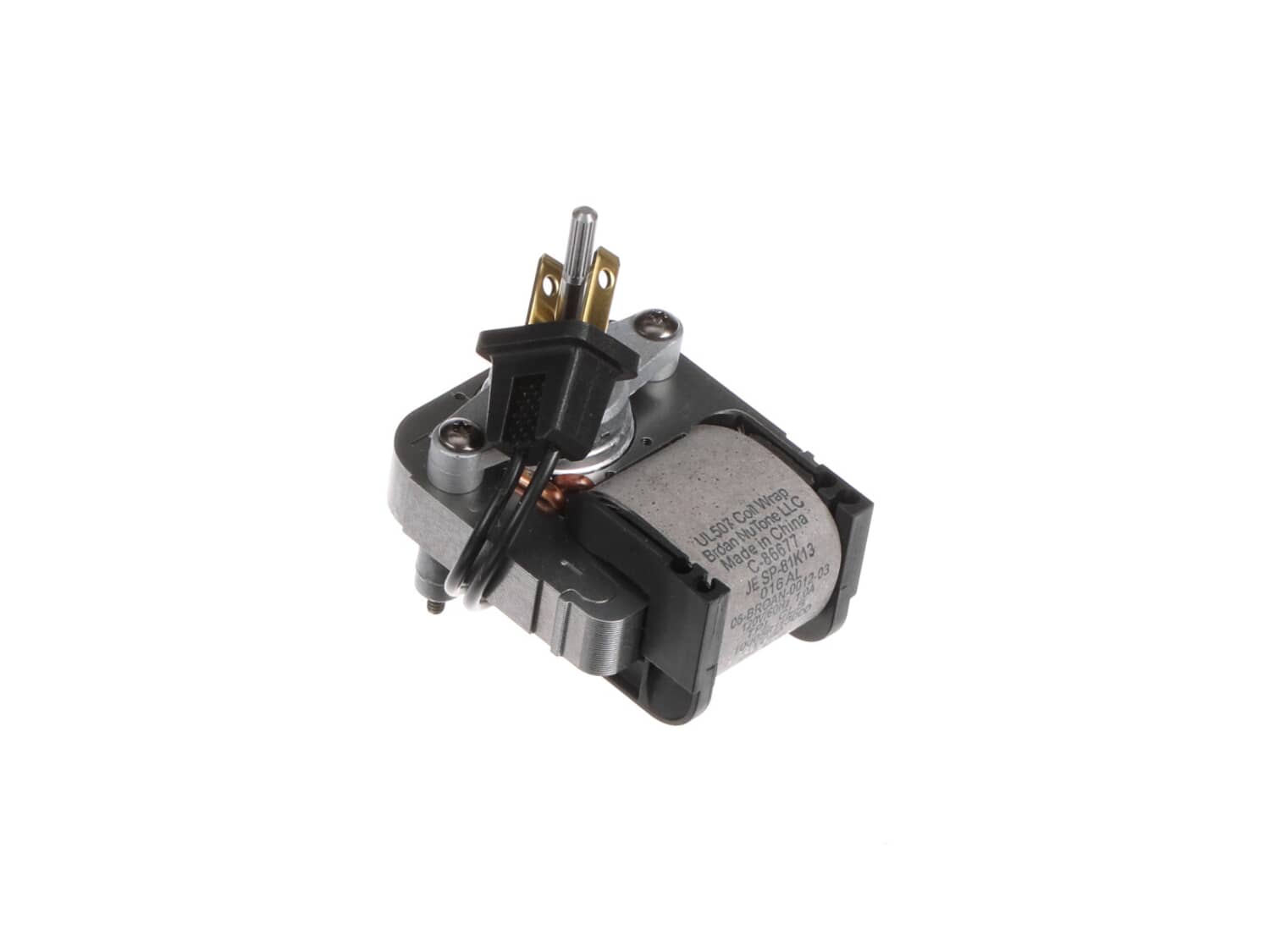
Nt Srv Asm Motor S86677000

Manufactured by:
Broan
ERP Number:
ERP10280036
Part Number:
S86677000
Original Equipment Manufacturer ?
In Stock
Delivers in 3-5 Business Days!

Easy 

15 - 30 mins 

(10 rated repairs) ?

Does this part fit my model?

Need help finding your model number?

Product Description

?

This item is an authentic Broan and it is OEM sourced to ensure quality. The motor is intended to be used with exhaust fans. The motor is one of the main components of the fan and is used to rotate the blades that force the exhaust air. This item is priced as an individual item.

Troubleshooting

This part works with the following brands:
  • Nutone
  • Broan
This part works with the following products:
  • Bath & Ventilation Fan

Customer Part Reviews

?
5.0
Average Rating (out of 5):
★★★★★
★★★★★
(1 Review)
Click to filter by ratings:
  • 5 stars
    1
  • 4 stars
    0
  • 3 stars
    0
  • 2 stars
    0
  • 1 star
    0
  • 1
Sort by:  
Sorry, we couldn't find any existing reviews that matched. Try using some different or simpler keywords.

Questions & Answers

?

Our customer Service team is at the ready daily to answer your part and product questions.

Be the first to ask our experts a question about this part!

Ask our Team

We have a dedicated staff with decades of collective experience in helping customers just like you purchase parts to repair their products.

Does this fit my product?

Customer Repair Instructions

All our customer repair instructions are solicited directly from other customers just like you who have purchased and replaced this exact part.

Easy 

15 - 30 mins 

(10 rated repairs) ?
  • 1
Sort by:  
Sorry, we couldn't find any existing installation instruction that matched.

Motor had died on bathroom ventilation fan.

Kirk from Beachwoodd, Ohio

2 of 2 people found this instruction helpful.
Difficulty Level:
Easy
Total Repair Time:
Less than 15 mins
Tools:
Screw drivers
Parts Used:
S86677000
1. Remove plastic covering.
2. Unscrew light bulb.
3. Unscrew wing nut and remove the metal plate.
4. Unplug the light bulb and motor.
5. Remove screw near the outlets and pull that end down to remove the mounting bracket.
6. Remove two screws on the mounting bracket to release old motor.
7. Clean the d ust from everything!
8. Replace the old motor with the new one. Be careful when pulling the plastic fan from the old motor so it doesn\'t break/crack.
9. Reverse instructions to reassemble the kit.
Did you find this story helpful?
Thank you for voting!

Fan would not turn on and the lens was damaged by overheating bulb.

John from Woodbine , Maryland

2 of 2 people found this instruction helpful.
Difficulty Level:
Easy
Total Repair Time:
30 - 60 mins
Tools:
Screw drivers
Parts Used:
S86677000, S85943000, S61338000
Removed lens housing and motor assembly bracket. Cleaned entire unit from dust accumulation . Removed motor from housing bracket and attached new motor and wheel. Reinstalled fan motor housing, connected lens housing and attached new lens. Complete.
Did you find this story helpful?
Thank you for voting!

Motor stopped working

Michael from Beachwood, New Jersey

1 person found this instruction helpful.
Difficulty Level:
Easy
Total Repair Time:
15 - 30 mins
Tools:
Nutdriver, Screw drivers
Parts Used:
S86677000
Removed light cover and light bulb. Removed motor plate to change motor. Reverse to complete.
Did you find this story helpful?
Thank you for voting!

Fan motor had failed

Kenneth from Milton, Massachusetts

1 person found this instruction helpful.
Difficulty Level:
Easy
Total Repair Time:
15 - 30 mins
Tools:
Screw drivers
Parts Used:
S86677000, S61338000
Support plate for motor dropped down after releasing one screw.
Motor dismounted easily with removal of two nuts.
New motor and fan wheel went right into place.
Reversed the process for re-assembly.
Did you find this story helpful?
Thank you for voting!

Motor died

Todd from Cumberland, Maryland

0 of 1 people found this instruction helpful.
Difficulty Level:
Easy
Total Repair Time:
30 - 60 mins
Tools:
Wrench set
Parts Used:
S86677000, S61338000
Removed old motor
Replaced new motor and installed fan place on shaft.
Did you find this story helpful?
Thank you for voting!

noisy motor. missing lens

gene from BUCYRUS, Ohio

0 of 1 people found this instruction helpful.
Difficulty Level:
Easy
Total Repair Time:
15 - 30 mins
Parts Used:
S86677000, S85943000, S61338000
removed and replaced motor fan and lens.
Did you find this story helpful?
Thank you for voting!

Motor went out

James from Linton, Indiana

0 of 1 people found this instruction helpful.
Difficulty Level:
Easy
Total Repair Time:
15 - 30 mins
Tools:
Nutdriver, Pliers, Screw drivers
Parts Used:
S86677000
Removed fan and motor from bracket and replaced with new one then reinstalled.
Did you find this story helpful?
Thank you for voting!

Motor died and the lens was discolored.

Frank from Riveredge , New Jersey

0 of 1 people found this instruction helpful.
Difficulty Level:
Easy
Total Repair Time:
15 - 30 mins
Tools:
Nutdriver, Pliers, Screw drivers
Parts Used:
S86677000, S85943000, S61338000
-Üemoved the whole unit and replaced the fan, the motor, and the lens.
Did you find this story helpful?
Thank you for voting!

Vibration and overheating.

JEFF from WATERBURY, Connecticut

0 of 1 people found this instruction helpful.
Difficulty Level:
Easy
Total Repair Time:
Less than 15 mins
Tools:
Nutdriver
Parts Used:
S86677000, S61338000
Replaced the motor and the blade. Tested, runs well.
Did you find this story helpful?
Thank you for voting!

Replaced motor.

Ruben from Miami, Florida

0 of 1 people found this instruction helpful.
Difficulty Level:
Easy
Total Repair Time:
15 - 30 mins
Tools:
Screw drivers, Socket set
Parts Used:
S86677000
Remove the cover and light fixture. Then I removed the fan assembly. Then replaced the
motor and put everything back together.
Did you find this story helpful?
Thank you for voting!
  • 1