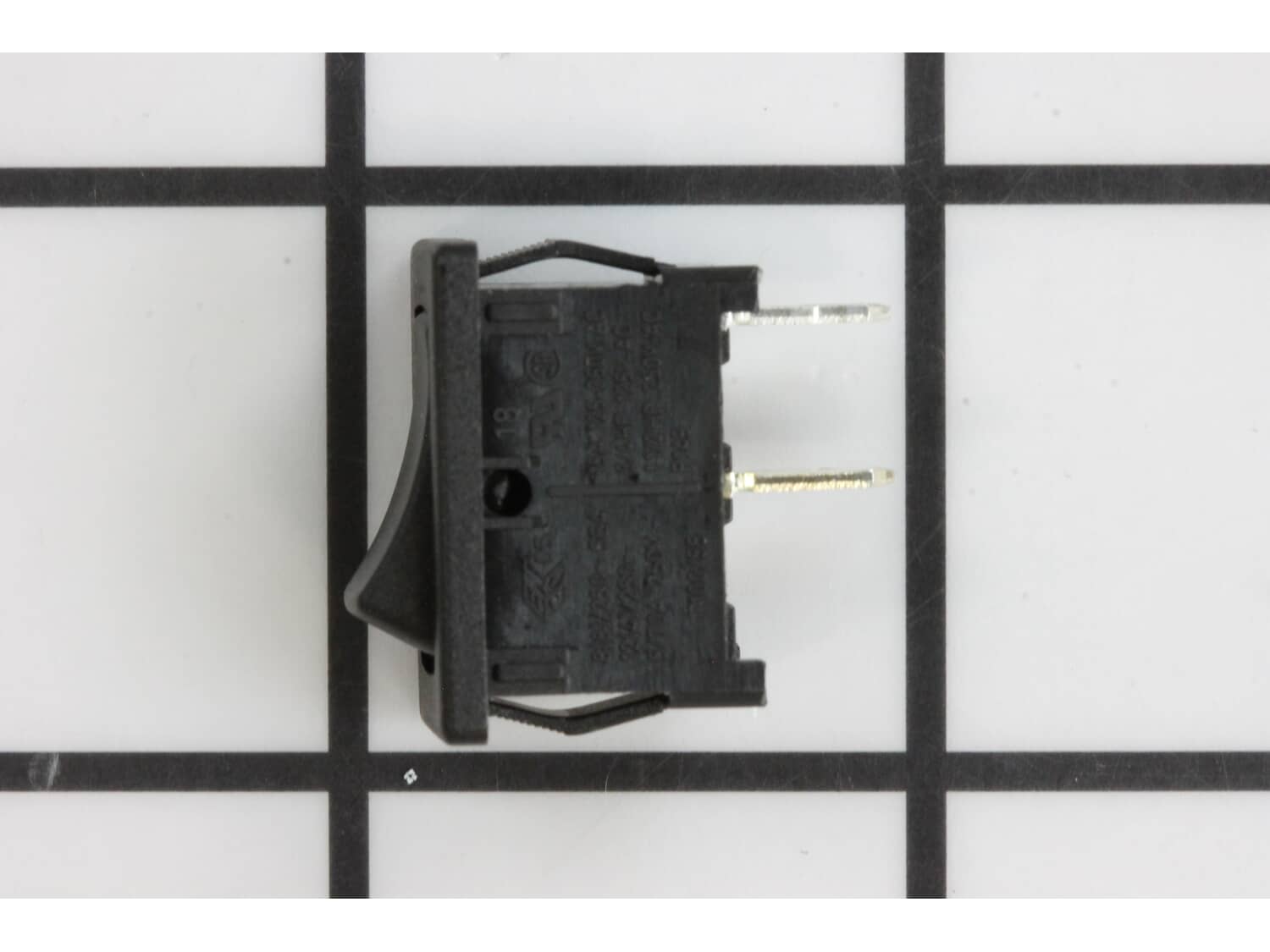
Part Location Diagram of 23-66-1661 Milwaukee Switch
See part A-25 in the diagram
( Grid squares measure 1x1 inch )

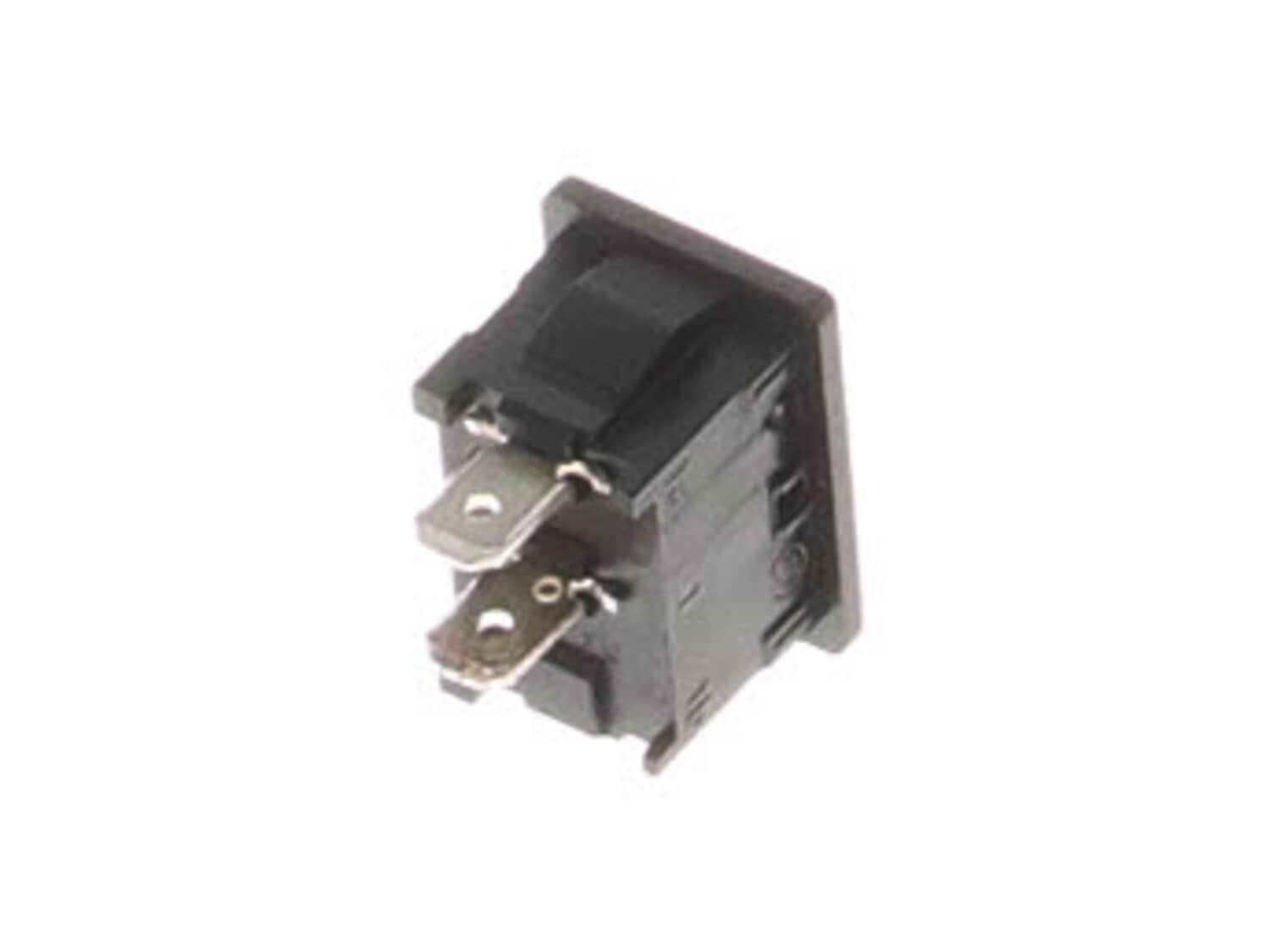
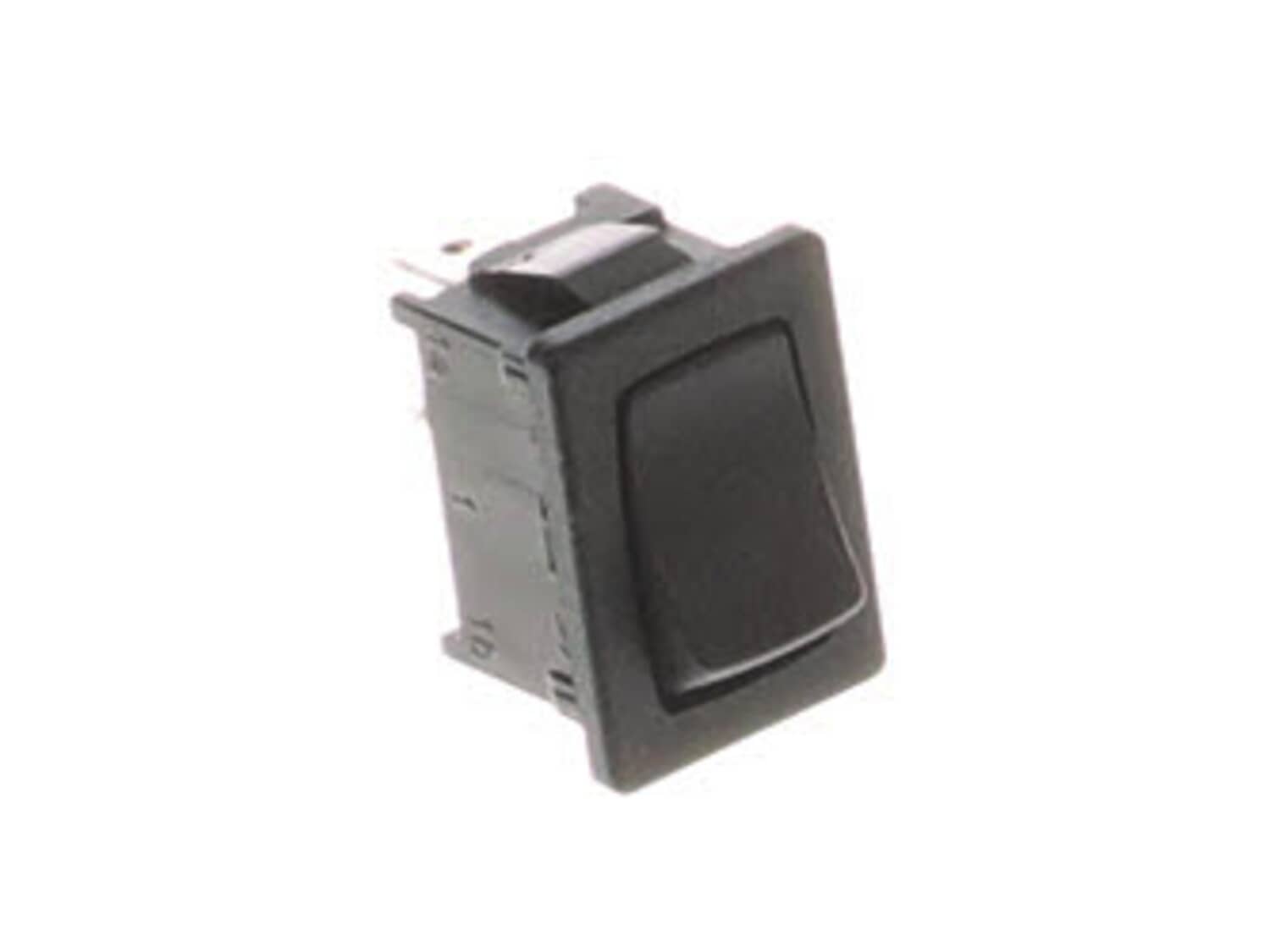
Switch 23-66-1661

Manufactured by:
Milwaukee
ERP Number:
ERP10123669
Part Number:
23-66-1661
Original Equipment Manufacturer ?
Special Order

Easy 

Less than 15 mins 

(13 rated repairs) ?

Does this part fit my model?

Need help finding your model number?

Product Description

?

This plastic on-off switch is sourced directly from the original equipment manufacturer. It is used in Milwaukee random orbit/sheet palm sanders. This plastic part has metal terminals and is protected by the rubbery switch boot. Please note that the switch boot is sold separately. A torx screwdriver is needed for this repair. • Make sure the tool is unplugged • Remove the cover/housing • Remove old switch and disconnect wires • Secure new switch • Attach wires • Replace cover and test the tool

Frequently Purchased Together

?

Troubleshooting

This part works with the following brands:
  • Milwaukee
This part works with the following products:
  • Orbital or Palm Sander
  • Sander Polisher

Customer Part Reviews

?
5.0
Average Rating (out of 5):
★★★★★
★★★★★
(7 Reviews)
Click to filter by ratings:
  • 5 stars
    7
  • 4 stars
    0
  • 3 stars
    0
  • 2 stars
    0
  • 1 star
    0
  • 1
Sort by:  
Sorry, we couldn't find any existing reviews that matched. Try using some different or simpler keywords.

Questions & Answers

?

Our customer Service team is at the ready daily to answer your part and product questions.

We're sorry, but our Q&A experts are temporarily unavailable.
Please check back later if you still haven't found the answer you need.

Ask our Team

We have a dedicated staff with decades of collective experience in helping customers just like you purchase parts to repair their products.

Does this fit my product?

Customer Repair Instructions

All our customer repair instructions are solicited directly from other customers just like you who have purchased and replaced this exact part.

Easy 

Less than 15 mins 

(13 rated repairs) ?
  • 1
  • 2
Sort by:  
Sorry, we couldn't find any existing installation instruction that matched.

Sander would just stop working as soon as it touches whatever is being sanded.

Timothy from Warrenton, VA

1 person found this instruction helpful.
Difficulty Level:
A Bit Difficult
Total Repair Time:
30 - 60 mins
Tools:
Pliers, Screw drivers
I removed the 3 screws in the top of the sander
I brushed all the dust out with an old paint brush
I removed the brush clamp and pulled the wire from the brush and installed the new brush.
Screw the brush clamp back on and attach the wire
Repeat on opposite side
Then I remove the switch I needed a pair of slip joint pliers to remove the wires from the back
Install new switch and attach new switch boot
Put the top of sander back on and screw the screws back in and plug it in and test it out
Did you find this story helpful?
Thank you for voting!

Intermittent switch

TOM from BARTLETT, Illinois

0 of 1 people found this instruction helpful.
Difficulty Level:
Easy
Total Repair Time:
Less than 15 mins
Tools:
Screw drivers
Parts Used:
23-66-1661
Removed defective switch and installed the replacement. Repair coat about $4. Thx
Did you find this story helpful?
Thank you for voting!

Wouldn\'t power on.

Warren from Lyons, CO

0 of 1 people found this instruction helpful.
Difficulty Level:
Easy
Total Repair Time:
Less than 15 mins
Tools:
Screw drivers
Parts Used:
23-66-1661
Opened the sander up and blew the dust out, then tested the switch with a multimeter and the switch wouldn\'t close. I had another identical sander - same problem. When the switches (I bought 2) showed up, it literally took me less than 5 minutes per sander to swap the switch.
Did you find this story helpful?
Thank you for voting!

Switch was bad

Bret from Jasper, Georgia

0 of 1 people found this instruction helpful.
Difficulty Level:
Easy
Total Repair Time:
15 - 30 mins
Parts Used:
23-66-1661
1-Removed 4 tore screws holding top cover in place
2-lifted switch out of housing
3-Unplugged switch
4-Plugged in new switch
5-Placed switch back in housing
6-Secured top cover with four tore screws
Did you find this story helpful?
Thank you for voting!

Random Orbit sander wouldn\'t turn on.

Ron from Alberton, Montana

0 of 1 people found this instruction helpful.
Difficulty Level:
Easy
Total Repair Time:
Less than 15 mins
Tools:
Screw drivers
Parts Used:
23-66-1661
Removed cover, 3 or 4 screws, can\'t remember. The switch is right there, pulled wires from old switch, put the wires on the new switch, replaced the cover and the sander worked like new.
Did you find this story helpful?
Thank you for voting!

switch burned out in sander

Elizabeth from West Sayviille, New York

0 of 1 people found this instruction helpful.
Difficulty Level:
A Bit Difficult
Total Repair Time:
15 - 30 mins
Tools:
Screw drivers
Parts Used:
23-66-1661
NHad to cut ends off wires and attach different end
Did you find this story helpful?
Thank you for voting!

Switch was broken and could not turn sander on.

Bret from JASPER, Georgia

0 of 1 people found this instruction helpful.
Difficulty Level:
Easy
Total Repair Time:
Less than 15 mins
Tools:
Screw drivers
Parts Used:
23-66-1661
Removed three screws holding cover on.
Removed cover.
Removed switch.
Disconnected wires.
Put wires on new switch
Placed switch back being careful with wires
Replaced cover and screws
Works like new
Did you find this story helpful?
Thank you for voting!

It wouldn\'t work at all

Ken from BAINBRIDGE ISLAND, Washington

0 of 1 people found this instruction helpful.
Difficulty Level:
Easy
Total Repair Time:
15 - 30 mins
Tools:
Screw drivers
Parts Used:
23-66-1661
1. Took top off the sander to access switch--three screws
2. Caught the little rubber \"boot\" that covers the switch before it got away. . .you need it.
3. Checked switch, found it non functioning, open (remove it from mount & disconnect wires, check with continuity tester). Also, to confirm the switch was the only proble m, clamped the wires where the switch had been together so it should be \"always on\" and plugged in machine. . .runs fine, so it is definitely the switch.
4. Ordered switch
5. Put new switch and rubber boot back into sander body and reconnected wires
6. Screwed top back on the machine and plugged in. Functions fine.
Did you find this story helpful?
Thank you for voting!

Replace switch

david from north reading, Massachusetts

0 of 1 people found this instruction helpful.
Difficulty Level:
Easy
Total Repair Time:
Less than 15 mins
Tools:
Screw drivers
Parts Used:
23-66-1661
Replace switch
Did you find this story helpful?
Thank you for voting!

Defective switch and torn dust boot.

Anthony from Athens, Alabama

0 of 1 people found this instruction helpful.
Difficulty Level:
Easy
Total Repair Time:
Less than 15 mins
Tools:
Pliers, Screw drivers
Parts Used:
42-38-0405, 23-66-1661
1. Remove 3 torx screws holding top on.
2. Remove defective switch and dust boot.
3. Install new switch and dust boot and re-assemble.
Did you find this story helpful?
Thank you for voting!
  • 1
  • 2

Model Cross Reference

This part works with the following models:
ERP Number: ERP10123669
Manufacturer Part Number: 23-66-1661
Brand Model Number Description
Milwaukee 6020-21 Orbital or Palm Sander - 1/4 Sheet Palm Sander
Milwaukee 6021-21 Orbital or Palm Sander - 5" Random Orbit Palm Sander