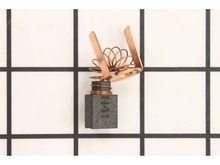
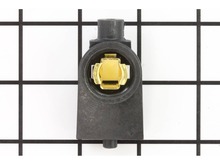
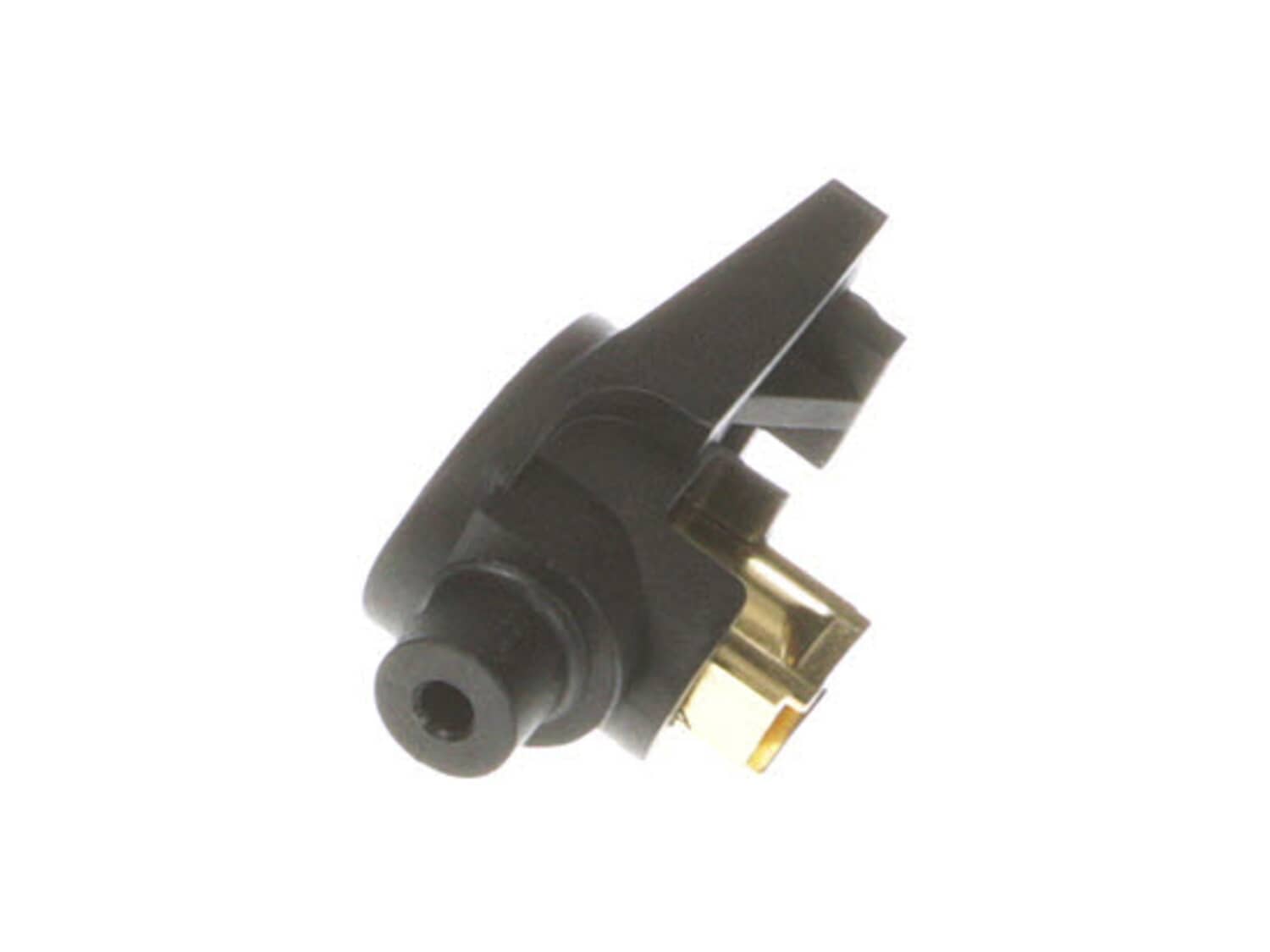
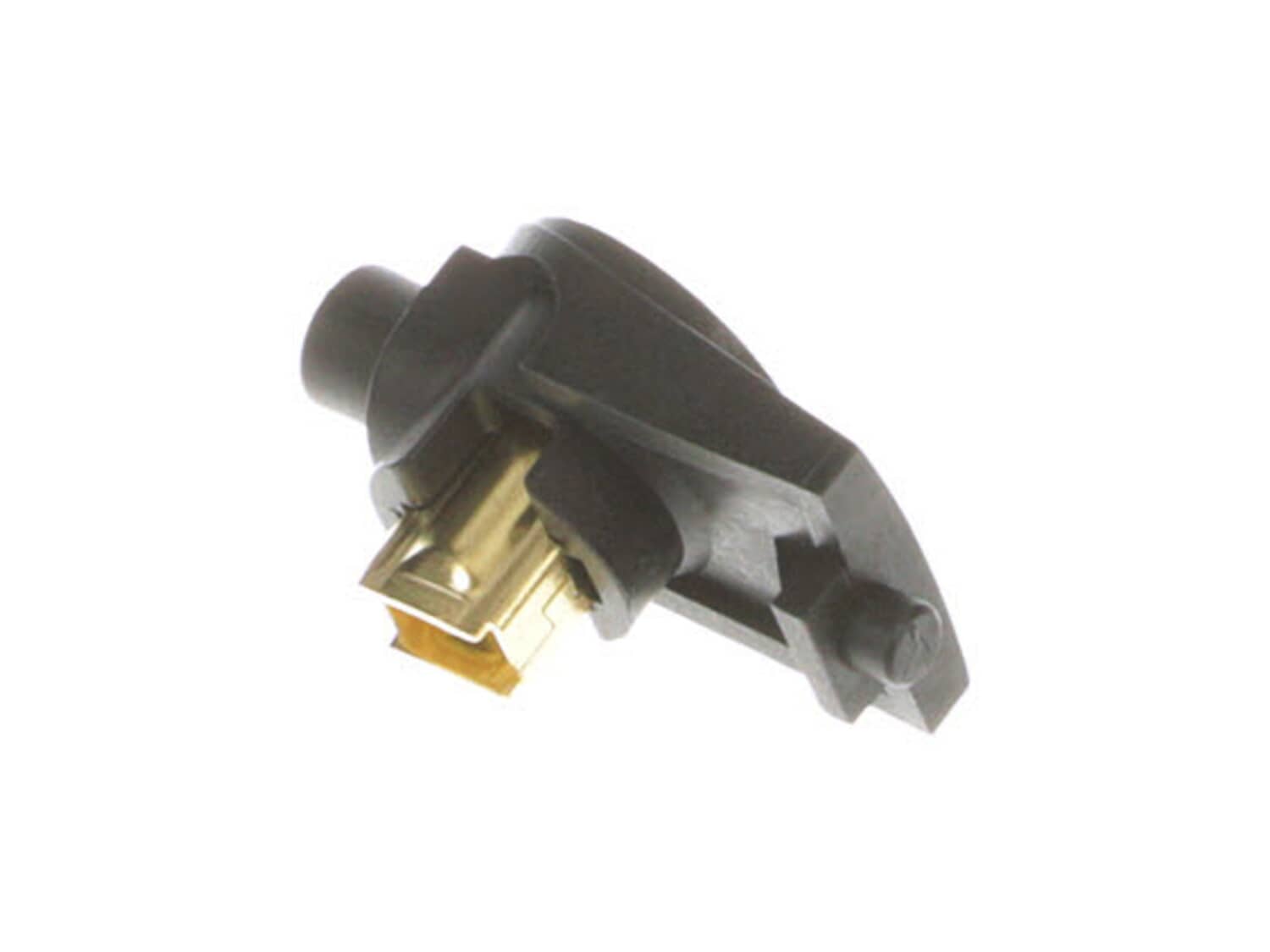
This manufacturer-sourced part is specially designed for use with Milwaukee power tools. It is an identical replacement for a damaged or a missing right brush holder assembly that was installed on a new unit. The purpose of this component is to secure the carbon brush around the armature to provide stable and safe contact. It is made of high-quality plastic with metal pieces and is sold individually. Note, the carbon brush and the brush cap are both sold separately. You will need a screwdriver to take the housing apart in order to replace this assembly.
Remove the back cover of the drill, then remove and disconnect the brush holders. Place the new brush holders back in place and connect them. Install back cover of the drill. Install the brushes into the brush holders and screw the new brush caps into the drill housing
Did you find this story helpful?
Thank you for voting!
the fields in the drill were burn\'t and the brush holders were melted.
The repair is of a milwaukee 1/2\" hole hawg.
1. take handle apart to access the switch and wiring of the fields and brush holders to the switch.
2. take motor housing rear bonnet off to gain access to fields and brush holders.
3. remove armature to get access to removing fields.
4. two screws hold fields in place
... Read more, removing them and pulling fields from housing noting where field wires go.
5. you can now take brush holders out. there is a right and a left holder, take note where and the lead that is connected to it.
6. reverse order to put in new parts and installing brushes.
7. a lot of times i take pictures to remember where wiring goes and go to manufacturing web site to see exploded view of unit.
Read less
Did you find this story helpful?
Thank you for voting!
< Prev
1
Next >
Model Cross Reference
This part works with the following models:
ERP Number: ERP10122403
Manufacturer Part Number: 22-22-1350
This part is in stock in our warehouse and will ship out within 1 business day of the order being placed.
New stock is on the way! On order parts usually ship within 7 business days.
Item is not in stock and usually ships 10-15 business days from the time you place your order.
This item is no longer being made by the manufacturer, and cannot be added to your shopping cart.
✖
Mail-In Recycling Rebate
Some of the parts we sell are eligible for mail-in rebates since we can recycle them. We will display any applicable rebates in your shopping cart. To redeem your rebate, contact Customer Service after you have received your part.



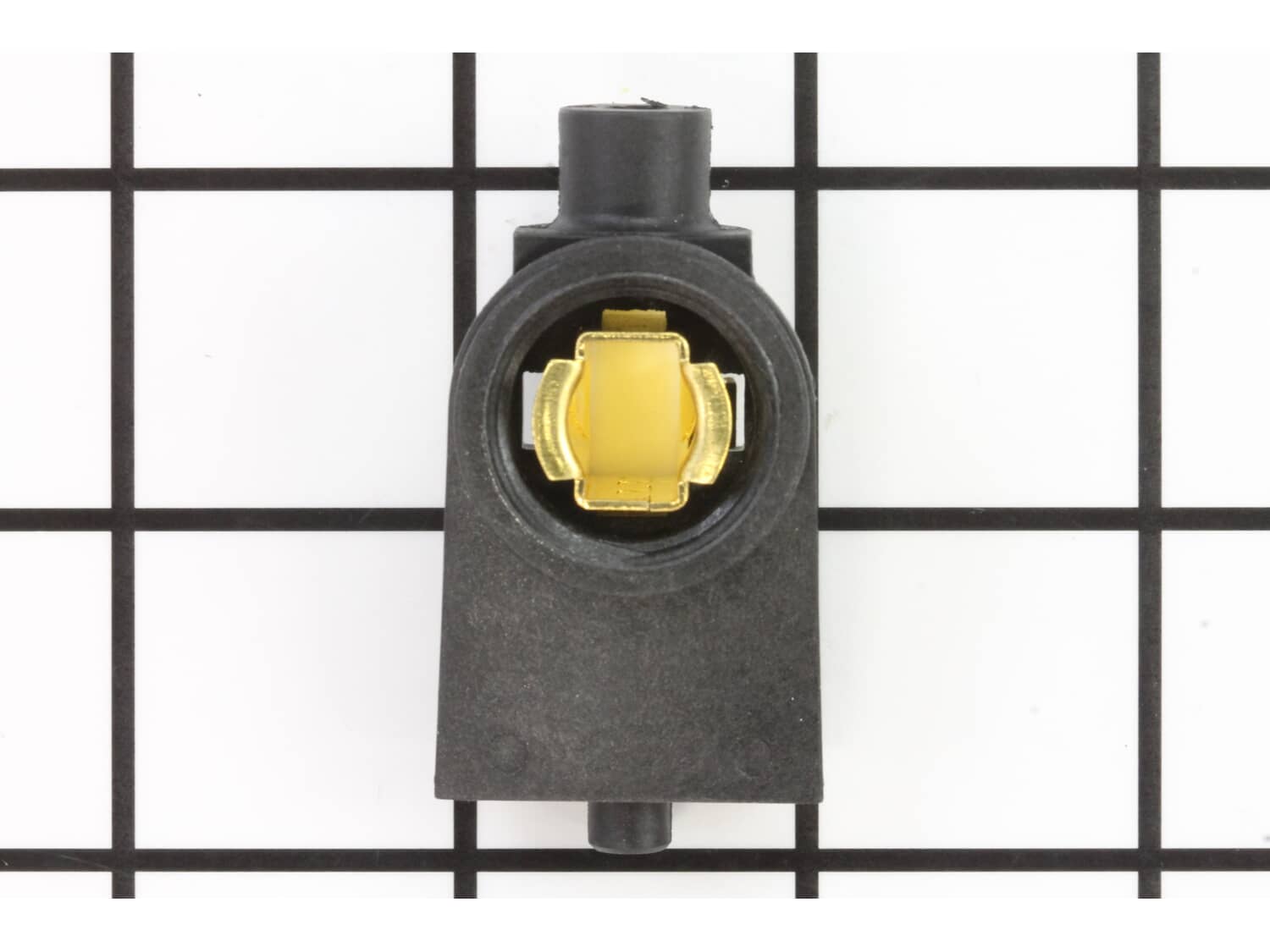
_WW_1.gif "Part Location Diagram of 22-22-1350 Milwaukee Right Brush Holder Assembly")
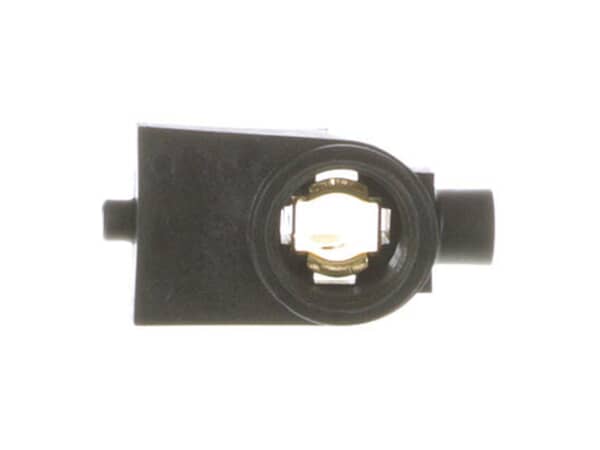
_WW_1.gif "Part Location Diagram of 22-22-1350 Milwaukee Right Brush Holder Assembly")