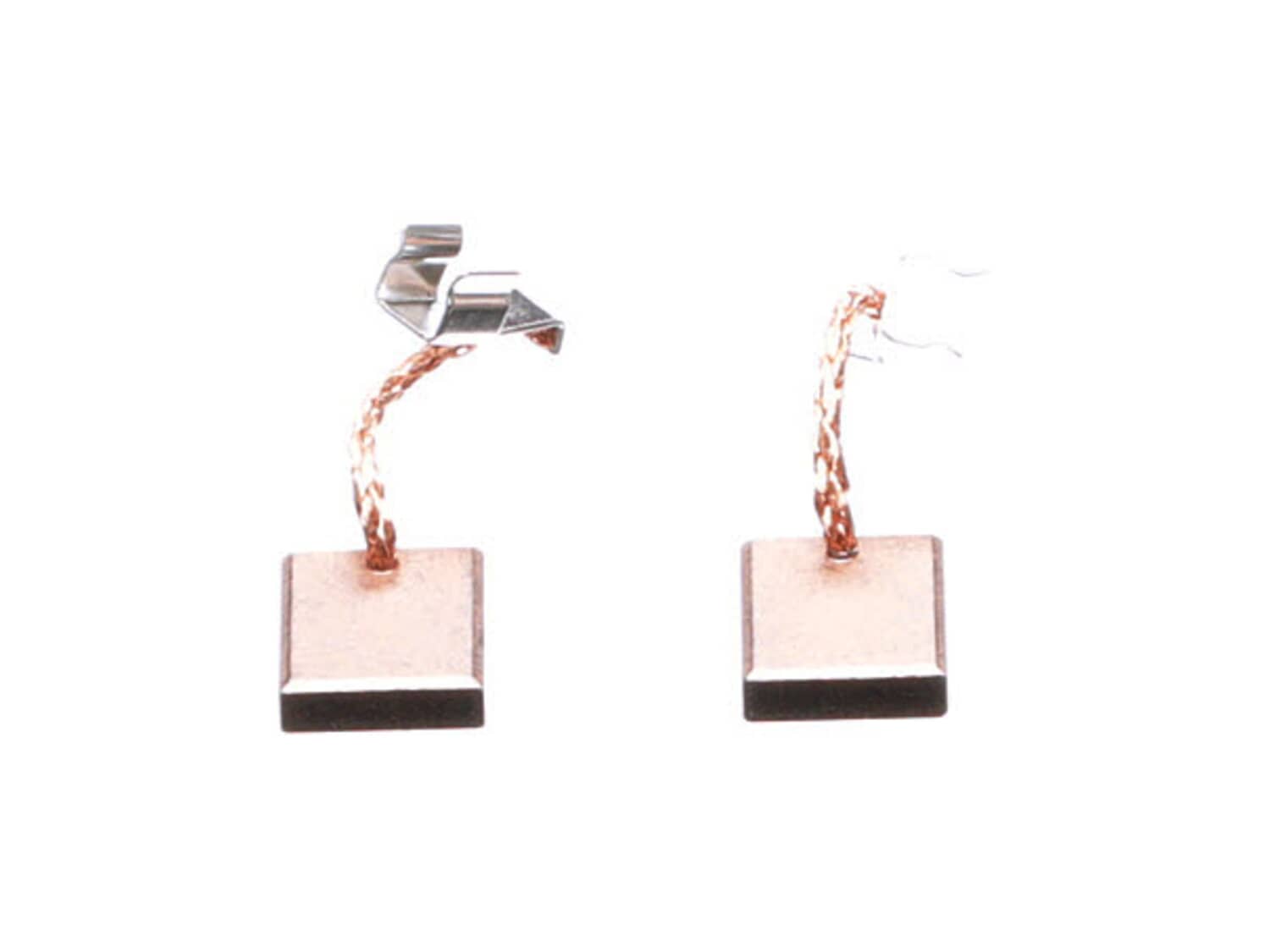
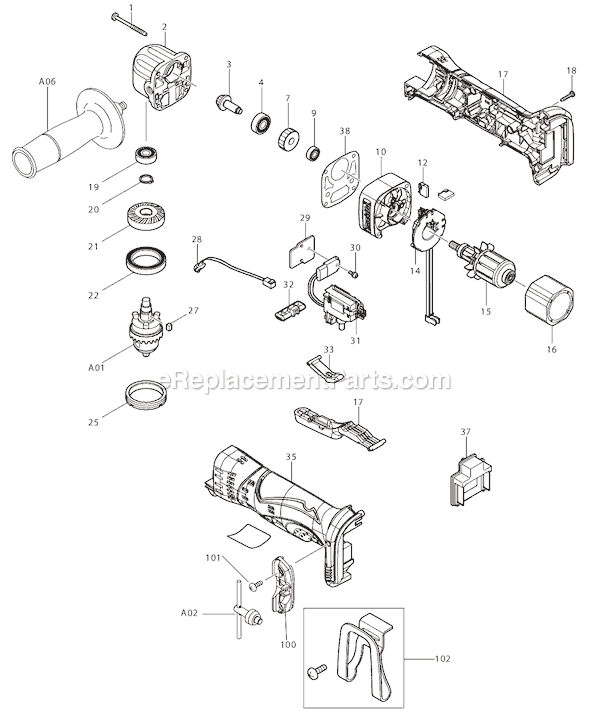
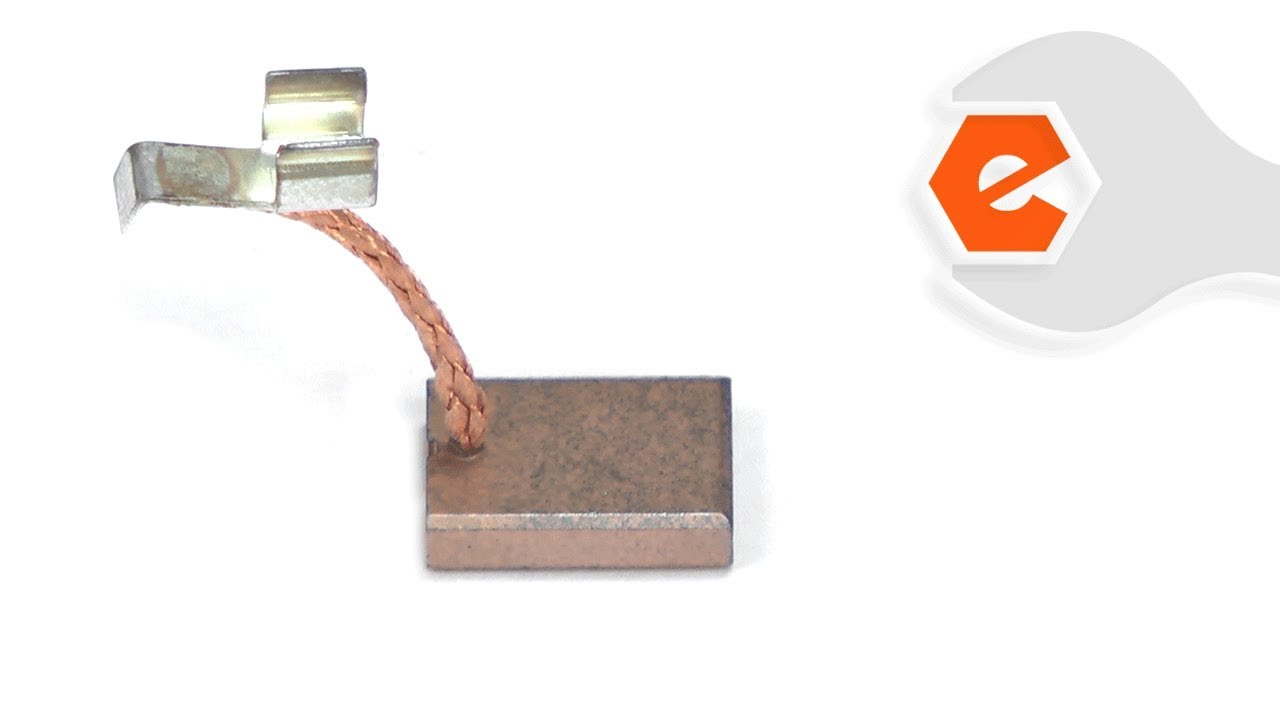
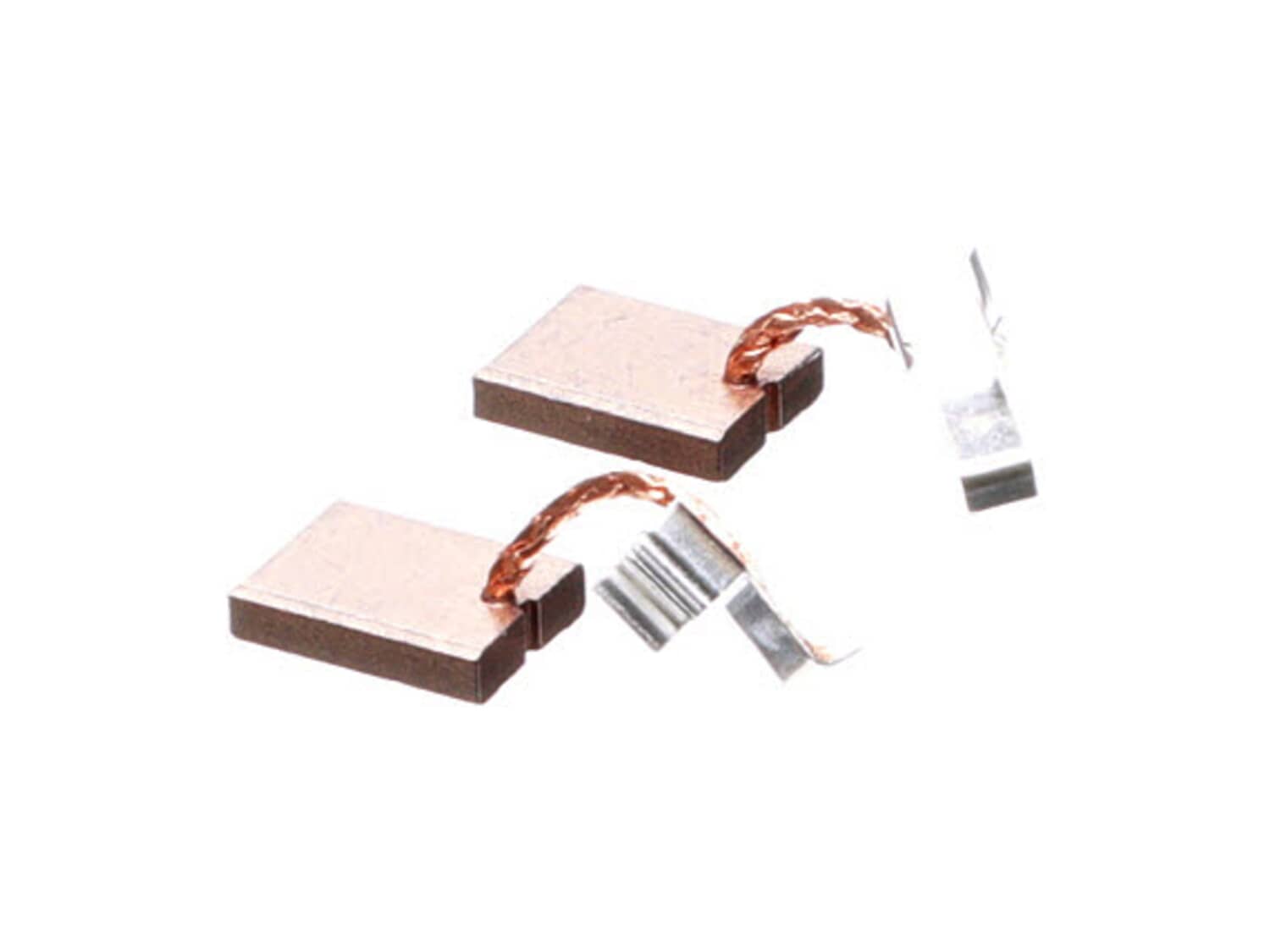
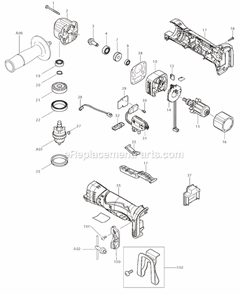
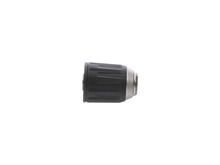
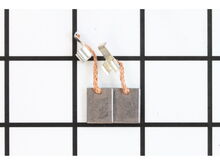
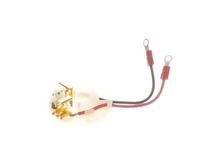
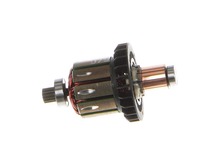
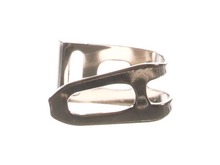
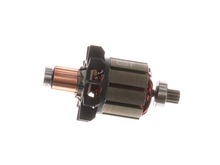
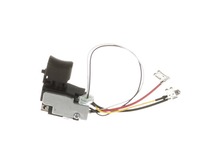
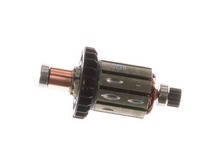
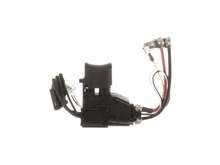
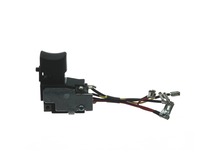
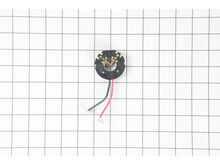
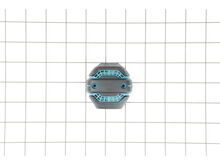
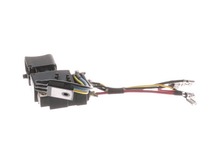
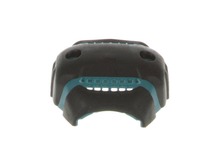
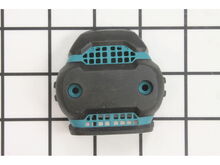
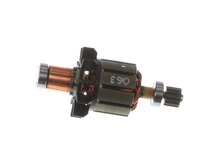
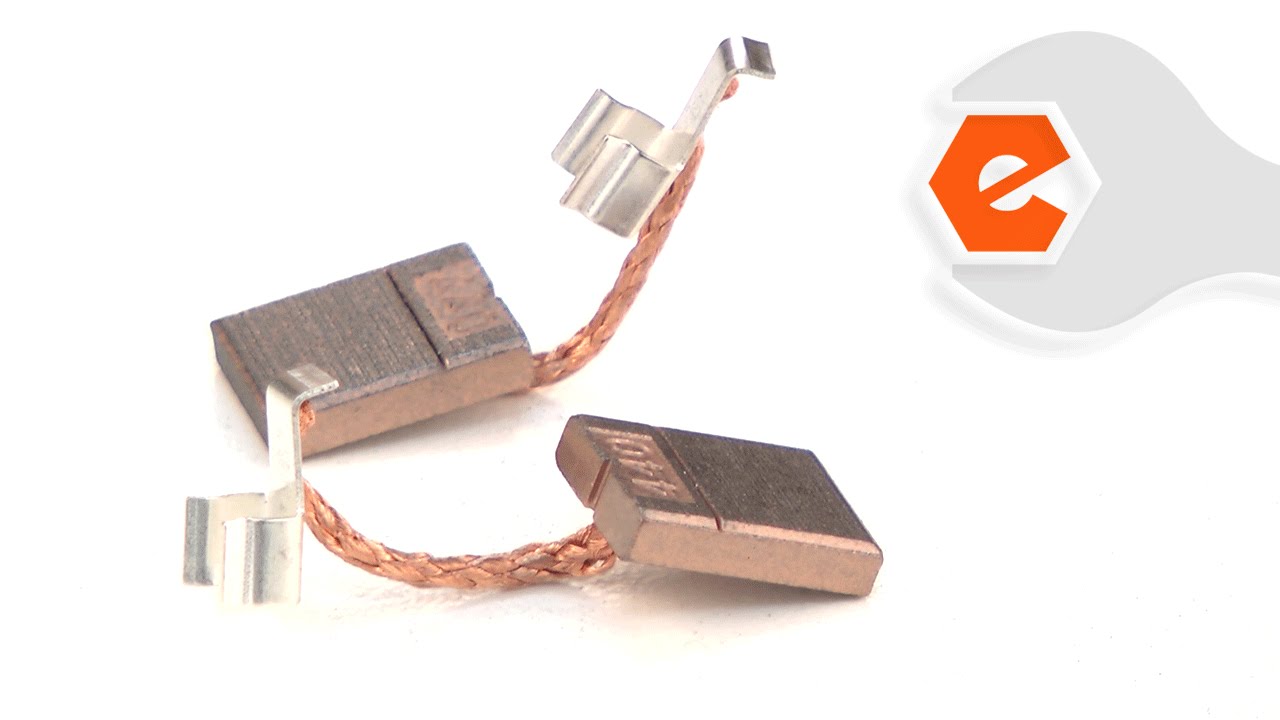
The brush box kit fits a variety of cordless gardening tools. *Please note: This part is sold individually. This assembly includes a carbon brush, spring and holder. Due to friction, carbon brushes are common replacement parts. If the functioning of your motor changes and does not work, then check if the brush is worn out or inspect the wire lead for cracks, burns and other damage. Replacing the brush can restore the motor and its functions. Refer to the manual provided by the manufacturer for further installation instructions.
Sorry, we couldn't find any existing reviews that matched. Try using some different or simpler keywords.
★★★★★
★★★★★
Makita18v drill working good as new
The new brushes did the trick. The replacement was VERY easy. Two screws, that was it. New brushes fit perfectly.
Louis - June 13, 2019
Verified Purchase
★★★★★
★★★★★
Right parts, fast shipping, easy transaction!
Parts fit perfectly & got my drills going as if they were new again. Will do business again in the future.
Guest - June 17, 2019
Verified Purchase
★★★★★
★★★★★
Worked great.
Arrived quickly.
Guest - August 24, 2019
Verified Purchase
★★★★★
★★★★★
It works
Recently my drill quit working. Looked on YouTube to see why. Said try replacing the brushes. So ordered them and replaced the old and now it works wonderful. The brushes I ordered came fast and just what I needed. Thank you
Guest - November 13, 2019
Verified Purchase
★★★★★
★★★★★
Ordered brushes for my Makita drill.
Fast shipment, correct fit, easy installation, drill now working perfectly. Good transaction.
Guest - April 28, 2020
Verified Purchase
★★★★★
★★★★★
Quick & Easy
Purchased new Makita tools to use at home recently. The items purchased use brushes, thought I should have back-ups when needed. Found items on line at eReplacementParts; easy to order, efficient service, received within time specified. Very happy with service.
Guest - July 17, 2020
Verified Purchase
★★★★★
★★★★★
OEM part, fast shipping great website, I highly recommended
Thank You
OEM part, fast shipping great website, I highly recommended
Thank You
Guest - July 25, 2020
Verified Purchase
★★★★★
★★★★★
great part
ok
Guest - August 21, 2020
Verified Purchase
★★★★★
★★★★★
Simple easy fix.
Have a Makita 18V drill. Started to balk and not run. Brushes were worn down so I replaced them, and works like new. As always, readily available, quick service and took less than 5 min to install. Great place to buy repair parts.
Guest - August 28, 2020
Verified Purchase
★★★★★
★★★★★
good
good
Guest - August 28, 2020
Verified Purchase
< Prev
1
2
3
Next >
Questions & Answers
?
Ask our Team
We have a dedicated staff with decades of collective experience in helping customers just like you purchase parts to repair their products.
Sorry, we couldn't find any existing answers that matched. Try using some different or simpler keywords, or submit your new question by using the "Ask a Question" button above!
Sparks and smoke coming out on these drills while I was using it. What could be the problem? I hardly use the BHP451 drill, I only used it on hard drilling and somehow bit got stuck, the bottom of the drill wedged and won't stop, smoke starts to come out from inside. Is it still good to fix?
Elmer
For model number BHP451 / BHP452 / LXF401 - March 13, 2023
Hello Elmer, Thank you for your inquiry. If your drill is smoking, it is likely the motor has overheated or has burnt out. We would recommend checking the armature, the carbon brushes, and the speed switch. We hope this helps with your repair.
eReplacementParts Team
March 13, 2023
Did this question help you?
Thank you for voting!
My impact drill isn't "hammering" anymore. Is this the part to replace?
Jasmine
For model number LXDT04 - December 20, 2023
Hello Jasmine, Thank you for your inquiry. We would recommend checking the carbon brushes and switch and have also included a link to our article on how to troubleshoot this issue. Good luck with your repair. https://www.ereplacementparts.com/repair-center/power-tool/hammer-drill/hammer-drill-mode-is-weak-or-drills-too-slow/
eReplacementParts Team
December 20, 2023
Did this question help you?
Thank you for voting!
Customer Repair Instructions
All our customer repair instructions are solicited directly from other customers just like you who have purchased and replaced this exact part.
Easy
15 - 30 mins
(87 rated repairs)?
< Prev
1
2
3
Next >
Sort by:
Sorry, we couldn't find any existing installation instruction that matched.
Small screwdriver, pointed object, such as knife blade or an awl. Remove screws from the rear cover. Pull spring keeper back, remove brush. use pointed tool to pop off clip. Pull back spring keeper insert new brush. Pop on new clip. x2, done
Did you find this story helpful?
Thank you for voting!
Switch stuck, Brushes worn, Lever broke due to Switch Hanging up.
Remove cover,
Make a wiring diagram, remove old switch, install the new switch
Disconnect the old brushes then, connect the new ones
Remove Forward Reverse lever and install new
Install cover
Disassemble the drill motor. You have to remove all the screws and then remove the cover to access the switch. I had to replace the switch on one of the 2 motors I repaired. If all you\'re doing is replacing the brushes, it\'s super easy. 2 screws to remove in the back cap and the brushes are easily accessible. The brushes in one unit ca
... Read moreme out really easy, but the other was very difficult. I had to use a sharp tool to dig and scrape the old brushes out. Success on the unit I replaced just the brushes on. That one is back in my tool bag being used on a regular basis. The other one needed a switch and brushes, but only works when I give it a smack. I need to take it apart again to find out why the brushes are sticking. All in all, I give thumbs up to eReplacementparts.com. Their website gives you some great breakdowns and also a list of probable parts that need replacing. They were absolutely correct in my case. I wouldn\'t hesitate to send anyone to this website. My experience was fantastic. Thanks eReplacementparts.com!!
Bruce
Thought it might have been the switch but the suggested solution for the problem I was having was replace brushes (75% vs 12%) and that\'s exactly what it was.
Remove two screws from back of drill housing.
Lift retainer spring off of brush with nail or screw.
Pull worn brush out by wire with needle nose pliers and remov
... Read moree clamp at other end of wire.
Do the same in reverse order to install new brushes
1. Watched video from eReplacement parts on YouTube, and got several hints to watch out for when separating the drill housing.
2. Turned out reverse thread screw inside the chuck.
3. Removed chuck using a large allen wrench which proved to be a bit of a challenge. It took a number of tries to finally get the chuck to break lo
... Read moreose.
4. Removed 2 rear housing screws. This allowed access to hidden screw holding rest of housing together shown in video.
5. Separated rear housing from rest of drill.
6. Removed all housing screws using magnetic Phillips head #2 screwdriver.
7. Separated housing being careful not to let springs on either side of speed control go flying as shown in the video.
8. Removed heat sink by pulling straight up with needle nose pliers.
9. Carefully removed gear box assembly after raising assembly and armature just enough to get the gear box out.
10. Put new gear box onto spindle making sure to line up the large notch with the large tab still connected to the armature. (Don\'t turn off the top part of gear assembly as the ball bearings inside will come out.)
11. Seated armature and gear assembly into housing making sure to seat all portions of both just like they were originally situated. Re-installed heat sink.
12. Re-installed the speed control switch being careful not to lose the springs on either side and inserting the little tab on the speed control into the proper gap.
13. With one side of the housing and parts fully assembled inside and laying on the bench, lined up the other half making sure all components were seated in the correct grooves, etc. I had a problem getting the housing to come together at the rear part and kept trying without forcing anything until I got the unit fully seated together. A little patience was called for to get this done since it didn\'t seem to matter that everything was lined up, but it just wouldn\'t come together as it should have. This step took the most time of the whole process.
14. Re-installed all housing screws including hidden one inside rear housing.
15. Used a dental pick to move springs holding brushes in place and pried off the snap on brush attachments with the same tool.
16. Carefully pulled out old brushes and replaced with new, realigned springs holding brushes in place and snapped on brush brackets onto top of brush housing.
17. Put rear housing back on and screwed back into place.
Ordered new brushes and brush holder. Disassembled drill, removed old brush holder and brushes,cleaned commutator, installed new brush holder and new brushes. Reassembled drill. Drill runs like new. Great website, easy to find parts and view, reasonable prices. A rare, but great experience.
Did you find this story helpful?
Thank you for voting!
I completely fried my Makita Hammer drill, I had a light when I pressed the trigger so I knew replacing the Armiture and brushes should solve my problem
Simply remove all screws to take the housing apart, slip the gear assembly out of the way, remove the armature. That is the piece with the copper windings. It just pulls out. Replace carbon brushes on the back side, reassemble and power up.
Did you find this story helpful?
Thank you for voting!
Both the Impact and Drill were several years old, and I figured the brushes were in need of replacement
Removed the two screws on the back of the Drill/Driver
Removed the end cap
Pried the clip up that held the wire
Carefully pried the retaining spring away from the brushes, and removed them one at a time.
Slide the new brushes in place.
Routed the wire around the brush holder, and secured the retaining clip.
... Read more Re-installed the end cap, careful to align the bearing on the shaft with the cut out on the cap, and replaced the two screws.
This part is in stock in our warehouse and will ship out within 1 business day of the order being placed.
New stock is on the way! On order parts usually ship within 7 business days.
Item is not in stock and usually ships 10-15 business days from the time you place your order.
This item is no longer being made by the manufacturer, and cannot be added to your shopping cart.
✖
Mail-In Recycling Rebate
Some of the parts we sell are eligible for mail-in rebates since we can recycle them. We will display any applicable rebates in your shopping cart. To redeem your rebate, contact Customer Service after you have received your part.