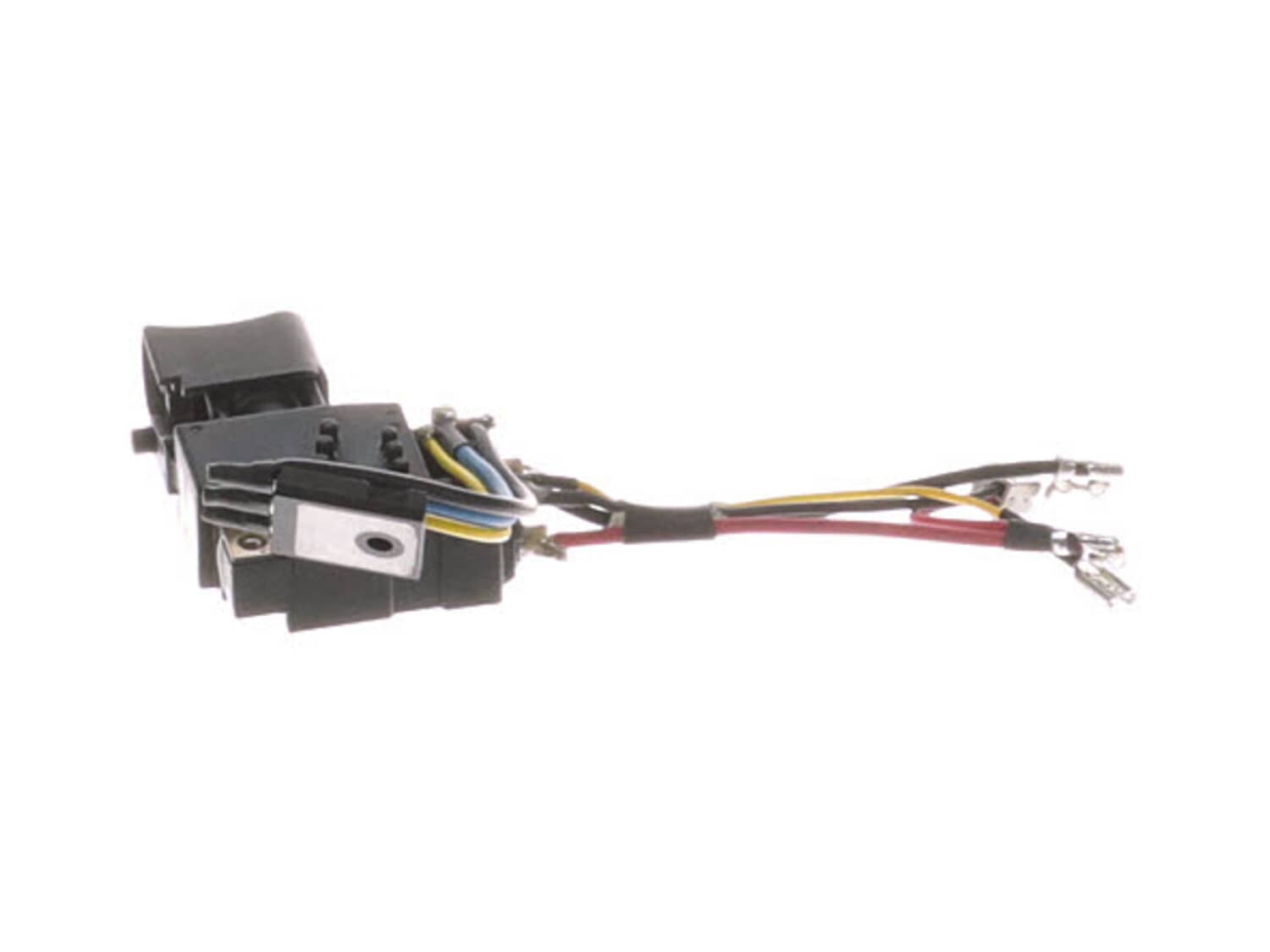
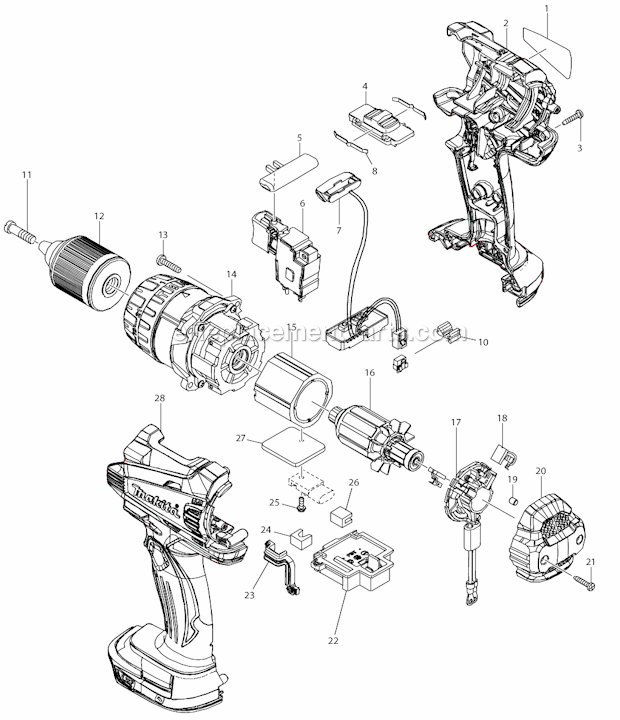
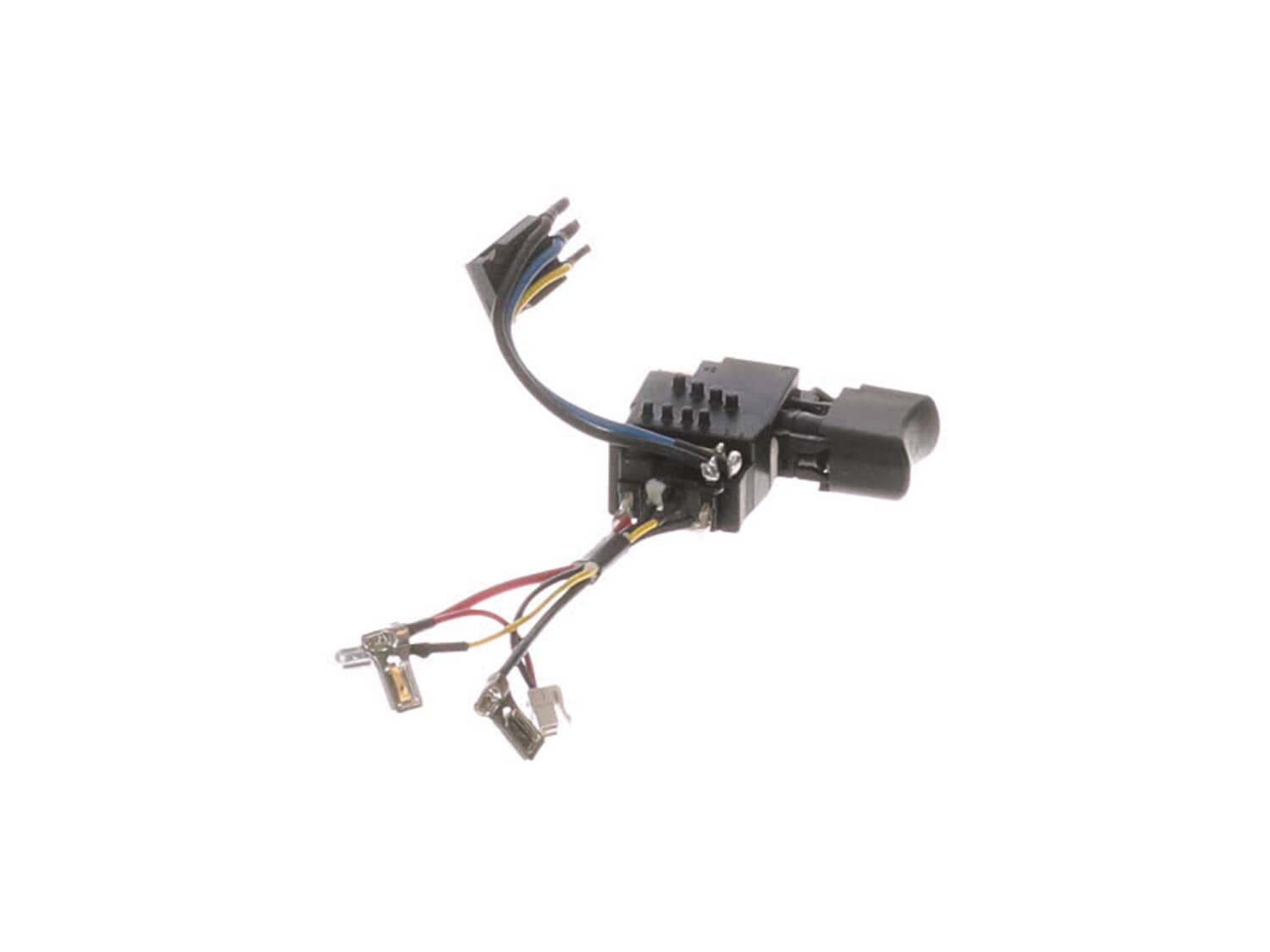
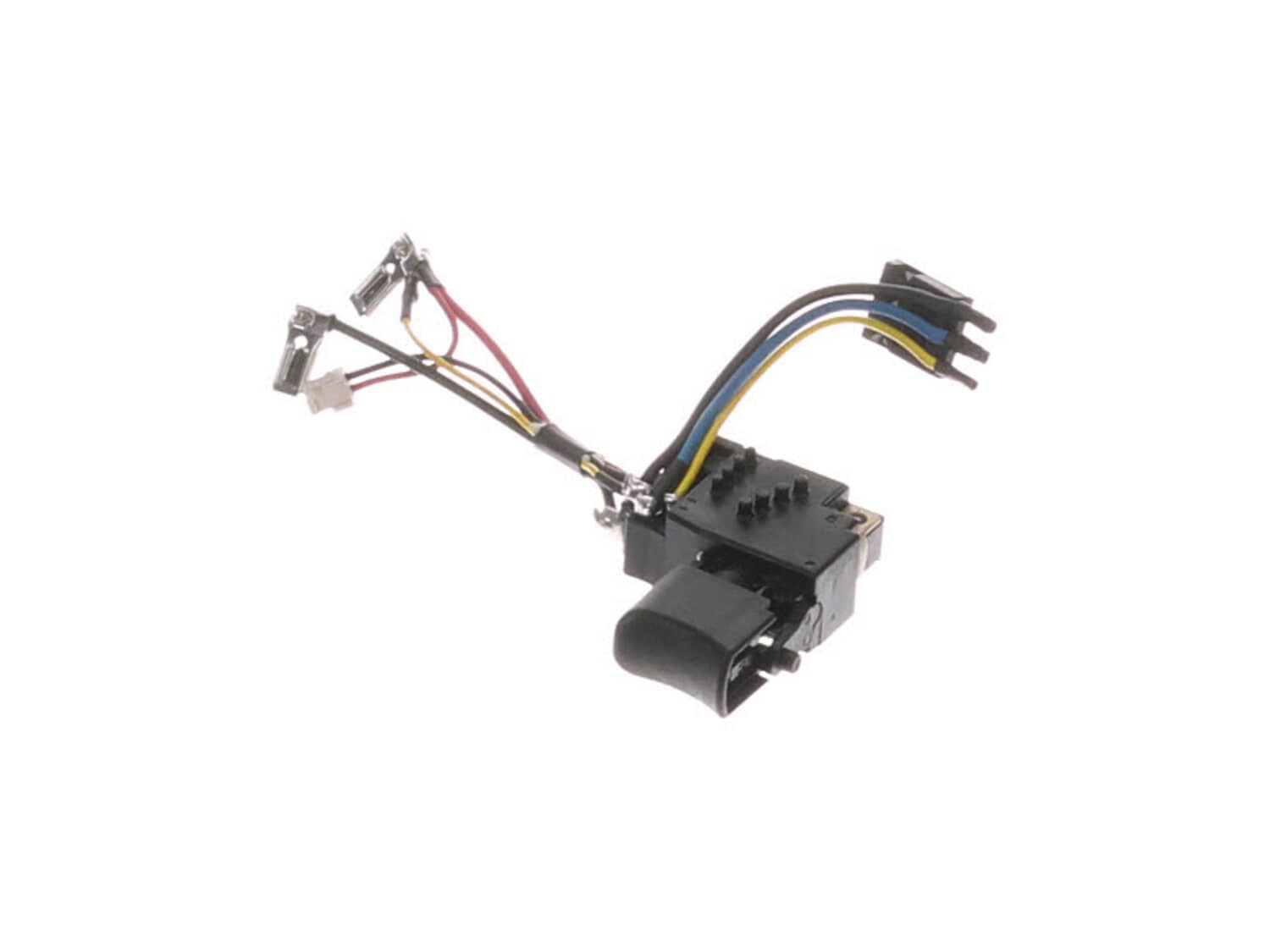
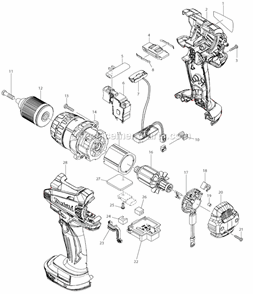
This switch allows user to turn the unit on and off. It is a high quality replacement part that is supplied from original equipment manufacturer for Makita hammer drill-drivers. Over time mechanical switches may begin to fail eventually requiring replacement. Some indicators of a bad switch include a tool that simply doesn\\\'t turn on or a tool that randomly stops during operation. Please note this durable plastic switch is sold individually.
Troubleshooting
This part works with the following brands:
Makita
This part works with the following products:
Drill
Cordless Drill
Part# 650725-2 replaces these:
650683-2,
★
Customer Part Reviews
?
5.0
Average Rating (out of 5):
★★★★★
★★★★★
(1 Review)
Click to filter by ratings:
5 stars
1
4 stars
0
3 stars
0
2 stars
0
1 star
0
< Prev
1
Next >
Sort by:
Sorry, we couldn't find any existing reviews that matched. Try using some different or simpler keywords.
★★★★★
★★★★★
Easy fix, part works perfect, tool good as new.
As always the part was easy to find, shipping was on time, it fit perfect, tool is fixed, price was good.
Guest - December 11, 2021
Verified Purchase
Customer Repair Instructions
All our customer repair instructions are solicited directly from other customers just like you who have purchased and replaced this exact part.
Easy
15 - 30 mins
(3 rated repairs)?
< Prev
1
Next >
Sort by:
Sorry, we couldn't find any existing installation instruction that matched.
Remove the rear housing by removing the two screws. Remove one half of the main housing, trying to keep all of the parts in the other half. Take a picture of where the parts are located. Make a wiring diagram of the switch wires. Remove the old switch and replace it with the new one. Remove the brush terminals from the brush holder. With
... Read more an awl pull the brush spring out and remove the old brushes and install the new ones, place the brush spring behind the new brushes. Place the brush terminal on the brush holder. Place the housings together, make sure all the parts are in the correct place, and make sure no wires will be pinched. Screw the housings together and place the back cap on.
This part is in stock in our warehouse and will ship out within 1 business day of the order being placed.
New stock is on the way! On order parts usually ship within 7 business days.
Item is not in stock and usually ships 10-15 business days from the time you place your order.
This item is no longer being made by the manufacturer, and cannot be added to your shopping cart.
✖
Mail-In Recycling Rebate
Some of the parts we sell are eligible for mail-in rebates since we can recycle them. We will display any applicable rebates in your shopping cart. To redeem your rebate, contact Customer Service after you have received your part.