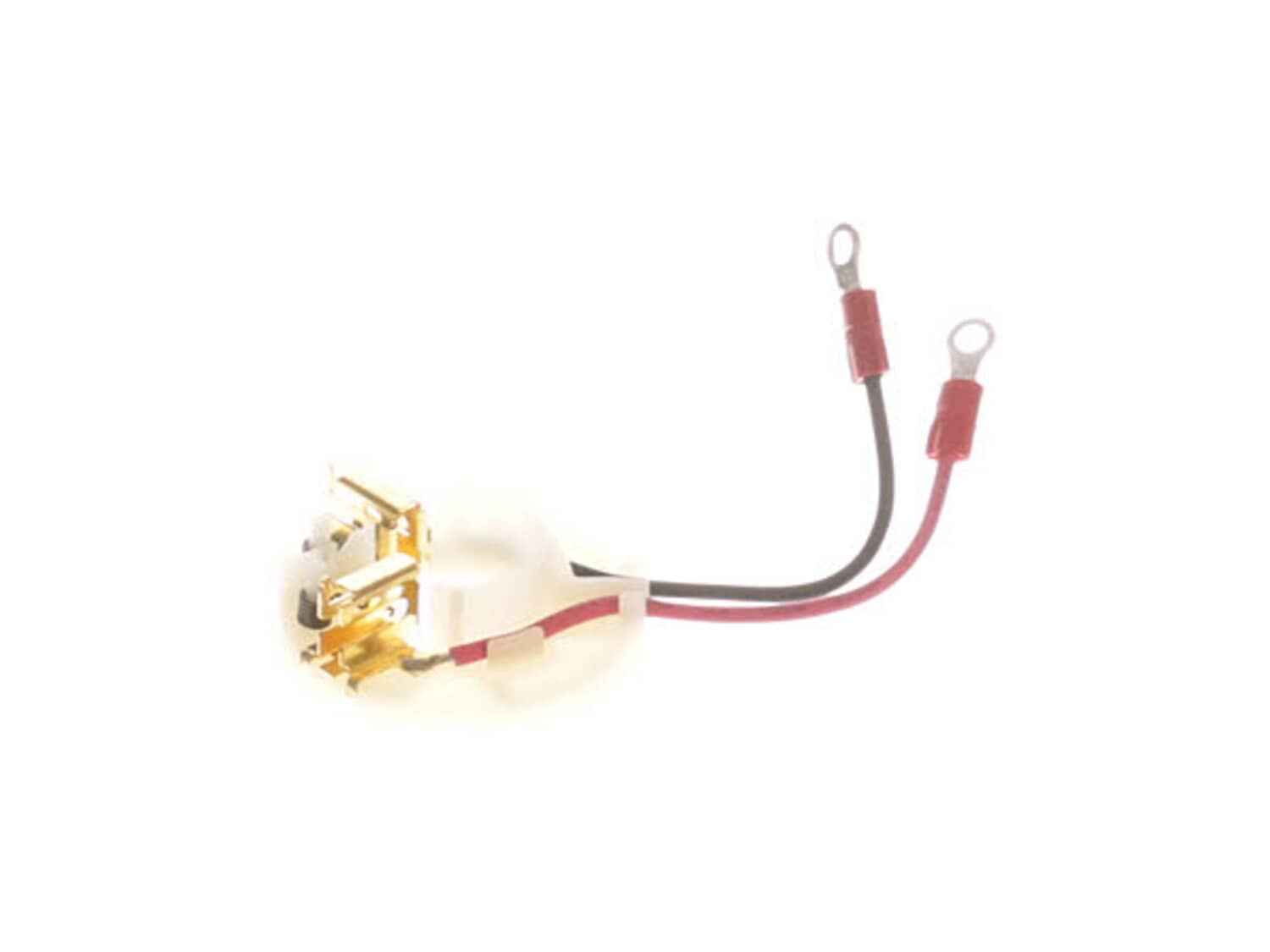
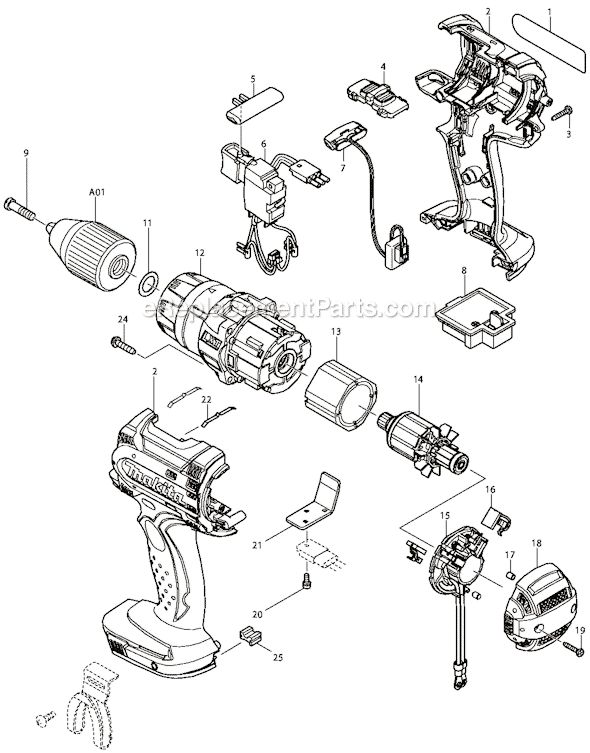
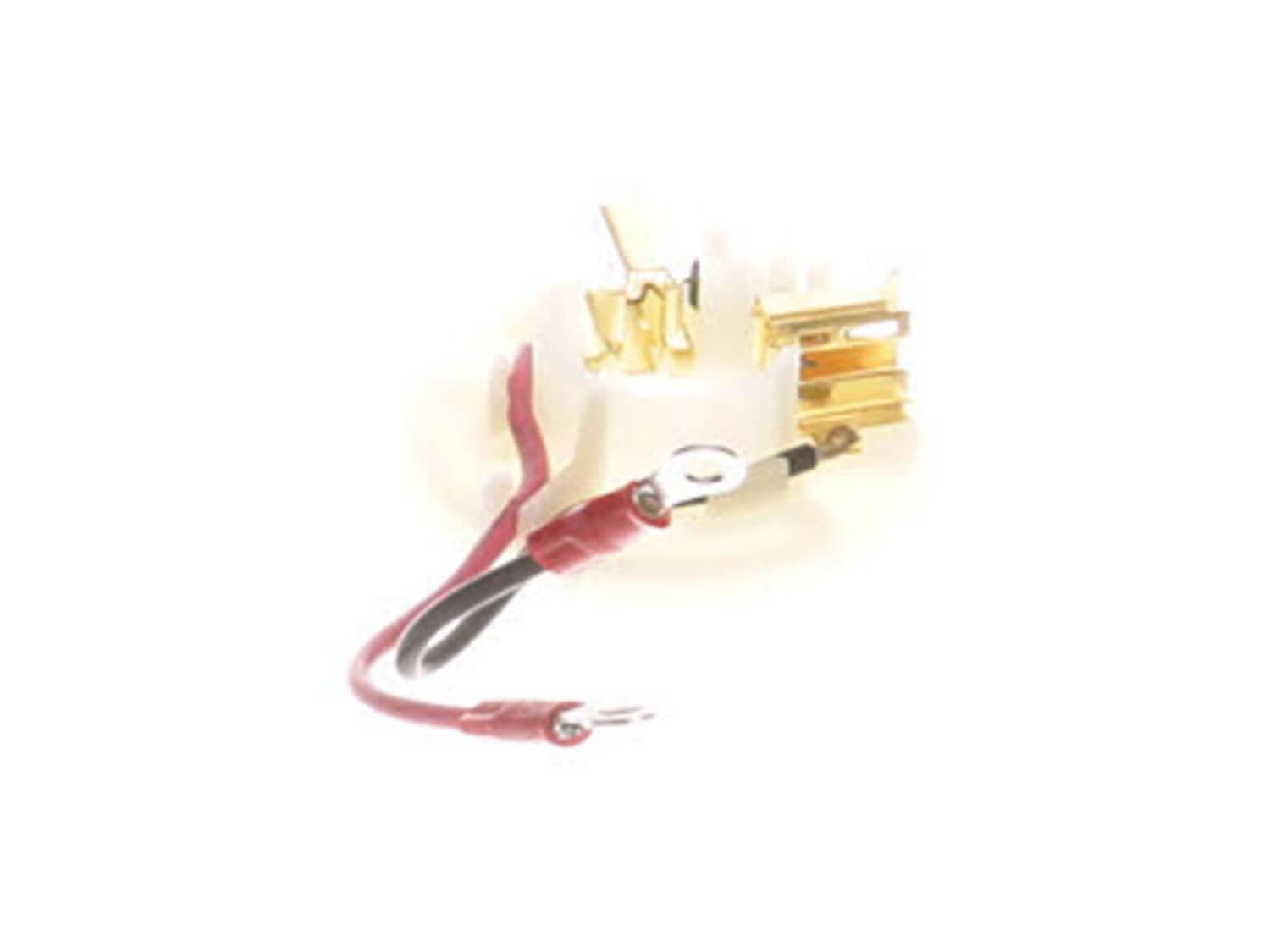
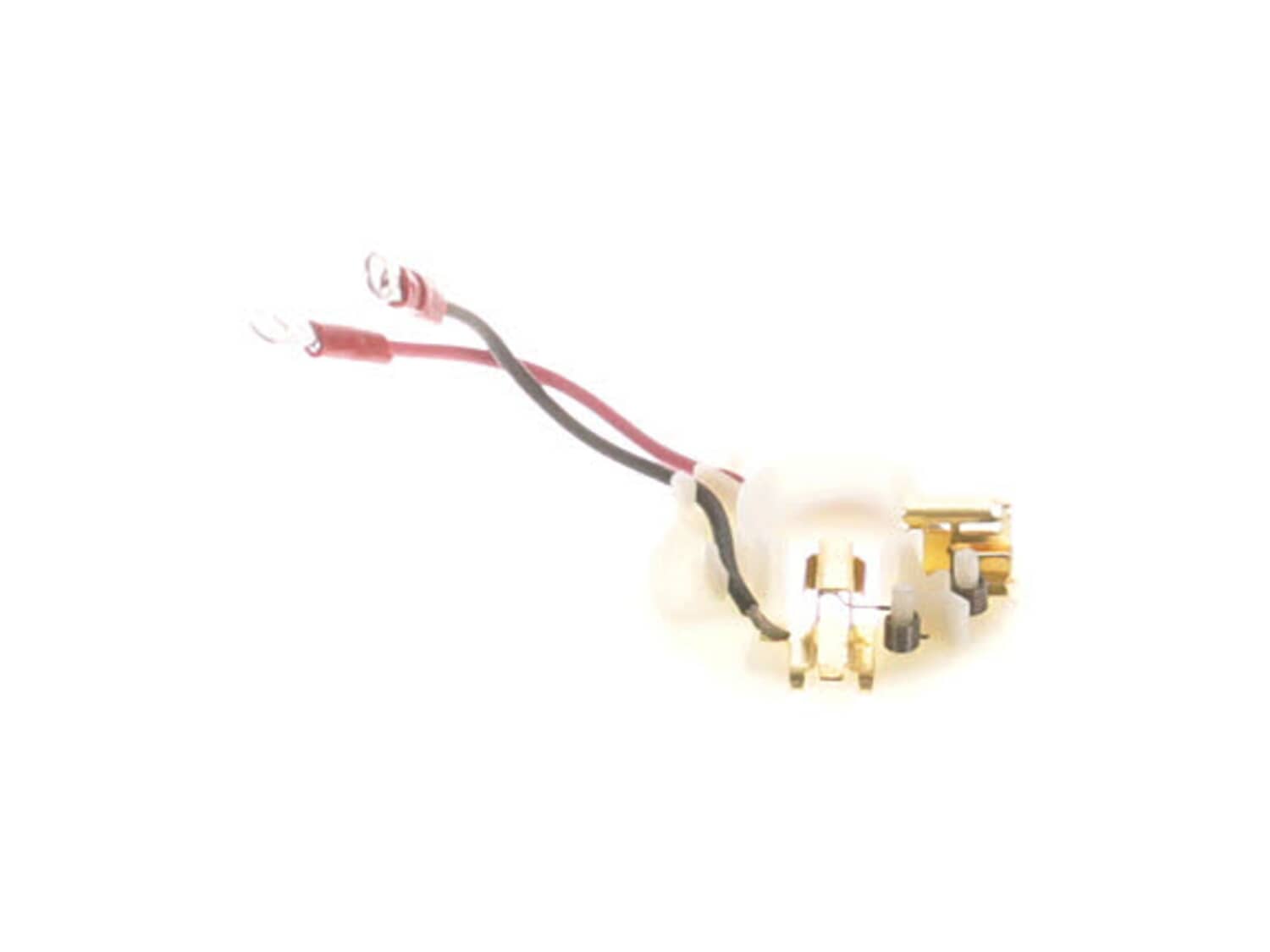
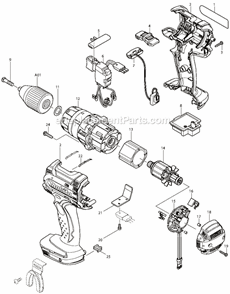
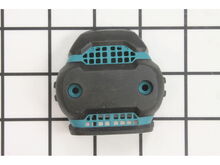
This is an Authentic Manufacturer Sourced replacement part used on a Makita Drills/Drivers. This part consists of: Plastic Holder Ring, Two (2) Metal Brush Holders With Springs and Two (2) Lead Wires Attached. This part holds Carbon Brushes around the Armature to provide stable and safe contact. Please note Carbon Brushes are Sold Separately. To replace this assembly you would need a Screwdriver and Pliers. • First remove Screws holding the cover together. • Carefully remove Two (2) Halves of the housing to gain access to Armature and Brush Holder. • Remove the screws holding Brush Holder to The Trigger. • Remove the Armature Assembly and the Brush Holder. • Install the New Brush Holder, Brushes and the Armature • Reassemble and test your tool.
Sorry, we couldn't find any existing reviews that matched. Try using some different or simpler keywords.
★★★★★
★★★★★
Worked as expected
Arrived on time, saved over $100 verses replacing drill. Easy repair. Works like new again.
Guest - September 12, 2019
Verified Purchase
★★★★★
★★★★★
Works 100%
First time buying from this website and I have to say that's amazing. I just pay $15.00 for the parts that I needed and I was able to fix my drill, It's working like the first day.
Guest - November 9, 2019
Verified Purchase
★★★★★
★★★★★
Easy fix
Replaced the brush holder and brushes on my hammer drill. Works great. Luckily it was a cheap fix.
Guest - December 6, 2019
Verified Purchase
★★★★★
★★★★★
Great parts
Arrived quickly,genuine parts.
Guest - May 13, 2021
Verified Purchase
★★★★★
★★★★★
Saw switch
Just what I was looking for. Always easy to order from. Fast shipping. A+
Gene - May 3, 2025
Verified Purchase
Customer Repair Instructions
All our customer repair instructions are solicited directly from other customers just like you who have purchased and replaced this exact part.
A Bit Difficult
30 - 60 mins
(13 rated repairs)?
< Prev
1
2
Next >
Sort by:
Sorry, we couldn't find any existing installation instruction that matched.
Removed all screws holding casing and power head, separated case removed motor replaced armature, removed brush holder and 2 screws from trigger, installed new brush holder wires on trigger make sure which ones are red and black, re assembled in reverse order total time was maybe 20 minutes, make sure notch on motor lines in with the not
... Read morech in the case.
Removed the 2 phillips end cap screws to access the brushes. They simply pull out to the holder after I took a pick and held the brush spring off to the side. When replacing the holder you have to separate the two halves of the handle. Not a big job. Just make sure you line up the steel field that the armature turns in. It has a notch in
... Read moreit that has to line up with the one in the handle housing. If you don\'t do this you can\'t get the housings completely together and wonder why. This happened to me. Also make sure the detent springs for the High/Low don\'t fall out when putting the two halves together. Otherwise it was a simple repair. I have done 2 drills so far in our business and plan to get more parts to do more. Parts are identical to the original and are in Makita labeled packaging. Also great pricing.
Read less
Did you find this story helpful?
Thank you for voting!
Brush holder overheated and possible armature damage, after being subjected to tool overloading
Remove screws holding the two cover halves together. Carefully separate the two cover halves, being careful of the hi-lo gear selector switch. Remove brush holder and armature, replace brush holder and armature. Install brushes and reassemble the two cover halves with the hi-lo gear selector switch inserted and being careful to re-positi
... Read moreon the wires into their respective wire ways.
Read less
Did you find this story helpful?
Thank you for voting!
over heated & burned fan blades on armature & melted those to brush holder
Take the case apart.
Remove melted brush holder.
Be sure to order brushes and brush holder, because the brushes will be melted to the old brush holder. I managed to pry the old brushes out of the melted brush holder but it took some delicate surgery to save the old brushes.
Install the newvbrush holder back in the case
... Read moreand assemble the case. Done.
Remove all screws holding housing together. Remove 4 screws holding gear drive assembly in place. Tip out brush assembly out with switch and wire assembly together. Unscrew brush wire screws and install new brush holder. Reassemble in reverse order.
1) Removed battery
2) Removed screws from case and set aside one half of the case
3) Removed old brush holder from case and disconnected wiring from the trigger
4) Moved magnet coil retention bracket out of the way
5) Removed armature screws from front of drill around chuck
6) Twisted plastic armature retaine
... Read morer and pulled armature assembly out of drill body, taking care not to damage the planetary gears
7) Transferred plastic armature retainer to new armature
8) Transferred magnet coil to new armature and installed the assembly
9) Installed new brushes in new brush holder
10) Installed new brush holder assembly in drill body and connected to the trigger
11) Transferred speed selector switch to new armature.
12) Installed new Rubber Pins into back of drill case
13) Reinstalled magnet coil retention bracket
14) Reassembled drill case and tested
Read less
Did you find this story helpful?
Thank you for voting!
< Prev
1
2
Next >
Model Cross Reference
This part works with the following models:
ERP Number: ERP10153308
Manufacturer Part Number: 638614-1
This part is in stock in our warehouse and will ship out within 1 business day of the order being placed.
New stock is on the way! On order parts usually ship within 7 business days.
Item is not in stock and usually ships 10-15 business days from the time you place your order.
This item is no longer being made by the manufacturer, and cannot be added to your shopping cart.
✖
Mail-In Recycling Rebate
Some of the parts we sell are eligible for mail-in rebates since we can recycle them. We will display any applicable rebates in your shopping cart. To redeem your rebate, contact Customer Service after you have received your part.