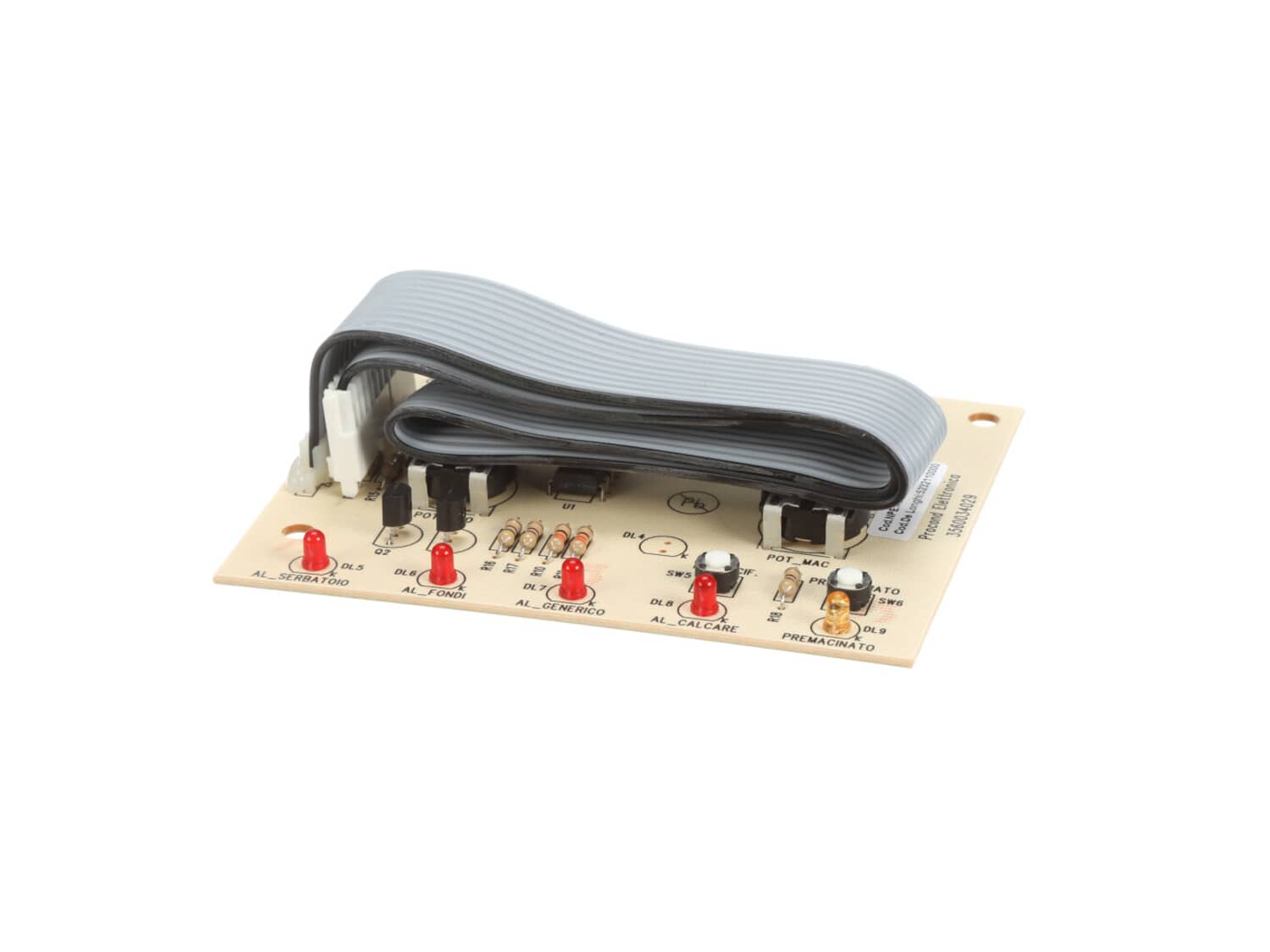
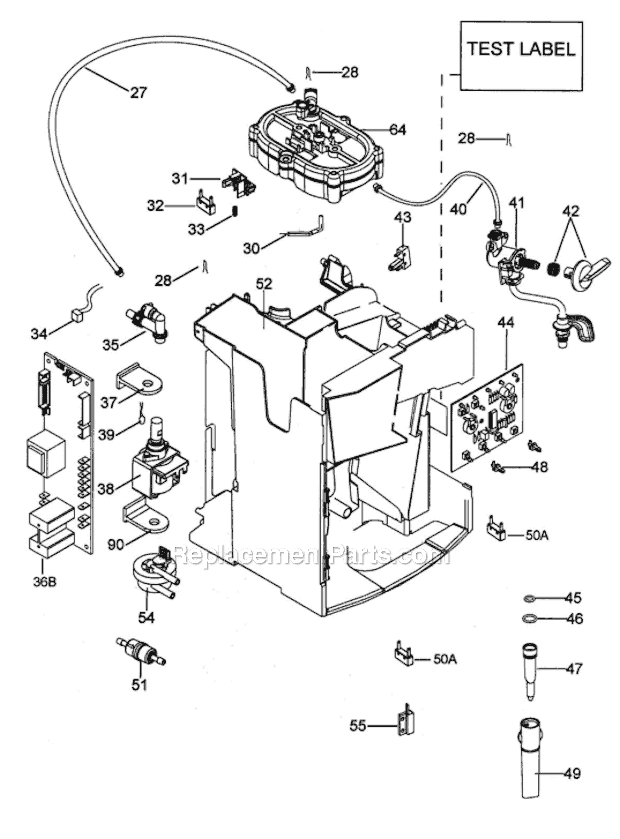
1. Unplug & remove steam knob-pull straight off. remove water receptacle
2. Remove the 2 screws from the back of each side panel and slide them both off.
3. Remove the 2 screws holding the back and remove it.
4 Remove the 2 screw from the top and the 2 screws (there are 4 total) from each side of the face plate
5 R
... Read moreelease the clip and carefully pull out the ribbon plug from it\'s receptacle in the Main control board.
6 Note the position of the 2 knobs and remove the face plate from the unit and the now loose top. you should be no more than 10-15 minutes into it.
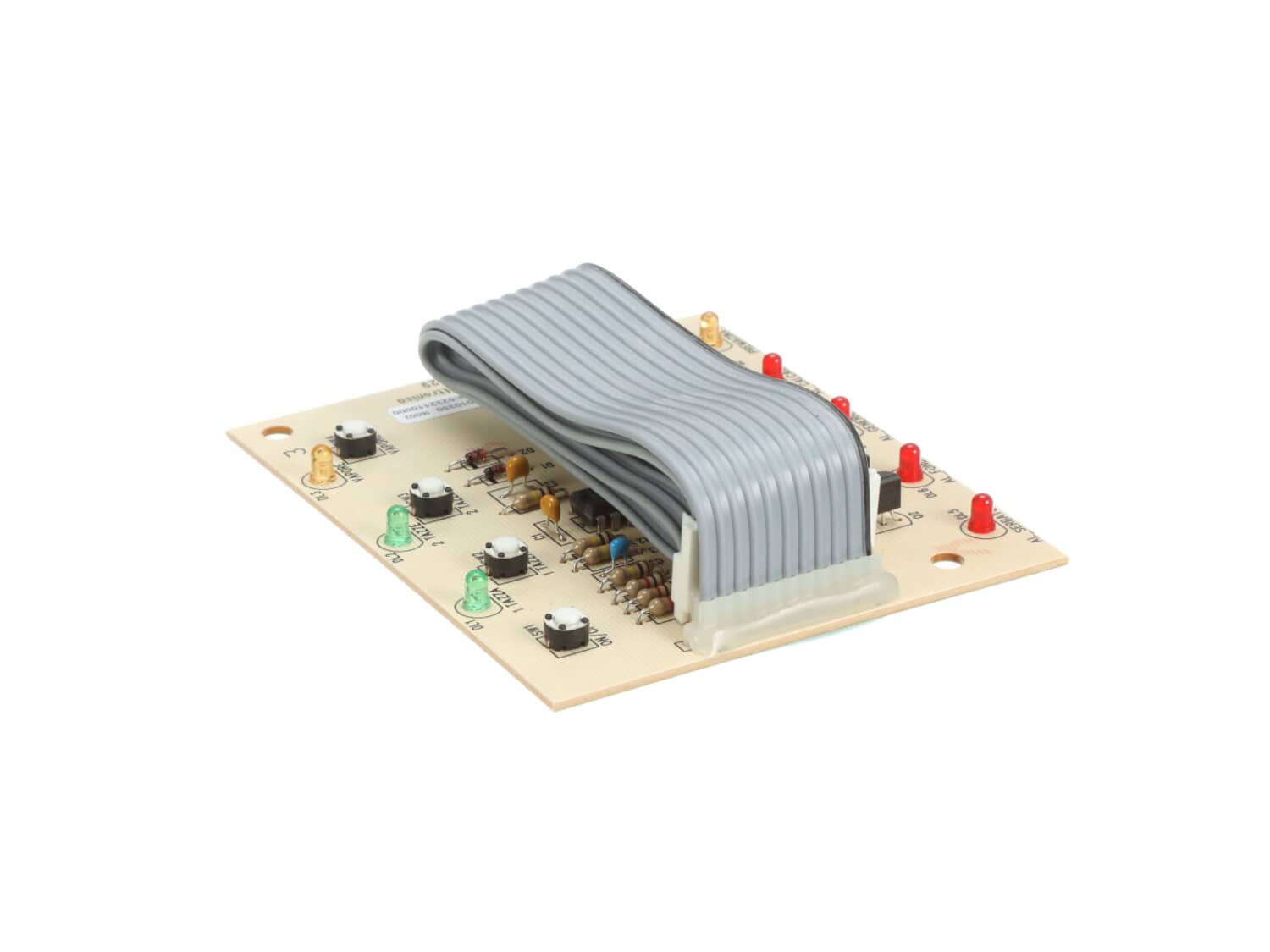
7 Remove the single control board hold down screw and carefully push back the plastic clips one at a time and pry out the control board. This may take a while. A jewelers screwdriver might help. Do not break the plastic clips.
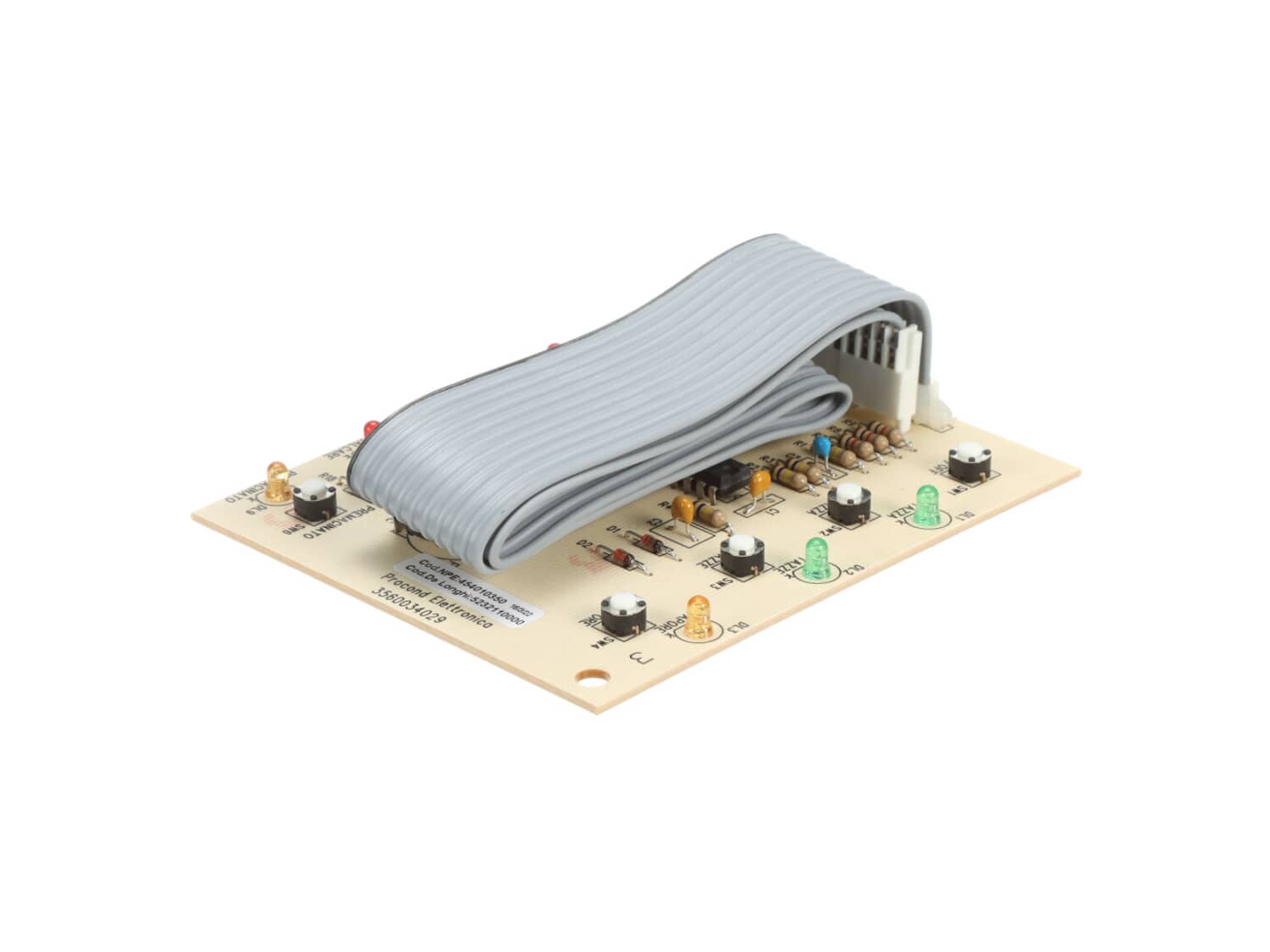
8 Install the new board being careful to align the 2 knob posts with their respective holes. Note the posts have a flat side. Make sure the buttons fit where they belong. Refasten the hold down screw.
9 Reattach the ribbon and plug it in. Test the buttons to make sure they fit in properly and they work. Be careful, don\'t touch the board contacts or electrocute yourself.
10 If it doesn\'t respond, unplug it and remove and refit again . It may take a couple of attempts.
11 Reassemble in reverse order.
Read less
Did you find this story helpful?
Thank you for voting!
DeLonghi Espresso Machine had a bad control board-not responding correctly
This was an easy fix. Removed the plugged in wire and control board and plugged in the new one. Only tricky part was lining up the control pots for coffee amount and bean amount behind the front panel.
Did you find this story helpful?
Thank you for voting!
Orignal control board acting up -- power on button would not work, nor would \"make coffee\" button.
Followed instructions from e-Replacement Parts.com web site. Instructions were generally easy to follow, had one or two hiccups, but I successfully installed new control board and new board works fine.
I appreciate having the instructions on the e-Replacement Parts.com web site. Those instructions for replacing the control
... Read moreboard convinced me to purchase a replacement board from e-ReplacementParts.com
1. Removed cover panels from sides, back and top of unit
2. Removed steam control knob
3. Removed front panel
4. Disconnected ribbon cable from power supply board at rear left of unit
5. Using a small bladed screwdriver, carefully pried the control board loose from 2 of 4 clips holding it in place on the front pan
... Read moreel so it could be slipped free of the panel and removed.
6. Placed new board in panel
Connected ribbin cable from new board to power supply board.
7 reassembled coffee maker and brewed an espresso.
Read less
Did you find this story helpful?
Thank you for voting!
Control board was broken and power wouldnGÇÖt turn on.
Followed the directions provided and it worked very well. The plastic tabs holding the control board were very tight but pried loose with a little care.
This part is in stock in our warehouse and will ship out within 1 business day of the order being placed.
New stock is on the way! On order parts usually ship within 7 business days.
Item is not in stock and usually ships 10-15 business days from the time you place your order.
This item is no longer being made by the manufacturer, and cannot be added to your shopping cart.
✖
Mail-In Recycling Rebate
Some of the parts we sell are eligible for mail-in rebates since we can recycle them. We will display any applicable rebates in your shopping cart. To redeem your rebate, contact Customer Service after you have received your part.
✖
[{"position":0,"name":"Home","title":"Home","url":"/"},{"position":1,"name":"Circuit Board or Touch Pad","title":"Circuit Board or Touch Pad","url":"/parts/small-appliance/coffee-maker/circuit-boards-and-touch-pads/"},{"position":2,"name":"AS00000621","title":"AS00000621","url":""}]