Sorry, we couldn't find any existing reviews that matched. Try using some different or simpler keywords.
★★★★★
★★★★★
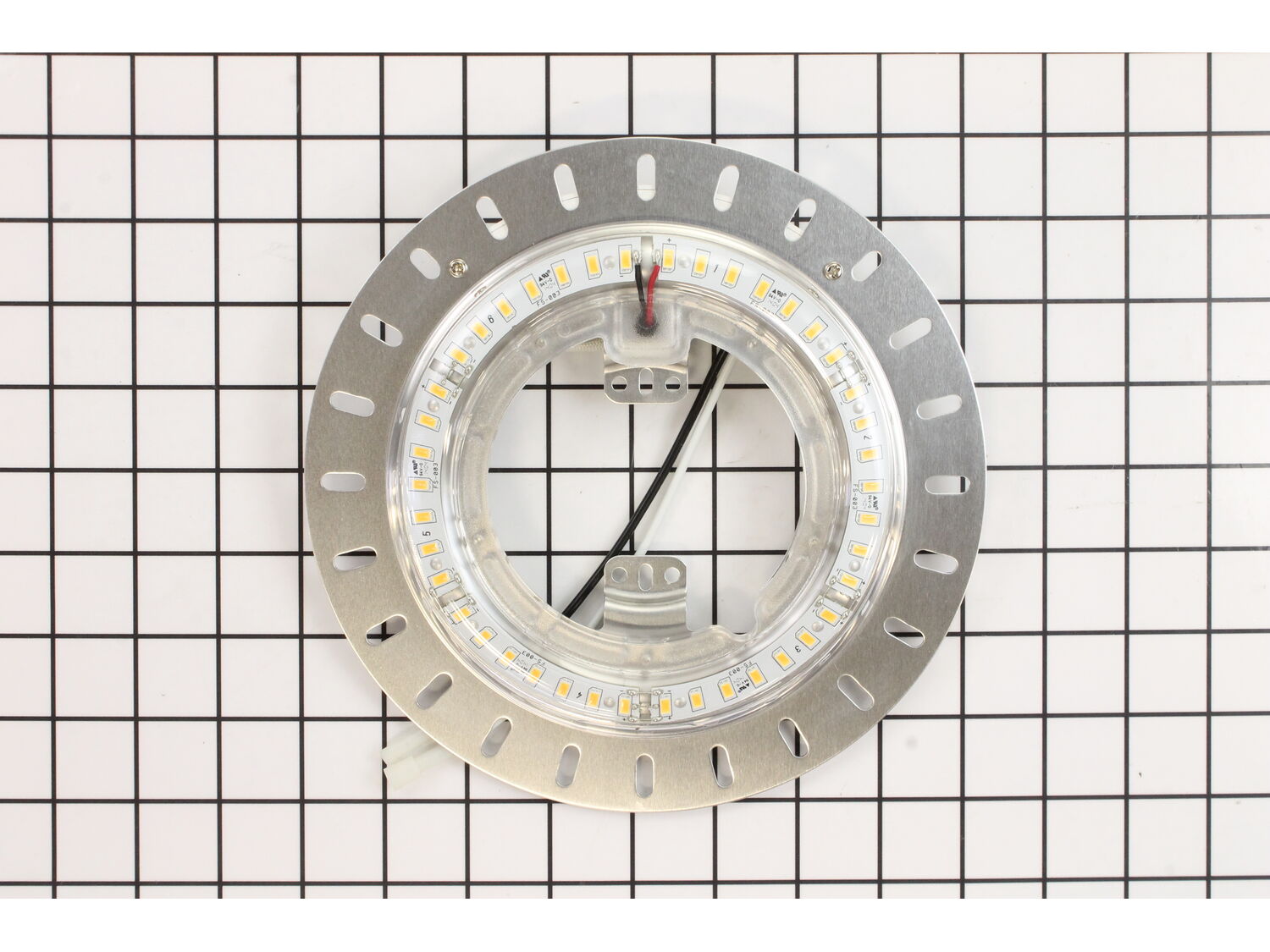
Replacement part not the real thing.
This is not the part that you will receive if you order it, they send a replacement part that works at about 1/3 the light output of the one in the picture. I do not recommend this part. The part that is shown is the wrong number. It should be K1592-02. This number is from my parts list from Hunter that I kept after installation.
Guest - August 22, 2019
Verified Purchase
August 22, 2019
Hi Raymond,
Thank you for your review. Please accept our apologies that the information on our site was not correct for the part. We have contacted you privately regarding this situation.
Customer Repair Instructions
All our customer repair instructions are solicited directly from other customers just like you who have purchased and replaced this exact part.
Easy
15 - 30 mins
(3 rated repairs)?
< Prev
1
Next >
Sort by:
Sorry, we couldn't find any existing installation instruction that matched.
1. Tripped breaker to room.
2. Removed glass cover over light by removing decorative nut and plastic retaining clip.
3. Removed one screw and loosened two screws on LED light assembly.
4. Unplugged connector and LED assembly.
5. Removed two screws holding LED.
6. Loosen black wire from wire nut going to pull
... Read more cord switch. Unplug white wire from quick connect.
7. Plug in new LED using wire nut for black wire and white wire ti connection. Its keyed so you can\'t mess this up.
8. Plug in connecter from LED assembly to fan.
9. Install LED assembly with three screws.
10. Install glass cover with plastic retaining clip.
11. Install decorative nut. Do not forget pull cords, they have to run through plastic grommets especially fan cord.
Read less
Did you find this story helpful?
Thank you for voting!
LED lights in ceiling fan were blinking and flashing.
This part is in stock in our warehouse and will ship out within 1 business day of the order being placed.
New stock is on the way! On order parts usually ship within 7 business days.
Item is not in stock and usually ships 10-15 business days from the time you place your order.
This item is no longer being made by the manufacturer, and cannot be added to your shopping cart.
✖
Mail-In Recycling Rebate
Some of the parts we sell are eligible for mail-in rebates since we can recycle them. We will display any applicable rebates in your shopping cart. To redeem your rebate, contact Customer Service after you have received your part.