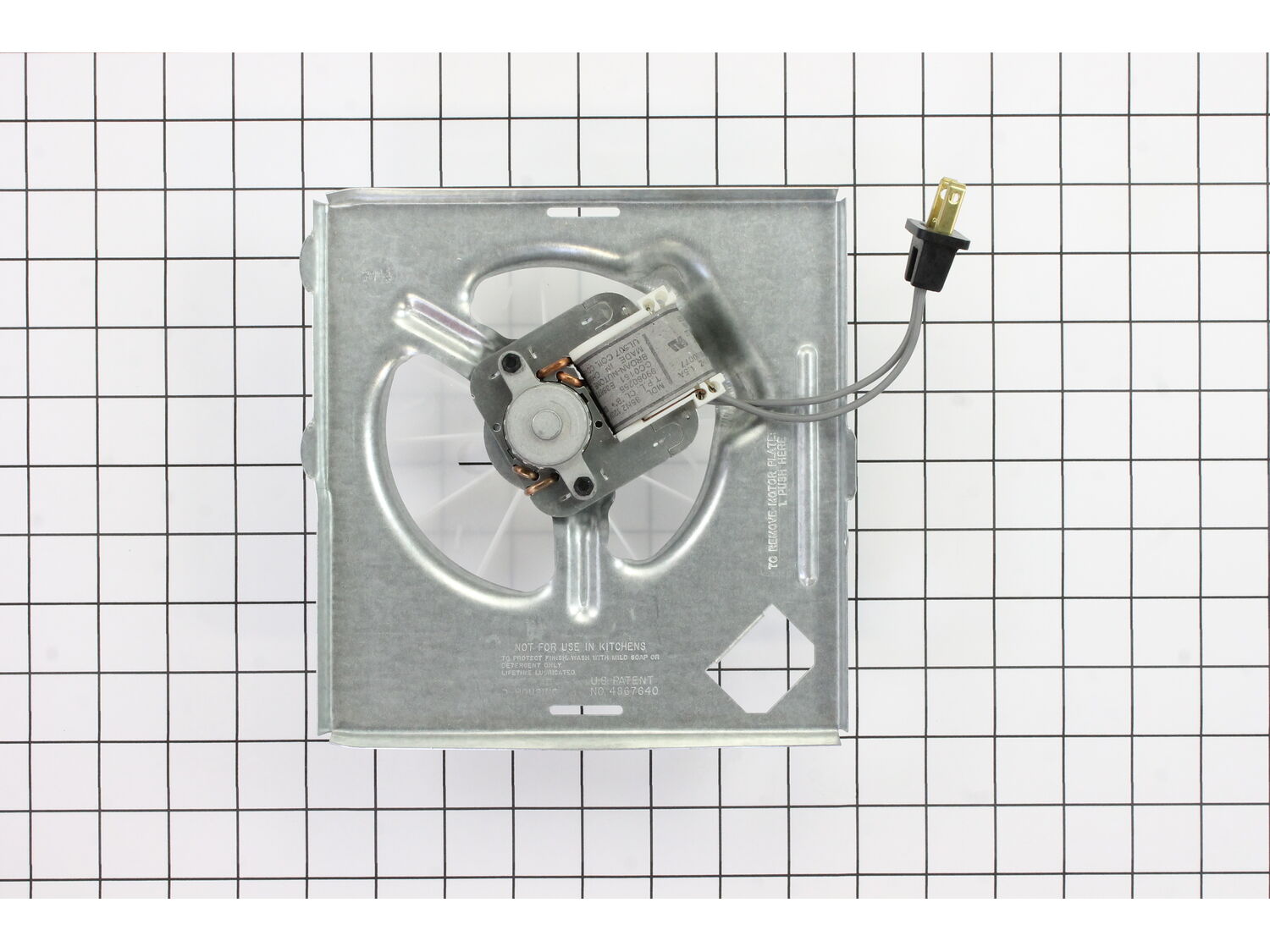
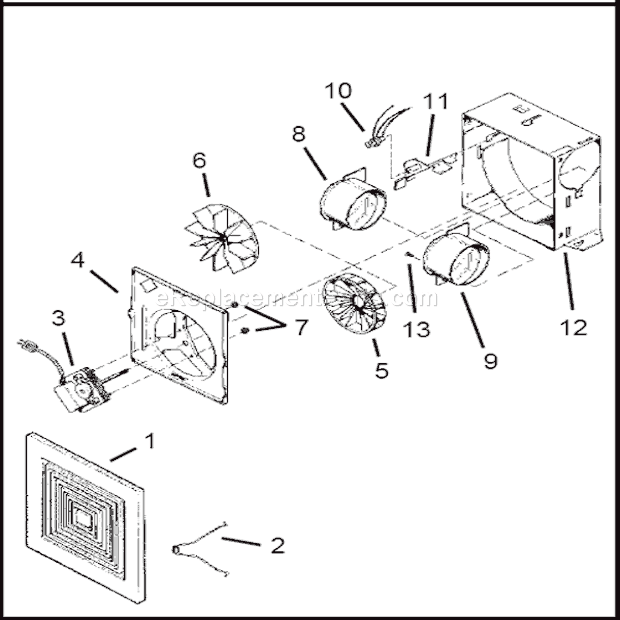
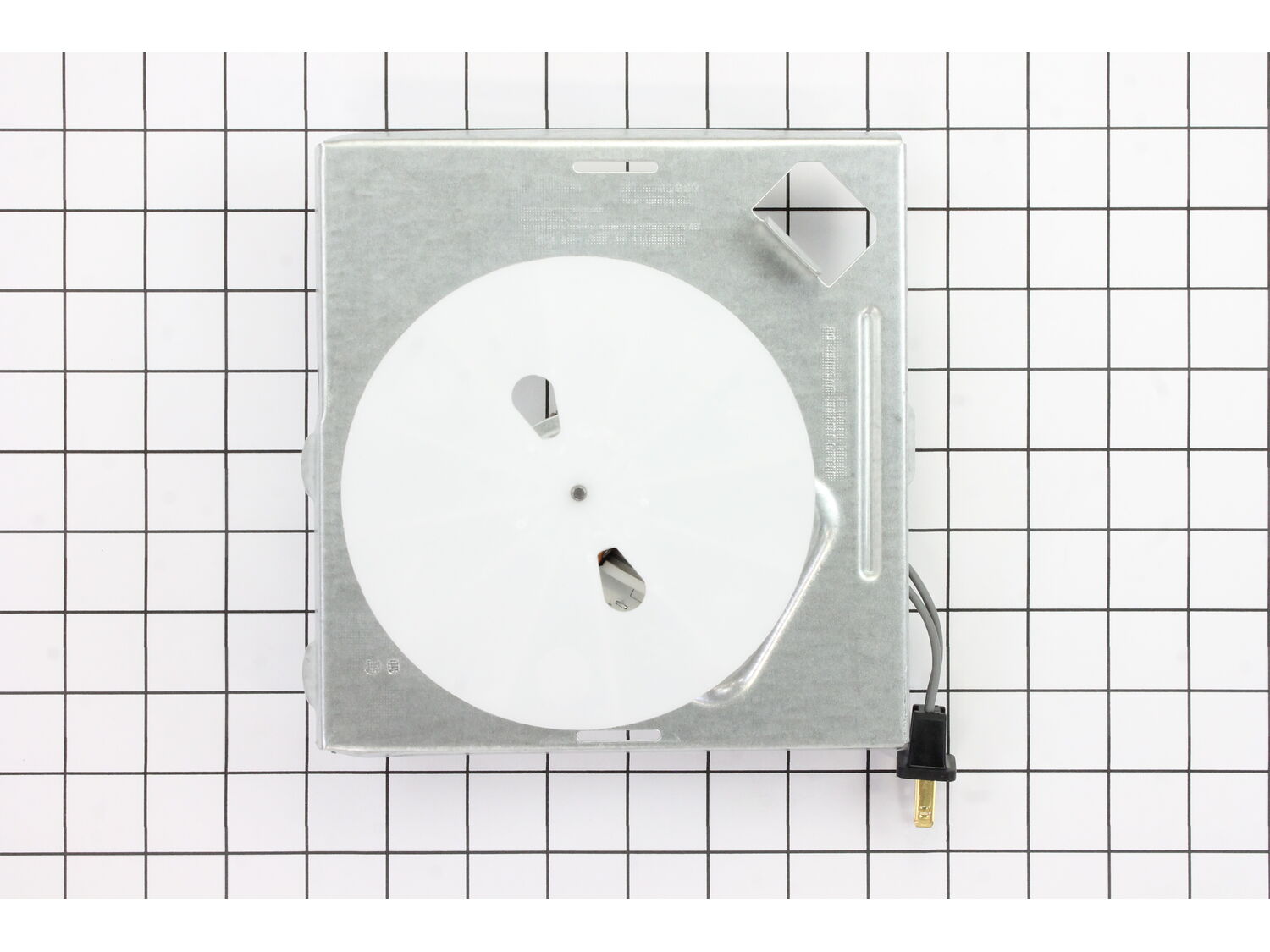
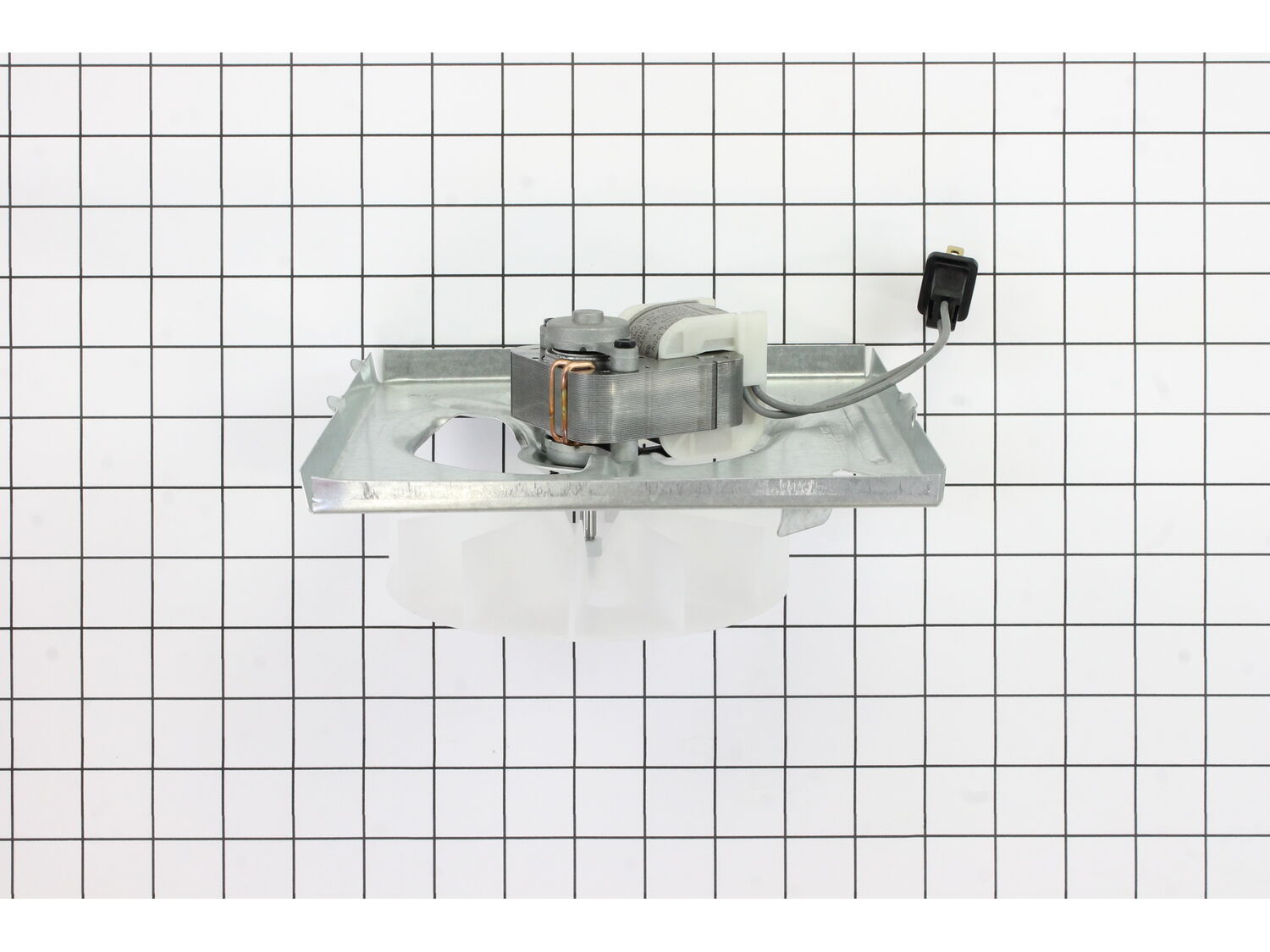
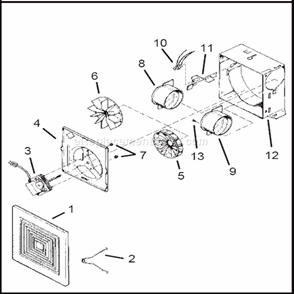
This power unit supply is an OEM direct from Nutone. Compatible with the 671 Ventilation Fan, this item is sold individually. The assembly is secured inside the fan housing and plugged into an outlet. Constructed of metal, wiring and plastic, the power unit assembly helps the fan to stop moisture, mold and mildew in homes. You will need a screwdriver for the installation.
Troubleshooting
This part works with the following brands:
Nutone
Broan
This part works with the following products:
Bath & Ventilation Fan
Questions & Answers
?
Ask our Team
We have a dedicated staff with decades of collective experience in helping customers just like you purchase parts to repair their products.
Sorry, we couldn't find any existing answers that matched. Try using some different or simpler keywords, or submit your new question by using the "Ask a Question" button above!
Need a new mounting plate, motor, and fan for the bathroom. Measures 7.50 x7.25. Thanks 70 cfm
Kenny
For model number 671h - April 5, 2023
Hello Kenny, Thank you for contacting us. We have researched the model you have provided and have found the part you are looking for is Part Number: S97008321. We hope this helps!
eReplacementParts Team
April 5, 2023
Did this question help you?
Thank you for voting!
HI, I A NEED A EXHAUST FAN NU-TONE695-R02 "B" UNIT I NEED THE FAN/ WHEEL AND MOTOR ALL ATTACHED TO THE MOUNTING FRAME CAN YOU PLEASE ASSIST ME .THANK YOU VINCENT
Vincent
For model number NUTONEB 695-R02 UNIT - March 4, 2022
Hi Vincent,
Thank you for your question. The motor, fan wheel, and frame are sold together in the power unit assembly. The part number listed under your model number for the power unit assembly is S97008321. If you need help placing an order for it, customer service is open 7 days a week and anyone will be happy to assist you. Please feel free to give us a call. We look forward to hearing from you!
eReplacementParts Team
March 4, 2022
Did this question help you?
Thank you for voting!
Customer Repair Instructions
All our customer repair instructions are solicited directly from other customers just like you who have purchased and replaced this exact part.
Easy
Less than 15 mins
(6 rated repairs)?
< Prev
1
Next >
Sort by:
Sorry, we couldn't find any existing installation instruction that matched.
1. Removed the old fan by unplugging and then using a flat head screwdriver to release the three tabs.
2. Pulled down on the old fan to remove.
3. Pushed new fan upwards until the 3 tabs clicked in place.
4. Plugged it into the outlet in the fan area.
5. Turned on the switch and the fan is now working just fine.
<
... Read morebr />6. Put the cover back over the vent.
Removed the grill, pushed up on the unit so the inserts came out of the slots, tipped the unit so inserts wold not hang up in the slots, unplugged the power, I put the new unit in in reverse order. needed a screwdriver to slightly pry, but probably wouldn\'t have really needed it.
Ordered 1 fan motor and also 1 fan unit ( which incorporated the motor, electrical plug, squirrel cage, and the frame. )
For motor replacement
1. remove grill
2. unplug power to unit
3. remove frame from housing using screwdriver
4. remove squirrel cage
4. unbolt motor and replace with new
... Read more/>5. reinstall
For fan unit replacement
1. remove grill
2. unplug power to unit
3. remove frame from housing
4. install new fan unit
5. reinstall in housing
1. Remove vent cover.
2. Unplug motor.
3. Remove ceiling motor and fan unit.
4. Position and place replacement unit in existing housing.
5. Plug in fan.
Did you find this story helpful?
Thank you for voting!
< Prev
1
Next >
Model Cross Reference
This part works with the following models:
ERP Number: ERP10432178
Manufacturer Part Number: S97008321
This part is in stock in our warehouse and will ship out within 1 business day of the order being placed.
New stock is on the way! On order parts usually ship within 7 business days.
Item is not in stock and usually ships 10-15 business days from the time you place your order.
This item is no longer being made by the manufacturer, and cannot be added to your shopping cart.
✖
Mail-In Recycling Rebate
Some of the parts we sell are eligible for mail-in rebates since we can recycle them. We will display any applicable rebates in your shopping cart. To redeem your rebate, contact Customer Service after you have received your part.