Sorry, we couldn't find any existing reviews that matched. Try using some different or simpler keywords.
★★★★★
★★★★★
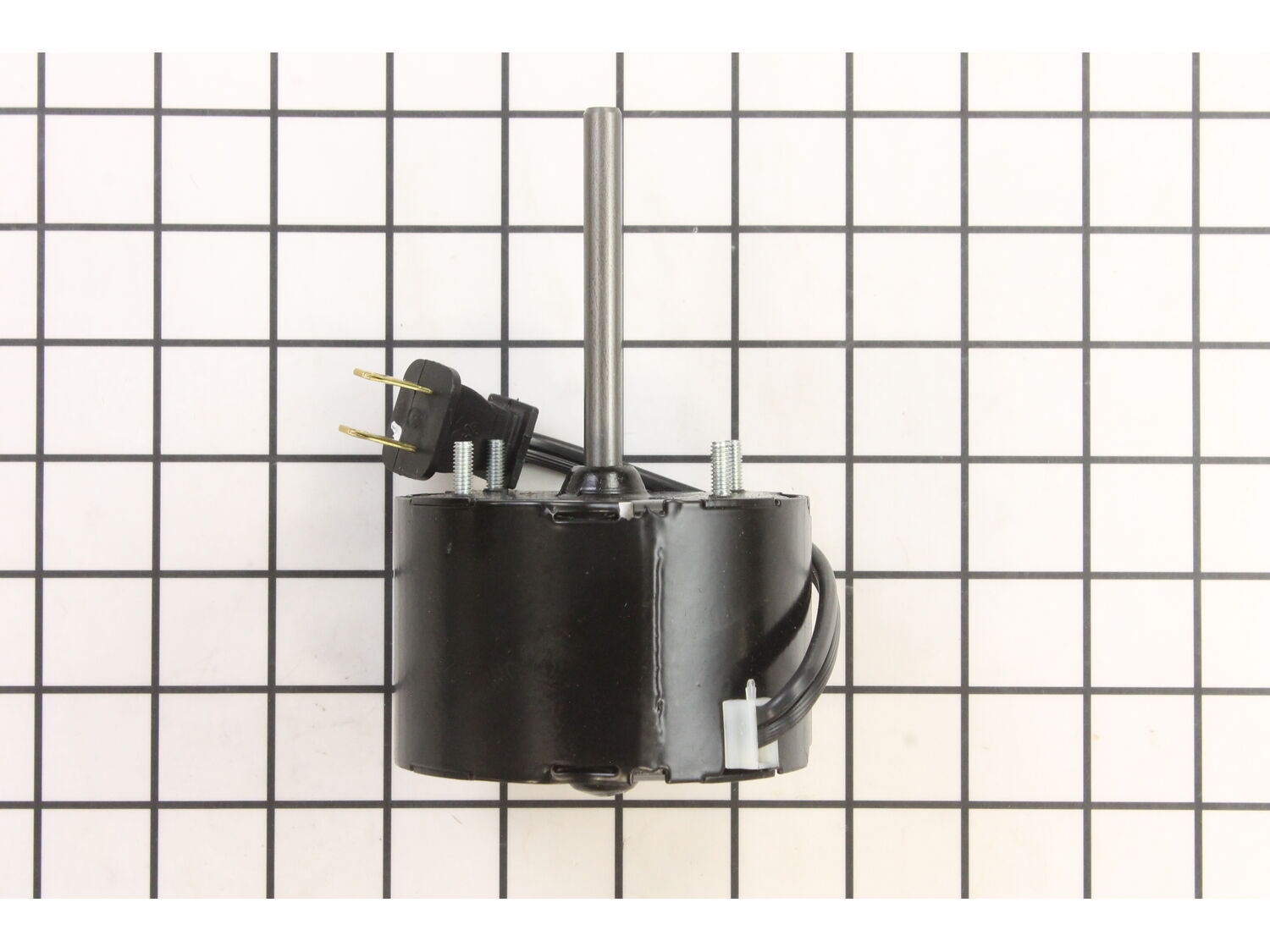
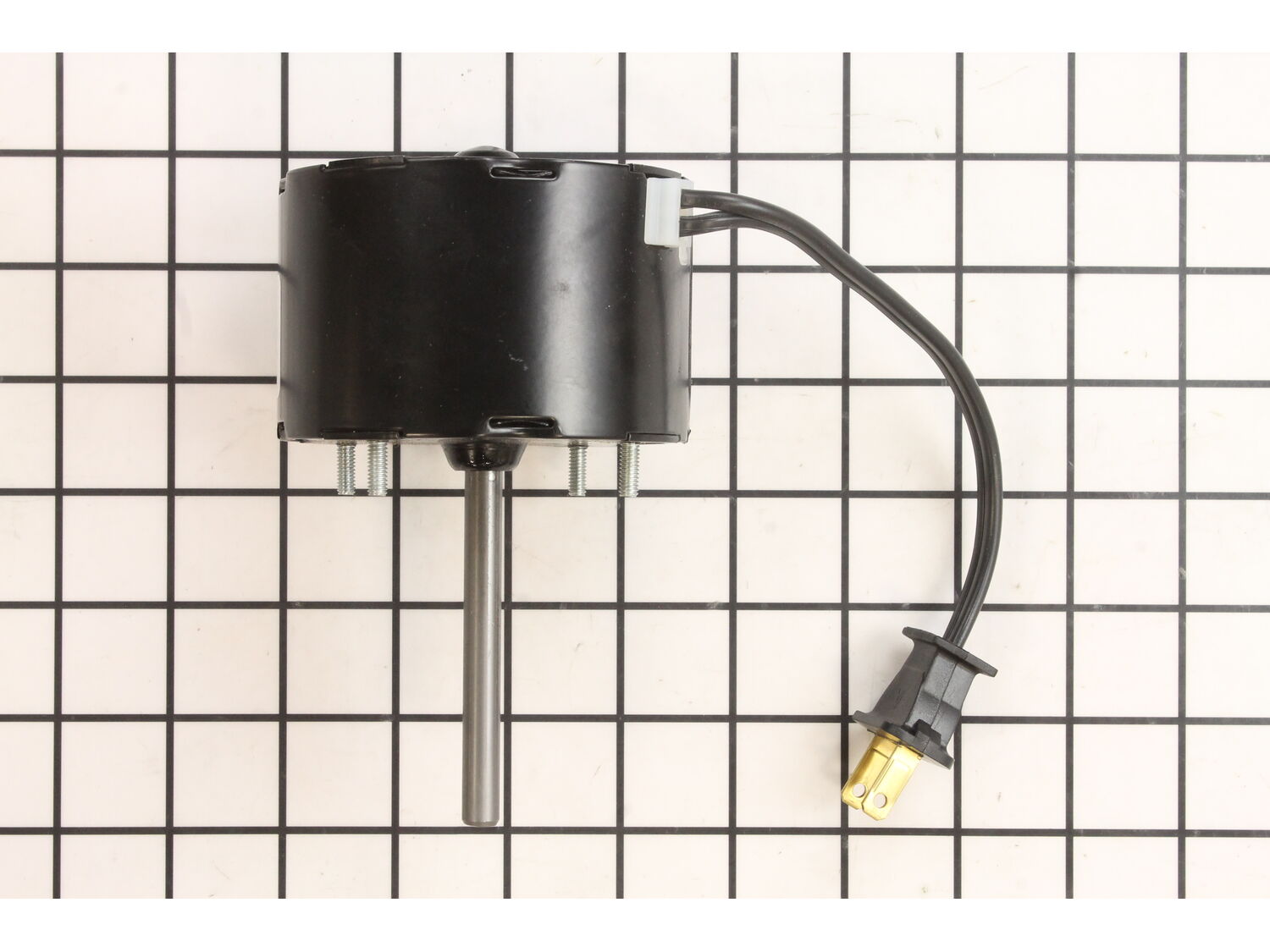
Replacement Bathroom Fan Motor
I was surprised that the motor with fan was shipped as a single unit. Quick and easy re-installation.
Guest - May 24, 2022
Verified Purchase
★★★★★
★★★★★
Part return
I ordered a motor I later discovered I didn't need. Return process and forthcoming credit were handled quickly and efficiently. Great customer service.
Guest - December 1, 2022
Verified Purchase
★★★★★
★★★★★
Exactly what I needed, installed easily, works well!
I needed a replacement bathroom shower exhaust fan motor to replace a dead motor in a 17 year old fan and I didn't want to have to turn the matter into a major repair or reconstruction project. I found what I needed online after a relatively long search and a lot of scrolling and reviewing! It arrived on time and was exactly what I needed. I'm back in business! Thanks so much to Ereplacement Parts!
Guest - September 23, 2023
Verified Purchase
★★★★★
★★★★★
Fan motor
Arrived in good condition and on time. Only negative was website said it came with instructions. There were none.
Guest - July 21, 2022
Verified Purchase
Customer Repair Instructions
All our customer repair instructions are solicited directly from other customers just like you who have purchased and replaced this exact part.
A Bit Difficult
30 - 60 mins
(4 rated repairs)?
< Prev
1
Next >
Sort by:
Sorry, we couldn't find any existing installation instruction that matched.
1. Removed light bulb. 2. Unhooked two springs holding up white plastic lightbulb shroud. 3. Unplugged old motor. 4. Loosened two nuts holding light socket assembly and tucked that socket out of the way. 5. Loosened and removed three nuts holding in old motor and impeller assembly. 6. Carefully pulled out old motor and impeller assembly.
... Read more7. Inserted new motor and impeller assembly and started the three nuts. 8. Alternately tightened the three nuts. 8. Reinstalled two nuts holding the light socket assembly. 9. Plugged in the new motor into the special outlet on the side of the light socket assembly and tested the new motor. Nice and quiet. 10. Rehooked the two springs that hold up the white plastic decorative shroud. 11. Put the light bulb back in its socket.
When I looked into replacing this motor two years ago, the motor was being sold by itself without the impeller on the shaft. When I tried to remove the old impeller to reuse it, the set screw was seized onto the shaft. At the time I did not have a metric set screw hex set, so I simply cleaned the impeller thoroughly. That made things quiter - for a while only. Now in 2023, the motor is available with a new impeller already on its shaft. The new impeller is plastic and seems perfectly balanced. This made the whole replacement much easier. I only needed a 1/4GÇ¥ drive rachet with 3/8GÇ¥ sockets. A combo of one deep well socket, and one regular socket with an extension, seemed to work best for me to get at all the nuts, which have varying degrees of accessibility and visibility. A small LED headlamp was another change I made from my first attempt in 2021 that helped a lot!
1. removed light bulb socket component with nut driver.
2. used nut driver and small vice grip pliers to overcome tight nuts.
3. removed old motor and fan; found dead mouse in fan assembly.
4. positioned new motor and fan assembly
5. used stick-um to hold not in nut driver to start the threading of the nut.
... Read more Could only get thumb and one finger into tight space to start threading the nut
6. reinstalled light socket assembly
7. plugged fan plug into light socket assembly.
8. store power and it all works
a flexible nut driver shaft might have made things easier but the plier allowed me to
torque the nut by clamping it on the handle of the driver
This part is in stock in our warehouse and will ship out within 1 business day of the order being placed.
New stock is on the way! On order parts usually ship within 7 business days.
Item is not in stock and usually ships 10-15 business days from the time you place your order.
This item is no longer being made by the manufacturer, and cannot be added to your shopping cart.
✖
Mail-In Recycling Rebate
Some of the parts we sell are eligible for mail-in rebates since we can recycle them. We will display any applicable rebates in your shopping cart. To redeem your rebate, contact Customer Service after you have received your part.