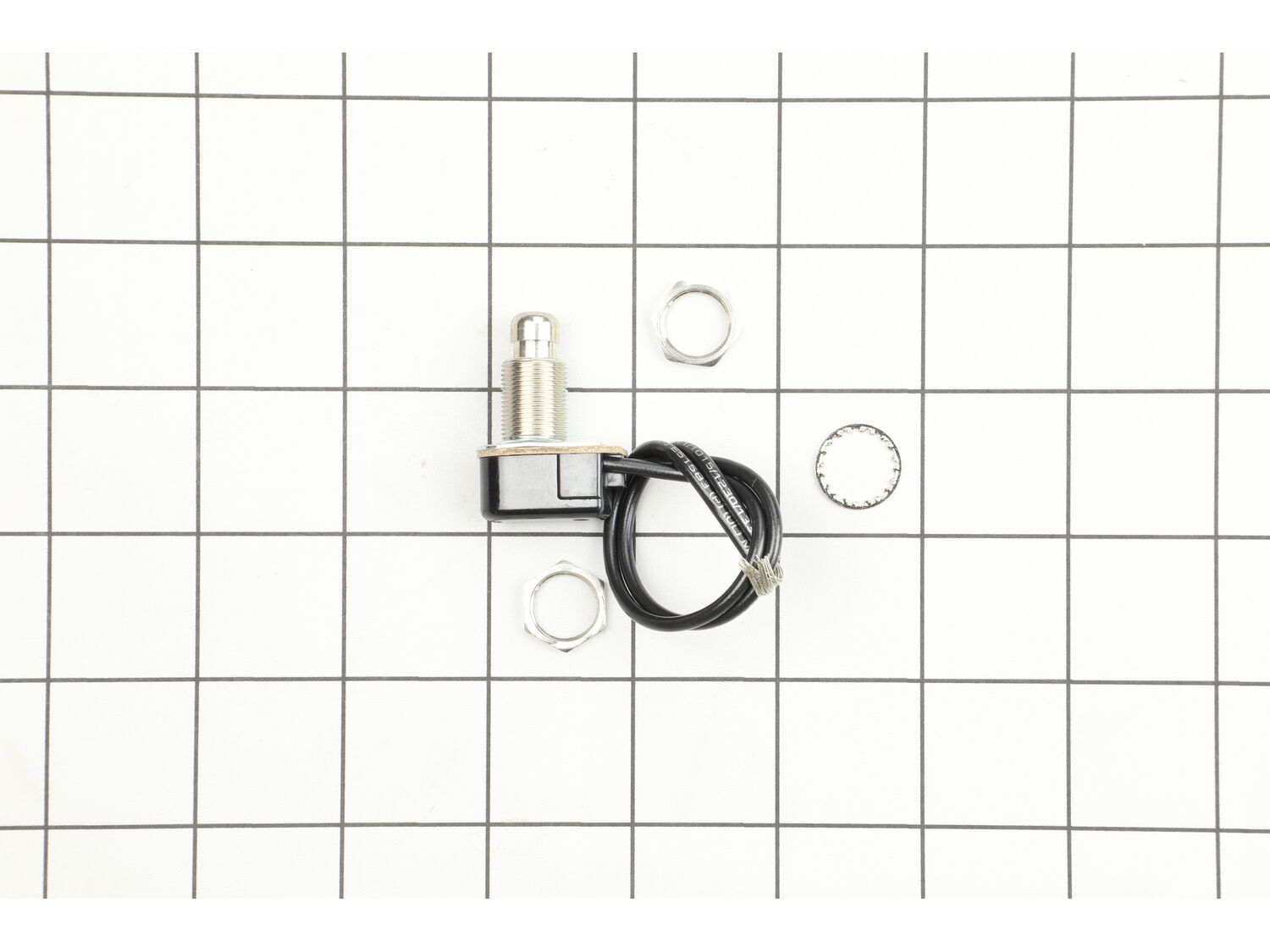
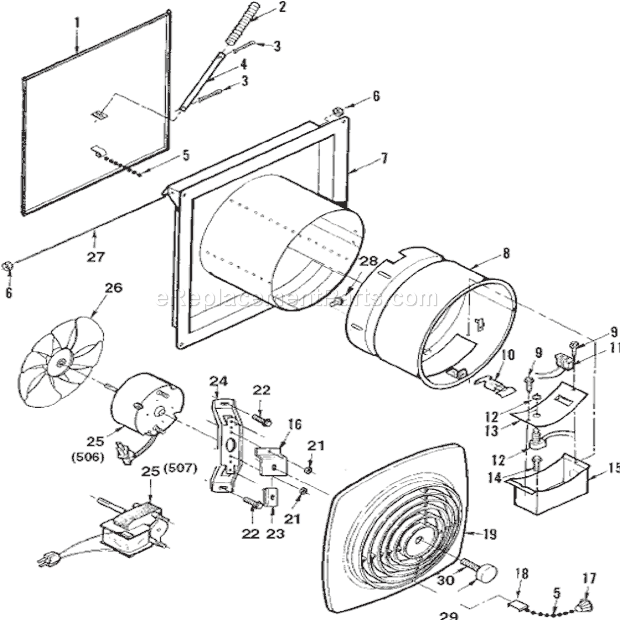
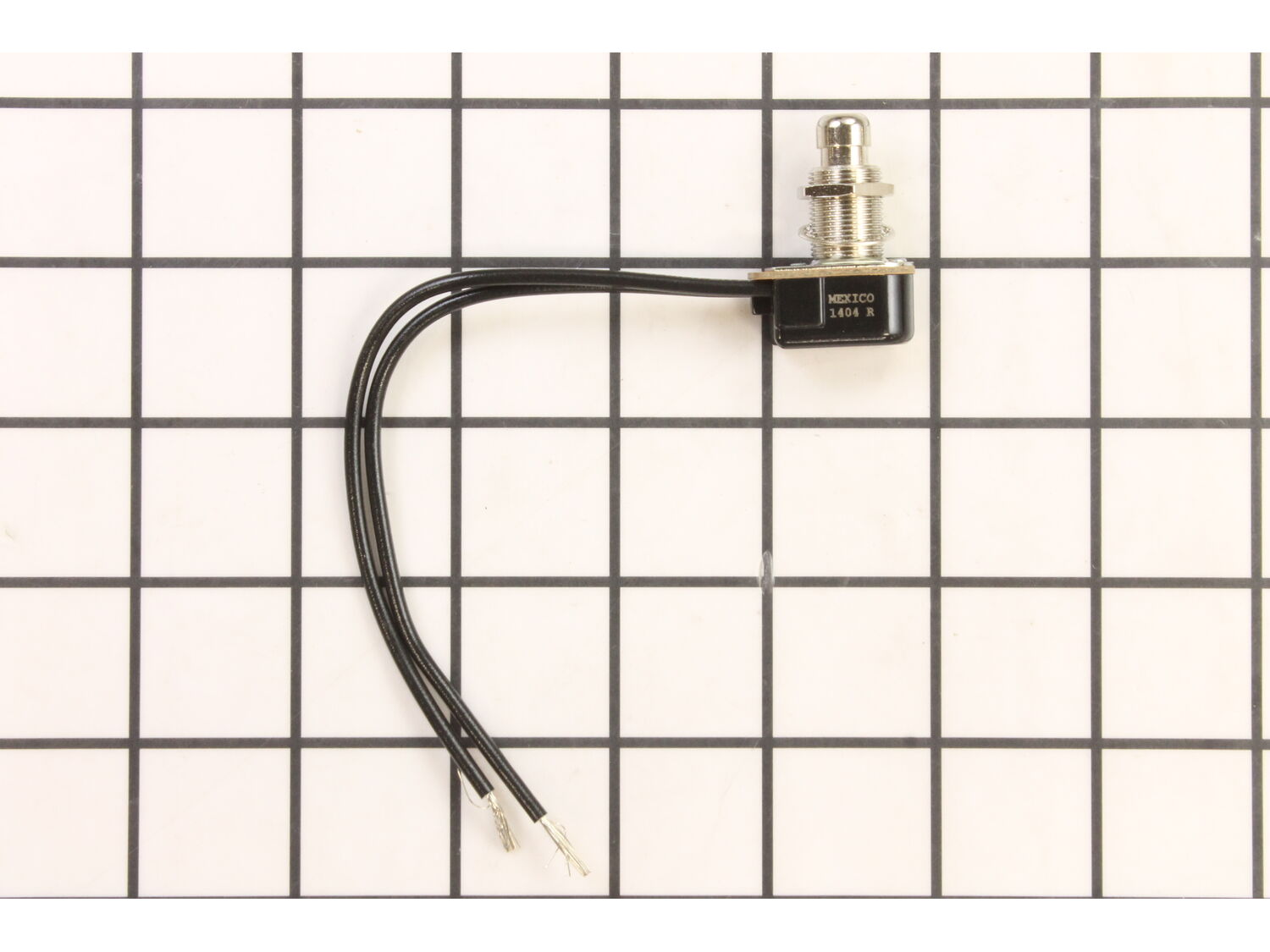
Ensure power is turned off to the unit at the breaker box. Remove inner cover and filter by removing the center screw. Take a digital picture. Unplug the fan. Loosen, don\'t remove the two screws holding the fan on its mount. Twist to allow the fan/motor to be pulled out. Clean them while out and lube the motor bearings with a pen oiler
... Read more. Remove the two screws on the switch and receptacle cover. Take a digital picture. Remove the wire nuts from the white and the black wire to the power supply wires and ground wire if there is one. Replace switch with new using pliers to loosen and then tighten retaining nuts. Remove receptacle by compressing the end tabs with the screwdriver tip, replace with new receptacle. Reassemble in reverse, examining your work to ensure everything is tight and matches the pictures you took. Reinstall filter and inner cover. Turn power back on at breaker. Turn unit on and let it run for several minutes to verify all is well and tight. You\'re done, you did it safely yourself and saved money!
Read less
Did you find this story helpful?
Thank you for voting!
< Prev
1
Next >
Model Cross Reference
This part works with the following models:
ERP Number: ERP10281197
Manufacturer Part Number: S99030157
This part is in stock in our warehouse and will ship out within 1 business day of the order being placed.
New stock is on the way! On order parts usually ship within 7 business days.
Item is not in stock and usually ships 10-15 business days from the time you place your order.
This item is no longer being made by the manufacturer, and cannot be added to your shopping cart.
✖
Mail-In Recycling Rebate
Some of the parts we sell are eligible for mail-in rebates since we can recycle them. We will display any applicable rebates in your shopping cart. To redeem your rebate, contact Customer Service after you have received your part.