
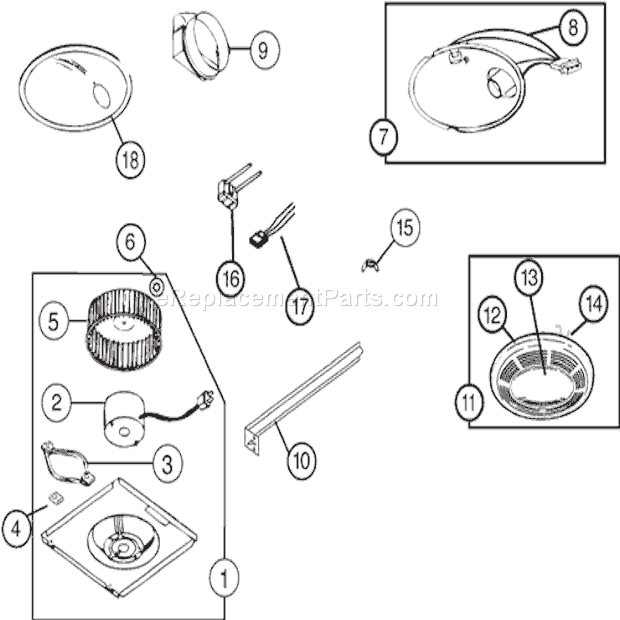
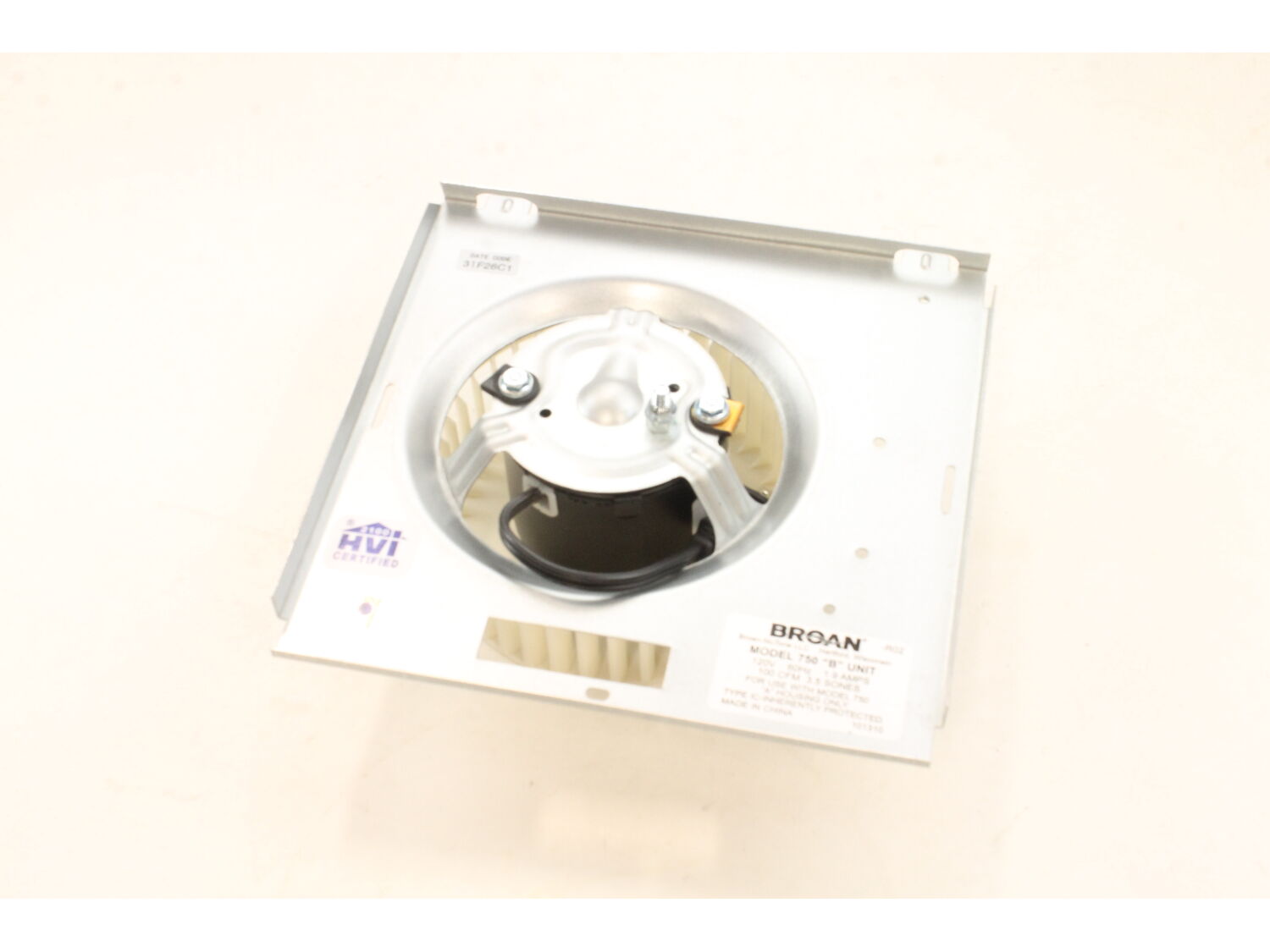
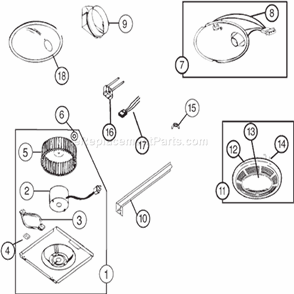



Part Location Diagram of S97017703 Broan Blower/Motor Assembly
See part 1 in the diagram
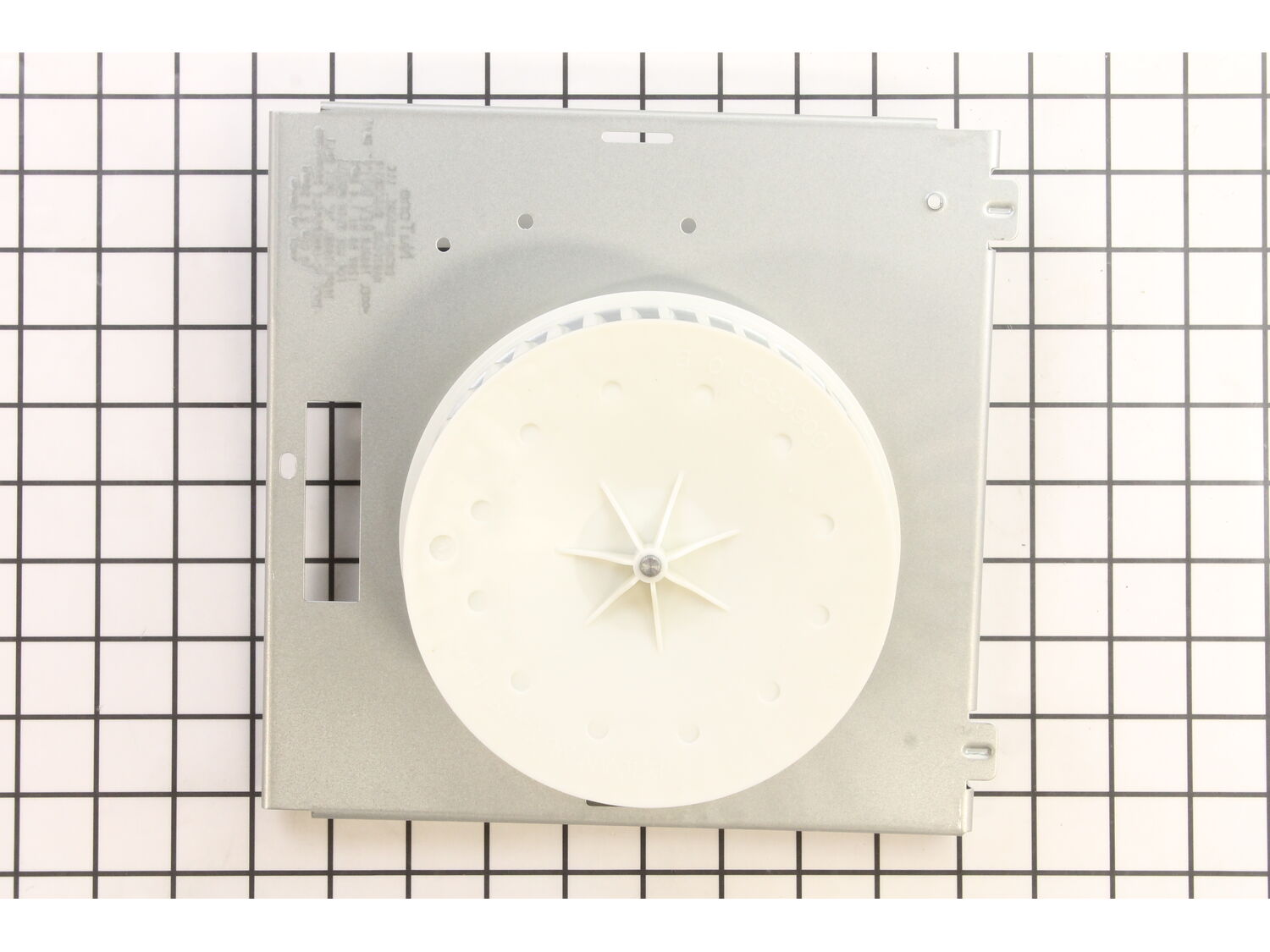
( Grid squares measure 1x1 inch )

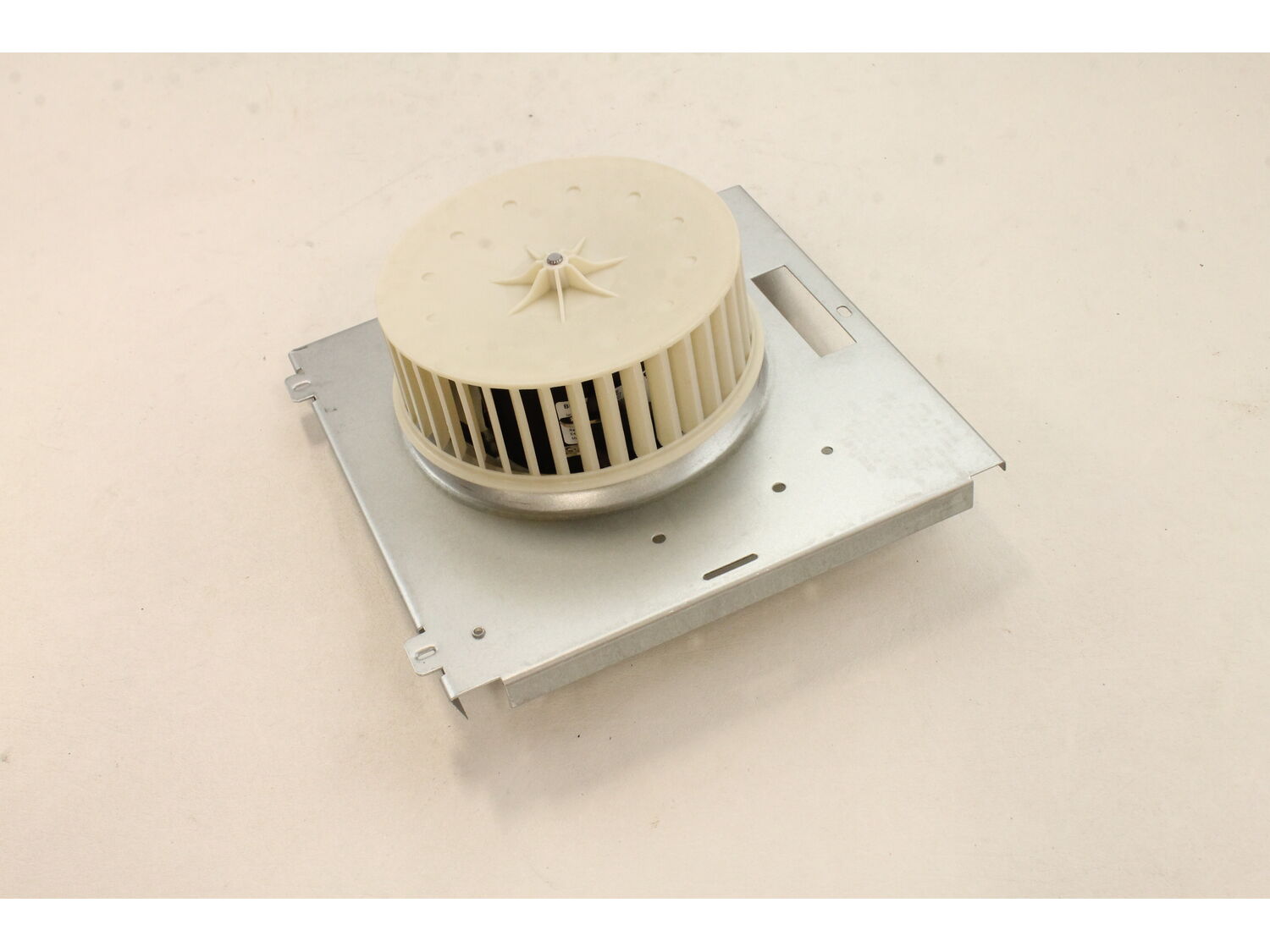
Blower/Motor Assembly S97017703

Manufactured by:
Broan
ERP Number:
ERP10280785
Part Number:
S97017703
Original Equipment Manufacturer ?
  Works with your model  N750!
In Stock
Delivers in 3-5 Business Days!

Easy 

15 - 30 mins 

(5 rated repairs) ?
  Works with your model   N750!

Troubleshooting

This part works with the following brands:
  • Broan
This part works with the following products:
  • Bath & Ventilation Fan

Customer Part Reviews

?
5.0
Average Rating (out of 5):
★★★★★
★★★★★
(2 Reviews)
Click to filter by ratings:
  • 5 stars
    2
  • 4 stars
    0
  • 3 stars
    0
  • 2 stars
    0
  • 1 star
    0
  • 1
Sort by:  
Sorry, we couldn't find any existing reviews that matched. Try using some different or simpler keywords.

Questions & Answers

?

Ask our Team

We have a dedicated staff with decades of collective experience in helping customers just like you purchase parts to repair their products.

Does this fit my product?
  • 1
Sort by:  
Sorry, we couldn't find any existing answers that matched.
Try using some different or simpler keywords, or submit your new question by using the "Ask a Question" button above!
where to find replacement fan or a Broan compatible fan.? Or part number.
James For model number 672 rm - November 10, 2022

Hi James, Thank you for your question. There is a blower motor assembly listed for your fan. It consists of the motor, fan blade and the flat bracket. The part number listed under your model number for the blower motor assembly is S97017703. If you need help placing an order for it, customer service is open 7 days a week and anyone will be happy to assist you. Please feel free to give us a call. We look forward to hearing from you!

eReplacementParts Team
November 10, 2022

Did this question help you?
Thank you for voting!

Customer Repair Instructions

All our customer repair instructions are solicited directly from other customers just like you who have purchased and replaced this exact part.

Easy 

15 - 30 mins 

(5 rated repairs) ?
  • 1
Sort by:  
Sorry, we couldn't find any existing installation instruction that matched.

Motor on fan has seized

Homer from San Antonio, Texas

1 person found this instruction helpful.
Difficulty Level:
A Bit Difficult
Total Repair Time:
15 - 30 mins
Tools:
Screw drivers
Parts Used:
S97017703
1. Remove the light kit
2. Remove the old blower/motor assy
3. First attempt to install new blower/motor, which was the exact replacement, found blower rubbed on housing due to lousy installation of the original vent.
4. Grind down a fraction of an inch on the outside edge of the blower
5. Re-install blower/motor < br />6. Replace light kit, plug all electrical connections.
7. Test, success!
Did you find this story helpful?
Thank you for voting!

Bad ventilation fan motor

Robert from McConnelsville, Ohio

1 person found this instruction helpful.
Difficulty Level:
Easy
Total Repair Time:
Less than 15 mins
Tools:
Screw drivers
Parts Used:
S97017703
I could only buy the complete fan blower assembly, not just the motor so the repair process was to remove holding screw, rotate old assembly down, unplug light & fan, remove assembly, then reverse the process.
Did you find this story helpful?
Thank you for voting!

none

Dennis from LEHIGH ACRES, Florida

0 of 1 people found this instruction helpful.
Difficulty Level:
Easy
Total Repair Time:
15 - 30 mins
Tools:
Screw drivers
Parts Used:
S97017703
Ladder , remove cover , remove light assembly. remove screw that held fan assembly in, un plug fan . pull out fan assembly. install new fan assembly. install light fixture. install cover. works Great.
Thanks Dennis
Did you find this story helpful?
Thank you for voting!

Plastic fan in squirrel cage was slipping

Robert from Prattsburgh, New York

0 of 1 people found this instruction helpful.
Difficulty Level:
Easy
Total Repair Time:
Less than 15 mins
Tools:
Screw drivers
Parts Used:
S97017703
1. Pulled down an removed light cover
2. Removed light bulb
3. Unplugged fan from internal socket
4. Removed screw holding fan assembly
5. Pulled old fan assembly from slots
6 - 10. Inserted and connected new assembly in reverse order (5 - 10)

Did you find this story helpful?
Thank you for voting!

Nothing

Mark from Russell , Pennsylvania

0 of 1 people found this instruction helpful.
Difficulty Level:
A Bit Difficult
Total Repair Time:
30 - 60 mins
Tools:
Nutdriver, Screw drivers, Wrench set
Parts Used:
S97017703
Removed old fan unit installed new one
Did you find this story helpful?
Thank you for voting!
  • 1

Model Cross Reference

This part works with the following models:
ERP Number: ERP10280785
Manufacturer Part Number: S97017703
Brand Model Number Description
Broan 750 Bath & Ventilation Fan - Ventilation Fan
Broan 750-R01 Bath & Ventilation Fan - Broan Bath Fan Model 750-R01 (750R01, 750 R01) Parts
Broan 750-R02 Bath & Ventilation Fan - Broan Bath Fan Model 750-R02 (750R02, 750 R02) Parts
Broan N750 Bath & Ventilation Fan - Broan Bath Fan Model N750 Parts