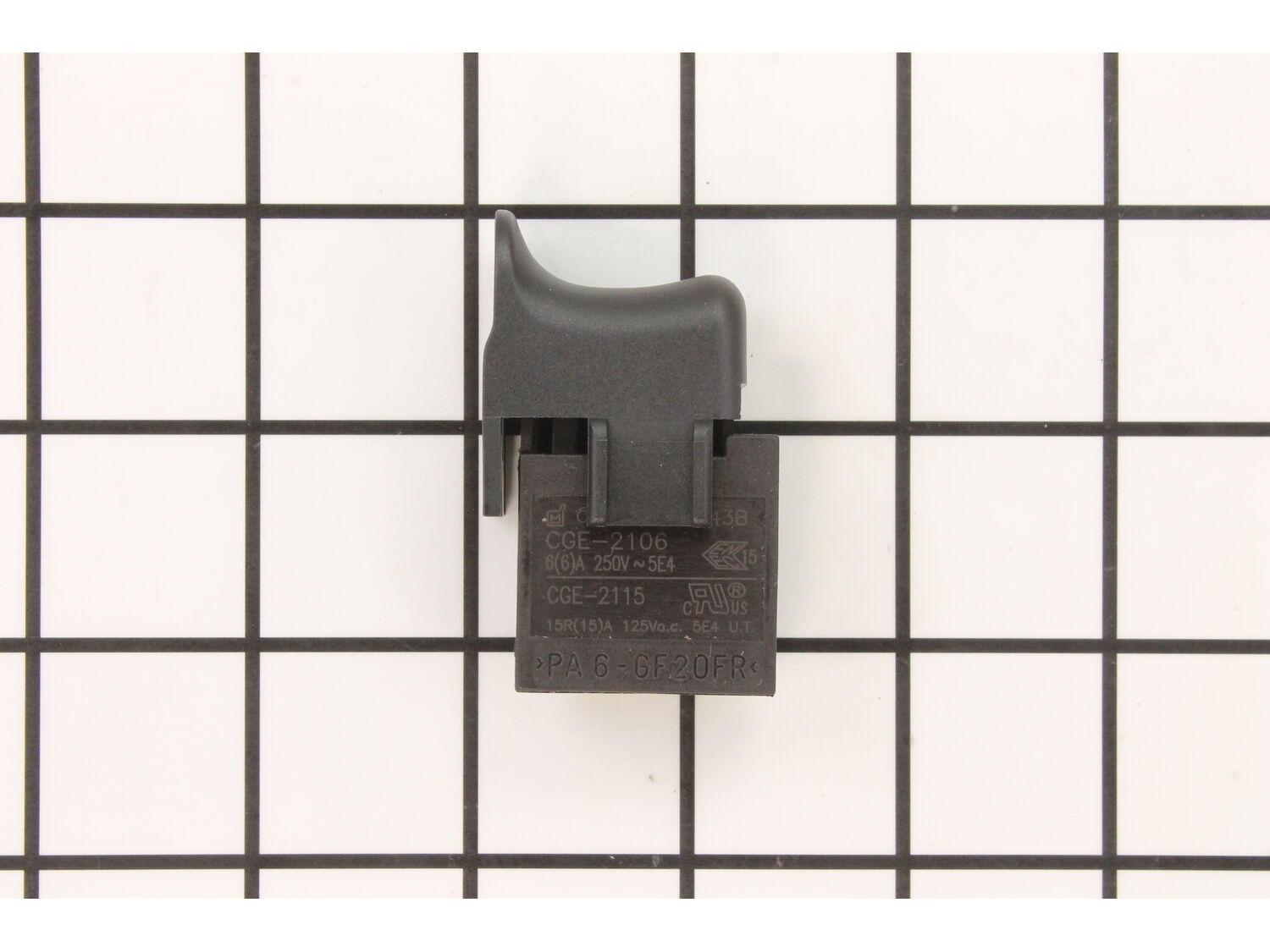
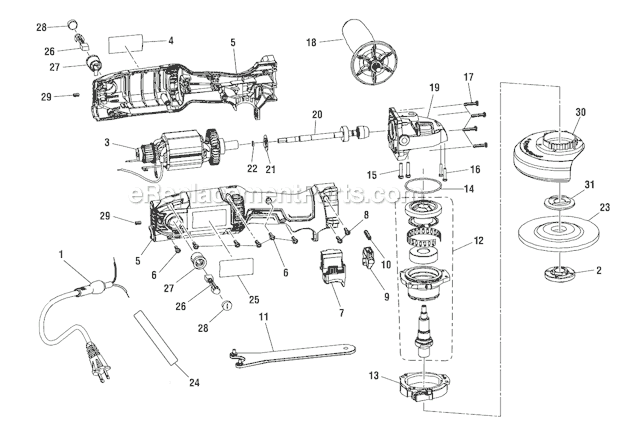
Genuine manufacturer-approved replacement switch which is specially produced for use with a Ridgid angle grinder. It is the part of the tool handling on/off and variable speed operations, over time either due to mechanical or electrical issue the switch may begin to fail eventually requiring replacement. Please note this high-quality plastic body item is sold individually.
Troubleshooting
This part works with the following brands:
Ridgid
This part works with the following products:
Angle Grinder
★
Customer Part Reviews
?
5.0
Average Rating (out of 5):
★★★★★
★★★★★
(1 Review)
Click to filter by ratings:
5 stars
1
4 stars
0
3 stars
0
2 stars
0
1 star
0
< Prev
1
Next >
Sort by:
Sorry, we couldn't find any existing reviews that matched. Try using some different or simpler keywords.
★★★★★
★★★★★
Easy fix
Part was available, arrived quickly, and was an easy fix.
Guest - February 1, 2020
Verified Purchase
Customer Repair Instructions
All our customer repair instructions are solicited directly from other customers just like you who have purchased and replaced this exact part.
Easy
15 - 30 mins
(2 rated repairs)?
< Prev
1
Next >
Sort by:
Sorry, we couldn't find any existing installation instruction that matched.
This grinder uses 2 brushes so I removed the 2 small, dime sized caps on the exterior of the grinder and removed the brushes. I then removed 8 Torx head screws which held the two halves of the grinder together. Separated the halves which exposed the trigger switch. 4 wires, (1 black and 1 white from cord, 1 black and 1 white from motor
... Read more) are attached to the trigger switch using screws set in the trigger switch assembly. I used a voltmeter to test for continuity while depressing the trigger. On one set of wires, (a black from the cord and a black from the motor) did not have continuity, so I then tested the two white wires, they did have continuity so I determined the switch was defective and ordered a new one. It arrived and I promptly picked up the grinder and
1. Removed the old switch by loosening the four screws which secured the 4 wires and removed wires
2. Removed the old switch
3. Set the new one in place
4. Placed the 4 wires in the same locations as the old switch
5. Tightened screws
6. Reattached the halves of the grinder together using 2 screws
7 Replaced the brushes and then the caps
8. Plugged grinder into electricity
9 . Grinder worked so I unplugged grinder from electricity
10. Replaced the remainder of the screws and tested again.
It has been working as if it were new since I did the repair on the switch.
Read less
Did you find this story helpful?
Thank you for voting!
Grinder would not power on, used multimeter to test trigger switch which was bad.
1. Used T15 driver to remove 4 screws on body.
2. Used T10 driver to remove 2 screws on head.
3. Separated body halves to access switch.
4. Removed old switch and connected wires using Phillips head screw driver to new switch (which was a perfect match).
5. Reversed steps to assemble.
6. Tested grinder and w
... Read moreorks perfectly.
Read less
Did you find this story helpful?
Thank you for voting!
< Prev
1
Next >
Model Cross Reference
This part works with the following models:
ERP Number: ERP10101371
Manufacturer Part Number: 760304012
This part is in stock in our warehouse and will ship out within 1 business day of the order being placed.
New stock is on the way! On order parts usually ship within 7 business days.
Item is not in stock and usually ships 10-15 business days from the time you place your order.
This item is no longer being made by the manufacturer, and cannot be added to your shopping cart.
✖
Mail-In Recycling Rebate
Some of the parts we sell are eligible for mail-in rebates since we can recycle them. We will display any applicable rebates in your shopping cart. To redeem your rebate, contact Customer Service after you have received your part.