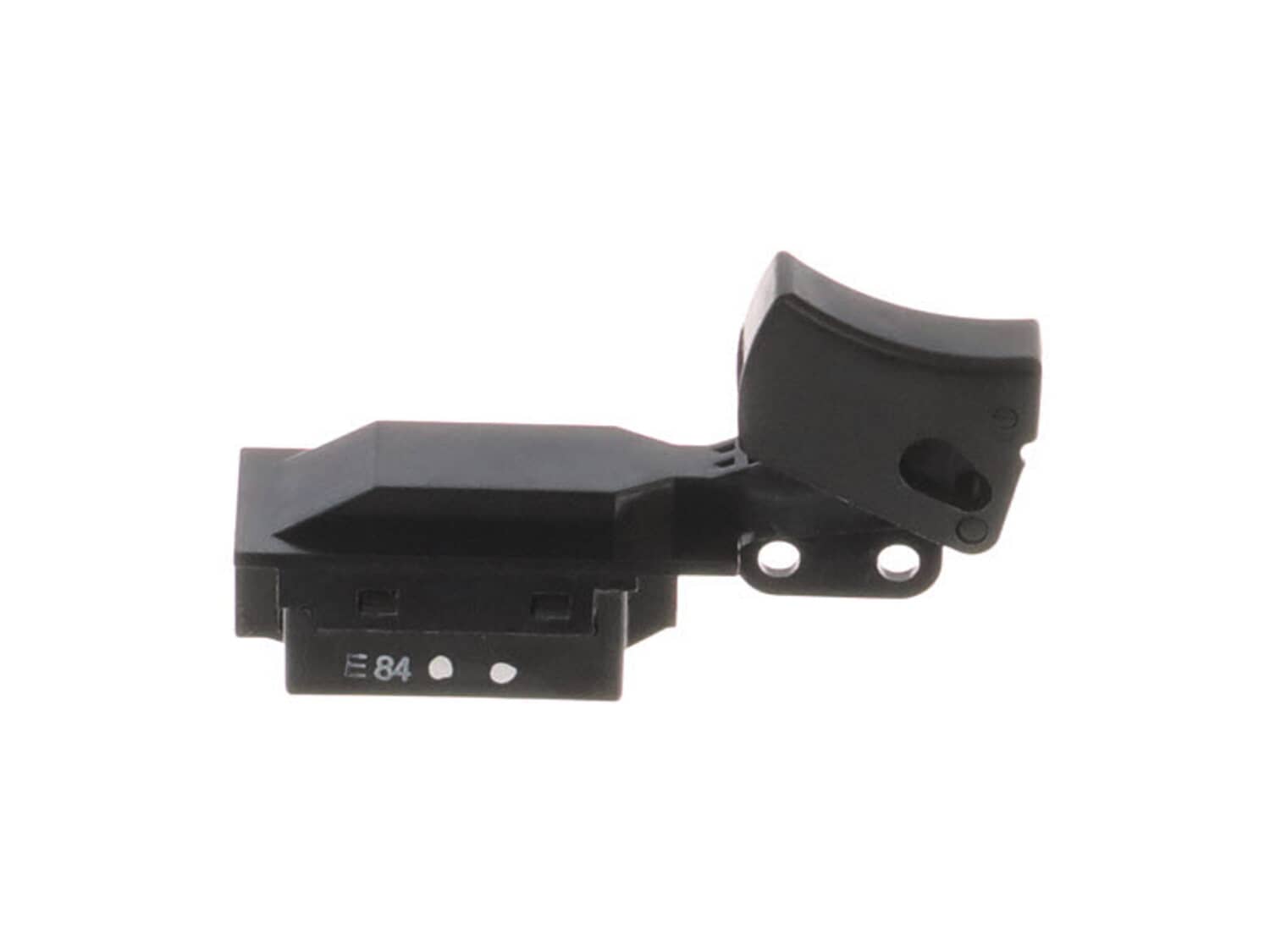
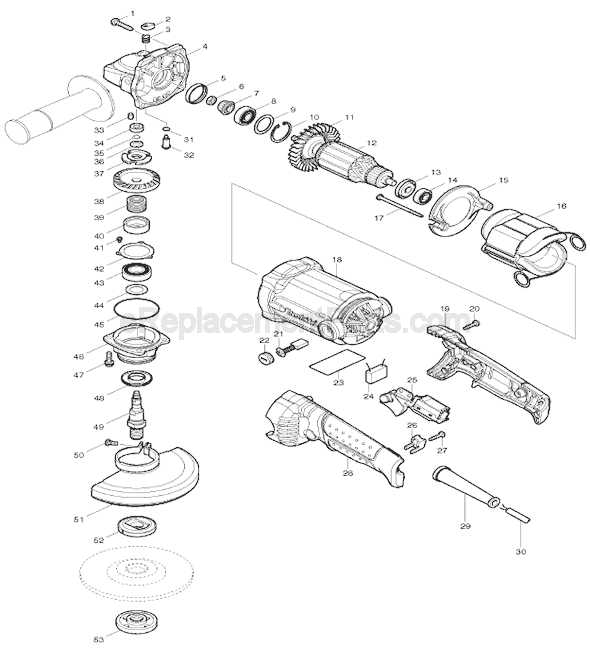
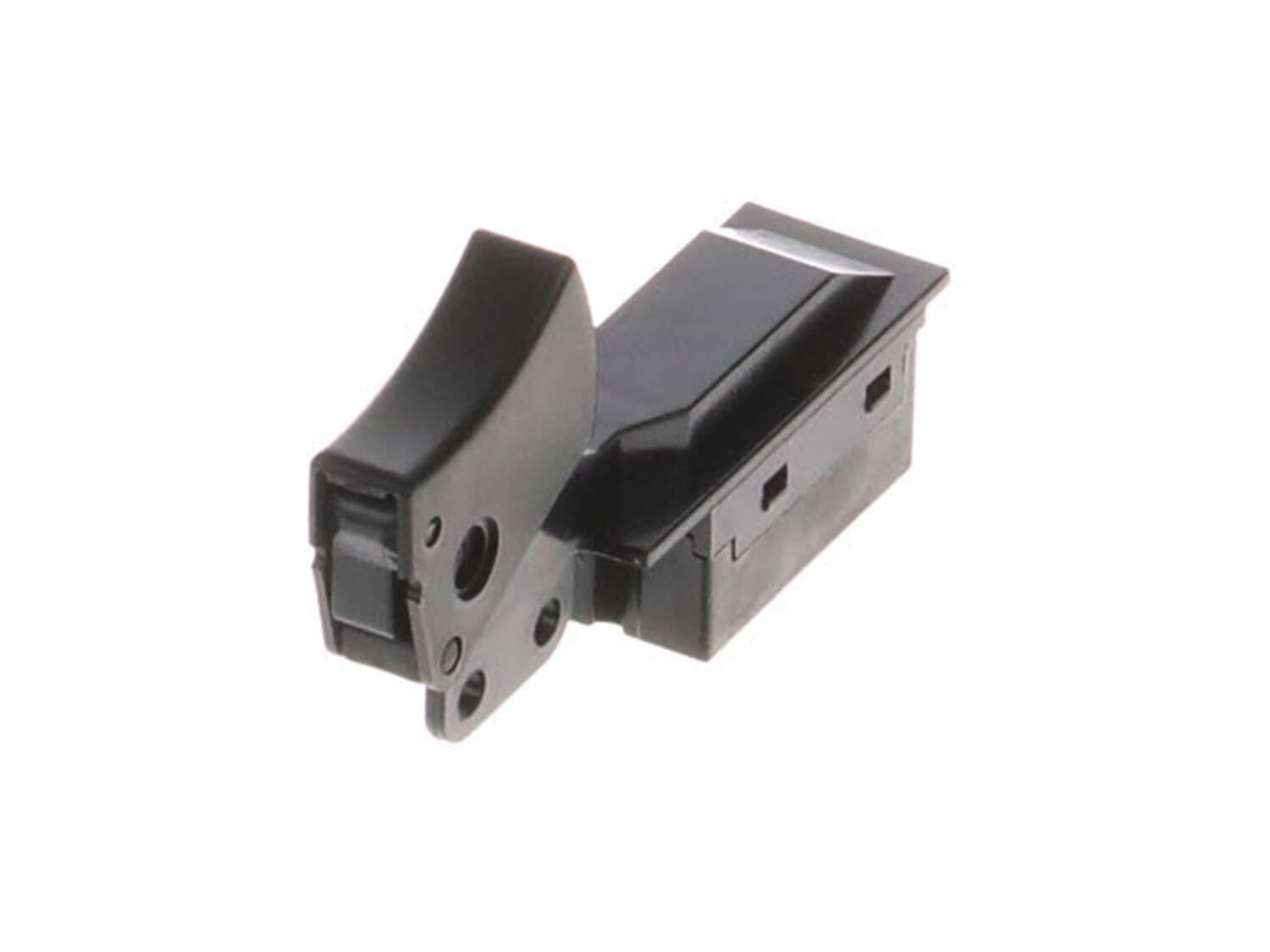
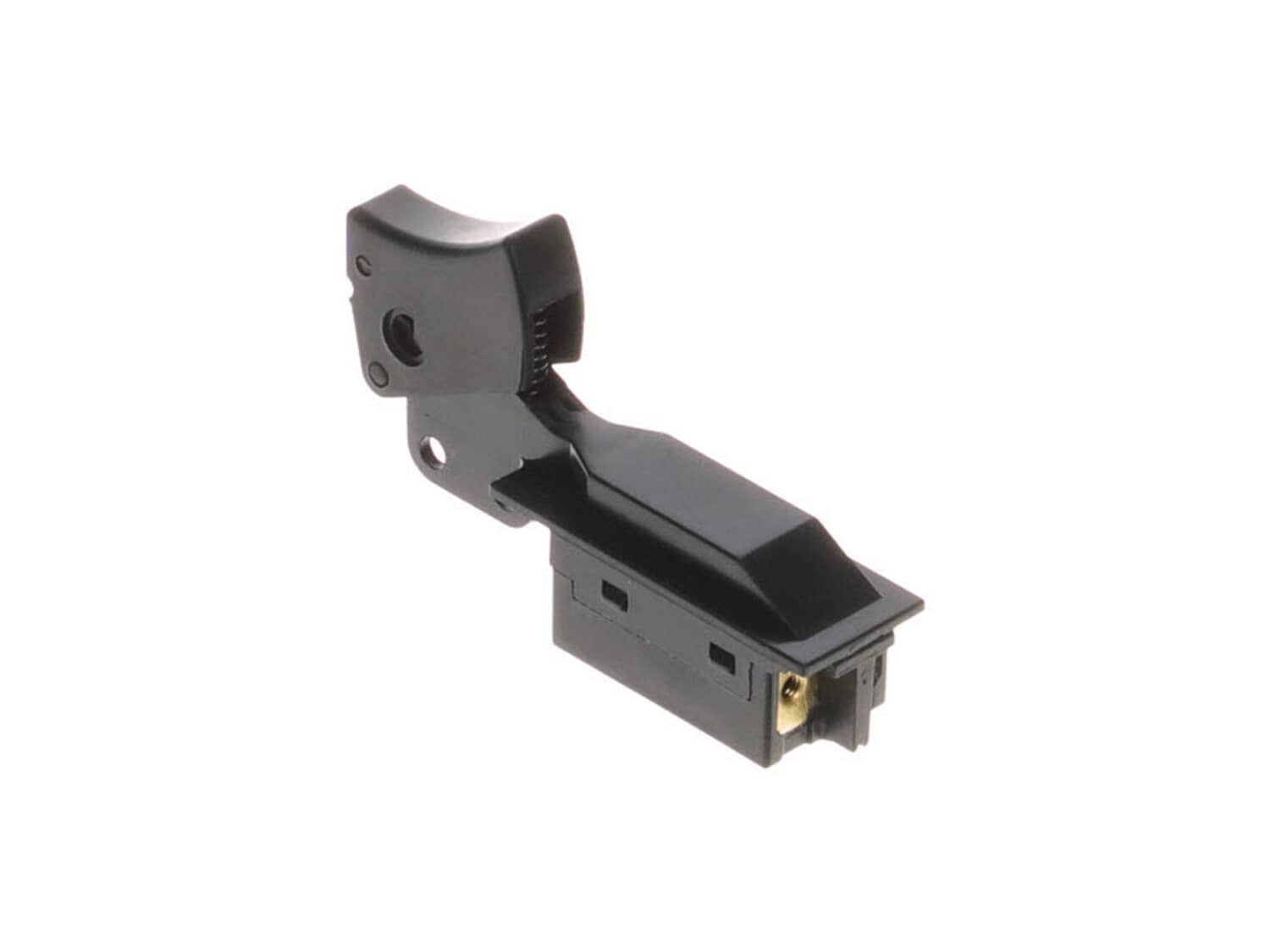
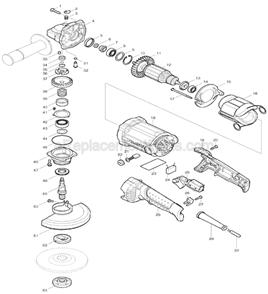
This service switch is specially designed for use with Makita angle grinders. It is supplied directly from original equipment manufacturer. This part plays an important role because it controls on/off function of the tool. Because switches have internal mechanical parts, over time they will wear out requiring replacement switch. This switch has a plastic body and trigger/button. Please this item is sold individually. Replacing this switch is an easy task that would only require a screwdriver. • Remove housing screws • Separate two pieces of a housing • Disconnect wires from the switch • Remove old switch and secure new one in place • Reassemble and test the grinder
Troubleshooting
This part works with the following brands:
Makita
This part works with the following products:
Angle Grinder
Grinder
★
Customer Part Reviews
?
4.7
Average Rating (out of 5):
★★★★★
★★★★★
(3 Reviews)
Click to filter by ratings:
5 stars
2
4 stars
1
3 stars
0
2 stars
0
1 star
0
< Prev
1
Next >
Sort by:
Sorry, we couldn't find any existing reviews that matched. Try using some different or simpler keywords.
★★★★★
★★★★★
easy repair
The switch worked perfectly and arrived quickly
Reyes - July 15, 2019
Verified Purchase
★★★★★
★★★★★
Easy repair. My customer was very pleased.
Part arrived quickly and was well packaged. Fast turnaround for a very happy customer.
Eldon - January 21, 2020
Verified Purchase
★★★★★
★★★★★
Correct part
Exactly the part I needed, and arrived in a timely manner.
Guest - February 13, 2023
Verified Purchase
Customer Repair Instructions
All our customer repair instructions are solicited directly from other customers just like you who have purchased and replaced this exact part.
Easy
Less than 15 mins
(4 rated repairs)?
< Prev
1
Next >
Sort by:
Sorry, we couldn't find any existing installation instruction that matched.
1. Remove screws to remove a cap to have access to the trigger.
2. Carefully disconnect wires from the broken trigger.
3. Put new trigger in place and connect the wires back.
4. Before put the cap back on make sure the wires are the way they were before so they don\'t get smashed.
5. Put screws back on and go to g
... Read moreo.
Removed screws from handle. Split the 2 hafts apart. Removed wires one at a time from old switch and attached to new switch. Reassembled handle then I was finished.
This part is in stock in our warehouse and will ship out within 1 business day of the order being placed.
New stock is on the way! On order parts usually ship within 7 business days.
Item is not in stock and usually ships 10-15 business days from the time you place your order.
This item is no longer being made by the manufacturer, and cannot be added to your shopping cart.
✖
Mail-In Recycling Rebate
Some of the parts we sell are eligible for mail-in rebates since we can recycle them. We will display any applicable rebates in your shopping cart. To redeem your rebate, contact Customer Service after you have received your part.