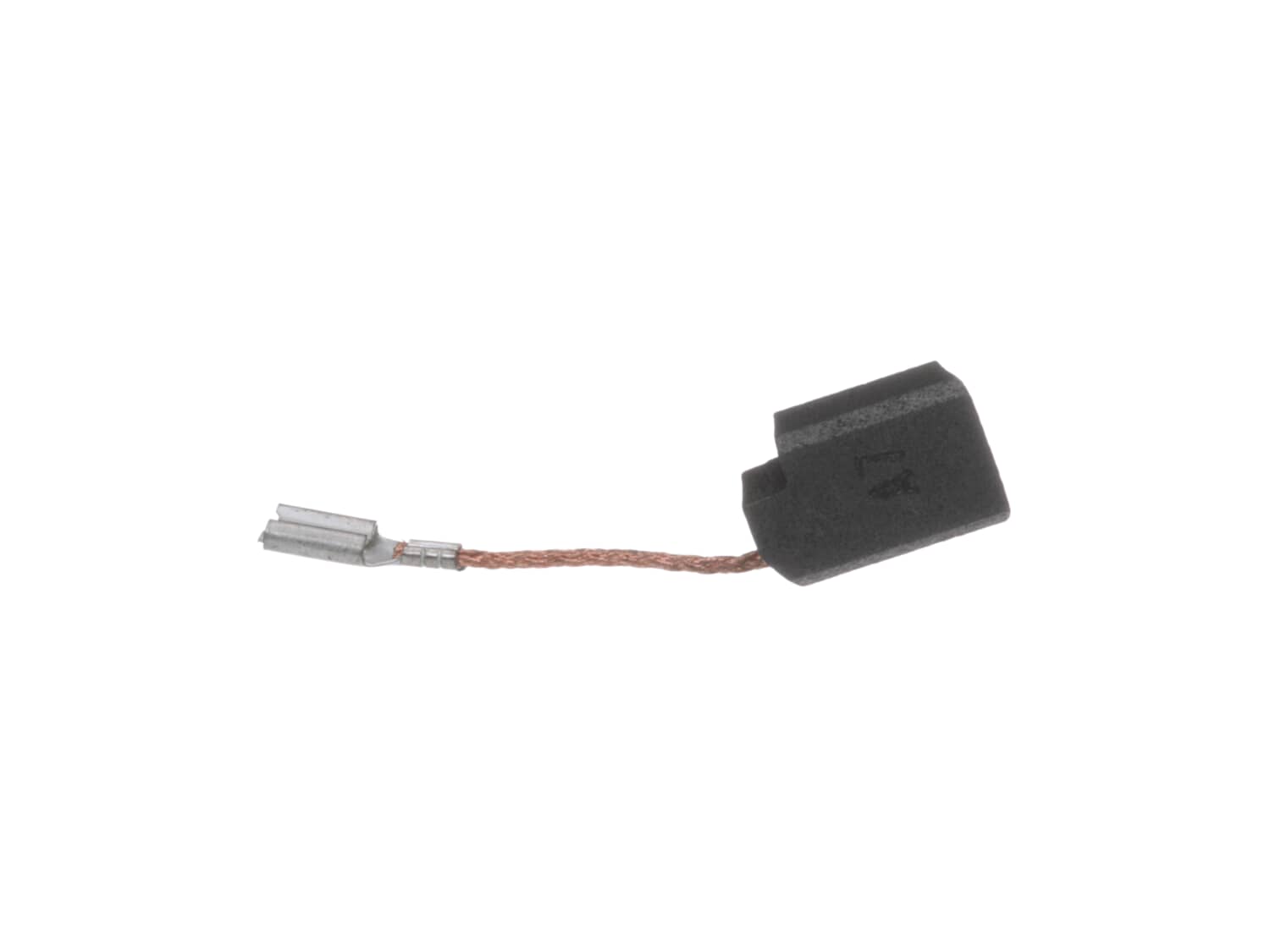
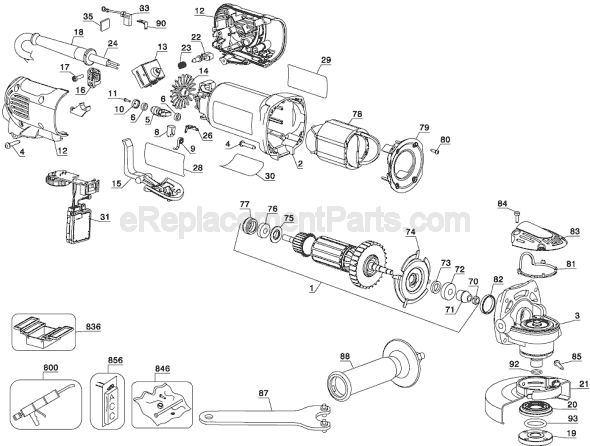
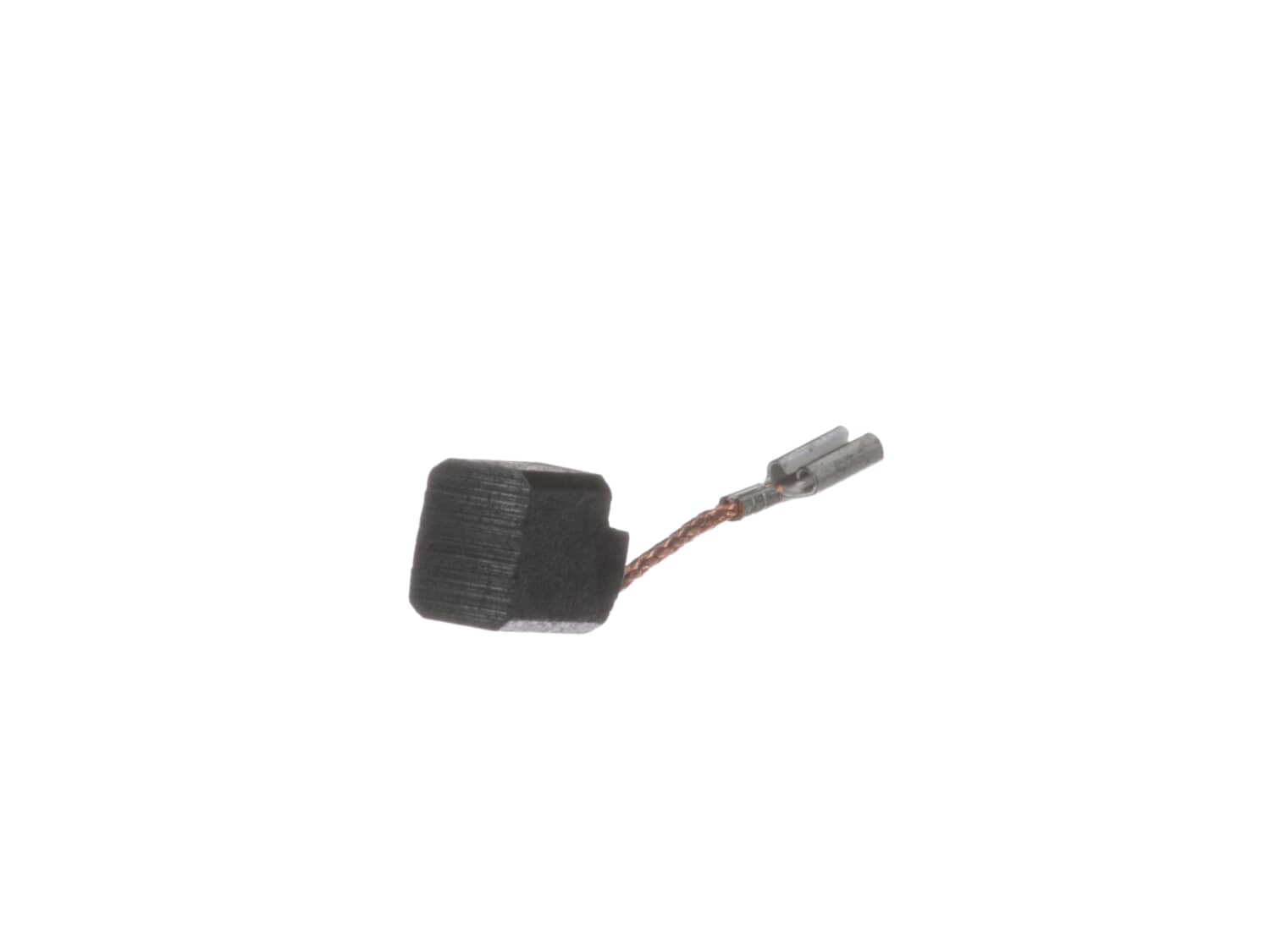
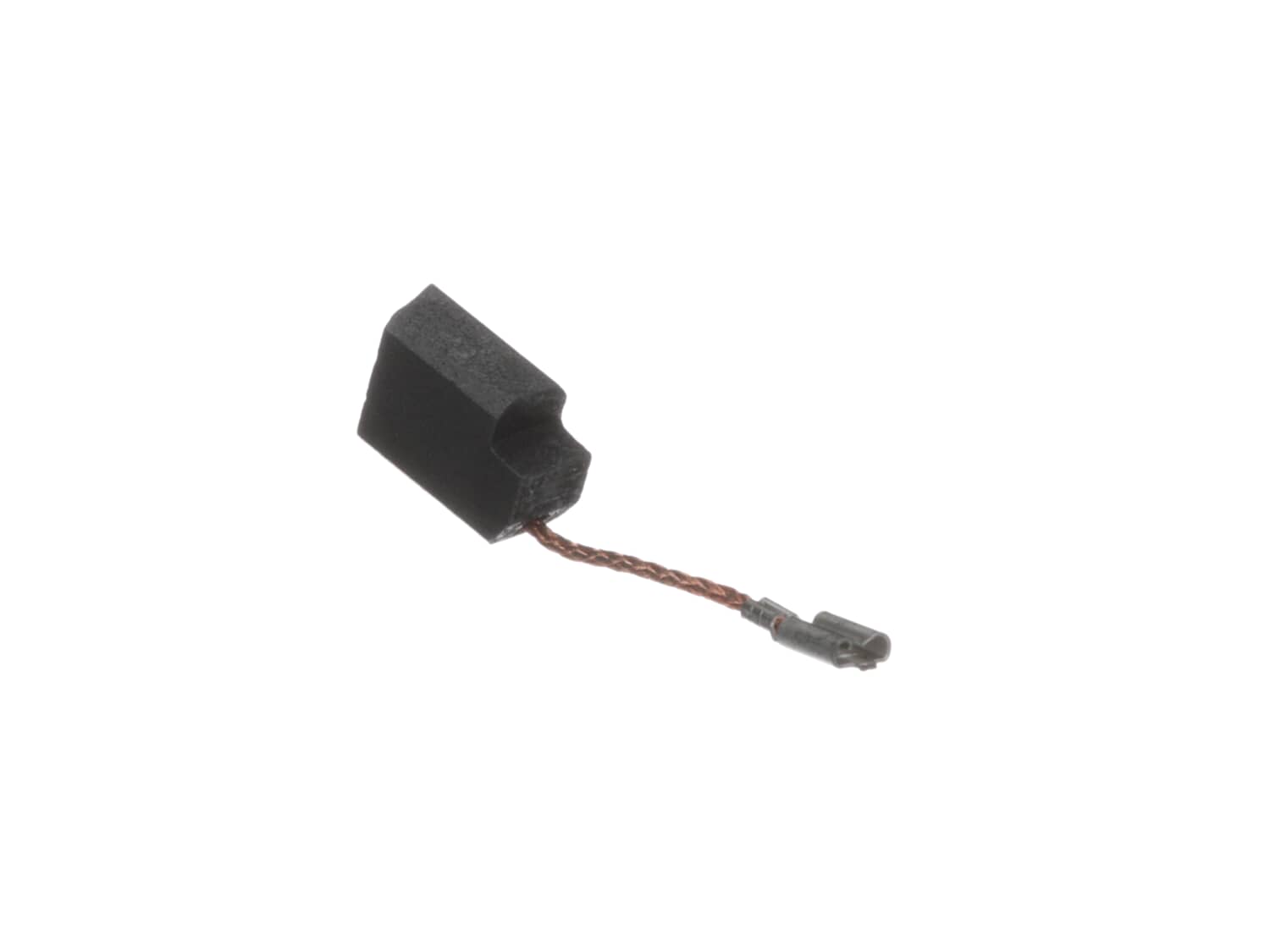
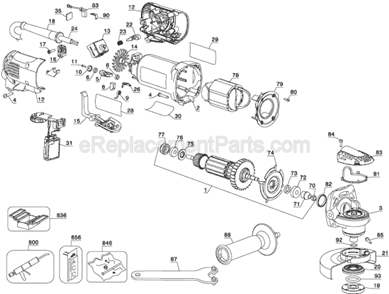
This is a genuine Dewalt replacement part, it is sold individually.
Worn brushes frequently are the cause behind a motor running poorly.
• Replacing brushes can fix a motor that’s operating intermittently.
• New brushes can restore a motor’s electric braking.
Carbon brushes are one of the most commonly replaced power tool parts. This is because carbon brushes are wear items, meaning that through friction and use they will gradually wear away until they need replacing. Worn brushes are a common causes of intermittent motor function, reduced electric braking and reduced motor power. A worn-out brush will often be worn down near to the wire lead and can be cracked, pitted, or burned. When replacing carbon brushes, be sure to inspect your armature for burns, cracks, or other damage which can indicate larger motor problems.
1. Removed screws from lower body
2. Use needle nose pliers to disconnect brush connection (X2)
3. Use pick to pull spring from top of brush and placed the spring end on plastic tab (X2)
4. Rotate the plastic chamber holding brush outward (X2)
5. Worked melted brush our with screwdriver and needle nose pliers (X2)
... Read more 6. Blow out the brush area with air compressor and blow gun (very important) (X2)
7. Replaced Brush (X2)
8. Reassembled
Like New Again! Less than $20 worth of parts to save $130 on a new grinder!
Removed the screws on the body.
Pulled switch out and also gained access to brushes.
Disconnected the brushes and replaced with new. Before closing I tested the switch and it worked.
I began to reassemble and noticed a thin wire (about 22 ga) connected to the motor and the switch that seemed frayed.
I wrapped it wi
... Read moreth electrical tape and again started to reassemble.
The wire wouldn\'t stay in place and so when I closed the body, the wire broke.
The wire was connected by screw to the switch but snaked deep into the motor, and I couldn\'t find the connection to the motor.
So I spliced the wire and covered it with heat shrink tubing.
The wire is rigid so I bent the wire into a configuration that kept it away from the fan blade and the body when closed.
It runs now.
1. Disassemble handle to inspect suspected brush wear
2. Found brushes to be excessively worn
3. Remove old brushes from spring loaded holder with needle-noses pliers.
4. Disconnect old brush from wire lead.
5. Install new brushes by reversing previous steps.
6. Be careful not to damage the coil spring that
... Read morekeeps the brushes in contact with the armature. It is not necessary to remove the springs from the grinder, just release the spring by moving the leg of the spring off the brush holders while you remove and install the brushes.
Replaced switch, should have checked brushes, then ordered and replaced brushes, runs like new grinder! All parts fit perfectly! Will continue to use ereplacement!
Angle Grinder
- Tuckpointing & Cutting Shroud Motor
✖
Stock Status
This part is in stock in our warehouse and will ship out within 1 business day of the order being placed.
New stock is on the way! On order parts usually ship within 7 business days.
Item is not in stock and usually ships 10-15 business days from the time you place your order.
This item is no longer being made by the manufacturer, and cannot be added to your shopping cart.
✖
Mail-In Recycling Rebate
Some of the parts we sell are eligible for mail-in rebates since we can recycle them. We will display any applicable rebates in your shopping cart. To redeem your rebate, contact Customer Service after you have received your part.