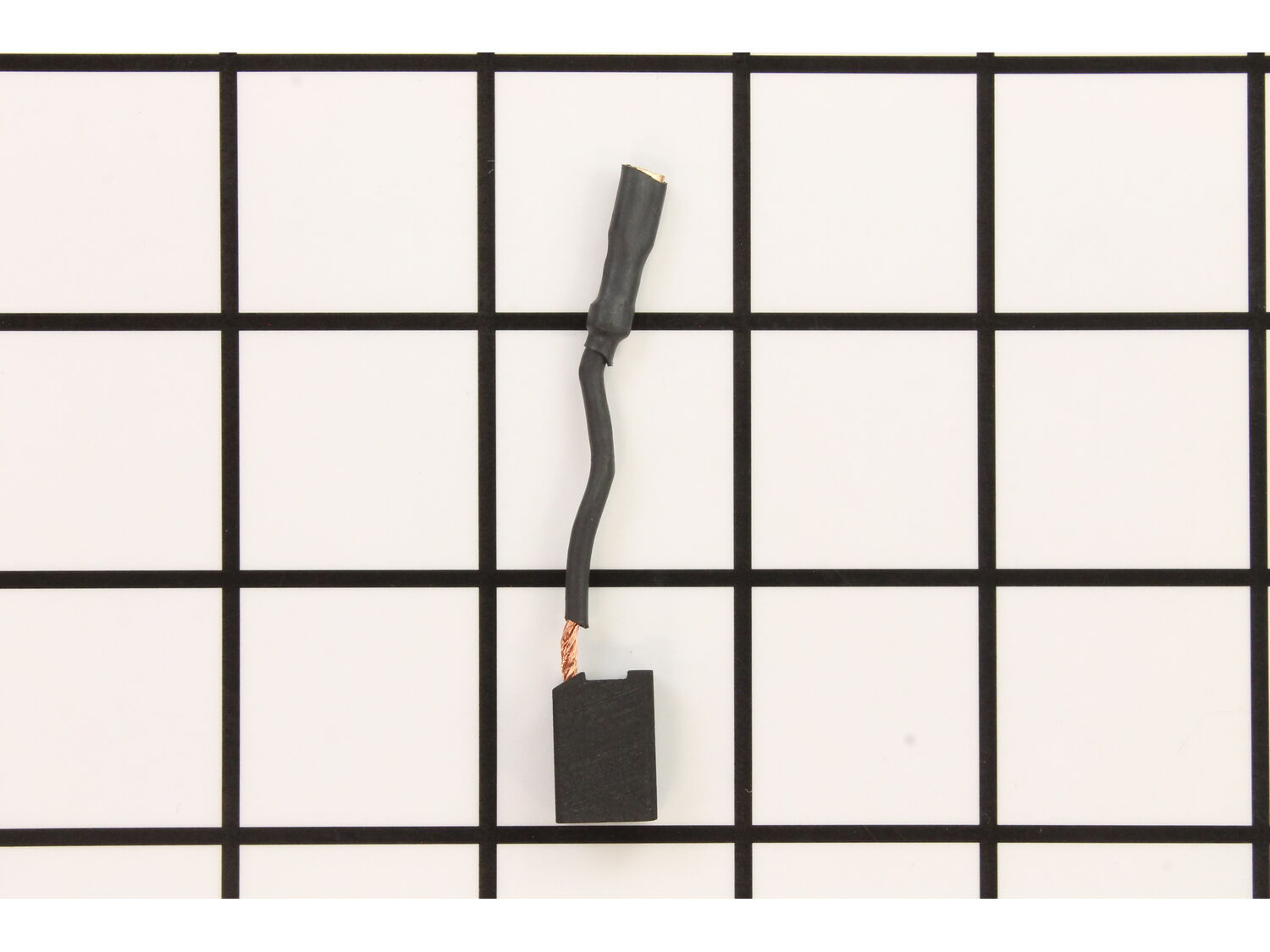
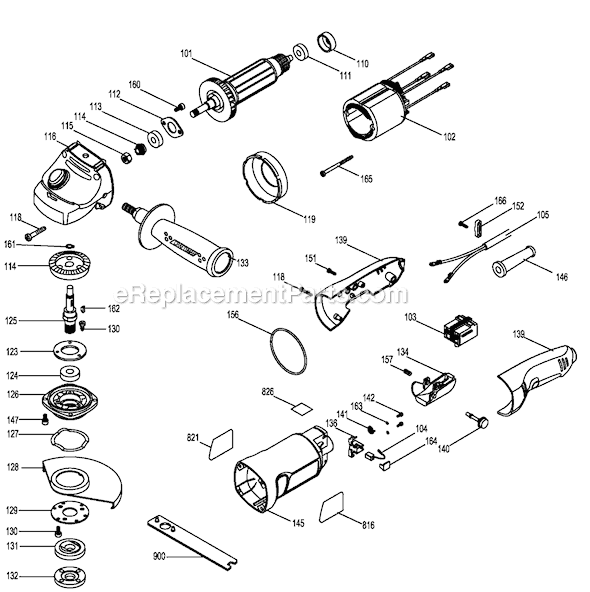
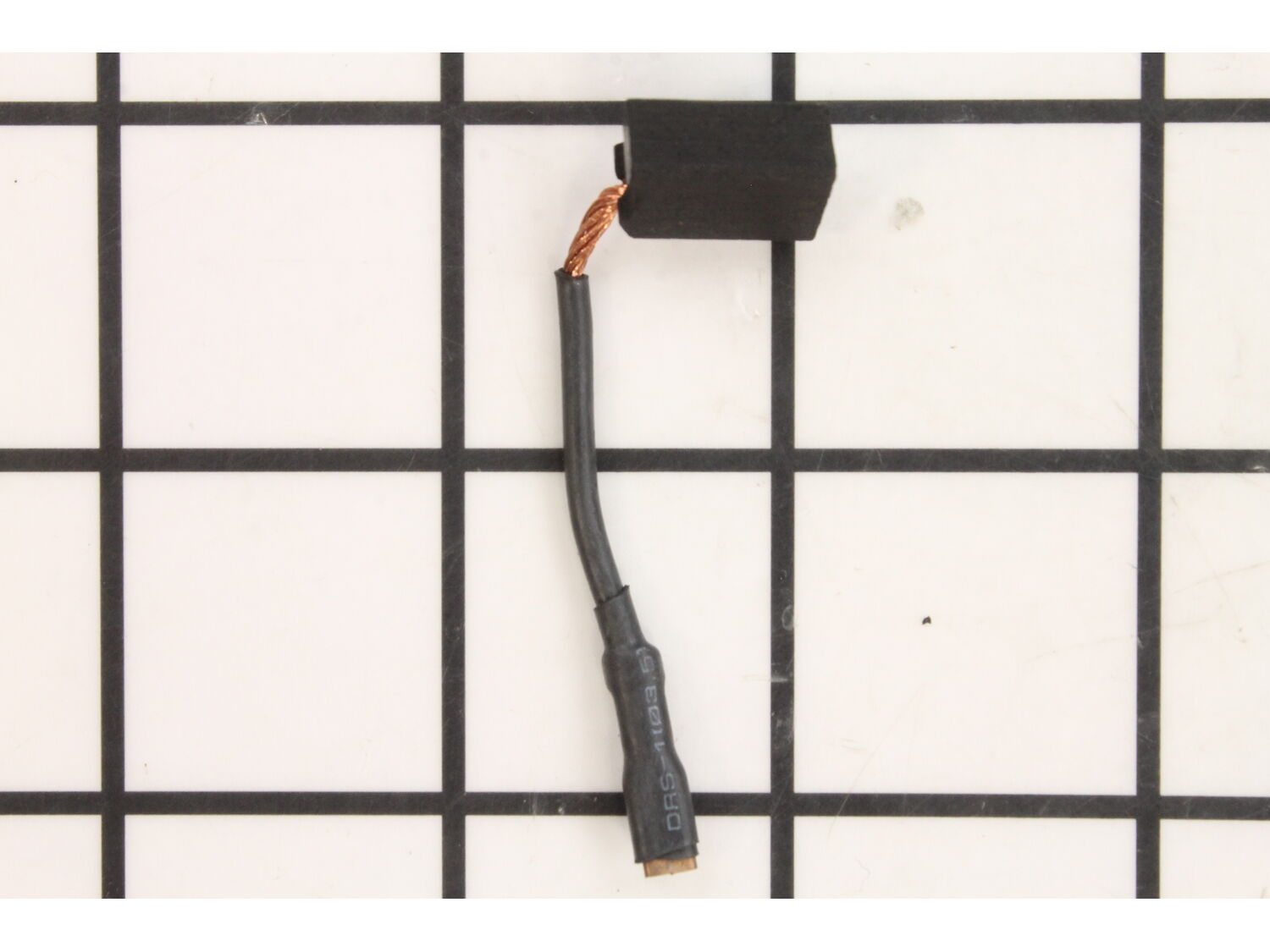
Genuine Manufacturer Sourced replacement part designed for use with some Angle Grinders. This part is made out of Carbon with a Lead Wire attached. This item includes One (1) Carbon Brush per order. Carbon motor brushes are one of the most commonly replaced power tool components. Because carbon brushes are wear items, meaning that through friction and use they will gradually wear away, they will eventually require replacement. Worn brushes are common causes of intermittent motor function, reduced electric braking, and reduced motor power. A worn out brush will often be worn down near the wire lead and may be cracked, pitted, or burned. When replacing carbon brushes, be sure to also inspect your armature for burns, cracks, or other damage which indicates a larger motor problem.
Troubleshooting
This part works with the following brands:
Black and Decker
Stanley
Porter Cable
This part works with the following products:
Angle Grinder
Grinder
Part# 5140014-98 replaces these:
5140014-98,
★
Customer Part Reviews
?
4.0
Average Rating (out of 5):
★★★★★
★★★★★
(2 Reviews)
Click to filter by ratings:
5 stars
1
4 stars
0
3 stars
1
2 stars
0
1 star
0
< Prev
1
Next >
Sort by:
Sorry, we couldn't find any existing reviews that matched. Try using some different or simpler keywords.
★★★★★
★★★★★
Great parts great price easy to order from
Got the exact parts and they showed up a day early. Will definitely order parts again.
Guest - May 11, 2022
Verified Purchase
★★★★★
★★★★★
I recieved the parts but was disappointed to find 2 of the parts broken
I ordered parts to repair a 4.5 in grinder for my dad. It took a couple weeks to get the parts because 2 of them weren't in stock . Once the finally arrived the 2 plastic covers for the brushes were broke . Since I can't wait another 2 weeks for parts I'm going to try using super glue to fix them so I can get my dads grinder back to him
Guest - September 7, 2019
Verified Purchase
Customer Repair Instructions
All our customer repair instructions are solicited directly from other customers just like you who have purchased and replaced this exact part.
Easy
30 - 60 mins
(5 rated repairs)?
< Prev
1
Next >
Sort by:
Sorry, we couldn't find any existing installation instruction that matched.
Remove rear cover, disconnect old brush, remove cover of old brush. Pull old brush out by lifting spring. lift spring and install new brush. install cover and connect. Do the same for the other side.
1. disassembled case with philips screwdriver
2. removed motor rotor
3. used dremel to cut slots in upper head bearing retaining screws
4. used slotted screwdriver to remove bearing retaining screws
5. replaced upper head bearing
6. used puller to remove lower bottom bearing from rotor shaft
7. hammered
... Read more new bearing on rotor shaft.
8. replaced the rotor
9. reassembled case
10. works great.
Unplug tool, remove three screws holding handle together, separate handle and remove from motor section. each side lift spring off back of brush pull out old brush, insert new brush and replace spring. Unplug old brush contact clip and connect new brush clip. Check armature contacts for uneven ware or damage. Reassemble handle.
This part is in stock in our warehouse and will ship out within 1 business day of the order being placed.
New stock is on the way! On order parts usually ship within 7 business days.
Item is not in stock and usually ships 10-15 business days from the time you place your order.
This item is no longer being made by the manufacturer, and cannot be added to your shopping cart.
✖
Mail-In Recycling Rebate
Some of the parts we sell are eligible for mail-in rebates since we can recycle them. We will display any applicable rebates in your shopping cart. To redeem your rebate, contact Customer Service after you have received your part.